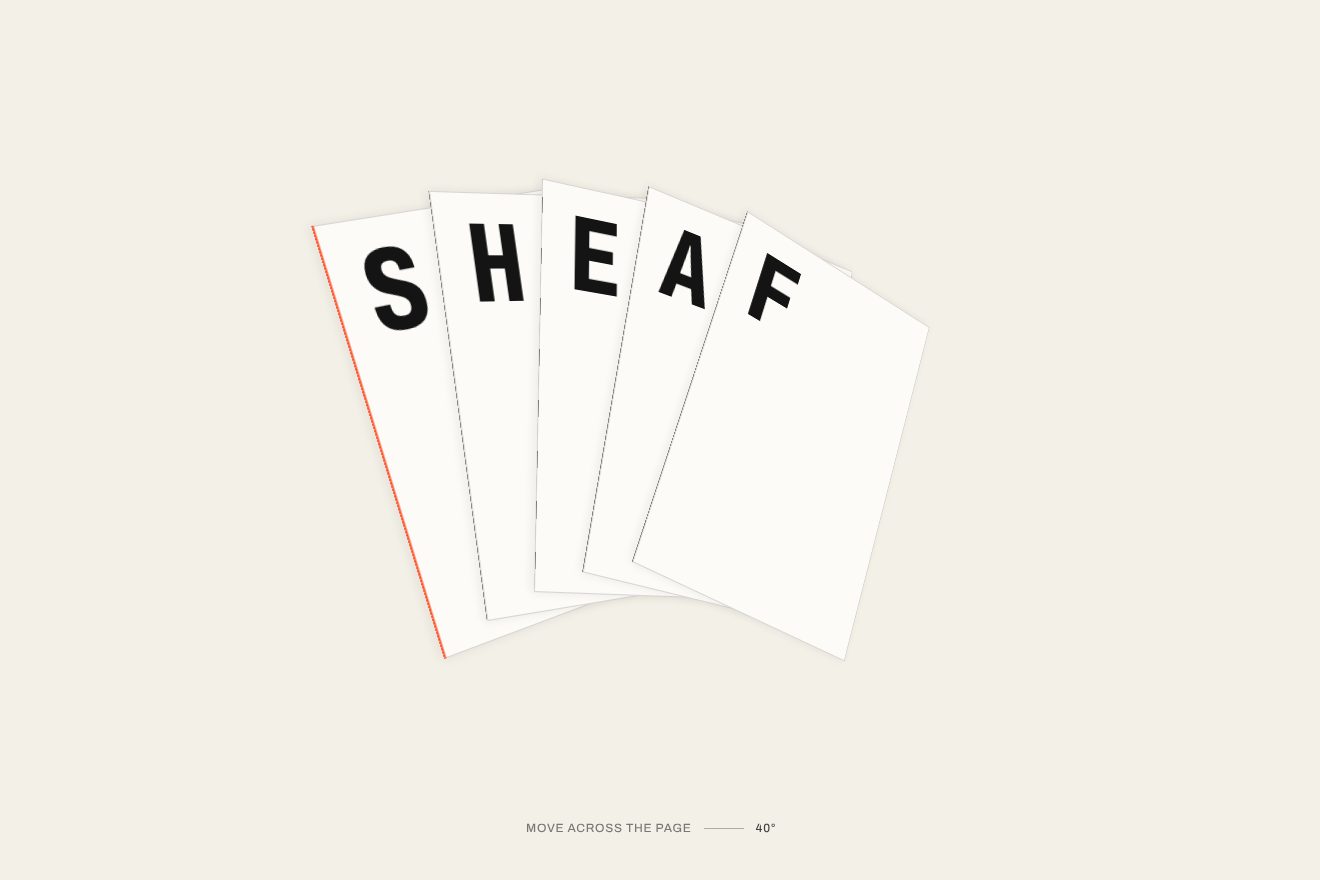
Word in fanned sheets
3D, Text, Hover
The opening of an invented pen brand: under the headline rests a fountain pen in blue lacquer with gold rings. The cap slides off, the pen lifts and writes the headline in cursive ink, which comes out wet and glossy, pools darker where the nib turns and dries; then it goes back down and the cap closes with a click. Hovering the headline makes the pen go over it again.
A folder that runs on its own: index.html, style.css, script.js and the libraries from a CDN. The React and Vue tabs hold the same demo as a ready component, which switches its animations off when it leaves the page.
<!doctype html>
<!--
  "Fountain pen headline" from Animorio · https://animorio.com
  License: free on your own sites and your clients’ sites, paid work included.
  Not for resale, redistribution, templates or code collections · https://animorio.com/en/license/
-->
<html lang="en">
<head>
  <meta charset="utf-8">
  <meta name="viewport" content="width=device-width, initial-scale=1">
  <title>The fountain pen that writes the headline</title>
  <link rel="stylesheet" href="https://cdn.jsdelivr.net/npm/@fontsource-variable/mona-sans@5.3.0/wdth.css">
  <link rel="stylesheet" href="https://cdn.jsdelivr.net/npm/@fontsource/pinyon-script@5.3.0/index.css">
  <link rel="stylesheet" href="style.css">
</head>
<body>
  <main class="stage" data-stage>
    <!-- the opening of a pen maker: the fountain pen uncaps, writes the headline in ink and caps itself again -->
    <section class="hero" data-hero aria-label="Mereline, fountain pens">
      <p class="hero__brand"><svg viewBox="0 0 20 20" aria-hidden="true"><path d="M10 2.6c2.3 2.6 3.6 5.4 3.6 8.2L10 17.4l-3.6-6.6c0-2.8 1.3-5.6 3.6-8.2Z"></path><path d="M10 9.4v8"></path><circle cx="10" cy="9.2" r="1.1"></circle></svg><span>Mereline</span></p>

      <div class="title" data-title-wrap>
        <h1 class="sr" data-title-sr>Write it slowly.</h1>
        <svg class="title__svg" data-title-svg viewBox="0 0 1000 230" aria-hidden="true">
          <defs>
            <linearGradient id="wetFade" x1="0" x2="1" y1="0" y2="0">
              <stop offset="0" stop-color="#fff" stop-opacity="0"></stop>
              <stop offset="0.7" stop-color="#fff" stop-opacity="0.8"></stop>
              <stop offset="1" stop-color="#fff" stop-opacity="1"></stop>
            </linearGradient>
            <radialGradient id="poolFade">
              <stop offset="0" stop-color="#fff" stop-opacity="1"></stop>
              <stop offset="1" stop-color="#fff" stop-opacity="0"></stop>
            </radialGradient>
            <mask id="mDry" maskUnits="userSpaceOnUse" x="-200" y="-200" width="1400" height="700">
              <rect data-dry x="-200" y="-200" width="0" height="700" fill="#fff"></rect>
            </mask>
            <mask id="mWet" maskUnits="userSpaceOnUse" x="-200" y="-200" width="1400" height="700">
              <rect data-wet x="0" y="-200" width="110" height="700" fill="url(#wetFade)"></rect>
            </mask>
            <mask id="mPool" maskUnits="userSpaceOnUse" x="-200" y="-200" width="1400" height="700">
              <g data-pools></g>
            </mask>
          </defs>
          <line class="title__rule" data-rule x1="40" x2="960" y1="0" y2="0" pathLength="1"></line>
          <g data-inks>
          <text class="ink ink--dry" data-ink x="500" y="150" text-anchor="middle" mask="url(#mDry)"></text>
          <g mask="url(#mDry)"><text class="ink ink--pool" data-ink x="500" y="150" text-anchor="middle" mask="url(#mPool)"></text></g>
          <g class="ink-wet" data-wet-layer><text class="ink ink--wet" data-ink x="500" y="150" text-anchor="middle" mask="url(#mWet)"></text></g>
          </g>
        </svg>
      </div>

      <p class="hero__sub">Fountain pens lacquered by hand, each nib ground to the way you write.</p>
      <div class="hero__cta">
        <a class="hero__btn" href="#" data-btn>Shop pens</a>
        <span class="hero__note">Free engraving</span>
      </div>

      <div class="desk" data-desk aria-hidden="true"></div>

      <div class="shade" data-shade="cap" aria-hidden="true"><i></i></div>
      <div class="shade shade--pen" data-shade="pen" aria-hidden="true"><i></i></div>

      <div class="cap" data-cap aria-hidden="true">
        <svg viewBox="0 0 400 40">
          <defs>
            <linearGradient id="lacC" x1="0" x2="0" y1="0" y2="1">
              <stop offset="0" style="stop-color: var(--lacca-buio)"></stop>
              <stop offset="0.16" style="stop-color: var(--lacca)"></stop>
              <stop offset="0.3" style="stop-color: var(--lacca-luce)"></stop>
              <stop offset="0.44" style="stop-color: var(--lacca)"></stop>
              <stop offset="0.82" style="stop-color: var(--lacca-buio)"></stop>
              <stop offset="1" stop-color="#05070f"></stop>
            </linearGradient>
            <linearGradient id="goldC" x1="0" x2="0" y1="0" y2="1">
              <stop offset="0" stop-color="#6b4f1f"></stop>
              <stop offset="0.25" stop-color="#f3dc9a"></stop>
              <stop offset="0.4" stop-color="#fff5d2"></stop>
              <stop offset="0.56" stop-color="#c9a35c"></stop>
              <stop offset="0.86" stop-color="#7a5a24"></stop>
              <stop offset="1" stop-color="#4a3512"></stop>
            </linearGradient>
            <linearGradient id="glint" x1="0" x2="1" y1="0" y2="0">
              <stop offset="0" stop-color="#fff" stop-opacity="0"></stop>
              <stop offset="0.5" stop-color="#fff" stop-opacity="0.85"></stop>
              <stop offset="1" stop-color="#fff" stop-opacity="0"></stop>
            </linearGradient>
            <clipPath id="capClip"><path d="M2 20C2 11 6.4 5.6 16 5.6H132V34.4H16C6.4 34.4 2 29 2 20Z"></path></clipPath>
          </defs>
          <path d="M2 20C2 11 6.4 5.6 16 5.6H132V34.4H16C6.4 34.4 2 29 2 20Z" fill="url(#lacC)"></path>
          <g clip-path="url(#capClip)">
            <rect data-roll x="4" y="9.6" width="128" height="2.2" rx="1.1" fill="#fff" opacity="0.32"></rect>
            <rect x="4" y="28.6" width="128" height="1.2" rx="0.6" fill="#fff" opacity="0.07"></rect>
            <rect x="116" y="5" width="16" height="30" fill="url(#goldC)"></rect>
            <path d="M119 7v26M129 7v26" stroke="#5a4218" stroke-width="0.5" opacity="0.6"></path>
            <rect data-glint x="-40" y="0" width="30" height="40" fill="url(#glint)" opacity="0.7"></rect>
          </g>
          <rect x="16" y="3.6" width="8" height="3.2" rx="1" fill="url(#goldC)"></rect>
          <rect x="20" y="1" width="84" height="3.4" rx="1.7" fill="url(#goldC)"></rect>
          <circle cx="102" cy="2.8" r="2.4" fill="url(#goldC)"></circle>
          <path d="M24 1.6H98" stroke="#fff" stroke-width="0.5" opacity="0.6"></path>
        </svg>
      </div>

      <div class="pen" data-pen aria-hidden="true">
        <svg viewBox="0 0 400 40">
          <defs>
            <linearGradient id="lacP" x1="0" x2="0" y1="0" y2="1">
              <stop offset="0" style="stop-color: var(--lacca-buio)"></stop>
              <stop offset="0.16" style="stop-color: var(--lacca)"></stop>
              <stop offset="0.3" style="stop-color: var(--lacca-luce)"></stop>
              <stop offset="0.44" style="stop-color: var(--lacca)"></stop>
              <stop offset="0.82" style="stop-color: var(--lacca-buio)"></stop>
              <stop offset="1" stop-color="#05070f"></stop>
            </linearGradient>
            <linearGradient id="goldP" x1="0" x2="0" y1="0" y2="1">
              <stop offset="0" stop-color="#6b4f1f"></stop>
              <stop offset="0.25" stop-color="#f3dc9a"></stop>
              <stop offset="0.4" stop-color="#fff5d2"></stop>
              <stop offset="0.56" stop-color="#c9a35c"></stop>
              <stop offset="0.86" stop-color="#7a5a24"></stop>
              <stop offset="1" stop-color="#4a3512"></stop>
            </linearGradient>
            <linearGradient id="resin" x1="0" x2="0" y1="0" y2="1">
              <stop offset="0" stop-color="#050505"></stop>
              <stop offset="0.3" stop-color="#3b3b3d"></stop>
              <stop offset="0.46" stop-color="#121214"></stop>
              <stop offset="1" stop-color="#000"></stop>
            </linearGradient>
            <clipPath id="barrelClip"><path d="M120 7H372V33H120ZM372 7.6H388C395 8.4 397.4 13.4 397.4 20S395 31.6 388 32.4H372Z"></path></clipPath>
          </defs>
          <!-- nib, with its slit, breather hole and engraving -->
          <path d="M6 20C20 17.4 40 11.6 64 10.8V29.2C40 28.4 20 22.6 6 20Z" fill="url(#goldP)"></path>
          <path d="M6 20H39.6" stroke="#3b2a0c" stroke-width="0.7"></path>
          <circle cx="41.6" cy="20" r="1.7" fill="#3b2a0c"></circle>
          <path d="M47 15.6C50.6 17.8 50.6 22.2 47 24.4M51.6 14.2C56.2 17.4 56.2 22.6 51.6 25.8M56.4 13.2C60.6 16.8 60.6 23.2 56.4 26.8" fill="none" stroke="#6b4f1f" stroke-width="0.55" opacity="0.75"></path>
          <path d="M9 19.2C22 16.8 40 12.4 63 11.6" fill="none" stroke="#fff" stroke-width="0.7" opacity="0.65"></path>
          <!-- section and threads -->
          <rect x="60" y="10" width="54" height="20" rx="3" fill="url(#resin)"></rect>
          <path d="M100 10.4v19.2M104 10.4v19.2M108 10.4v19.2" stroke="#56565a" stroke-width="0.6"></path>
          <rect x="62" y="12.6" width="50" height="1.4" rx="0.7" fill="#fff" opacity="0.18"></rect>
          <rect x="112" y="7.4" width="8.4" height="25.2" rx="1" fill="url(#goldP)"></rect>
          <!-- barrel in lacquer, end ring and end cap -->
          <path d="M120 7H372V33H120ZM372 7.6H388C395 8.4 397.4 13.4 397.4 20S395 31.6 388 32.4H372Z" fill="url(#lacP)"></path>
          <g clip-path="url(#barrelClip)">
            <rect data-roll x="120" y="10.2" width="280" height="2.4" rx="1.2" fill="#fff" opacity="0.34"></rect>
            <rect x="120" y="27.4" width="280" height="1.2" rx="0.6" fill="#fff" opacity="0.07"></rect>
          </g>
          <rect x="370" y="7.2" width="5.6" height="25.6" rx="0.8" fill="url(#goldP)"></rect>
        </svg>
      </div>

      <p class="hero__hint" data-hint>Hover the headline</p>
    </section>
  </main>

  <script src="https://cdn.jsdelivr.net/npm/gsap@3.15.0/dist/gsap.min.js"></script>
  <script src="script.js"></script>
</body>
</html>Change values, colours and text with the controls and watch the animation respond live. Or write in the code yourself. Then download the folder with your changes.
17 values to change
With the Animorio connector, Claude Code, ChatGPT, Cursor or VS Code take it from here, guide included, and fit it into your project. Paste this request:
Take “Fountain pen headline” from Animorio and fit it into my siteThe pen and the cap are two SVGs of the same size, with the origin on the nib tip: lacquer, gold and resin are vertical gradients, and a white streak clipped to the barrel is the reflection. So the closed cap has the same transform as the pen, and taking it off just means moving it along the axis.
GSAP never touches the elements: it animates a few numbers (how far the pen is over the headline, where the nib is, the angle, how high it is lifted) and a function on the ticker turns them into positions, blurred shadows and reflections. The headline point is converted to pixels with getScreenCTM every frame, so it holds even when the window changes size.
The headline is an SVG text in Pinyon Script, resized to fit the line. getExtentOfChar gives where each letter sits, and for each letter the script places two to four points the nib goes through: up into the loops for capitals and tall letters, down below the line for those with a tail.
The same text is drawn three times with three masks: the dry one is uncovered up to the nib, the wet, lighter one sits in a faded strip that follows the nib and then fades out, and the darker one only shows in the small ellipses where the pen turns or lifts.
Hovering the headline during the pause stops the timeline and starts a new one that goes over the headline already written, with only the wet layer; the cap closes with elastic.out and a glint that crosses the ring.
| Name | File | Default | What it changes |
|---|---|---|---|
HEADLINES | script.js | 'Write it slowly.|Ink that stays.|Signed by hand.' | The headlines the pen writes one after another, separated by |. |
WRITE_SPEED | script.js | 7 | How many letters per second the pen writes. |
PEN_ANGLE | script.js | 30 | The angle of the pen while it writes, in degrees. |
HOLD | script.js | 2.2 | The seconds the written headline holds before the next one. |
DRY_TIME | script.js | 1.6 | The seconds the wet ink takes to dry dark. |
INK | script.js | '#24379a' | The ink colour (the wet tone and the pools are worked out from it). |
LACQUER | script.js | '#1f2b66' | The lacquer colour of the pen and the cap. |
For the opening of a pen or stationery brand, an invitations or signing service, or any headline that should feel handwritten right now: the pen shows the product and writes the message at the same time.
The same animation with adapted sizes: the pen length follows the width and height of the box, the headline narrows to fit the line and the pen, while writing the last letters, goes a little past the edge like a real hand. Tapping the headline makes the pen go over it again; the hint below says «Tap the headline».
No moving pen: the first headline is already written in dry ink with its pools, the line is drawn and the pen rests capped on the desk.
GSAP 3.15.0, Mona Sans (font variabile) 5.3.0, Pinyon Script (font) 5.3.0.
Compressed with gzip, the three demo files weigh 8.9 KB; the libraries: GSAP 28 KB.
Tested on 28 October 2026
Use it in your own projects and in your clients’ projects. Do not resell it or redistribute it as is. GSAP stays under its own Standard license. Full license.
Support Animorio
Animorio stays free thanks to the people who support it. If you like, buy us a coffee: it helps us make the next animations.
You asked for
We made it for you: it’s in the library, with the preview, the Playground and the code to copy.
An animation you can’t find, or a site to take apart in the journal: tell us which. We pick the next ones from here.
With your account’s email and password.
or with your email
You’re signed in as .
With your account, you can download the zip of every animation and every pack, for free.