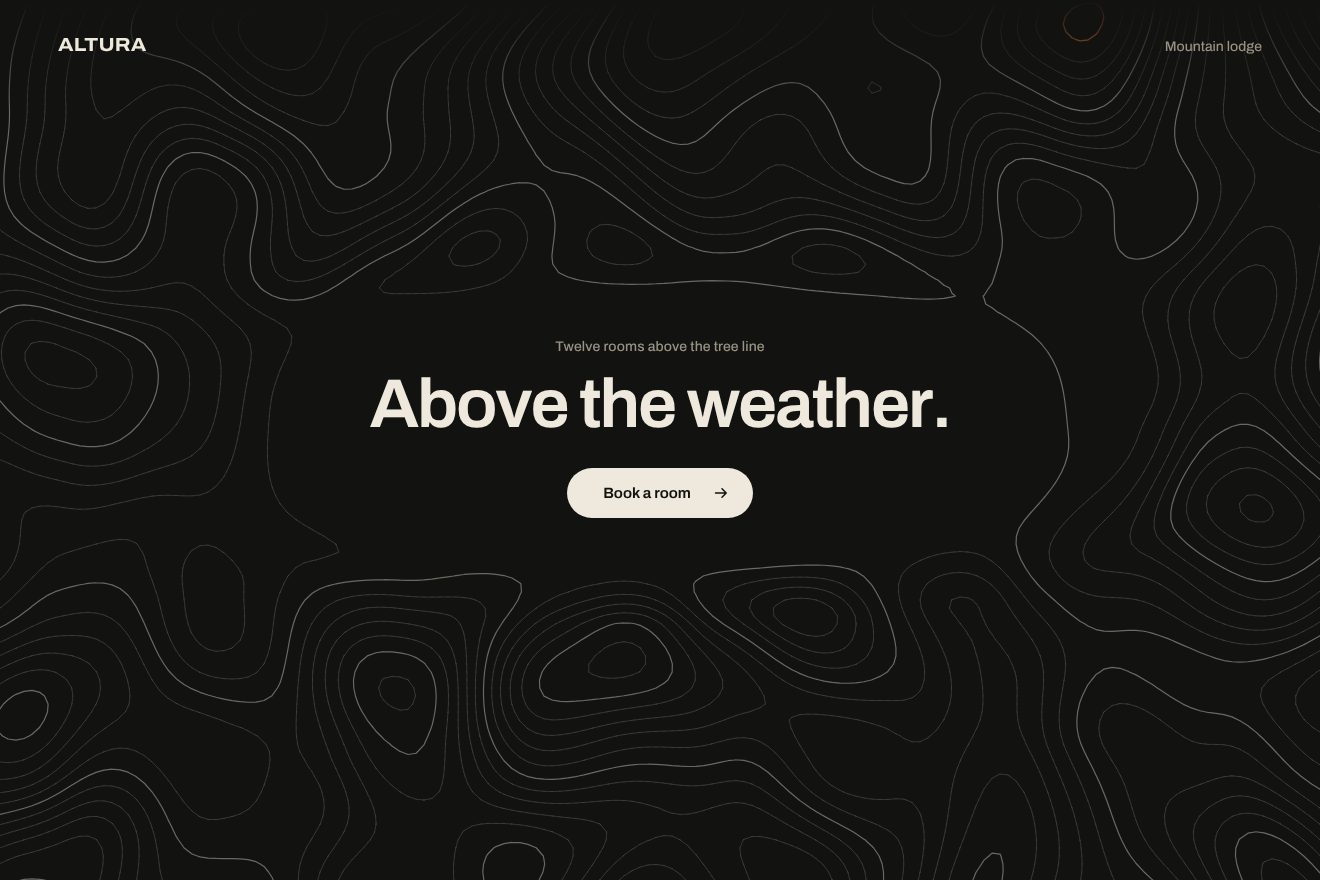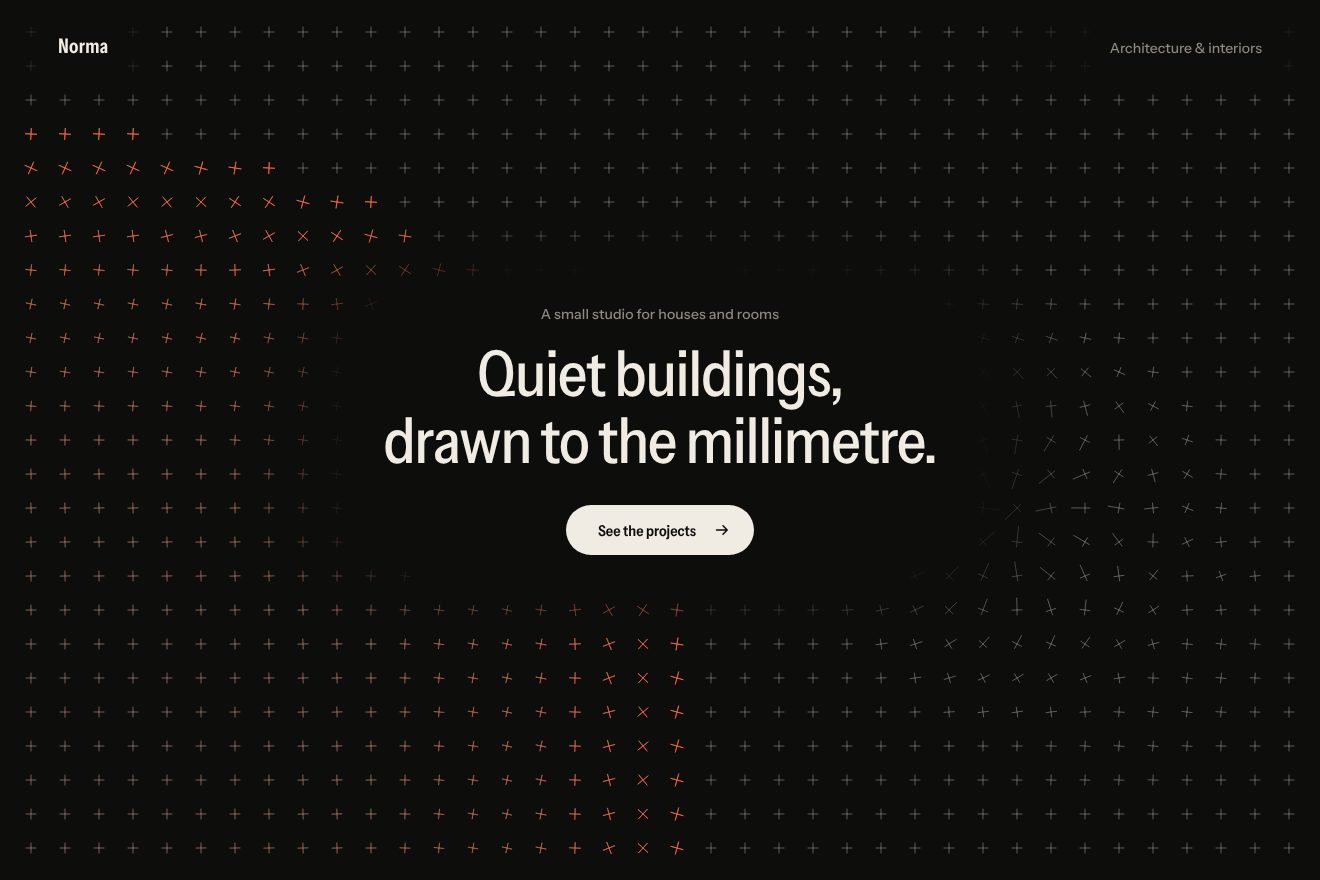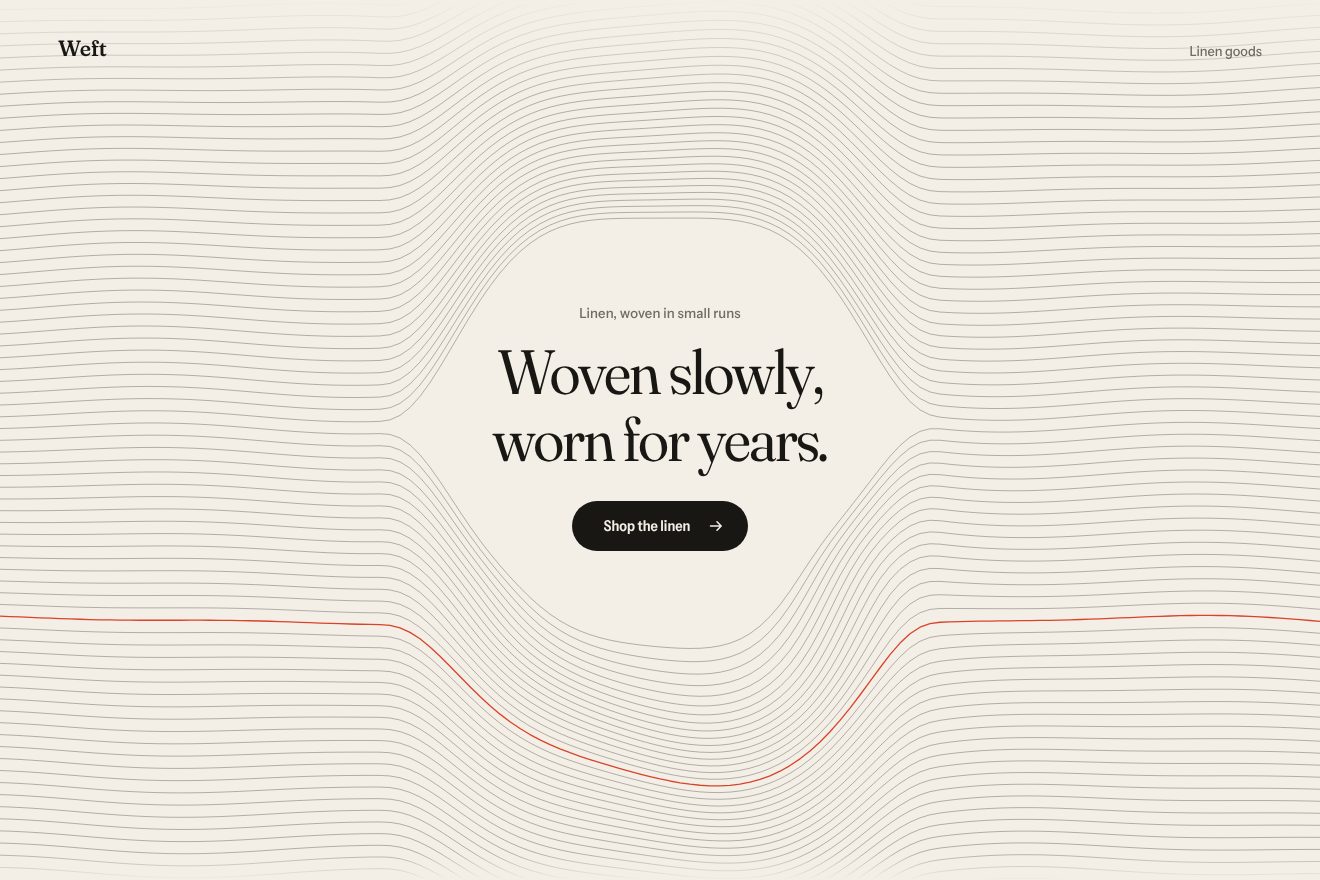
Woven thread background
Backgrounds, Hover
An animated background to put behind a product hero, on near black: a grid of hairline squares, 48 pixels each, that lights up in a violet blue around the pointer with a light that fades with the radius. The cells the light crosses fill faintly and fade slowly like a trail, a tap lights the grid in rings, and now and then a ray runs along a line from one edge to the other.
A folder that runs on its own: index.html, style.css, script.js and the libraries from a CDN. The React and Vue tabs hold the same demo as a ready component, which switches its animations off when it leaves the page.
<!doctype html>
<!--
  "Glow grid background" from Animorio · https://animorio.com
  License: free on your own sites and your clients’ sites, paid work included.
  Not for resale, redistribution, templates or code collections · https://animorio.com/en/license/
-->
<html lang="en">
<head>
  <meta charset="utf-8">
  <meta name="viewport" content="width=device-width, initial-scale=1">
  <title>The grid background that lights up around the pointer</title>
  <link rel="stylesheet" href="https://cdn.jsdelivr.net/npm/@fontsource-variable/mona-sans@5.3.0/wdth.css">
  <link rel="stylesheet" href="style.css">
</head>
<body>
  <main class="stage" data-stage>
    <!-- the background: a grid of very thin lines on near black, lit by one soft light around the pointer,
         with cells that fill faintly and fade like a trail, and now and then a ray running along a line -->
    <canvas class="grid" data-grid aria-hidden="true"></canvas>
    <div class="vignette" aria-hidden="true"></div>

    <section class="hero">
      <a class="pill" href="#" data-pill>
        <span class="pill__tag">New</span>
        <span class="pill__text">Linthal 2.0 is live</span>
        <svg class="pill__chev" viewBox="0 0 16 16" aria-hidden="true"><path d="m6 4 4 4-4 4"/></svg>
      </a>
      <h1 class="title">Build on a grid<br>that answers back</h1>
      <p class="lead">Linthal turns your design tokens into a live layout system the whole team can trust.</p>
      <div class="actions">
        <a class="btn btn--primary" href="#" data-btn>
          <span>Start building</span>
          <svg viewBox="0 0 16 16" aria-hidden="true"><path d="M3.5 8h8.5M8.5 4.5 12 8l-3.5 3.5"/></svg>
        </a>
        <a class="btn btn--ghost" href="#">Read the docs</a>
      </div>
    </section>

    <svg class="ghost" data-ghost viewBox="0 0 24 24" aria-hidden="true"><path d="M5 3.2 19.2 12l-6.3 1.5-3.4 5.8z"/></svg>
  </main>

  <script src="https://cdn.jsdelivr.net/npm/gsap@3.15.0/dist/gsap.min.js"></script>
  <script src="script.js"></script>
</body>
</html>Change values, colours and text with the controls and watch the animation respond live. Or write in the code yourself. Then download the folder with your changes.
20 values to change
With the Animorio connector, Claude Code, ChatGPT, Cursor or VS Code take it from here, guide included, and fit it into your project. Paste this request:
Take “Glow grid background” from Animorio and fit it into my siteOn every resize the script draws the grid twice into two offscreen canvases: an unlit one, with white lines at 5%, and a lit one, with the same lines in the light colour. The grid is centred: a line always crosses the centre of the page, so it is symmetric on every screen.
Every frame the main canvas copies the unlit grid; then in a third canvas the lit grid is cut by a round gradient with destination-in, and only that circle of lit lines is laid on top. Underneath, a very wide and faint veil of colour.
Every frame the light covers part of the remaining distance, 1 minus LIGHT_LAG raised to the elapsed time, so the lag is the same at 60 and 120 frames per second. The clock is GSAP’s ticker.
Each cell holds a number, its energy. When the light enters a new cell its energy goes to 1 and a neighbour’s to 0.5; every frame the energy drops and the cell is drawn with a fill of the energy squared and a border in proportion. A tap lights the cells in rings by chessboard distance, fourteen rings a second.
Every RAY_EVERY seconds, with a little randomness, a ray is born on a random horizontal or vertical line: a 200 pixel segment with a linear gradient from transparent to the light colour at its head, and a 3 pixel halo on the last 50. It runs at RAY_SPEED pixels a second and disappears past the edge.
| Name | File | Default | What it changes |
|---|---|---|---|
CELL | script.js | 48 | The side of the grid squares, in pixels. |
LIGHT_RADIUS | script.js | 230 | How wide the light around the pointer is, in pixels. |
LIGHT_LAG | script.js | 0.88 | How far the light lags behind the pointer (0 = it follows at once). |
LINE_GLOW | script.js | 1 | How bright the lines under the light get. |
TRAIL | script.js | 1.4 | How many seconds the trail cells take to fade. |
TRAIL_FILL | script.js | 0.14 | How much the trail cells fill. |
RAY_EVERY | script.js | 2.6 | How many seconds between rays running along a line (0 = never). |
RAY_SPEED | script.js | 900 | How fast the ray runs, in pixels per second. |
Behind the hero of a software product, a developer tool, an AI app or a tech event page on a dark background: the grid says precision and the light shows the page responds, without getting in the way of the headline.
The same grid with touch instead of hover: the light goes where you tap and follows as the finger moves, and every tap lights the rings. Headline and buttons are sized on the height too, so they fit in the box.
No chasing, trail, ripples or rays: the light appears still around the button and fades in; if the pointer moves, the light goes there at once with no lag.
GSAP 3.15.0, Mona Sans (font variabile) 5.3.0.
Compressed with gzip, the three demo files weigh 6.8 KB; the libraries: GSAP 28 KB.
Tested on 25 October 2026
Use it in your own projects and in your clients’ projects. Do not resell it or redistribute it as is. GSAP stays under its own Standard license. Full license.
Support Animorio
Animorio stays free thanks to the people who support it. If you like, buy us a coffee: it helps us make the next animations.
You asked for
We made it for you: it’s in the library, with the preview, the Playground and the code to copy.
An animation you can’t find, or a site to take apart in the journal: tell us which. We pick the next ones from here.
With your account’s email and password.
or with your email
You’re signed in as .
With your account, you can download the zip of every animation and every pack, for free.