
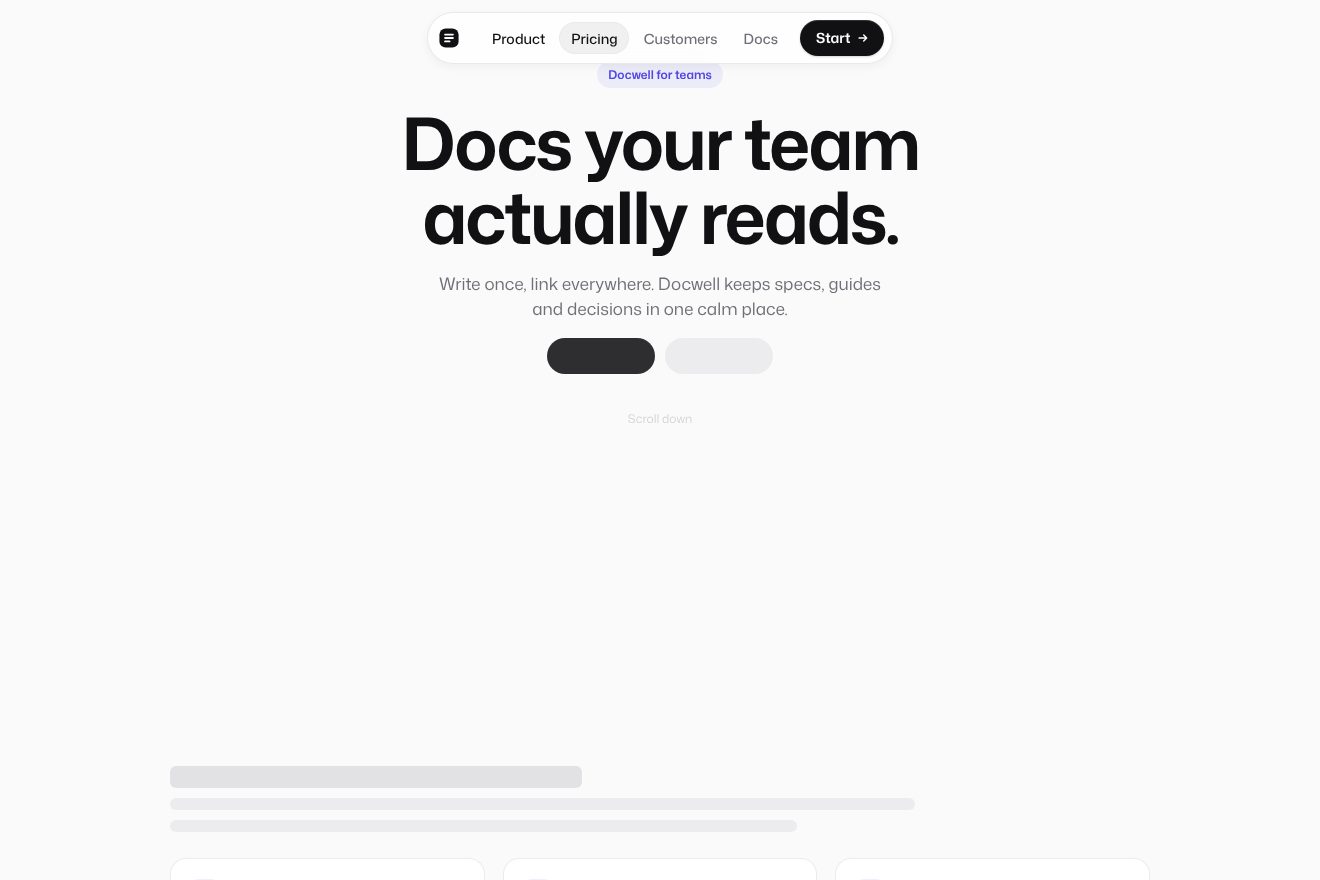
Scroll pill nav
Navigation, Scroll, Hover
Scroll inside the preview
The top bar of Northwind Journal, a made-up magazine: at the top of the page it is transparent; as soon as the text moves under it, it takes a thin glass, a soft shadow and a 1 pixel edge that lights from left to right with a blue glint at its tip. Scrolling down it slides away with a little inertia, scrolling up even a little it drops back on a precise spring, and near the top it always stays.
A folder that runs on its own: index.html, style.css, script.js and the libraries from a CDN. The React and Vue tabs hold the same demo as a ready component, which switches its animations off when it leaves the page.
<!doctype html>
<!--
  "Hide-on-scroll top bar" from Animorio · https://animorio.com
  License: free on your own sites and your clients’ sites, paid work included.
  Not for resale, redistribution, templates or code collections · https://animorio.com/en/license/
-->
<html lang="en">
<head>
  <meta charset="utf-8">
  <meta name="viewport" content="width=device-width, initial-scale=1">
  <title>Hide-on-scroll top bar</title>
  <link rel="stylesheet" href="https://cdn.jsdelivr.net/npm/@fontsource-variable/mona-sans@5.3.0/wdth.css">
  <link rel="stylesheet" href="style.css">
</head>
<body>
  <!-- the top bar of a journal: transparent at the top of the page; once it lifts off the content it takes a thin
       glass, a soft shadow and a 1px edge that lights from left to right. Scrolling down it slides away with a little
       inertia, scrolling back up even a little it drops in on a tight spring. Focus inside it always brings it back. -->
  <header class="bar" data-bar>
    <div class="bar__glass" data-glass aria-hidden="true"></div>
    <div class="bar__edge" aria-hidden="true">
      <span class="bar__line" data-line></span>
      <span class="bar__glint" data-glint></span>
    </div>
    <div class="bar__inner" data-inner>
      <a class="brand" href="#" aria-label="Northwind Journal, home">
        <svg class="brand__mark" viewBox="0 0 24 24" aria-hidden="true">
          <rect x="2.5" y="2.5" width="19" height="19" rx="6"></rect>
          <path d="M8 16.2V8l8 8.2V8"></path>
        </svg>
        <span class="brand__name">Northwind<span class="brand__sub"> Journal</span></span>
      </a>

      <nav class="links" aria-label="Main">
        <a class="link is-active" href="#" aria-current="page"><span class="link__txt">Stories</span></a>
        <a class="link" href="#"><span class="link__txt">Essays</span></a>
        <a class="link link--wide" href="#"><span class="link__txt">Field notes</span></a>
        <a class="link link--wide" href="#"><span class="link__txt">About</span></a>
      </nav>

      <a class="cta" href="#" data-cta>
        <span class="cta__shine" aria-hidden="true"></span>
        <span class="cta__txt">Subscribe</span>
      </a>
    </div>
  </header>

  <main class="page" aria-hidden="true">
    <p class="hint" data-hint>
      <span>Scroll to read</span>
      <svg viewBox="0 0 12 12"><path d="M3 4.6 6 7.6l3-3"></path></svg>
    </p>
    <div class="col">
      <span class="ln ln--kicker"></span>
      <span class="ln ln--title" style="--w: 88%"></span>
      <span class="ln ln--title" style="--w: 62%"></span>
      <span class="ln ln--meta"></span>
      <div class="para"><span style="--w: 100%"></span><span style="--w: 96%"></span><span style="--w: 99%"></span><span style="--w: 72%"></span></div>
      <div class="para"><span style="--w: 98%"></span><span style="--w: 100%"></span><span style="--w: 94%"></span><span style="--w: 97%"></span><span style="--w: 44%"></span></div>
      <div class="fig"></div>
      <div class="para"><span style="--w: 100%"></span><span style="--w: 92%"></span><span style="--w: 97%"></span><span style="--w: 58%"></span></div>
      <span class="ln ln--head" style="--w: 46%"></span>
      <div class="para"><span style="--w: 99%"></span><span style="--w: 95%"></span><span style="--w: 100%"></span><span style="--w: 90%"></span><span style="--w: 66%"></span></div>
      <div class="para"><span style="--w: 97%"></span><span style="--w: 100%"></span><span style="--w: 52%"></span></div>
      <div class="fig fig--low"></div>
      <div class="para"><span style="--w: 100%"></span><span style="--w: 94%"></span><span style="--w: 98%"></span><span style="--w: 38%"></span></div>
      <div class="para"><span style="--w: 96%"></span><span style="--w: 100%"></span><span style="--w: 91%"></span><span style="--w: 70%"></span></div>
    </div>
  </main>

  <script src="https://cdn.jsdelivr.net/npm/gsap@3.15.0/dist/gsap.min.js"></script>
  <script src="https://cdn.jsdelivr.net/npm/lenis@1.3.26/dist/lenis.min.js"></script>
  <script src="script.js"></script>
</body>
</html>Change values, colours and text with the controls and watch the animation respond live. Or write in the code yourself. Then download the folder with your changes.
24 values to change
With the Animorio connector, Claude Code, ChatGPT, Cursor or VS Code take it from here, guide included, and fit it into your project. Paste this request:
Take “Hide-on-scroll top bar” from Animorio and fit it into my siteEvery frame the scroll is read and the pixels moved in the same direction add up: the bar hides only after HIDE_DELTA pixels down and comes back after SHOW_DELTA up, so a trackpad jitter never makes it jump. Above TOP_ZONE it always stays.
The position is a spring on GSAP's ticker, in two half steps per frame. Going away it is fully damped and soft (it starts slowly, the inertia); coming back it is stiffer and damped at 0.8, a pixel of bounce and no more.
The bar starts 12 pixels above the page with as much glass on top: when the spring bounces down, what shows above is the bar itself, never a gap.
Lifting off the content, a tween takes glass and shadow to 1 and draws the edge with scaleX from the left, a glint of the accent riding its tip; at the top the edge gathers away to the right.
A focusin on the bar brings it down and keeps it there while the focus stays inside: keyboard users never land on an invisible link.
| Name | File | Default | What it changes |
|---|---|---|---|
HIDE_DELTA | script.js | 14 | How many pixels you must scroll down in one go before the bar hides. |
SHOW_DELTA | script.js | 6 | How many pixels you must scroll up in one go before the bar comes back. |
TOP_ZONE | script.js | 96 | Above how many pixels from the top the bar never hides. |
HIDE_STIFFNESS | script.js | 120 | The spring that slides the bar away: lower is a slower, softer start. |
SHOW_STIFFNESS | script.js | 300 | The spring that drops the bar back in. |
SHOW_DAMPING | script.js | 0.8 | How much the drop-in spring is held back (1 = no overshoot). |
EDGE_TIME | script.js | 0.8 | How many seconds the 1 pixel edge takes to light from left to right. |
For the header of a blog, a magazine, a docs site or a long landing page: where people read a lot and the bar should make room for the text going down, but be there as soon as you scroll back up looking for it.
The same threshold and springs with a finger: the bar is 56 pixels tall, Stories and Essays stay and the name drops «Journal»; under 360 pixels only the symbol stays next to the links.
No sliding and no smooth scrolling: the bar fades out and back in in place, and the edge appears and goes without drawing.
GSAP 3.15.0, Lenis 1.3.26, Mona Sans (font variabile) 5.3.0.
Compressed with gzip, the three demo files weigh 6.1 KB; the libraries: GSAP 28 KB, Lenis 5.3 KB.
Tested on 19 November 2026
Use it in your own projects and in your clients’ projects. Do not resell it or redistribute it as is. GSAP stays under its own Standard license. Full license.
Support Animorio
Animorio stays free thanks to the people who support it. If you like, buy us a coffee: it helps us make the next animations.
You asked for
We made it for you: it’s in the library, with the preview, the Playground and the code to copy.
An animation you can’t find, or a site to take apart in the journal: tell us which. We pick the next ones from here.
With your account’s email and password.
or with your email
You’re signed in as .
With your account, you can download the zip of every animation and every pack, for free.

