The elastic button
Buttons, Hover, Text
NewFree
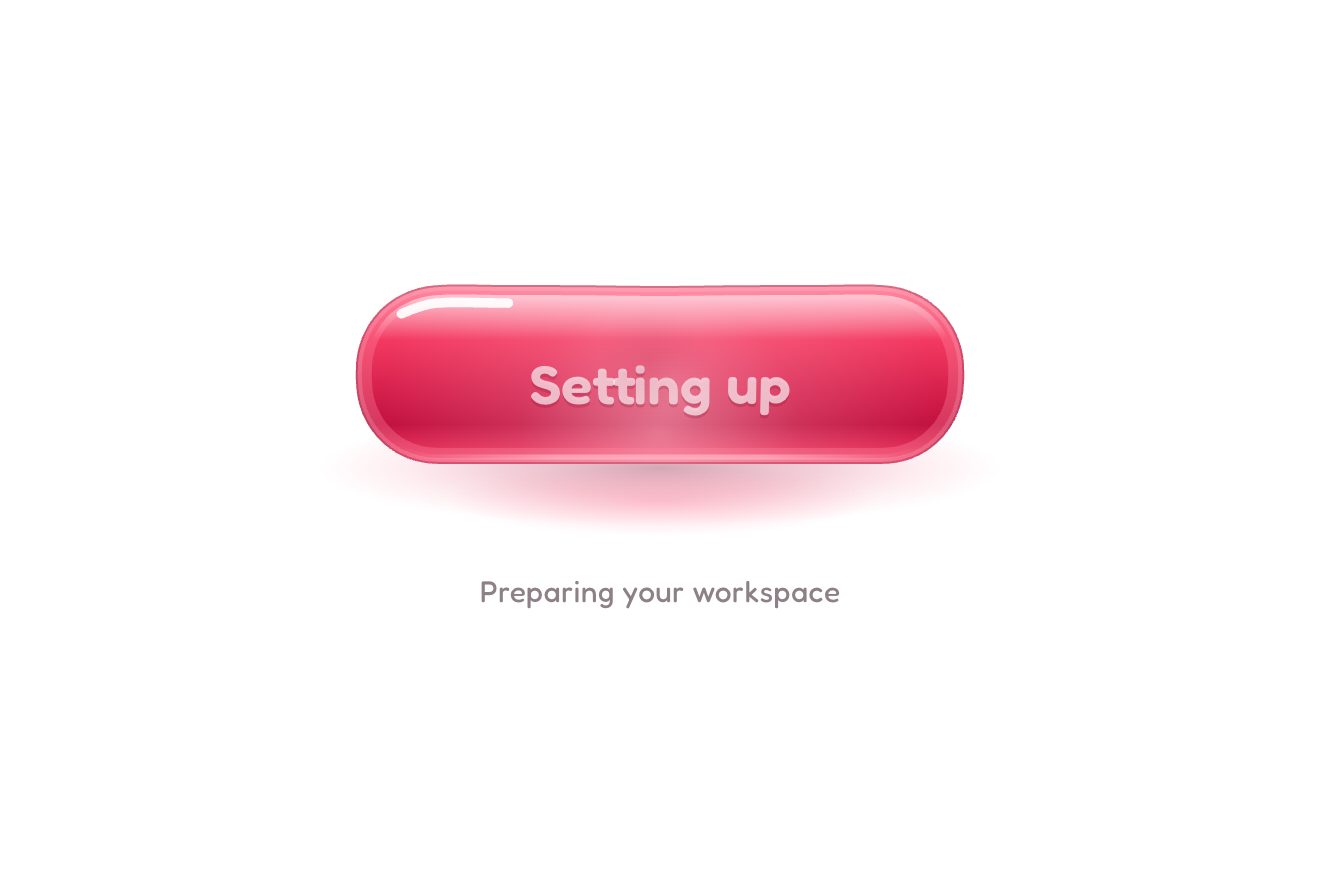
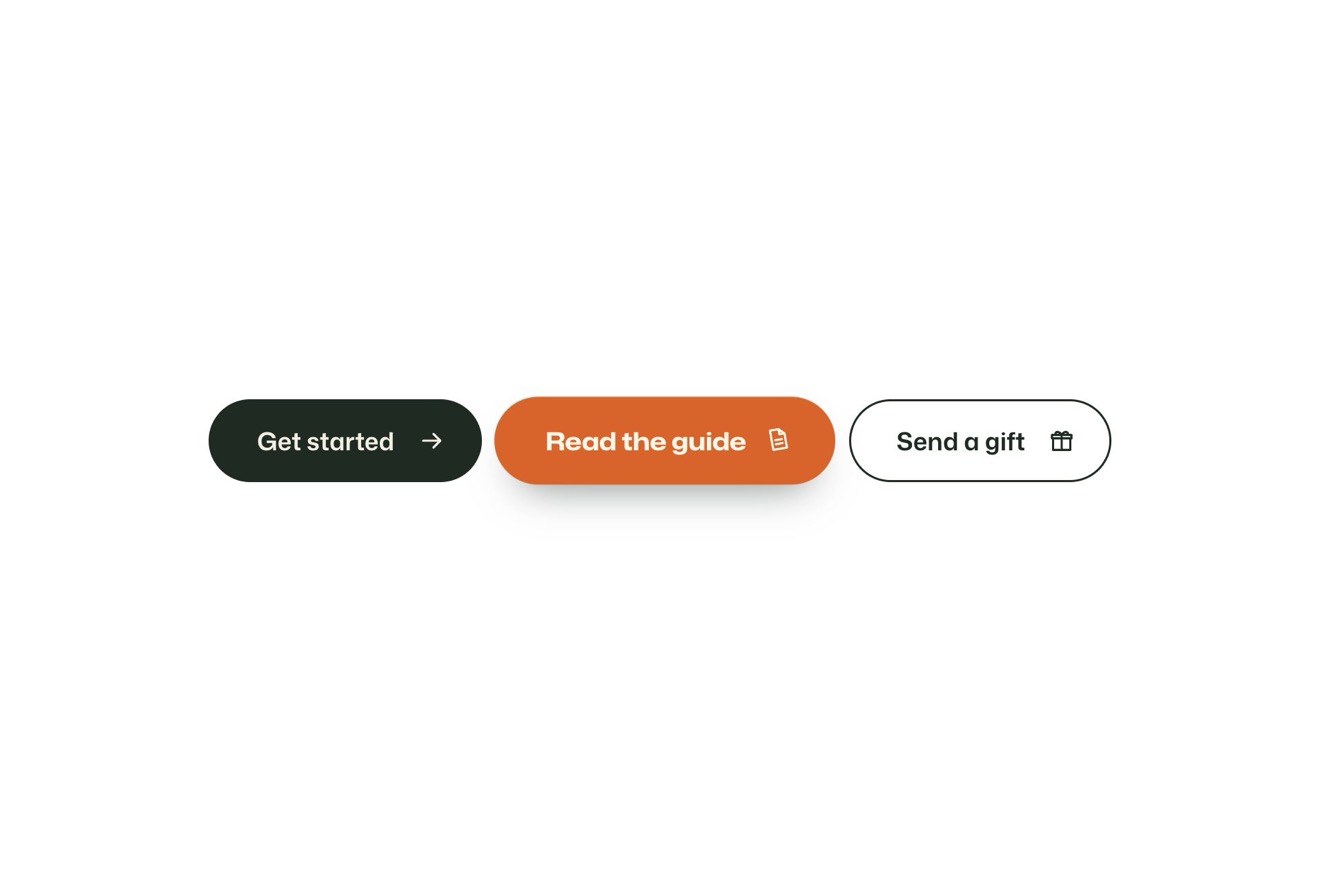
In the minimal style, on black, type and shape only: the Hold to delete of a draft. While you hold it the letters empty one by one from left to right, from solid to outline, and grow thinner; the pill tightens, its edge warms towards vermilion and it trembles at the end. Let go early and the letters fill back up with a small spring. Hold to the end: a snap, the pill closes into a circle with a drawn tick, then opens again.
A folder that runs on its own: index.html, style.css, script.js and the libraries from a CDN. The React and Vue tabs hold the same demo as a ready component, which switches its animations off when it leaves the page.
<!doctype html>
<html lang="en">
<head>
  <meta charset="utf-8">
  <meta name="viewport" content="width=device-width, initial-scale=1">
  <title>The hold-to-delete button that empties its letters</title>
  <link rel="stylesheet" href="https://cdn.jsdelivr.net/npm/@fontsource-variable/archivo@5.3.0/wdth.css">
  <link rel="stylesheet" href="style.css">
</head>
<body>
  <main class="stage">
    <!-- the hold-to-delete button, on black, type and shape only. While you hold it, the letters drain one by one from
         left to right, from solid to outline, and grow thinner; the pill tightens a little and trembles near the end.
         Let go early and the letters fill back up on a spring. Hold to the end: a snap, the pill closes into a circle
         with a drawn tick, then opens back into the pill -->
    <div class="hold" data-hold>
      <button class="hold__btn" type="button" data-btn aria-describedby="hold-note">
        <span class="hold__words" data-words aria-hidden="true"></span>
        <span class="sr" data-label>Hold to delete</span>
        <svg class="hold__mark" viewBox="0 0 24 24" aria-hidden="true"><path d="M5.5 12.6 10.1 17 18.6 7.4" data-mark></path></svg>
      </button>
      <p class="hold__note" id="hold-note" data-note>Draft · 3 photos</p>
      <p class="sr" aria-live="polite" data-live></p>
    </div>
  </main>

  <script src="https://cdn.jsdelivr.net/npm/gsap@3.15.0/dist/gsap.min.js"></script>
  <script src="script.js"></script>
</body>
</html>Change values, colours and text with the controls and watch the animation respond live. Or write in the code yourself. Then download the folder with your changes.
17 values to change
With the Animorio connector, Claude Code takes it from here, guide included, and fits it into your project. Paste this request:
Take “The hold-to-delete button that empties its letters” from Animorio and fit it into my siteEverything depends on p, the hold progress from 0 to 1: GSAP takes it to 1 in HOLD seconds while you hold, and on every frame the ticker redraws letters, pill and edge from that number.
Every letter has two layers: the outline, with text-stroke and a transparent fill, and the solid letter on top, clipped from the top with clip-path inset. For letter i the drain is (p × (n − 1 + SPAN) − i) / SPAN, between 0 and 1: with SPAN above 1 several letters drain together and the wave is soft.
Archivo has weight and width axes: a full letter is at 620, an empty one drops to THIN; outline and solid live in the same element, so they change weight together and stay on top of each other.
When p reaches 1 the pill tightens for an instant, its width goes to its height with power3.inOut and the scale springs back with elastic.out: it is a circle; the tick draws itself with the dash offset. Then the width returns to the measured one and p goes back to 0.
It is a real button, with a label for screen readers and an aria-live line announcing Deleted; it can also be held with Space or Enter. With reduced motion the pill neither tightens nor trembles and the circle fades in.
| Name | File | Default | What it changes |
|---|---|---|---|
LABEL | script.js | Hold to delete | The words on the pill. |
NOTE | script.js | Draft · 3 photos | The small line under the pill. |
NOTE_HOLD | script.js | Release to cancel | The small line while you hold. |
NOTE_DONE | script.js | Deleted | The small line once it is done. |
HOLD | script.js | 1.7 | The seconds you have to hold. |
SPAN | script.js | 2.2 | How many letters drain together: the softness of the wave. |
THIN | script.js | 220 | The weight an empty letter thins down to (full is 620). |
SQUEEZE | script.js | 0.06 | How much the pill tightens while you hold. |
TREMBLE | script.js | 1.4 | How far the pill trembles near the end, in pixels. |
For an action that cannot be undone and wants a gesture to confirm it: deleting a draft or photos, removing an account, sending a payment, emptying the cart.
You hold it with a finger as with a mouse: the button blocks scrolling and the long press menu. The sizes follow the screen height; the hover widening happens only with a mouse.
The letters still empty and fill, but the pill does not tighten, tremble or hop; the tick fades in.
GSAP 3.15.0, Archivo (font variabile) 5.3.0.
Compressed with gzip, the three demo files weigh 5.5 KB; the libraries: GSAP 28 KB.
Tested on 24 October 2026
Use it in your own projects and in your clients’ projects. Do not resell it or redistribute it as is. GSAP stays under its own Standard license. Full license.
With your account’s email and password.
or with your email
You’re signed in as .
With your account, you can download the zip of every animation and every pack, for free.