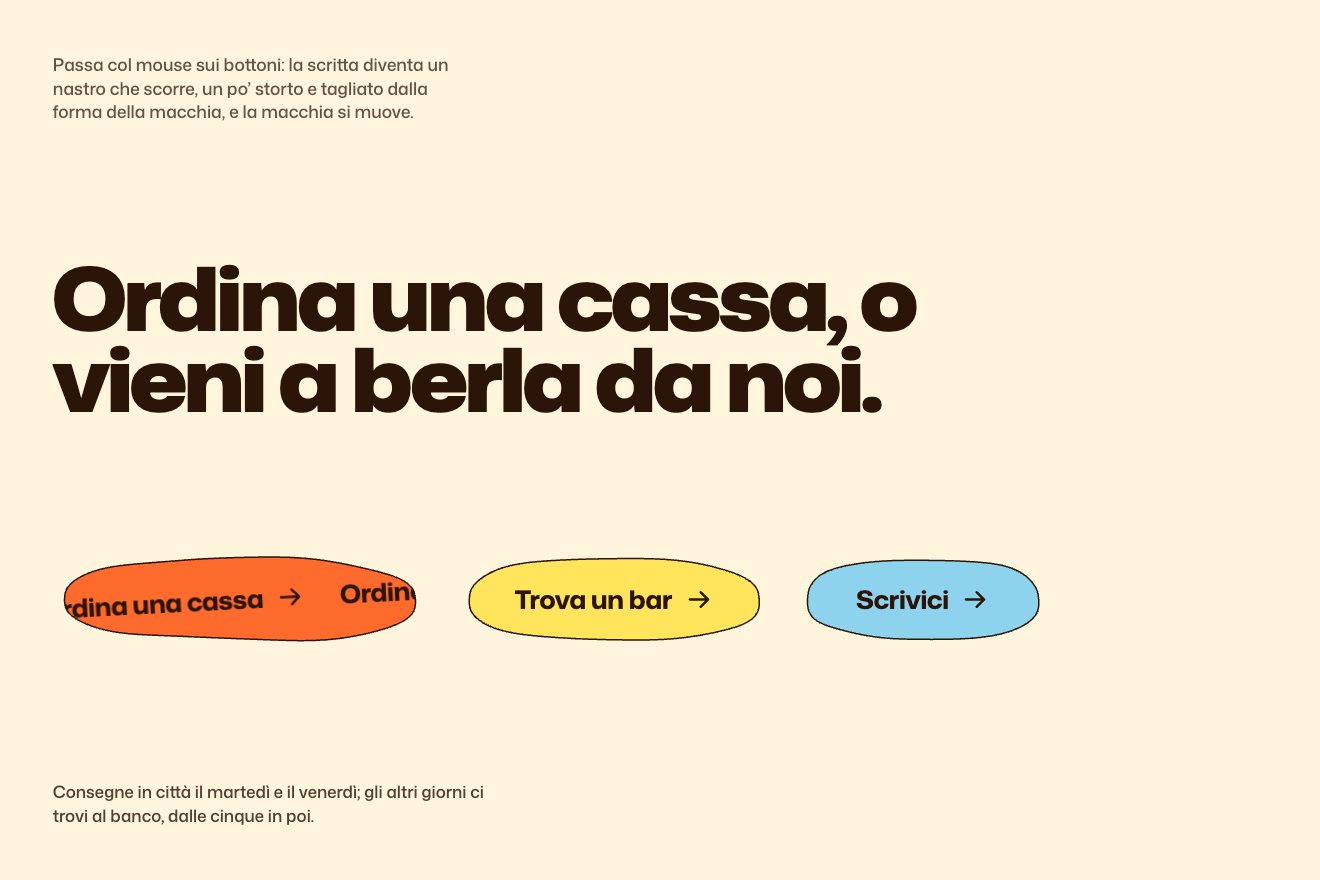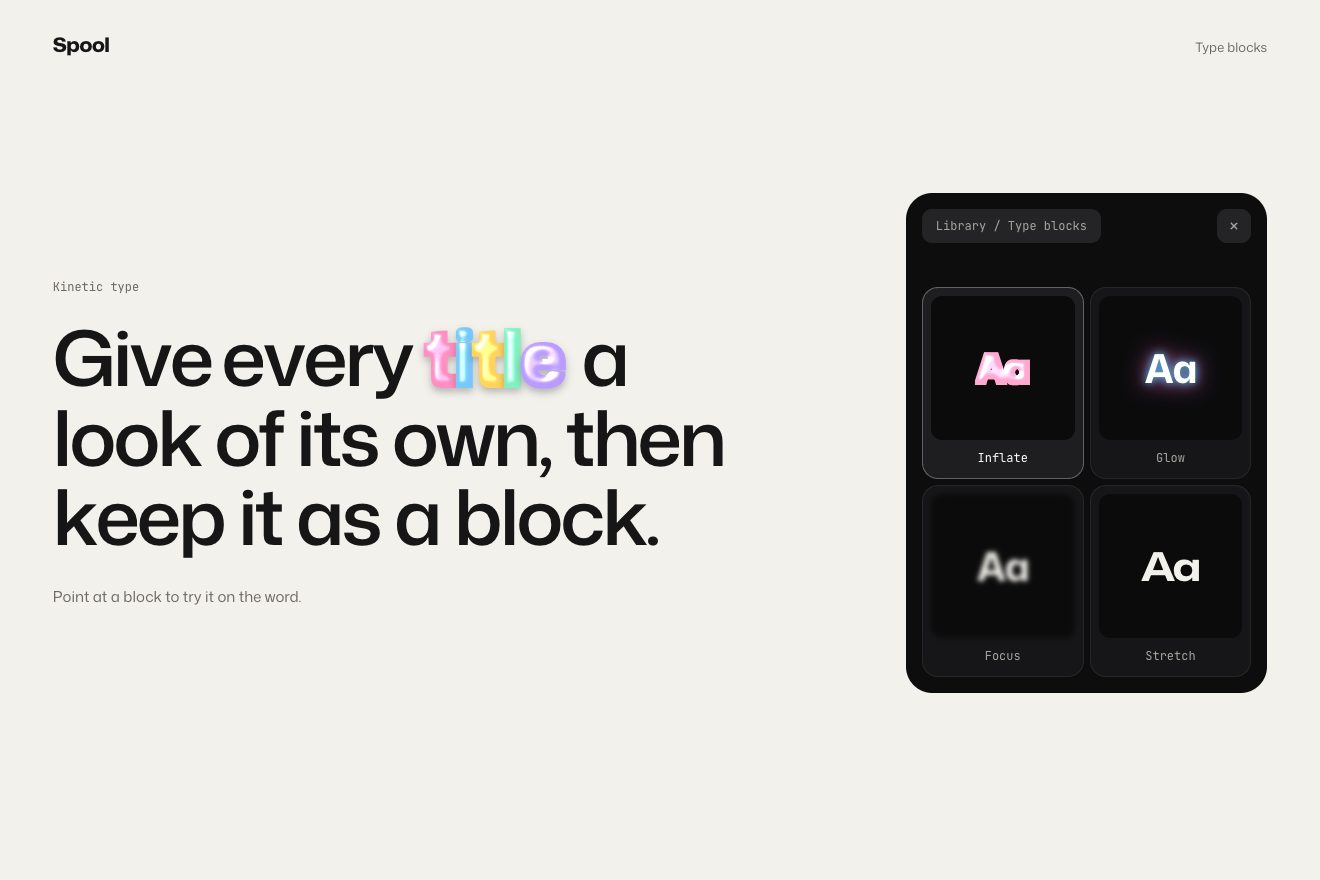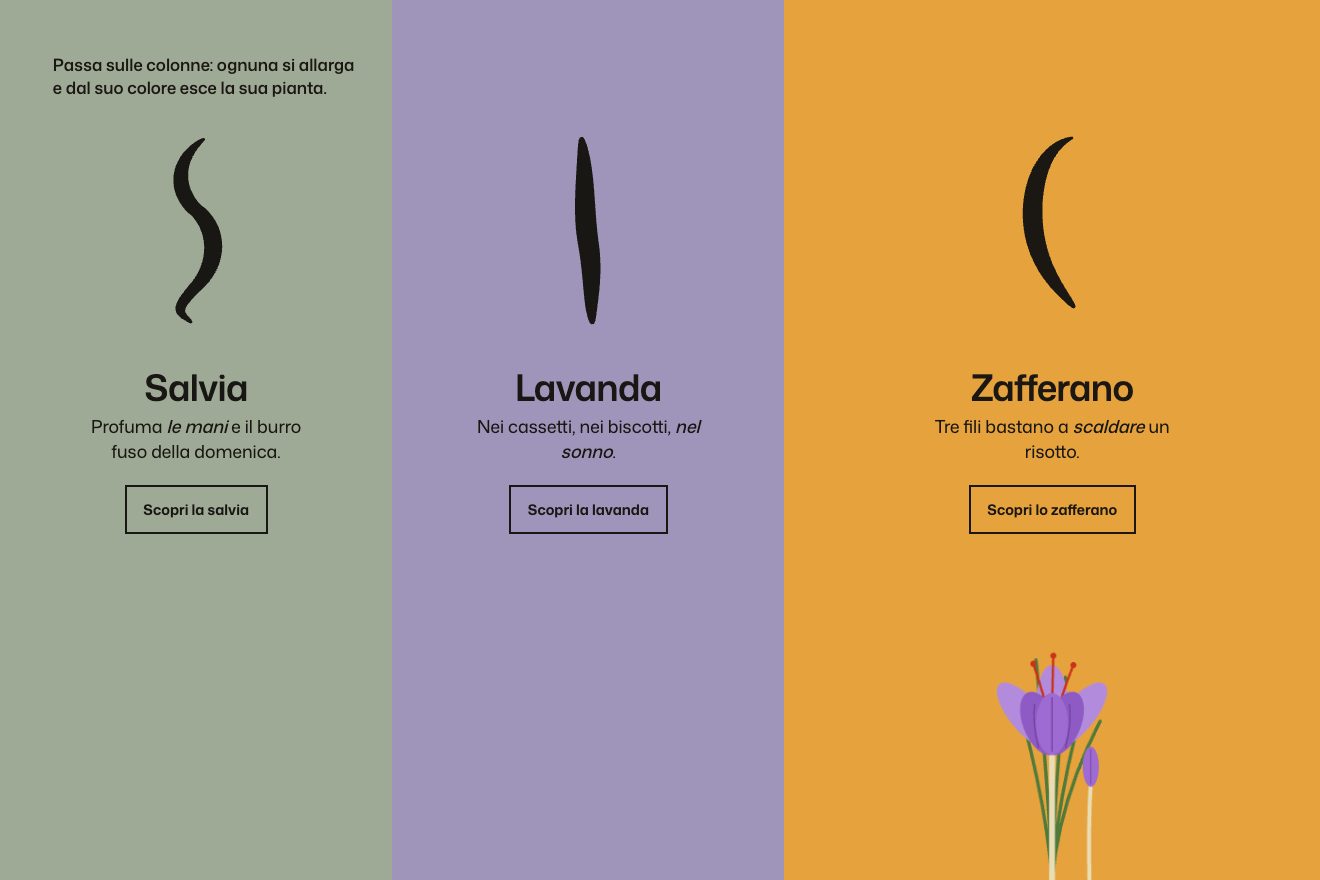
The colour columns
Hover, SVG
NewFree
In the minimal style, for a made-up optician: an optical bench in thin lines with an F, a lens and a screen. The mouse slides the lens; five blue rays leave the F, bend in the lens and reach the screen, where the F appears upside down and as blurred as the lens formula says. In two places it is sharp, large or small: there the rays meet in one point, the lens clicks into place and the title comes into focus too.
A folder that runs on its own: index.html, style.css, script.js and the libraries from a CDN. The React and Vue tabs hold the same demo as a ready component, which switches its animations off when it leaves the page.
<!doctype html>
<html lang="en">
<head>
  <meta charset="utf-8">
  <meta name="viewport" content="width=device-width, initial-scale=1">
  <title>The lens on the optical bench</title>
  <link rel="stylesheet" href="https://cdn.jsdelivr.net/npm/@fontsource-variable/newsreader@5.3.0/opsz.css">
  <link rel="stylesheet" href="style.css">
</head>
<body>
  <main class="stage" data-stage aria-label="Focale opticians: move the lens along the bench until the letter on the screen is sharp.">
    <!-- an optical bench: a letter F, a lens you slide with the mouse and a screen. The rays are worked out with the
         thin lens formula; the letter on the screen is upside down and blurred by how far it is from focus -->
    <svg class="scene" data-scene aria-hidden="true">
      <defs>
        <filter id="defocus" x="-60%" y="-60%" width="220%" height="220%" color-interpolation-filters="sRGB">
          <feGaussianBlur data-blur stdDeviation="0" />
        </filter>
      </defs>
      <path class="axis" data-axis d="" />
      <path class="rail" data-rail d="" />
      <g data-rays></g>
      <text class="letter" data-object>F</text>
      <path class="screen" data-screen d="" />
      <g filter="url(#defocus)"><text class="letter letter--image" data-image>F</text></g>
      <g class="lens" data-lens>
        <path class="lens__glass" data-glass d="" />
        <path class="lens__stand" data-stand d="" />
        <path class="focal" data-focal d="" />
        <text class="tiny" data-f1>f</text>
        <text class="tiny" data-f2>f</text>
      </g>
      <text class="readout" data-readout></text>
    </svg>

    <header class="top">
      <span class="top__name">Focale</span>
      <span class="top__note">Opticians since 1962</span>
    </header>

    <div class="caption" data-caption>
      <p class="caption__title" data-title>Two places are sharp.</p>
      <p class="caption__note" data-note>Slide the lens. One makes it large, one makes it small.</p>
    </div>
  </main>

  <script src="https://cdn.jsdelivr.net/npm/gsap@3.15.0/dist/gsap.min.js"></script>
  <script src="script.js"></script>
</body>
</html>Change values, colours and text with the controls and watch the animation respond live. Or write in the code yourself. Then download the folder with your changes.
18 values to change
With the Animorio connector, Claude Code takes it from here, guide included, and fits it into your project. Paste this request:
Take “The lens on the optical bench” from Animorio and fit it into my siteWith the lens at a distance dₒ from the F and the screen at a distance D from the F, the image forms at dᵢ with 1/f = 1/dₒ + 1/dᵢ. The sharp places are those where dᵢ = D − dₒ: dₒ = D/2 ± √(D²/4 − D·f), two solutions as long as f is under a quarter of the bench. There the magnification is (D − dₒ)/dₒ, one the inverse of the other.
Each ray leaves the top of the F, reaches the lens at height y and leaves with slope hₒ/dₒ − y/dᵢ: the line through the image point (or seeming to come from it, if the F is inside the focal length and 1/dᵢ is negative). So five heights on the lens are enough to get the cone of light, with no special cases.
Where the cone reaches the screen it is 2·a·|1 − (D − dₒ)/dᵢ| wide, with a half the lens’s height. A quarter of that becomes the stdDeviation of an feGaussianBlur, applied to a group with no transform, so it is in screen pixels. The upside-down F is the same letter scaled by −(D − dₒ)/dₒ round its foot: the chief ray decides how large it is.
The lens follows the mouse with a hand-written spring (K = 140, damping SPRING), integrated in small steps in GSAP’s ticker: it arrives, goes a hair past and settles. If the target is less than DETENT pixels from a sharp place, the target becomes that place: the lens clicks into it like a ring with a detent. The title takes its blur, weight and spacing from the same sharpness.
Without the mouse a repeating timeline moves the target between five places on the bench, pausing PAUSE seconds at the two sharp ones; three seconds after the mouse last moved (or right after it leaves) it starts again from there. With reduced motion there is no spring and no tour on its own: the lens sits at the large sharp place and the mouse moves it without any swing.
| Name | File | Default | What it changes |
|---|---|---|---|
LETTER | script.js | 'F' | The letter on the bench: an F, because it shows how the image is turned. |
FOCAL | script.js | 0.2 | The focal length, as a share of the bench (under 0.25 there are two sharp places). |
RAYS | script.js | 5 | How many rays leave the top of the letter (1 to 9). |
SPRING | script.js | 0.75 | How the lens follows the mouse: 1 = no swing, lower = a little swing. |
DETENT | script.js | 16 | How many pixels from a sharp place the lens clicks into it (0 = never). |
PAUSE | script.js | 1.4 | The seconds the lens, on its own, stops at each sharp place. |
On the home page of an optician, a shop for glasses or contact lenses, a photographer or a print lab; as the picture for an eye test service or a science page; anywhere that wants the idea of «finding the right spot».
The same animation with the sizes adapted: the bench takes the whole width, the F is a little larger in proportion and the lens moves by dragging a finger sideways; on its own it makes the same tour between the two sharp places.
The lens stands still at the large sharp place, with the upside-down F sharp and the title in focus; the mouse moves it at once, with no spring and no swing, and the blur follows.
GSAP 3.15.0, Newsreader (font variabile) 5.3.0.
Compressed with gzip, the three demo files weigh 6.1 KB; the libraries: GSAP 28 KB.
Tested on 19 October 2026
Use it in your own projects and in your clients’ projects. Do not resell it or redistribute it as is. GSAP stays under its own Standard license. Full license.
With your account’s email and password.
or with your email
You’re signed in as .
With your account, you can download the zip of every animation and every pack, for free.