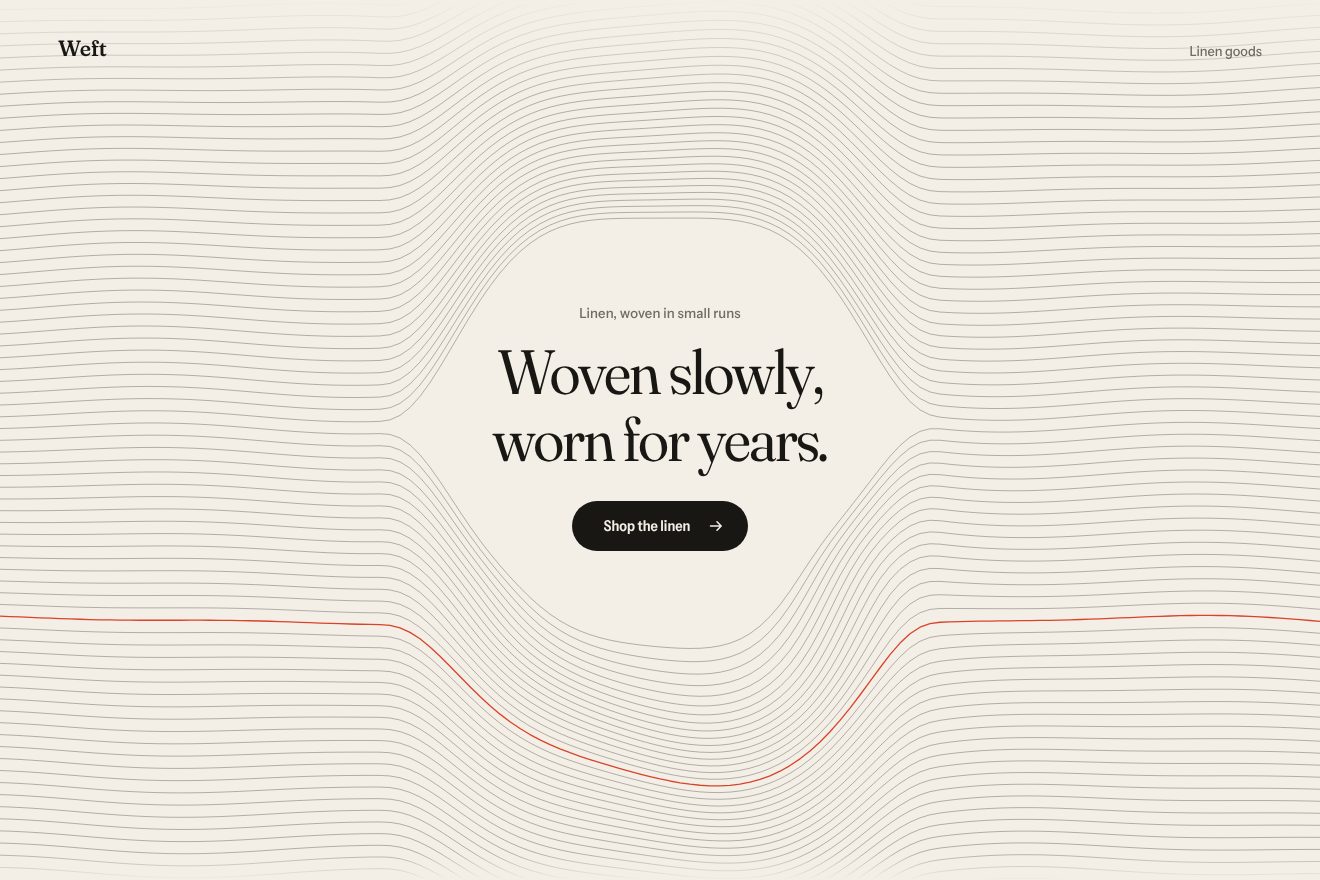
Woven thread background
Backgrounds, Hover
An animated background for the front page of an AI app, Alloy: a wall of anodised aluminium tiles, drawn in real 3D on a canvas, that lean toward the light under the pointer like metal sunflowers. A reflection runs across each face, the edge facing the light turns ice blue and a soft shadow slips out on the far side. A tap or the button sends a ring wave that lifts them and lets them settle back on springs; on its own the light walks the wall and presses the button.
A folder that runs on its own: index.html, style.css, script.js and the libraries from a CDN. The React and Vue tabs hold the same demo as a ready component, which switches its animations off when it leaves the page.
<!doctype html>
<!--
  "Metal tiles background" from Animorio · https://animorio.com
  License: free on your own sites and your clients’ sites, paid work included.
  Not for resale, redistribution, templates or code collections · https://animorio.com/en/license/
-->
<html lang="en">
<head>
  <meta charset="utf-8">
  <meta name="viewport" content="width=device-width, initial-scale=1">
  <title>The background of metal tiles that tilt toward the pointer</title>
  <link rel="stylesheet" href="https://cdn.jsdelivr.net/npm/@fontsource-variable/mona-sans@5.3.0/wdth.css">
  <link rel="stylesheet" href="style.css">
</head>
<body>
  <main class="stage" data-stage>
    <!-- the hero of an AI design studio. Behind it a wall of anodised aluminium tiles, drawn on a canvas in real 3D:
         under the light each tile leans toward it, its face catches a running reflection and the edge that faces the
         light turns ice blue. A press sends a ring wave across the wall that settles on springs. Left alone, the light
         walks the wall by itself -->
    <canvas class="wall" data-wall aria-hidden="true"></canvas>
    <span class="veil" aria-hidden="true"></span>
    <span class="grain" aria-hidden="true"></span>

    <section class="hero" data-hero>
      <a class="chip" href="#" data-chip>
        <span class="chip__tag">New</span>
        <span class="chip__words">Alloy 2.0 drafts whole flows</span>
        <svg class="chip__icon" viewBox="0 0 12 12" aria-hidden="true"><path d="M4.4 2.6L7.8 6 4.4 9.4"/></svg>
      </a>
      <h1 class="title" data-title>
        <span class="title__line"><span class="title__in">Design that</span></span>
        <span class="title__line"><span class="title__in">thinks ahead.</span></span>
      </h1>
      <p class="lead" data-lead>Alloy turns a rough sketch into working, on-brand screens while you are still talking about them.</p>
      <div class="actions" data-actions>
        <button class="btn" type="button" data-btn>
          <span class="btn__face" data-face>
            <span class="btn__sheen" aria-hidden="true"></span>
            <span class="btn__words">Start building</span>
            <svg class="btn__icon" viewBox="0 0 16 16" aria-hidden="true"><path data-arrow d="M3 8h9M8.5 4.2L12.3 8 8.5 11.8"/></svg>
          </span>
        </button>
        <span class="note">Free for teams of three</span>
      </div>
    </section>
    <p class="sr" aria-live="polite" data-live></p>
  </main>

  <script src="https://cdn.jsdelivr.net/npm/gsap@3.15.0/dist/gsap.min.js"></script>
  <script src="script.js"></script>
</body>
</html>Change values, colours and text with the controls and watch the animation respond live. Or write in the code yourself. Then download the folder with your changes.
24 values to change
With the Animorio connector, Claude Code, ChatGPT, Cursor or VS Code take it from here, guide included, and fit it into your project. Paste this request:
Take “Metal tiles background” from Animorio and fit it into my siteA tile holds only two numbers, ax and ay: the slope of its plane, z = −(ax·x + ay·y). The four corners are worked out on that plane and projected with a 900 pixel perspective, so the side that rises grows a little, and the normal (ax, ay, 1) says how it catches the light.
Each tile's target is the direction toward the light times a Gaussian bell on the distance (REACH) and a ramp from zero: the ones right under it stay flat and brightest, a little further out they lean the most, and there is never a dark hole in the middle. Each tile chases its target on its own spring (STIFFNESS, DAMPING), so it passes the mark by a hair and settles.
The face is filled with a linear gradient along the line toward the light, with five colours worked out at five points of the face: some diffuse, a broad specular (Blinn-Phong with exponent 36) and the side toward the light a touch lighter. When the tile turns, the peak moves along the face, and that is the running reflection. The light falls off with a bell over the distance, so it fades across several tiles, and goes through a soft curve, 1 − e^(−1.5x), that stops at a light silver grey: the metal never burns into white.
Each side lights up blue as much as it faces the light (the product of its normal and the light's direction). Before the tiles come the shadows, the same shape moved to the side away from the slope, and under everything a radial glow that only shows in the joints.
A tap, the button or the light moving far drop a ring that grows at 820 pixels a second. The tiles it crosses get a push outward and lift: the spring does the rest, and the wave comes back on its own.
A repeating GSAP timeline walks the light across the wall by itself and brings it to the button, which it presses. As soon as the pointer moves the pilot stops and the light follows it; after 2.6 seconds of stillness it starts again. The title is text clipped to a silver gradient with a point of light that follows the wall's light.
| Name | File | Default | What it changes |
|---|---|---|---|
TILE | script.js | 58 | The side of a tile, in pixels (a little less on small screens). |
GAP | script.js | 4 | The joint between the tiles, in pixels. |
TILT | script.js | 24 | How far a tile leans toward the light, in degrees. |
REACH | script.js | 230 | How far the light reaches, in pixels. |
SHINE | script.js | 1 | How bright the reflection on the metal is. |
STIFFNESS | script.js | 150 | The spring of each tile: higher is quicker. |
DAMPING | script.js | 10 | Lower lets the tiles pass the mark and wobble. |
WAVE | script.js | 1 | How strong the ring wave of a tap is. |
SPEED | script.js | 1 | 2 = the walk on its own twice as fast, 0.5 = half. |
LOOP | script.js | true | Repeats the light's walk. |
Behind the hero of the front page of an AI app, a design tool, a hardware product or a brand that wants to feel made of real materials: a background that reacts without stealing the scene from the title.
The same animation with adapted sizes: the tiles shrink with the screen's height and width, the light reaches less far and sits lower, the title and the sentence are sized on the height too. With a finger the light goes where you touch and every tap sends a wave.
No movement: the tiles stay flat, the light stays still at the top centre and fades in and out; the words fade in and there are no waves.
GSAP 3.15.0, Mona Sans (font variabile) 5.3.0.
Compressed with gzip, the three demo files weigh 9.5 KB; the libraries: GSAP 28 KB.
Tested on 6 November 2026
Use it in your own projects and in your clients’ projects. Do not resell it or redistribute it as is. GSAP stays under its own Standard license. Full license.
Support Animorio
Animorio stays free thanks to the people who support it. If you like, buy us a coffee: it helps us make the next animations.
You asked for
We made it for you: it’s in the library, with the preview, the Playground and the code to copy.
An animation you can’t find, or a site to take apart in the journal: tell us which. We pick the next ones from here.
With your account’s email and password.
or with your email
You’re signed in as .
With your account, you can download the zip of every animation and every pack, for free.