The needle gauge
Counters, Physics, SVG
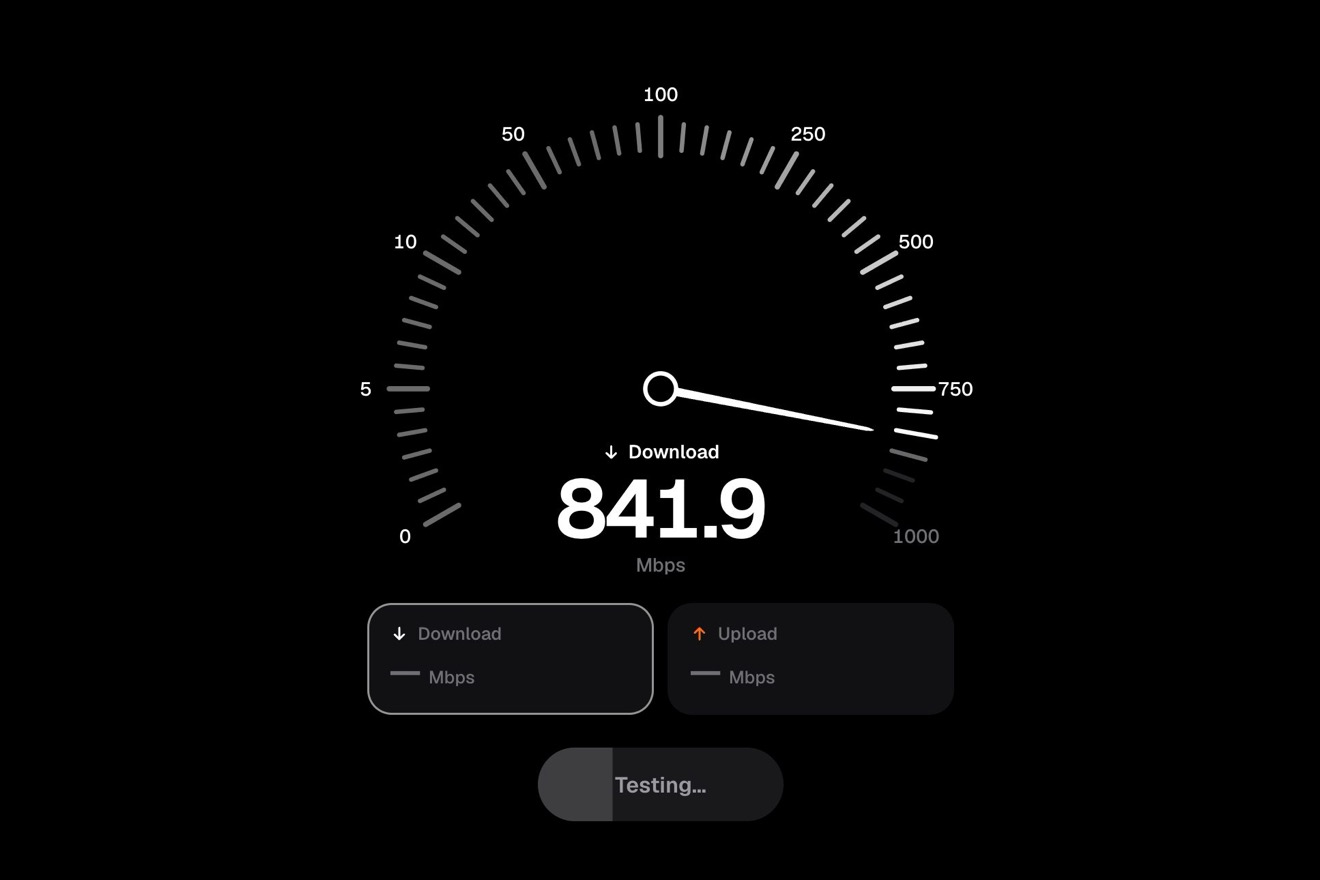
The oven panel of an invented smart home app, Halden, on a black page: the brushed aluminium knob sits flush in the panel and a press pops it out on a spring. Turned with a finger it clicks notch by notch, ten degrees at a time, with a small bounce, and the reflection on the metal turns the other way. The notches light up from amber to ember up to the temperature, the figures roll, the panel warms from the bottom; let go, Preheating starts and a thin ring fills around the knob until Ready.
A folder that runs on its own: index.html, style.css, script.js and the libraries from a CDN. The React and Vue tabs hold the same demo as a ready component, which switches its animations off when it leaves the page.
<!doctype html>
<!--
  "Oven temperature knob" from Animorio · https://animorio.com
  License: free on your own sites and your clients’ sites, paid work included.
  Not for resale, redistribution, templates or code collections · https://animorio.com/en/license/
-->
<html lang="en">
<head>
  <meta charset="utf-8">
  <meta name="viewport" content="width=device-width, initial-scale=1">
  <title>The oven temperature knob with the notches that click</title>
  <link rel="stylesheet" href="https://cdn.jsdelivr.net/npm/@fontsource-variable/mona-sans@5.3.0/wdth.css">
  <link rel="stylesheet" href="style.css">
</head>
<body>
  <main class="stage">
    <!-- the oven panel of a smart home app (Halden). The brushed aluminium knob sits flush in the panel: a press pops it
         out on a spring, then it turns by hand and clicks notch by notch, with its reflection turning the other way.
         The scale lights up to the temperature, the figures roll, the panel warms, and let go the oven preheats while
         a thin ring fills around the knob -->
    <section class="oven" aria-label="Oven, Halden Home" data-oven>
      <span class="oven__heat" aria-hidden="true" data-heat></span>
      <span class="oven__heat oven__heat--hot" aria-hidden="true" data-hot></span>

      <header class="oven__head">
        <svg class="oven__logo" viewBox="0 0 24 24" aria-hidden="true">
          <rect x="3.5" y="3.5" width="17" height="17" rx="5.5" />
          <path d="M8 15.5c1.4-1.2 2.6-1.2 4 0s2.6 1.2 4 0M8 10.5c1.4-1.2 2.6-1.2 4 0s2.6 1.2 4 0" />
        </svg>
        <span class="oven__titles">
          <span class="oven__name">Oven</span>
          <span class="oven__room">Kitchen · Halden</span>
        </span>
        <span class="oven__mode">
          <svg viewBox="0 0 24 24" aria-hidden="true"><rect x="4" y="4" width="16" height="16" rx="3.5" /><path d="M7.5 8h9M7.5 16h9" /></svg>
          Bake
        </span>
      </header>

      <div class="dial" data-dial>
        <svg class="dial__scale" viewBox="-100 -100 200 200" aria-hidden="true" data-scale></svg>
        <span class="dial__well" aria-hidden="true"></span>
        <button class="knob" type="button" role="slider" aria-label="Oven temperature" aria-valuemin="0" aria-valuemax="250"
                aria-valuenow="0" aria-valuetext="Off" data-knob data-autoclic>
          <span class="knob__shadow" data-shadow></span>
          <span class="knob__lift" data-lift>
            <span class="knob__turn" data-turn>
              <span class="knob__knurl"></span>
              <span class="knob__face"></span>
              <span class="knob__sheen" data-sheen></span>
              <span class="knob__rings"></span>
              <span class="knob__mark"></span>
            </span>
            <span class="knob__warm" data-warm></span>
            <span class="knob__flush" data-flush></span>
          </span>
        </button>
      </div>

      <div class="read">
        <p class="read__temp" aria-hidden="true">
          <span class="read__off" data-offword>Off</span>
          <span class="read__num" data-num>
            <span class="roll" data-roll="0"><span class="roll__col"></span></span><span class="roll" data-roll="1"><span class="roll__col"></span></span><span class="roll" data-roll="2"><span class="roll__col"></span></span><span class="read__unit">°C</span>
          </span>
        </p>
        <p class="read__status">
          <span class="read__state" data-state>
            <svg class="read__check" viewBox="0 0 16 16" aria-hidden="true" data-check><path pathLength="1" d="M3.5 8.4l3 3 6-6.6" /></svg>
            <span data-statetext>Press the knob</span>
          </span>
          <span class="read__now" data-now></span>
        </p>
      </div>

      <svg class="hand" viewBox="0 0 24 24" aria-hidden="true" data-hand>
        <path d="M5.5 3.2 L5.5 18.4 L9.4 14.9 L12 20.6 L14.6 19.4 L12.1 13.9 L17.4 13.6 Z" />
      </svg>
    </section>
    <p class="sr" aria-live="polite" data-live></p>
  </main>

  <script src="https://cdn.jsdelivr.net/npm/gsap@3.15.0/dist/gsap.min.js"></script>
  <script src="script.js"></script>
</body>
</html>Change values, colours and text with the controls and watch the animation respond live. Or write in the code yourself. Then download the folder with your changes.
24 values to change
With the Animorio connector, Claude Code, ChatGPT, Cursor or VS Code take it from here, guide included, and fit it into your project. Paste this request:
Take “Oven temperature knob” from Animorio and fit it into my siteThe knob is a button with role slider made of layers: one for GSAP that pops it out and presses it (scale and y), inside it one that turns (rotation) with the knurled rim in repeating-conic-gradient, the face and the mark, and on top the warm light and the shadow of the recess, which only change opacity. So no GSAP transform wipes out another.
The reflection of the brushed aluminium is a conic-gradient with six light and dark blades inside the turning layer, rotated by GSAP by −angle × (1 + REFLECT): on screen it goes backwards by REFLECT times the knob's turn, like the light on a real knob that stays still while the metal turns. The concentric brush lines are a repeating-radial-gradient that does not change as it turns.
The angle of the finger is read with atan2 around the centre and added up step by step (with the difference brought between −180 and 180), so the turn never jumps. The notch is the angle rounded to the step; the drawn knob sits at the notch plus DETENT times the gap, so it resists and then clicks: on a new notch a back.out(SNAP) tween passes the mark by a couple of degrees and comes back. Past Off and 250 the angle gives like a rubber band, x / (1 + |x| / 14) × 0.5.
Each figure is a column from 0 to 9 in a window one em tall; GSAP moves it with yPercent on a spring, and the hundreds narrow to nothing under 100. The notches are SVG paths with their colour in a --c variable, mixed with color-mix between amber and ember by position: a class lights them with a CSS transition and the one under the mark turns white.
Once the knob is let go, a tween takes the temperature inside the oven to the one chosen in PREHEAT seconds for the whole scale; at every step the SVG ring fills with stroke-dashoffset, a second circle with a nine unit dash makes the bright tip, and the warmth of the panel is two radial-gradient layers whose opacity follows the temperature. Once there, the check draws itself with stroke-dashoffset and the ring flares and thins again.
| Name | File | Default | What it changes |
|---|---|---|---|
TOP | script.js | 250 | The highest temperature on the scale, in degrees; a notch every ten degrees from 50. |
SWEEP | script.js | 270 | How far the knob turns from Off to the highest temperature, in degrees. |
DETENT | script.js | 0.3 | How much the knob gives between two notches before it clicks (0 rigid, 1 smooth). |
SNAP | script.js | 2.4 | The bounce of each click: higher kicks further past the notch. |
REFLECT | script.js | 0.45 | How much the reflection turns the other way (0 it stays with the knob). |
PREHEAT | script.js | 5 | The seconds the oven takes to heat from room temperature to the highest one. |
POP | script.js | 0.5 | The spring of the knob popping out: lower wobbles more. |
LOOP | script.js | true | The pilot plays the story again and again. |
For the app of an appliance or a smart home (oven, hob, boiler, washing machine), for the landing page of a smart oven or a kitchen brand, or as a dashboard control where a value is picked in steps and a confirmation comes later: the knob popping out of the panel says touch me by itself, and the ring that fills says how long is left.
The same animation with adapted sizes: the card is 92% of the screen wide, the dial is sized on the width and the height (min(66vw, 47vh)), the figures with clamp. A finger turns it like the mouse (touch-action: none on the knob); a tap without turning pops it out or, at Off, pushes it back in.
Nothing moves on its own: the card fades in, the knob pops out and back changing only light and shadow, the handless pilot goes from Off to 180 and back in a moment, the figures and the words change with a fade; the ring fills and the panel warms, which are not movements. With a finger the knob follows the hand without bounces.
GSAP 3.15.0, Mona Sans (font variabile) 5.3.0.
Compressed with gzip, the three demo files weigh 11 KB; the libraries: GSAP 28 KB.
Tested on 7 November 2026
Use it in your own projects and in your clients’ projects. Do not resell it or redistribute it as is. GSAP stays under its own Standard license. Full license.
Support Animorio
Animorio stays free thanks to the people who support it. If you like, buy us a coffee: it helps us make the next animations.
You asked for
We made it for you: it’s in the library, with the preview, the Playground and the code to copy.
An animation you can’t find, or a site to take apart in the journal: tell us which. We pick the next ones from here.
With your account’s email and password.
or with your email
You’re signed in as .
With your account, you can download the zip of every animation and every pack, for free.