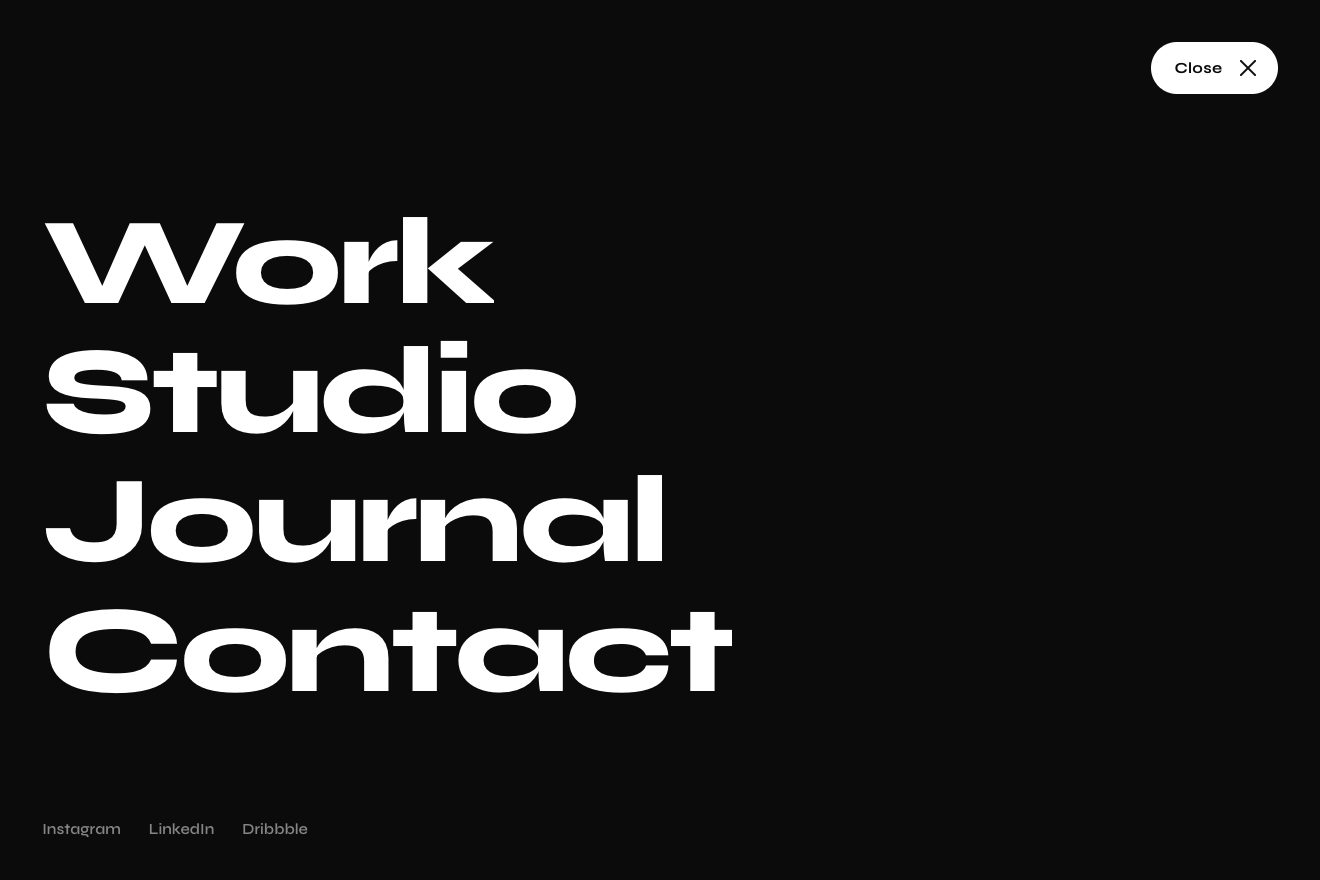
Button menu
Menus, Transitions, Text
The digital ticket of a train in the app of an invented railway, ivory paper with its perforation, two notches, grain and an edge that catches the light, on black, like a Dribbble shot. The notice of a platform change arrives: the ticket gives a small buzz, an amber band opens over the status, the platform number rolls on split-flap tiles from 4 to 11 and the QR code regenerates module by module under a warm light crossing it on the diagonal. Tap it and the ticket turns over to show the fare conditions on its back.
A folder that runs on its own: index.html, style.css, script.js and the libraries from a CDN. The React and Vue tabs hold the same demo as a ready component, which switches its animations off when it leaves the page.
<!doctype html>
<!--
  "Train ticket with platform" from Animorio · https://animorio.com
  License: free on your own sites and your clients’ sites, paid work included.
  Not for resale, redistribution, templates or code collections · https://animorio.com/en/license/
-->
<html lang="en">
<head>
  <meta charset="utf-8">
  <meta name="viewport" content="width=device-width, initial-scale=1">
  <title>The train ticket with the platform that changes</title>
  <link rel="stylesheet" href="https://cdn.jsdelivr.net/npm/@fontsource-variable/mona-sans@5.3.0/wdth.css">
  <link rel="stylesheet" href="style.css">
</head>
<body>
  <main class="stage" data-stage>
    <!-- the mobile ticket of Velmont Rail, on ivory paper with its perforation, notches and grain. The platform
         change arrives: an amber band opens over the status, the platform number rolls on its split-flap tiles and the
         code regenerates under a passing light. Tap the ticket to turn it and read the conditions on the back -->
    <div class="ticket" data-enter>
      <span class="ticket__floor" data-floor aria-hidden="true"></span>
      <div class="ticket__tilt" data-tilt>
        <div class="ticket__flip" data-flip role="button" tabindex="0" aria-pressed="false"
             aria-label="Train ticket VR 418, Ashby Central to Port Elden. Press to see the conditions">

          <!-- the front -->
          <section class="face face--front" data-front>
            <span class="face__grain" aria-hidden="true"></span>
            <span class="face__gloss" aria-hidden="true"></span>
            <span class="face__rim" aria-hidden="true"></span>

            <header class="t-head" data-row>
              <span class="t-brand">
                <svg class="t-brand__mark" viewBox="0 0 20 20" aria-hidden="true">
                  <rect x="0.5" y="0.5" width="19" height="19" rx="5.5"/>
                  <path d="M5.2 15.6 8.7 4.4M14.8 15.6 11.3 4.4M6 13h8M7 9.6h6M7.8 6.6h4.4"/>
                </svg>
                <span class="t-brand__name">Velmont Rail</span>
              </span>
              <span class="t-chip">Mobile ticket</span>
            </header>

            <div class="t-route" data-row>
              <span class="t-stop">
                <span class="t-time">08:42</span>
                <span class="t-city">Ashby Central</span>
              </span>
              <span class="t-mid" aria-hidden="true">
                <span class="t-mid__dur">1 h 35 min</span>
                <span class="t-mid__line">
                  <svg viewBox="0 0 100 8" preserveAspectRatio="none"><path d="M0.5 1v6M0.5 4h99M99.5 1v6"/></svg>
                </span>
                <span class="t-mid__train">VR 418 · Direct</span>
              </span>
              <span class="t-stop t-stop--end">
                <span class="t-time">10:17</span>
                <span class="t-city">Port Elden</span>
              </span>
            </div>

            <div class="t-status" data-row>
              <span class="t-status__rest">
                <svg viewBox="0 0 16 16" aria-hidden="true"><path d="M8 2.2a5.8 5.8 0 1 0 0 11.6A5.8 5.8 0 0 0 8 2.2zM8 5v3.3l2.2 1.4"/></svg>
                <span><b>On time</b> · boarding from 08:30</span>
              </span>
              <span class="t-band" data-band>
                <span class="t-band__shine" data-band-shine aria-hidden="true"></span>
                <svg class="t-band__icon" data-band-icon viewBox="0 0 16 16" aria-hidden="true">
                  <path d="M8 2.4 14.2 13H1.8z"/><path d="M8 6.4v3.2M8 11.1v.3"/>
                </svg>
                <span class="t-band__text" data-band-part><b>Platform changed</b> · same seat</span>
                <span class="t-band__time" data-band-part>08:31</span>
              </span>
            </div>

            <div class="t-grid" data-row>
              <span class="t-cell t-cell--plat">
                <span class="t-label" data-plat-label>Platform</span>
                <span class="t-platrow">
                  <span class="t-flaps" data-flaps></span>
                  <span class="t-was" data-was>was <s data-was-num>4</s></span>
                </span>
              </span>
              <span class="t-cell">
                <span class="t-label">Coach</span>
                <span class="t-val">7</span>
              </span>
              <span class="t-cell">
                <span class="t-label">Seat</span>
                <span class="t-val">42A</span>
              </span>
              <span class="t-cell">
                <span class="t-label">Class</span>
                <span class="t-val">First</span>
              </span>
            </div>

            <span class="t-perf" data-perf data-row aria-hidden="true"></span>

            <div class="t-stub" data-row>
              <span class="t-qr">
                <canvas data-qr aria-hidden="true"></canvas>
              </span>
              <span class="t-who">
                <span class="t-label">Passenger</span>
                <span class="t-name">Iris Calder</span>
                <span class="t-small">Adult · Flex fare</span>
                <span class="t-ref">VR4-18K2-7Q</span>
                <span class="t-updated" data-updated>Code refreshed 08:31</span>
                <span class="t-hint">
                  <svg viewBox="0 0 16 16" aria-hidden="true"><path d="M13 8a5 5 0 1 1-1.6-3.7"/><path d="M11.9 1.9l-.4 2.6-2.6-.3"/></svg>
                  Tap for conditions
                </span>
              </span>
            </div>
          </section>

          <!-- the back -->
          <section class="face face--back" data-back>
            <span class="face__grain" aria-hidden="true"></span>
            <span class="face__gloss" aria-hidden="true"></span>
            <span class="face__rim" aria-hidden="true"></span>

            <header class="t-head">
              <span class="t-brand">
                <svg class="t-brand__mark" viewBox="0 0 20 20" aria-hidden="true">
                  <rect x="0.5" y="0.5" width="19" height="19" rx="5.5"/>
                  <path d="M5.2 15.6 8.7 4.4M14.8 15.6 11.3 4.4M6 13h8M7 9.6h6M7.8 6.6h4.4"/>
                </svg>
                <span class="t-brand__name">Conditions</span>
              </span>
              <span class="t-chip">Flex fare</span>
            </header>

            <dl class="t-terms">
              <div><dt>Valid on</dt><dd>VR 418 only, Sat 14 Nov</dd></div>
              <div><dt>Changes</dt><dd>Free until 08:12, then €6</dd></div>
              <div><dt>Refund</dt><dd>80% up to departure</dd></div>
              <div><dt>Platform</dt><dd>Your seat stays yours if it changes</dd></div>
              <div><dt>On board</dt><dd>Show it with a photo ID</dd></div>
            </dl>

            <span class="t-perf t-perf--back" aria-hidden="true"></span>

            <svg class="t-bars" data-bars viewBox="0 0 200 24" preserveAspectRatio="none" aria-hidden="true"><path/></svg>

            <div class="t-fare">
              <span class="t-fare__left">
                <span class="t-label">Paid</span>
                <span class="t-fare__sum">€38.40</span>
                <span class="t-small">Card ending 4471 · 2 Nov</span>
              </span>
              <span class="t-hint">
                <svg viewBox="0 0 16 16" aria-hidden="true"><path d="M13 8a5 5 0 1 1-1.6-3.7"/><path d="M11.9 1.9l-.4 2.6-2.6-.3"/></svg>
                Tap to return
              </span>
            </div>
          </section>

        </div>
      </div>
    </div>
    <p class="sr" aria-live="polite" data-live></p>
  </main>

  <script src="https://cdn.jsdelivr.net/npm/gsap@3.15.0/dist/gsap.min.js"></script>
  <script src="script.js"></script>
</body>
</html>Change values, colours and text with the controls and watch the animation respond live. Or write in the code yourself. Then download the folder with your changes.
65 values to change
With the Animorio connector, Claude Code, ChatGPT, Cursor or VS Code take it from here, guide included, and fit it into your project. Paste this request:
Take “Train ticket with platform” from Animorio and fit it into my siteEach face is a box with a mask of two radial-gradients, one per side, transparent up to the notch radius and solid beyond, combined with mask-composite: intersect. The notches' centre is the --cut variable, which the script measures from the middle of the dashed row at every resize and once the fonts are ready, so the perforation on the front and on the back always meets the notches. Underneath, two more radial-gradients draw a thread of shade on the rim of each notch; on top, a grain made with feTurbulence in a background SVG, in multiply.
A layer as big as the face with 1.2 pixels of padding and a conic-gradient that is almost all transparent with one bright stretch: the content-box mask in exclude shows only the ring. The angle (--ea), the strength (--eo) and the colour (--ec, a color-mix between white and amber) are variables GSAP moves: at the notice the edge warms and the light travels part of the way round, with a mouse the angle follows the pointer's direction, always the shortest way.
Each digit is a tile of four halves: the top one still with the new digit, the bottom one still with the old one, and two leaves that turn, the top one with the old digit (falling from 0 to -90 degrees on its bottom edge, darkening) and the bottom one with the new (rising from 90 to 0 on its top edge). Each half cuts the digit with overflow: hidden, and in the bottom half the digit is shifted up by half a height. The script finds the way round from old to new through space and digits, like a real board, and lines the steps up; the last leaf lands with back.out.
The QR is a canvas of 21 by 21 modules, with the three corner squares and the timing rows fixed and the rest picked by a seeded pseudo-random generator. A tween carries p from 0 to 1 and the canvas is redrawn on every frame: the front walks along the x + y diagonal, the modules that change shrink away and are born again with the new value, those near the front are tinted amber, and a light linear gradient drawn in source-atop lights only the modules under the light.
Three elements one inside the other: the one for the entrance, the one that leans toward the pointer and the one that turns, all in preserve-3d; the back is rotated 180 degrees and the faces have backface-visibility: hidden. The turn goes to the mark plus six degrees with power3.inOut and comes back with sine.out, while z rises to 46 pixels and falls and a gloss (the position of a gradient, --gl) sweeps the paper. A tap during the automatic sequence stops it, puts everything in its final state and turns the ticket from wherever it is.
| Name | File | Default | What it changes |
|---|---|---|---|
OLD_PLATFORM | script.js | '4' | The platform printed on the ticket. |
NEW_PLATFORM | script.js | '11' | The new platform, after the notice (digits, up to three). |
FLAP_STEP | script.js | 0.06 | The seconds one leaf of the tiles takes to fall: every number in between goes by. |
FLAP_BOUNCE | script.js | 2.4 | The bounce of the last leaf as it lands (0 = it just stops). |
QR_WAVE | script.js | 1.15 | The seconds the light takes to cross the code as it regenerates. |
FLIP_TIME | script.js | 1.05 | The seconds the ticket takes to turn over. |
TILT | script.js | 7 | The degrees the ticket leans toward the pointer. |
HOLD | script.js | 2.8 | The seconds the back stays in view when the ticket plays by itself. |
SPEED | script.js | 1 | The speed of the whole sequence: 2 twice as fast, 0.5 half. |
LOOP | script.js | true | Plays the sequence again and again until someone taps the ticket. |
For the app of a railway, a long-distance coach or a ferry; for the ticket in the wallet of a travel app that follows changes of platform, gate or time; for the booking page of a train website; anywhere a ticket has to say something changed without losing the rest.
The ticket is 88% of the screen wide up to 340 pixels and the margins, the digits, the tiles and the code are also measured on the height (vh), so it fits whole in the phone box. A finger taps it to turn it, and it gives a little under the finger; the lean toward the pointer is for the mouse only.
Nothing moves or turns: the ticket fades in, the amber band fades in, the tiles change to the new platform with a fade, the code fades out and back in new, and tapping it fades the front into the back instead of turning it. No buzz and no lean.
GSAP 3.15.0, Mona Sans (font variabile) 5.3.0.
Compressed with gzip, the three demo files weigh 12 KB; the libraries: GSAP 28 KB.
Tested on 7 November 2026
Use it in your own projects and in your clients’ projects. Do not resell it or redistribute it as is. GSAP stays under its own Standard license. Full license.
Support Animorio
Animorio stays free thanks to the people who support it. If you like, buy us a coffee: it helps us make the next animations.
You asked for
We made it for you: it’s in the library, with the preview, the Playground and the code to copy.
An animation you can’t find, or a site to take apart in the journal: tell us which. We pick the next ones from here.
With your account’s email and password.
or with your email
You’re signed in as .
With your account, you can download the zip of every animation and every pack, for free.