Column shutter
Transitions
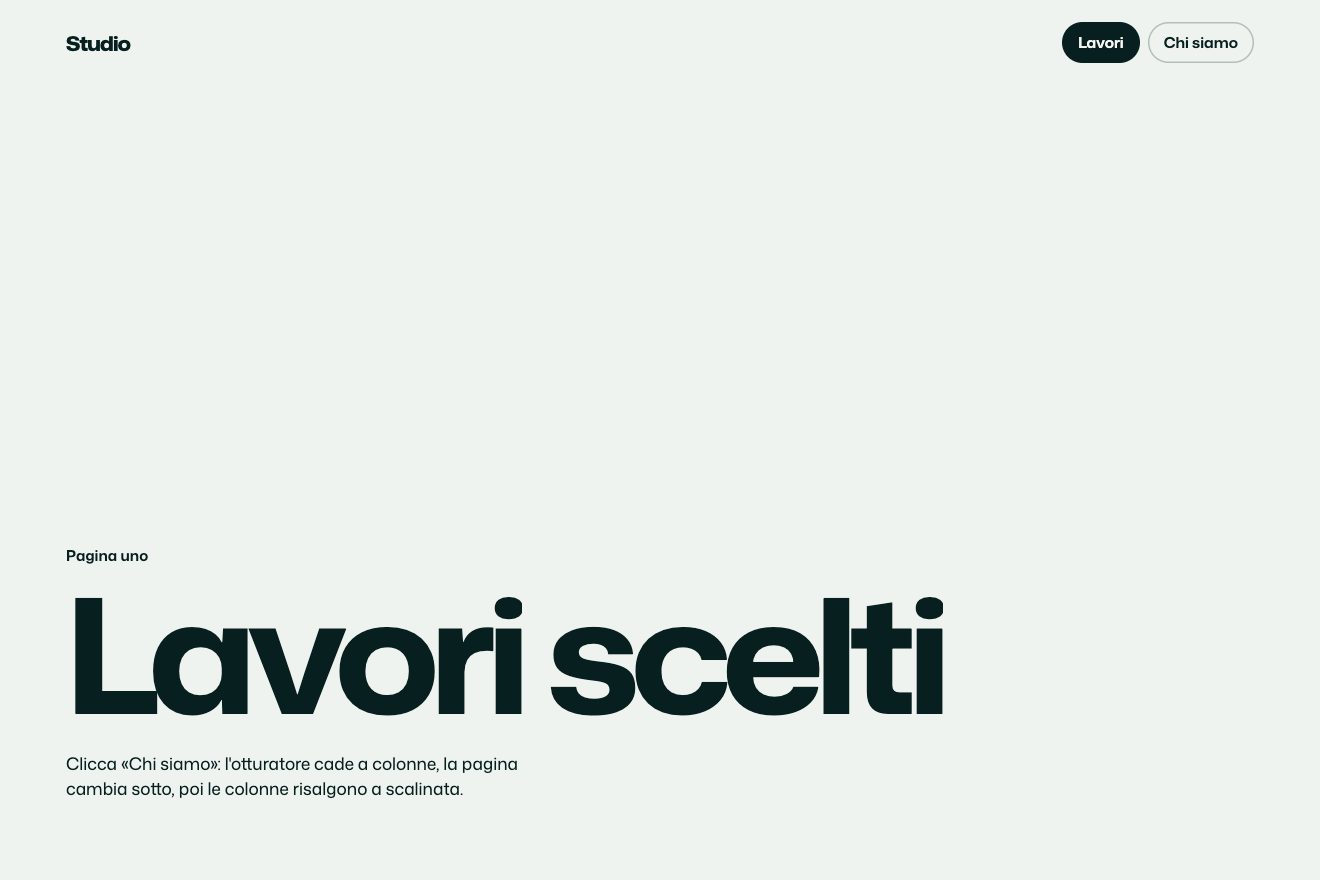
A page transition in the style of product components, inside the window of a made-up shipping app with three tabs at the top. Choosing a tab, the current page shrinks and flies back into its own tab, which takes it in with a small flash; the new page is born as big as the chosen tab and grows until it fills the window, with its things rising one after another. The active tab’s pill slides under the new tab and lands with a bounce.
A folder that runs on its own: index.html, style.css, script.js and the libraries from a CDN. The React and Vue tabs hold the same demo as a ready component, which switches its animations off when it leaves the page.
<!doctype html>
<!--
  "Page back into tab" from Animorio · https://animorio.com
  License: free on your own sites and your clients’ sites, paid work included.
  Not for resale, redistribution, templates or code collections · https://animorio.com/en/license/
-->
<html lang="en">
<head>
  <meta charset="utf-8">
  <meta name="viewport" content="width=device-width, initial-scale=1">
  <title>The page transition that shrinks back into its tab</title>
  <link rel="stylesheet" href="https://cdn.jsdelivr.net/npm/@fontsource-variable/mona-sans@5.3.0/wdth.css">
  <link rel="stylesheet" href="style.css">
</head>
<body>
  <main class="stage">
    <!-- the window of a made-up shipping app with three tabs. Choosing a tab, the page you are on shrinks and flies back
         into its own tab, and the new page grows out of the tab you chose -->
    <div class="win" data-win>
      <header class="bar">
        <span class="brand">
          <svg viewBox="0 0 20 20" aria-hidden="true"><path d="M3.5 6.5 10 3l6.5 3.5v7L10 17l-6.5-3.5z"></path><path d="M3.5 6.5 10 10l6.5-3.5M10 10v7"></path></svg>
          Parcelo
        </span>
        <nav class="tabs" data-tabs>
          <span class="tabs__pill" data-pill></span>
          <button class="tab" type="button" data-tab="overview">
            <svg viewBox="0 0 16 16" aria-hidden="true"><rect x="2.5" y="2.5" width="11" height="11" rx="2.5"></rect><path d="M2.5 6.5h11"></path></svg>
            <span>Overview</span>
          </button>
          <button class="tab" type="button" data-tab="pricing">
            <svg viewBox="0 0 16 16" aria-hidden="true"><path d="M8.6 2.5H13.5v4.9l-6 6-4.9-4.9z"></path><circle cx="10.6" cy="5.4" r="0.9"></circle></svg>
            <span>Pricing</span>
          </button>
          <button class="tab" type="button" data-tab="changelog">
            <svg viewBox="0 0 16 16" aria-hidden="true"><path d="M3 4h10M3 8h7M3 12h9"></path></svg>
            <span>Changelog</span>
          </button>
        </nav>
        <span class="search" aria-hidden="true">
          <svg viewBox="0 0 16 16"><circle cx="7" cy="7" r="4.2"></circle><path d="m10.2 10.2 3 3"></path></svg>
        </span>
      </header>

      <div class="area" data-area></div>

      <section class="page page--overview" data-page="overview" aria-label="Overview">
        <div class="page__in">
          <p class="kicker" data-in>Parcelo for teams</p>
          <h1 class="title" data-in>Ship anything,<br>track everything.</h1>
          <p class="sub" data-in>Labels, pickups and live tracking for every parcel your team sends, in one calm page.</p>
          <div class="hero" data-in>
            <div class="hero__glow"></div>
            <div class="hero__card">
              <span class="hero__label">PCL-48213</span>
              <span class="hero__route">Lisbon <svg viewBox="0 0 24 8" aria-hidden="true"><path d="M1 4h20M17 1l4 3-4 3"></path></svg> Ghent</span>
              <span class="hero__bar"><i></i></span>
              <span class="hero__eta">Arrives Thu, 14:20</span>
            </div>
          </div>
        </div>
      </section>

      <section class="page page--pricing" data-page="pricing" aria-label="Pricing">
        <div class="page__in">
          <p class="kicker" data-in>Pricing</p>
          <h1 class="title" data-in>Pay per parcel,<br>not per seat.</h1>
          <div class="plans" data-in>
            <div class="plan">
              <span class="plan__name">Starter</span>
              <span class="plan__price">€0.42<small>/ parcel</small></span>
              <span class="plan__note">Up to 500 a month</span>
            </div>
            <div class="plan plan--pro">
              <span class="plan__name">Team</span>
              <span class="plan__price">€0.31<small>/ parcel</small></span>
              <span class="plan__note">Pickups and returns included</span>
            </div>
          </div>
        </div>
      </section>

      <section class="page page--changelog" data-page="changelog" aria-label="Changelog">
        <div class="page__in">
          <p class="kicker" data-in>Changelog</p>
          <h1 class="title" data-in>What shipped<br>this month.</h1>
          <ul class="log" data-in>
            <li><span class="log__date">Oct 24</span><span class="log__text">Return labels from the tracking page</span><span class="log__tag">New</span></li>
            <li><span class="log__date">Oct 17</span><span class="log__text">Pickups now book in under a second</span><span class="log__tag">Faster</span></li>
            <li><span class="log__date">Oct 09</span><span class="log__text">Customs forms fill themselves</span><span class="log__tag">New</span></li>
          </ul>
        </div>
      </section>
    </div>

    <svg class="ghost" data-ghost viewBox="0 0 24 24" aria-hidden="true"><path d="M5 3.2 19.2 11l-6.3 1.6-3.3 5.9Z"></path></svg>
  </main>

  <script src="https://cdn.jsdelivr.net/npm/gsap@3.15.0/dist/gsap.min.js"></script>
  <script src="script.js"></script>
</body>
</html>Change values, colours and text with the controls and watch the animation respond live. Or write in the code yourself. Then download the folder with your changes.
51 values to change
With the Animorio connector, Claude Code, ChatGPT, Cursor or VS Code take it from here, guide included, and fit it into your project. Paste this request:
Take “Page back into tab” from Animorio and fit it into my siteThe three pages are absolutely positioned sections inside the window, over the area below the bar: the script places them with left, top, width and height in pixels, measured on the area or on a tab. So a page can be as big as the area or as a tab, and move from one to the other.
Each page’s content always has the size of the whole area, even when the page is small: nothing rewraps mid-flight. The shrinking page crops it, and meanwhile the content fades in the first third of the time, so it never looks squashed.
The old page heads for its tab’s rectangle in SHRINK seconds with power3.inOut; the new one starts OVERLAP seconds later from the chosen tab’s rectangle and grows in GROW seconds with power4.inOut, which starts and brakes gently. The tab that takes the old page in gets an indigo flash and its label swells by 7%.
The white pill under the active tab goes to the new tab’s size with back.out, and the new page’s things rise by 14 pixels one after another with back.out(1.6), while the headline goes from weight 520 to 640.
| Name | File | Default | What it changes |
|---|---|---|---|
SHRINK | script.js | 0.75 | The seconds of the page shrinking and flying back into its tab. |
GROW | script.js | 0.9 | The seconds of the new page coming out of the chosen tab and growing. |
OVERLAP | script.js | 0.28 | After how many seconds the new page starts, while the old one is still flying. |
STAGGER | script.js | 0.07 | The delay between one thing and the next of the new page as they come in. |
TAB_RADIUS | script.js | 8 | The page’s corners when it is as big as a tab, in pixels. |
PILL_BOUNCE | script.js | 1.4 | How much the active tab’s pill bounces when it arrives (0 = none). |
HOLD | script.js | 1.6 | How many seconds the autopilot stays on each page. |
For the site or app of a product with a few sections side by side in a tab bar (overview, pricing, updates), when you want people to see where each page comes from and where the one they leave goes back to: every page lives in its tab.
The same animation with adapted sizes: the window takes almost the whole box, the logo and the lens hide and the tabs keep only their names, the headlines are sized on the height too, the pricing plans stack and the update rows lose their tag.
No flights and no bounces: the new page fades in over the old one and the pill moves straight under the chosen tab. The drawn pointer is not there, and the pages change by themselves with fades.
GSAP 3.15.0, Mona Sans (font variabile) 5.3.0.
Compressed with gzip, the three demo files weigh 6.3 KB; the libraries: GSAP 28 KB.
Tested on 26 October 2026
Use it in your own projects and in your clients’ projects. Do not resell it or redistribute it as is. GSAP stays under its own Standard license. Full license.
Support Animorio
Animorio stays free thanks to the people who support it. If you like, buy us a coffee: it helps us make the next animations.
You asked for
We made it for you: it’s in the library, with the preview, the Playground and the code to copy.
An animation you can’t find, or a site to take apart in the journal: tell us which. We pick the next ones from here.
With your account’s email and password.
or with your email
You’re signed in as .
With your account, you can download the zip of every animation and every pack, for free.