Blinds over images
Images, Scroll
NewFree
Scroll inside the preview
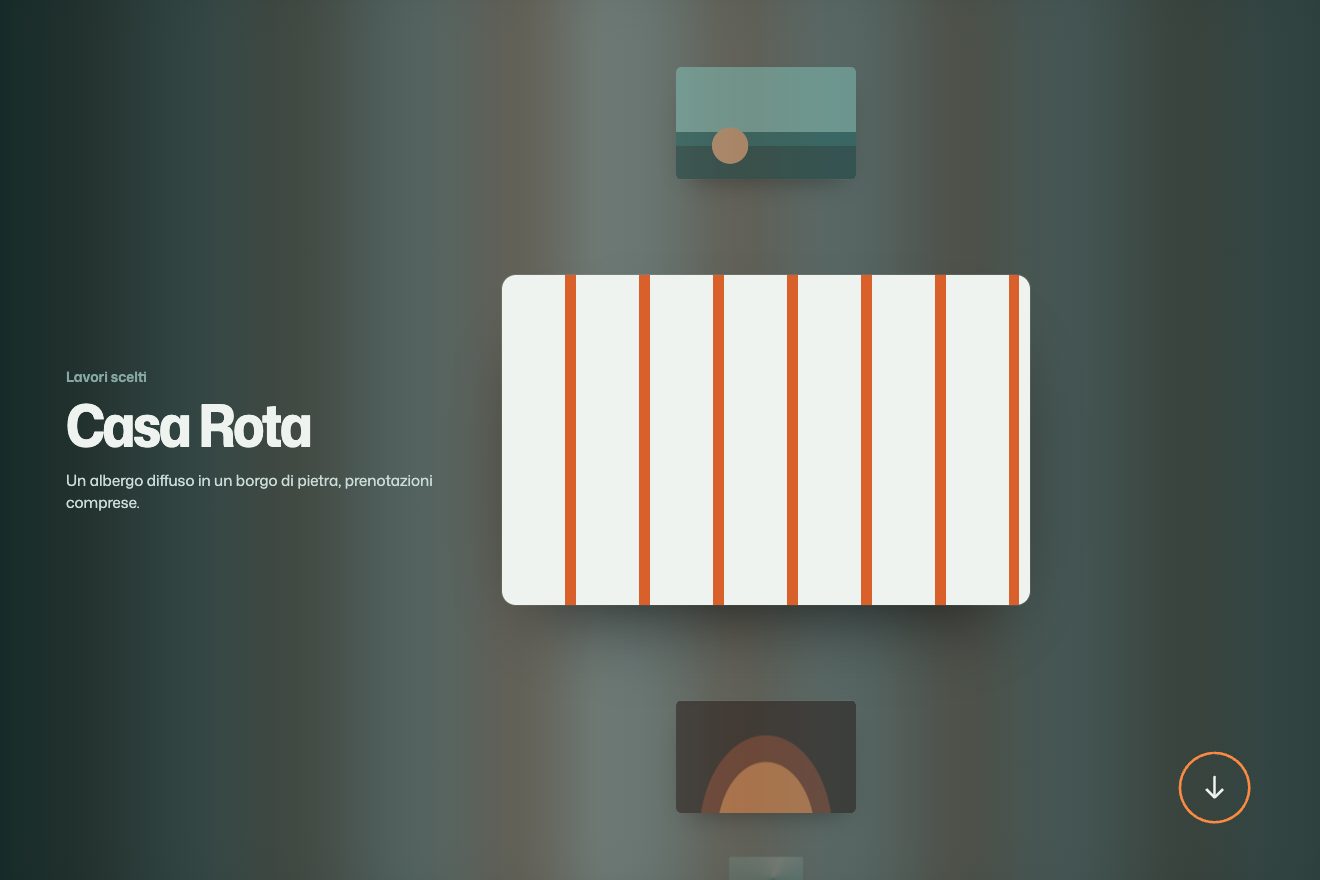
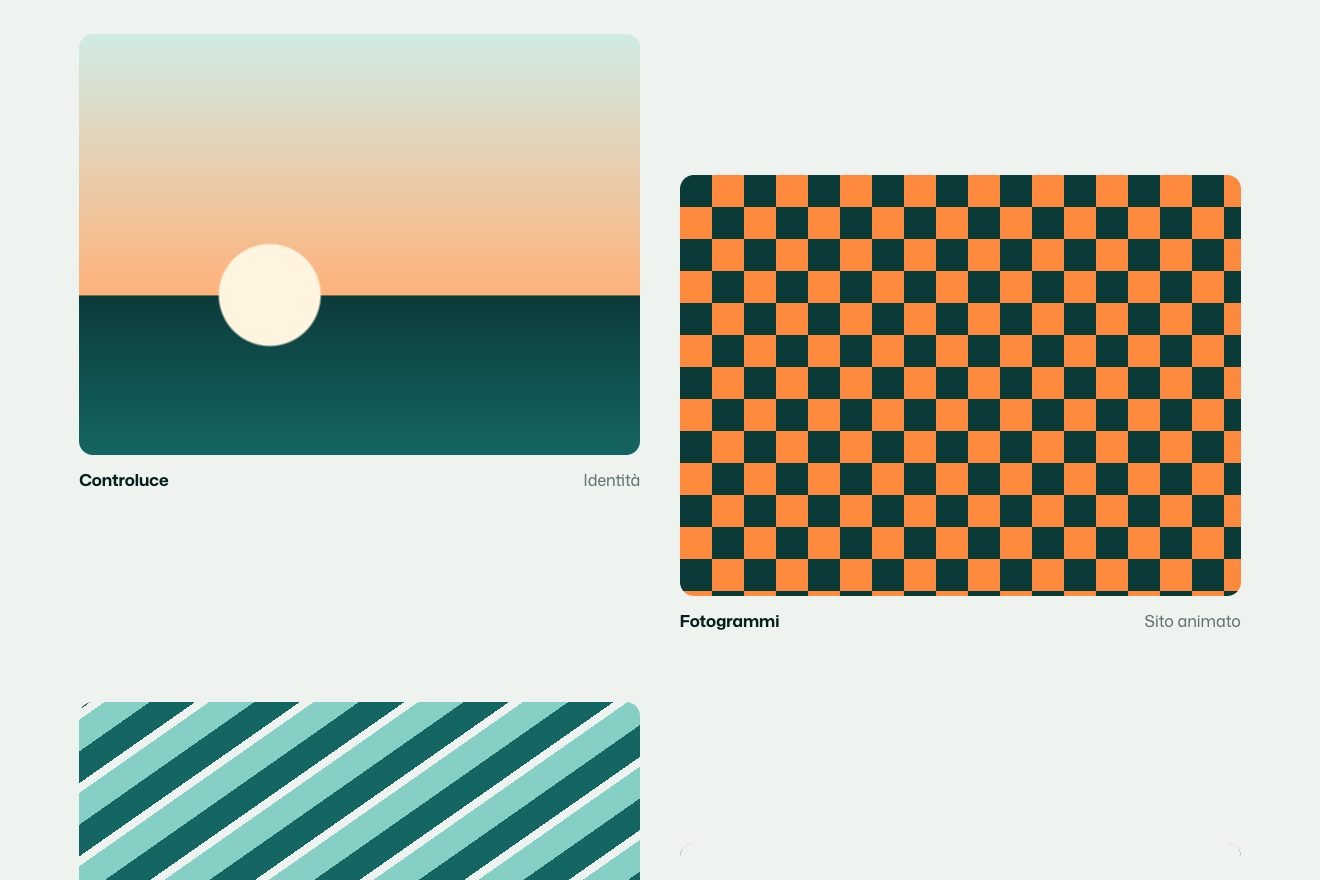
A minimal-style scroll and image animation: in a made-up journal of photographs every picture comes up the page made of a few blocks of colour and, as it rises, sharpens in clean steps, 4, 8, 16, 32 blocks and more, until it is sharp; at every step the frame settles. Beside it, a thin counter says how many blocks there are and in the end turns into the caption.
A folder that runs on its own: index.html, style.css, script.js and the libraries from a CDN. The React and Vue tabs hold the same demo as a ready component, which switches its animations off when it leaves the page.
<!doctype html>
<html lang="en">
<head>
  <meta charset="utf-8">
  <meta name="viewport" content="width=device-width, initial-scale=1">
  <title>The photo that comes out of the pixels</title>
  <link rel="stylesheet" href="https://cdn.jsdelivr.net/npm/@fontsource-variable/instrument-sans@5.3.0/wdth.css">
  <link rel="stylesheet" href="style.css">
</head>
<body>
  <!-- a made-up journal of photographs, Coarse. Every picture arrives in big blocks of colour and sharpens in steps
       as it rises up the screen; the small counter beside it says how many blocks there are, and turns into the
       caption when the picture is sharp. The pictures are drawn by the script -->
  <header class="testa">
    <a class="marchio" href="#" data-entra>Coarse</a>
    <p class="testa__nota" data-entra>Photographs, slowly</p>
  </header>

  <main class="pagina">
    <section class="apertura">
      <h1 class="titolo" data-entra>Look closer.</h1>
      <p class="sotto" data-entra>Five pictures that only show themselves as you come near.</p>
    </section>

    <figure class="foto" data-foto="salt" data-shape="1.5">
      <div class="foto__cornice" data-cornice><canvas class="foto__tela" data-tela aria-label="Salt flats with low hills and the sun"></canvas></div>
      <figcaption class="foto__dida"><span class="foto__conto" data-conto></span><span class="foto__nome" data-nome>Salt flats, before seven</span><span class="foto__riga" data-riga></span></figcaption>
    </figure>

    <figure class="foto" data-foto="stairs" data-shape="0.8">
      <div class="foto__cornice" data-cornice><canvas class="foto__tela" data-tela aria-label="A stairwell seen from above"></canvas></div>
      <figcaption class="foto__dida"><span class="foto__conto" data-conto></span><span class="foto__nome" data-nome>The stairwell at noon</span><span class="foto__riga" data-riga></span></figcaption>
    </figure>

    <figure class="foto" data-foto="pears" data-shape="1.25">
      <div class="foto__cornice" data-cornice><canvas class="foto__tela" data-tela aria-label="Three pears on a table"></canvas></div>
      <figcaption class="foto__dida"><span class="foto__conto" data-conto></span><span class="foto__nome" data-nome>Three pears</span><span class="foto__riga" data-riga></span></figcaption>
    </figure>

    <figure class="foto" data-foto="pool" data-shape="1.5">
      <div class="foto__cornice" data-cornice><canvas class="foto__tela" data-tela aria-label="An empty swimming pool lane"></canvas></div>
      <figcaption class="foto__dida"><span class="foto__conto" data-conto></span><span class="foto__nome" data-nome>Lane four, empty</span><span class="foto__riga" data-riga></span></figcaption>
    </figure>

    <figure class="foto" data-foto="barley" data-shape="0.8">
      <div class="foto__cornice" data-cornice><canvas class="foto__tela" data-tela aria-label="Rows of barley running to the horizon"></canvas></div>
      <figcaption class="foto__dida"><span class="foto__conto" data-conto></span><span class="foto__nome" data-nome>Barley rows in August</span><span class="foto__riga" data-riga></span></figcaption>
    </figure>

    <p class="fine">That is all for this autumn.</p>
  </main>

  <script src="https://cdn.jsdelivr.net/npm/gsap@3.15.0/dist/gsap.min.js"></script>
  <script src="https://cdn.jsdelivr.net/npm/gsap@3.15.0/dist/ScrollTrigger.min.js"></script>
  <script src="https://cdn.jsdelivr.net/npm/lenis@1.3.26/dist/lenis.min.js"></script>
  <script src="script.js"></script>
</body>
</html>Change values, colours and text with the controls and watch the animation respond live. Or write in the code yourself. Then download the folder with your changes.
22 values to change
With the Animorio connector, Claude Code takes it from here, guide included, and fits it into your project. Paste this request:
Take “The photo that comes out of the pixels” from Animorio and fit it into my siteThe five pictures are ours: the script draws them on hidden canvases as big as the frame (at the screen's density), with gradients, ellipses and lines, and adds a light grain from a seeded random number generator, so each picture is always the same. When the window changes size they are drawn again at the new size.
For a step with bx blocks across, the picture is halved, then halved again, until it gets close to bx by by, always with high imageSmoothingQuality: that way each block really is the average of its patch and not the colour of a random pixel. Then the small one is drawn back on the big canvas with imageSmoothingEnabled set to false, and the blocks stay crisp. Each step is computed once and kept.
Each picture has a tween on a number from 0 to 1 with ScrollTrigger and scrub, from when the frame comes in at the bottom to when its top reaches 30 per cent of the screen. The number, times the steps, says which step it is on: it redraws only when the step changes. Lenis softens the scroll and passes its movement on to ScrollTrigger.
At every step the frame starts a touch bigger (or smaller, going back) and returns to one with elastic.out, and the counter comes up from below with back.out. The counter's weight and width are two CSS variables that grow with the step. When the picture is sharp the counter empties, the caption arrives with font-stretch from 70 to 88 per cent and the line widens with expo.out; scrolling back up, it all goes back.
With prefers-reduced-motion there is no Lenis and no steps: the pictures are already sharp, the captions and the lines already in place, and the header fades in.
| Name | File | Default | What it changes |
|---|---|---|---|
START_BLOCKS | script.js | 4 | How many blocks across a picture has when it comes in. |
STEPS | script.js | 6 | How many pixel steps before it is sharp (each one doubles the blocks). |
SHARP_AT | script.js | 0.3 | Where the top of a picture has to be to be sharp, as a share of the screen from the top. |
SETTLE | script.js | 0.012 | How much the frame swells at every step before it settles (0 = still). |
GRID | script.js | true | The thin light lines between the big blocks, like a mosaic. |
GRAIN | script.js | 0.05 | How much grain the drawings have. |
SMOOTH | script.js | 0.09 | How soft the scroll is (smaller = softer). |
For the gallery of a photographer, a magazine or a studio, a project page with a few large images, a long article with photos between the paragraphs: the pictures earn the look of whoever scrolls down.
The same animation with the pictures full width and the caption below; the steps are the same and the pictures are redrawn at the screen's size.
No steps and no smoothed scroll: the pictures are already sharp with their captions and the lines under them.
GSAP 3.15.0, ScrollTrigger 3.15.0, Lenis 1.3.26, Instrument Sans (font variabile) 5.3.0.
Compressed with gzip, the three demo files weigh 7.5 KB; the libraries: GSAP + ScrollTrigger 45 KB, Lenis 5.3 KB.
Tested on 21 October 2026
Use it in your own projects and in your clients’ projects. Do not resell it or redistribute it as is. GSAP stays under its own Standard license. Full license.
With your account’s email and password.
or with your email
You’re signed in as .
With your account, you can download the zip of every animation and every pack, for free.