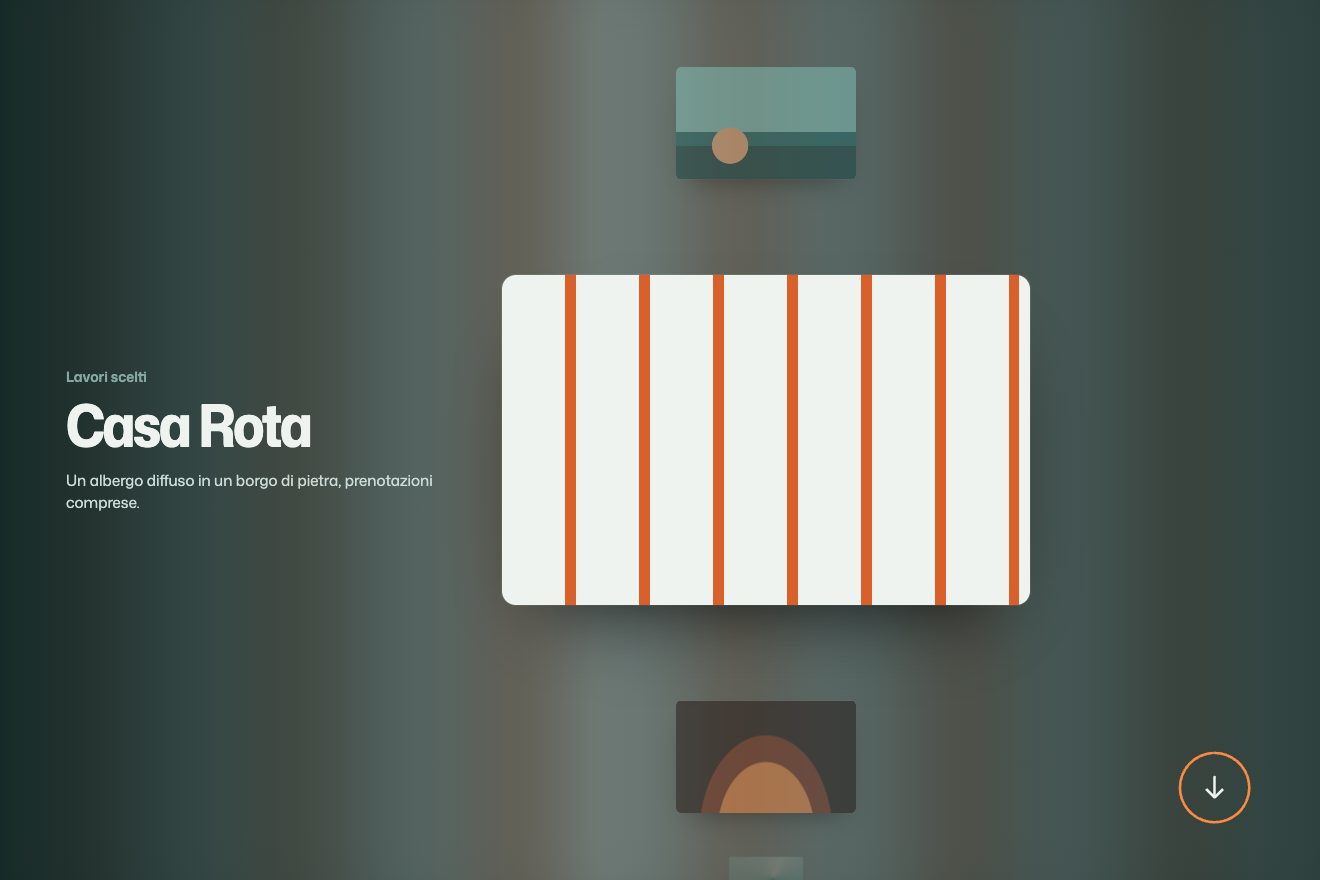
The globe of covers
Scroll, 3D, Images
Scroll inside the preview
Images open like window blinds: slats in the page colour pull back in a scattered order while the photo zooms out.
Rebuilt from scratch studying demo.clapat-templates.com by Clapat: the idea is theirs; code, copy and images are ours. Read how it’s made
A folder that runs on its own: index.html, style.css, script.js and the libraries from a CDN. The React and Vue tabs hold the same demo as a ready component, which switches its animations off when it leaves the page.
<!doctype html>
<!--
  "Blinds over images" from Animorio · https://animorio.com
  License: free on your own sites and your clients’ sites, paid work included.
  Not for resale, redistribution, templates or code collections · https://animorio.com/en/license/
-->
<html lang="it">
<head>
  <meta charset="utf-8">
  <meta name="viewport" content="width=device-width, initial-scale=1">
  <title>Persiane sulle immagini</title>
  <link rel="stylesheet" href="https://cdn.jsdelivr.net/npm/@fontsource-variable/mona-sans@5.3.0/standard.css">
  <link rel="stylesheet" href="style.css">
</head>
<body>
  <main>
    <header class="testa">
      <h1>Lavori</h1>
      <p>Scorri: ogni immagine si apre come una persiana e intanto si allontana.</p>
    </header>

    <!-- al posto di .immagine metti un <img>: l'effetto funziona uguale -->
    <ul class="griglia">
      <li class="lavoro">
        <div class="quadro"><div class="immagine immagine--tramonto" role="img" aria-label="Composizione con un sole basso"></div></div>
        <p class="didascalia"><strong>Controluce</strong><span>Identità</span></p>
      </li>
      <li class="lavoro lavoro--sotto">
        <div class="quadro"><div class="immagine immagine--rombi" role="img" aria-label="Motivo a rombi"></div></div>
        <p class="didascalia"><strong>Fotogrammi</strong><span>Sito animato</span></p>
      </li>
      <li class="lavoro">
        <div class="quadro"><div class="immagine immagine--righe" role="img" aria-label="Righe oblique"></div></div>
        <p class="didascalia"><strong>Binari</strong><span>Illustrazione</span></p>
      </li>
      <li class="lavoro lavoro--sotto">
        <div class="quadro"><div class="immagine immagine--archi" role="img" aria-label="Archi concentrici"></div></div>
        <p class="didascalia"><strong>Portico</strong><span>Motion</span></p>
      </li>
    </ul>
  </main>

  <script src="https://cdn.jsdelivr.net/npm/gsap@3.15.0/dist/gsap.min.js"></script>
  <script src="https://cdn.jsdelivr.net/npm/gsap@3.15.0/dist/ScrollTrigger.min.js"></script>
  <script src="script.js"></script>
</body>
</html>Change values, colours and text with the controls and watch the animation respond live. Or write in the code yourself. Then download the folder with your changes.
17 values to change
With the Animorio connector, Claude Code, ChatGPT, Cursor or VS Code take it from here, guide included, and fit it into your project. Paste this request:
Take “Blinds over images” from Animorio and fit it into my siteFor each frame the script adds a .persiane layer with two to five flex spans; the last has flex 2. The colour is the page colour, so each slat looks like a piece of the page moving away.
stagger with from: 'random' starts the slats in a different order every time.
In the same timeline the image goes from scale 1.3 to 1 with expo.out, a little slower than the slats: the eye sees the opening first, then the settling.
toggleActions 'play none none reset' closes it again when you scroll back above; to open it only once, use once: true.
| Name | File | Default | What it changes |
|---|---|---|---|
STECCA | script.js | 170 | Approximate slat width: the number of slats comes from the photo width. |
MIN / MAX | script.js | 2 / 5 | Minimum and maximum number of slats. |
ZOOM | script.js | 1.3 | How close the image starts. 1 removes the zoom. |
--sfondo | style.css | #eef3ef | It must match the page colour behind the images. |
Project grids, galleries, article covers. With many images in a row keep the delay between them short.
One column; narrower images get fewer slats, so the opening stays readable.
No slats and no zoom: images are visible right away.
GSAP 3.15.0, ScrollTrigger 3.15.0, Mona Sans (font variabile) 5.3.0.
Compressed with gzip, the three demo files weigh 2.7 KB; the libraries: GSAP + ScrollTrigger 45 KB.
Tested on 26 September 2026
Use it in your own projects and in your clients’ projects. Do not resell it or redistribute it as is. GSAP stays under its own Standard license. Full license.
Support Animorio
Animorio stays free thanks to the people who support it. If you like, buy us a coffee: it helps us make the next animations.
You asked for
We made it for you: it’s in the library, with the preview, the Playground and the code to copy.
An animation you can’t find, or a site to take apart in the journal: tell us which. We pick the next ones from here.
With your account’s email and password.
or with your email
You’re signed in as .
With your account, you can download the zip of every animation and every pack, for free.