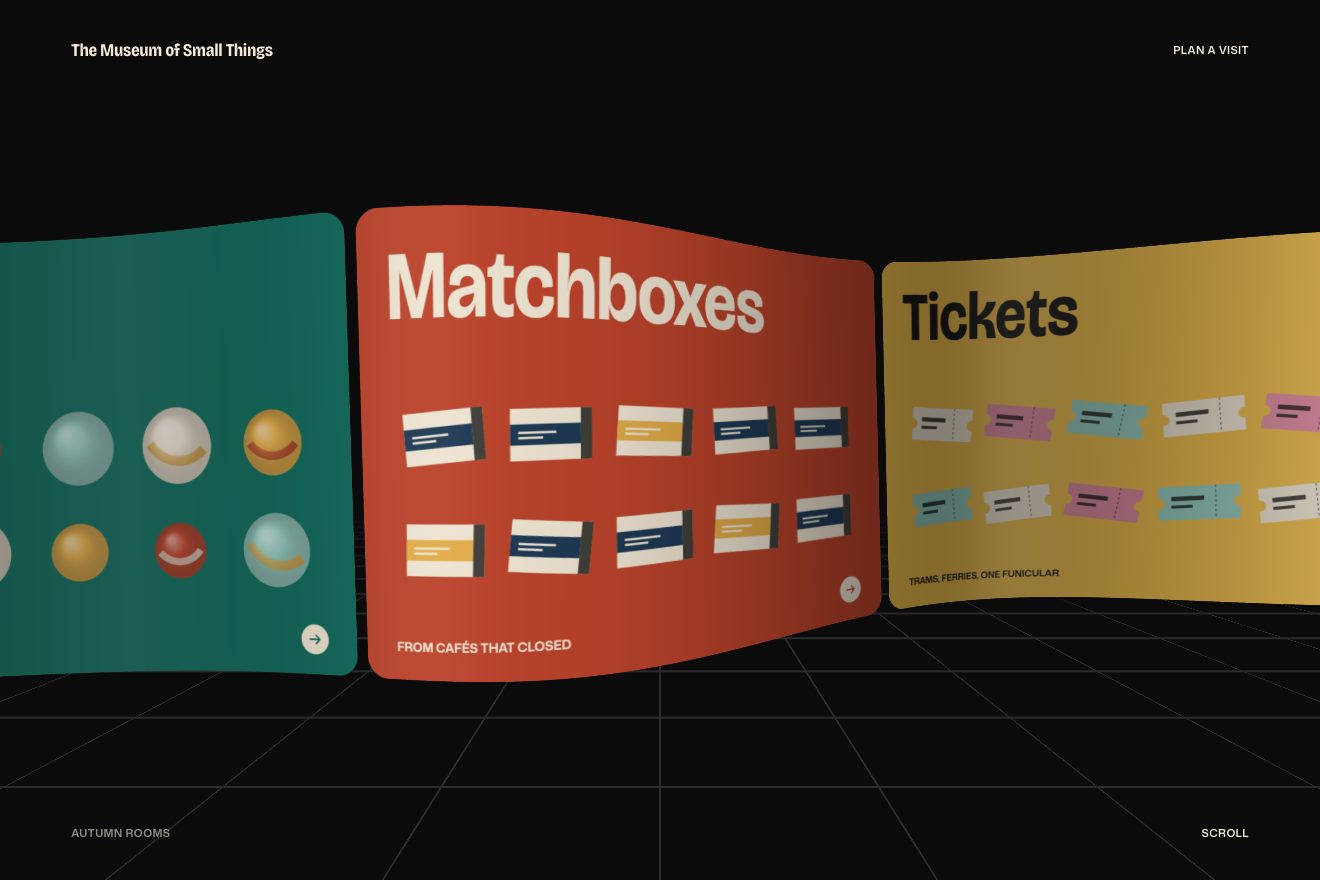
The globe of covers
Scroll, 3D, Images
Scroll inside the preview
The gallery of a made-up landscape photographer, in the clean style of product interfaces: eight photos stand on the wall of a 3D cylinder that turns one photo at a time as you scroll. The one in front pauses, straightens, lifts a little and takes its caption; the ones on the sides bend away and fall into shadow. At the end the cylinder opens into a flat row, like prints laid out on a table.
A folder that runs on its own: index.html, style.css, script.js and the libraries from a CDN. The React and Vue tabs hold the same demo as a ready component, which switches its animations off when it leaves the page.
<!doctype html>
<!--
  "Cylinder photo gallery" from Animorio · https://animorio.com
  License: free on your own sites and your clients’ sites, paid work included.
  Not for resale, redistribution, templates or code collections · https://animorio.com/en/license/
-->
<html lang="en">
<head>
  <meta charset="utf-8">
  <meta name="viewport" content="width=device-width, initial-scale=1">
  <title>Marrow Light, selected photographs</title>
  <link rel="stylesheet" href="https://cdn.jsdelivr.net/npm/@fontsource-variable/mona-sans@5.3.0/wdth.css">
  <link rel="stylesheet" href="style.css">
</head>
<body>
  <!-- the portfolio of a made-up landscape photographer, Marrow Light. The stage sticks while you scroll: eight
       photographs stand on the wall of a cylinder that turns as you go. The one in front straightens, lifts a little and
       takes its caption; the ones on the sides bend away and fall into shadow. At the end the cylinder opens up into a
       flat row, like prints laid out on a table. -->
  <main>
    <section class="corsa" data-corsa>
      <div class="palco" data-palco>
        <header class="testata" data-testata>
          <span class="testata__marchio">
            <svg viewBox="0 0 20 20" aria-hidden="true"><rect x="2.5" y="4.5" width="15" height="11" rx="1.5" /><path d="M2.5 12 L7.5 8.5 L11 11 L13.5 9.5 L17.5 12.5" /></svg>
            Marrow Light
          </span>
          <span class="testata__voce">Selected photographs</span>
        </header>

        <div class="scena" data-scena>
          <div class="ombra" data-ombra aria-hidden="true"></div>
          <div class="cilindro" data-cilindro role="list" aria-label="Eight landscape photographs"></div>
        </div>

        <div class="didascalia" data-didascalia aria-live="polite">
          <div class="didascalia__nome"><span data-nome>Salt Flats at Dusk</span></div>
          <div class="didascalia__luogo"><span data-luogo>Bolivia, 2024</span></div>
        </div>

        <div class="invito" data-invito>
          <span>Scroll</span>
          <svg viewBox="0 0 12 16" aria-hidden="true"><path d="M6 2 V13 M2 9 L6 13 L10 9" /></svg>
        </div>
      </div>
    </section>
  </main>

  <script src="https://cdn.jsdelivr.net/npm/gsap@3.15.0/dist/gsap.min.js"></script>
  <script src="https://cdn.jsdelivr.net/npm/gsap@3.15.0/dist/ScrollTrigger.min.js"></script>
  <script src="https://cdn.jsdelivr.net/npm/lenis@1.3.26/dist/lenis.min.js"></script>
  <script src="script.js"></script>
</body>
</html>Change values, colours and text with the controls and watch the animation respond live. Or write in the code yourself. Then download the folder with your changes.
17 values to change
With the Animorio connector, Claude Code, ChatGPT, Cursor or VS Code take it from here, guide included, and fit it into your project. Paste this request:
Take “Cylinder photo gallery” from Animorio and fit it into my siteEach print has an angle on the circle. On every frame render() works out its x and z on the cylinder with sine and cosine, its rotateY and a little extra bend on the sides, and writes the transform in pixels. The stage has the perspective, the scene preserve-3d, and the prints behind hide with backface-visibility.
The scroll moves a number, the turn, from 0 to 7. Before it becomes an angle it goes through a function that holds it still around each whole number (PAUSE) and moves it with a soft curve in between: so every photo stops in front, straightens and takes its caption.
Each print also has its place in the flat layout: one row of eight or two rows of four, whichever keeps the prints biggest within the width and height. A second number, the plane, mixes the two positions: it starts first for the print in front and then for the others, five hundredths later for every step away, so the cylinder opens from the middle towards the sides.
The eight landscapes are real royalty-free photos, one img per print with object-fit: cover and a framing point chosen for each (object-position). Each photo is wider than its frame: as it turns it slides inside, as if the landscape were further away than the print.
| Name | File | Default | What it changes |
|---|---|---|---|
RIDE | script.js | 1 | How much scroll the whole turn takes: 2 is twice as long. |
PAUSE | script.js | 0.38 | How long each photo rests in front, from 0 (never) to 0.7. |
BEND | script.js | 14 | How much the side prints bend away, in degrees. |
SHADOW | script.js | 0.62 | How dark the prints get on the sides and behind. |
LIFT | script.js | 8 | How many pixels the print in front lifts while it rests. |
TILT | script.js | 7 | How much we look down on the cylinder, in degrees: 0 straight on. |
ROW | script.js | 0.62 | The largest size of the prints in the final row (they always fit the width). |
For the portfolio of a photographer, a design studio or a travel agency, for the page of a collection or a series of works: the turning cylinder shows many images in the same space, one at a time, and the final row leaves them all on the table.
The same animation with adapted sizes: the prints are sized on the screen’s width and height, and at the end they lay out in two rows of four, so they all fit inside, with margins.
The prints are already in the flat row, with the caption, and simply fade in, with no rotation.
GSAP 3.15.0, ScrollTrigger 3.15.0, Lenis 1.3.26, Mona Sans (font variabile) 5.3.0.
Compressed with gzip, the three demo files weigh 6.8 KB; the libraries: GSAP + ScrollTrigger 45 KB, Lenis 5.3 KB.
Tested on 8 November 2026
Use it in your own projects and in your clients’ projects. Do not resell it or redistribute it as is. GSAP stays under its own Standard license. Full license.
Support Animorio
Animorio stays free thanks to the people who support it. If you like, buy us a coffee: it helps us make the next animations.
You asked for
We made it for you: it’s in the library, with the preview, the Playground and the code to copy.
An animation you can’t find, or a site to take apart in the journal: tell us which. We pick the next ones from here.
With your account’s email and password.
or with your email
You’re signed in as .
With your account, you can download the zip of every animation and every pack, for free.