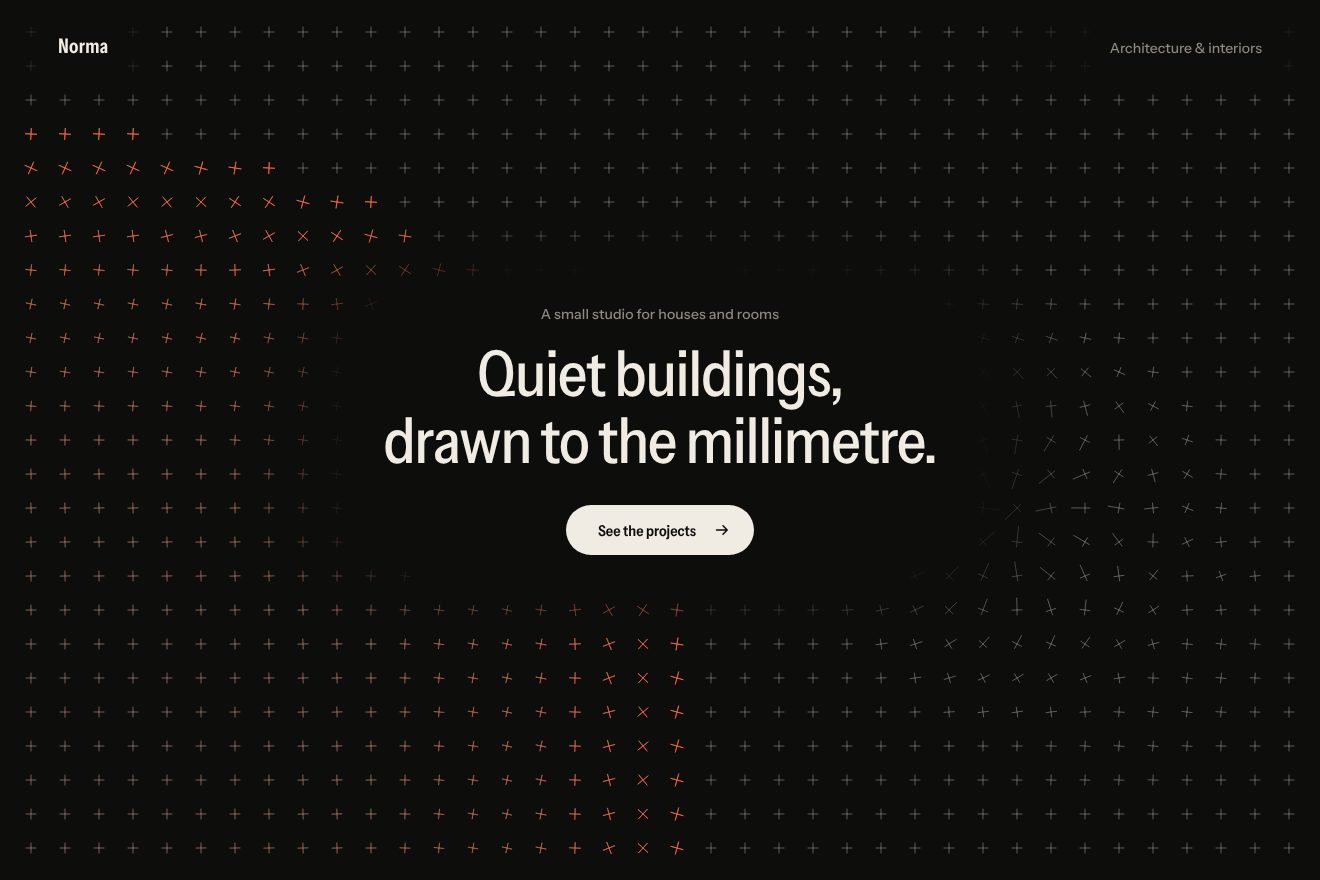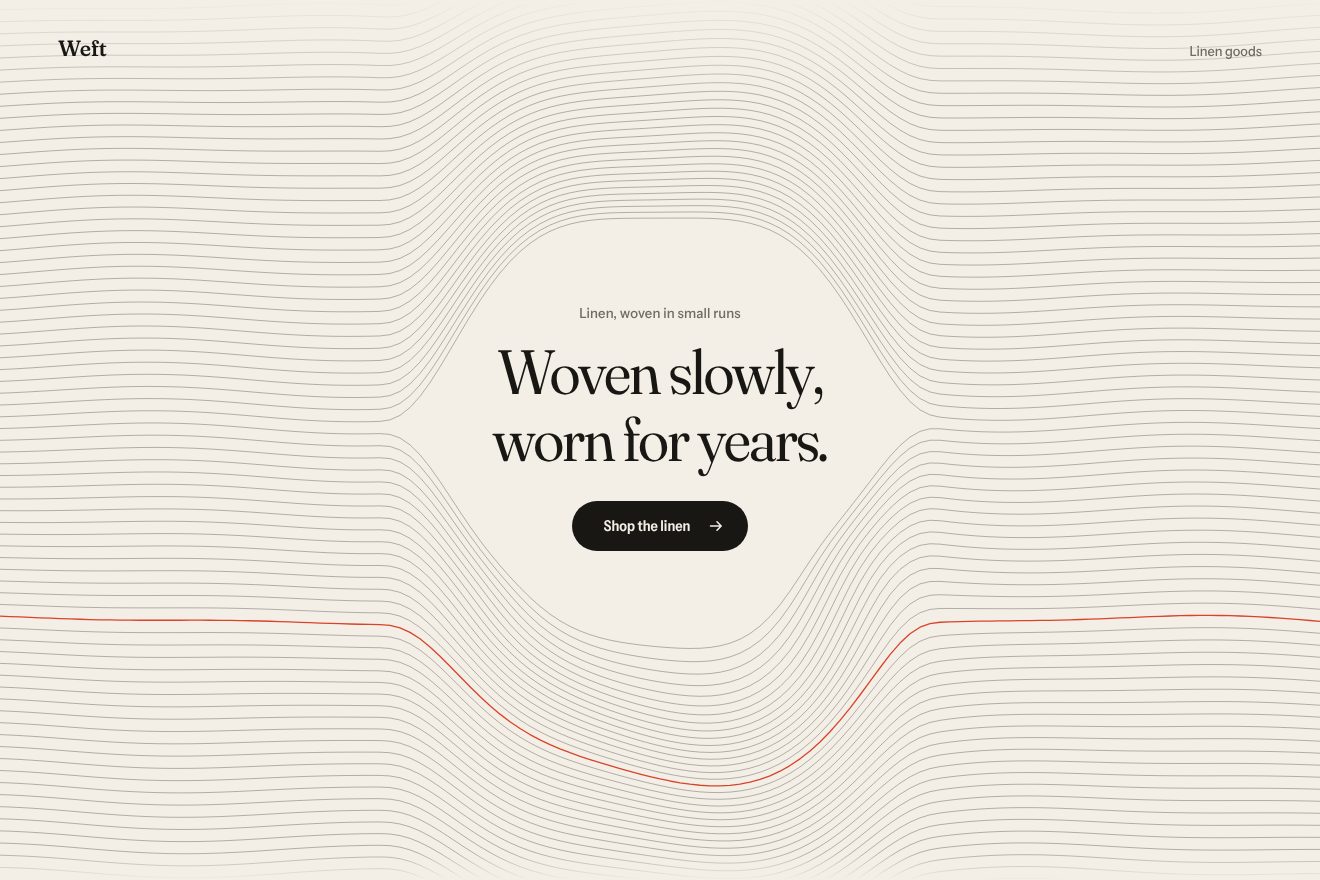
Woven thread background
Backgrounds, Hover
An animated background for a product’s hero, on blue-black, in the style of Libraries.dev: a field of thin stars flying towards you, each star a segment that stretches as it comes closer. The pointer moves the vanishing point on a spring; holding it down the stars speed up into streaks of light with a blue tail, and letting go they slow down and settle, while the headline steps back a hair and returns.
A folder that runs on its own: index.html, style.css, script.js and the libraries from a CDN. The React and Vue tabs hold the same demo as a ready component, which switches its animations off when it leaves the page.
<!doctype html>
<!--
  "Starfield background" from Animorio · https://animorio.com
  License: free on your own sites and your clients’ sites, paid work included.
  Not for resale, redistribution, templates or code collections · https://animorio.com/en/license/
-->
<html lang="en">
<head>
  <meta charset="utf-8">
  <meta name="viewport" content="width=device-width, initial-scale=1">
  <title>The background of stars flying behind the headline</title>
  <link rel="stylesheet" href="https://cdn.jsdelivr.net/npm/@fontsource-variable/mona-sans@5.3.0/wdth.css">
  <link rel="stylesheet" href="style.css">
</head>
<body>
  <!-- the hero of an invented deploy platform, Skylane, on near black: behind the words a field of thin stars flies
       towards you. The pointer moves the vanishing point on a spring; holding the pointer down the stars speed up into
       streaks of light, and letting go they slow down again -->
  <main class="stage" data-stage>
    <canvas class="sky" data-sky aria-hidden="true"></canvas>
    <span class="hush" aria-hidden="true"></span>

    <section class="hero" aria-labelledby="hero-title">
      <p class="pill" data-in>
        <span class="pill__tag">Beta</span>
        <span class="pill__text">Edge deploys in 0.8 s</span>
        <svg class="pill__arrow" viewBox="0 0 16 16" aria-hidden="true"><path d="M6 3.5 10.5 8 6 12.5"></path></svg>
      </p>
      <h1 class="title" id="hero-title" data-in data-title>Go live at the<br>speed of light</h1>
      <p class="lede" data-in>Skylane ships every commit to 312 edge regions before you let go of the key.</p>
      <div class="actions" data-in>
        <button class="cta" type="button" data-cta>
          <span class="cta__beam" aria-hidden="true"></span>
          <span class="cta__label">Start deploying</span>
          <svg class="cta__arrow" viewBox="0 0 16 16" aria-hidden="true"><path d="M3 8h9.5M8.5 4 12.5 8l-4 4"></path></svg>
        </button>
        <span class="note">No card required</span>
      </div>
    </section>

    <p class="hint" data-hint>
      <svg viewBox="0 0 16 16" aria-hidden="true"><path d="M8 2.5v7.2M5.2 7l2.8 2.9L10.8 7"></path><path d="M3 13.5h10"></path></svg>
      <span data-hint-text>Hold anywhere to warp</span>
    </p>

    <svg class="ghost" data-ghost viewBox="0 0 20 20" aria-hidden="true"><path d="M4 2.5v13.2l3.5-3.3 2.4 5.3 2.3-1-2.4-5.2 4.8-.2z"></path></svg>
  </main>

  <script src="https://cdn.jsdelivr.net/npm/gsap@3.15.0/dist/gsap.min.js"></script>
  <script src="script.js"></script>
</body>
</html>Change values, colours and text with the controls and watch the animation respond live. Or write in the code yourself. Then download the folder with your changes.
23 values to change
With the Animorio connector, Claude Code, ChatGPT, Cursor or VS Code take it from here, guide included, and fit it into your project. Paste this request:
Take “Starfield background” from Animorio and fit it into my siteEach star has an x and y position around the axis and a depth z, from 1 (far) to almost zero. On every frame z shrinks with the speed, and the star is drawn where x and y divided by z, times the focal length, land from the vanishing point. When it passes the edge or comes too close it is born again far away, in a new place.
The tail is the same star a little further back in depth: the tail’s distance grows with the square of the speed. While cruising they are short dashes, in the jump, nine times faster, streaks almost twenty times longer. A star that is too short is stretched by hand towards the vanishing point to 2.4 pixels, so it never becomes a dot.
The speed is the cruise times a multiplier, from 1 to WARP, driven by a boost value that GSAP takes to 1 in 0.9 s with power2.in while holding, and to 0 in 2.1 s with back.out on release: back.out takes it briefly below zero, so the stars go a little slower than cruise before they settle.
The vanishing point chases its aim on a spring (stiffness 18, damping 6.2): the aim is the centre plus the pointer’s offset times SWAY. Without a pointer the aim drifts slowly a few points around the centre, so the field is never still.
| Name | File | Default | What it changes |
|---|---|---|---|
STARS | script.js | 440 | How many stars are in the field. |
SPEED | script.js | 1 | How fast the stars fly while cruising (0 stops them). |
WARP | script.js | 9 | How many times faster they go while holding down. |
STREAK | script.js | 1 | How long the streaks are. |
SWAY | script.js | 0.35 | How much the pointer moves the vanishing point (0 leaves it in the centre). |
BEAM | script.js | #8fb4ff | The colour of the streaks’ tail during the jump. |
AUTO_PILOT | script.js | 3 | After how many seconds without a pointer the drawn one moves (0 never). |
As the background of the first screen of a product about speed on a dark background: a platform for shipping websites, a network service, an app that promises to do things in a moment, the launch of something new. The stars sit behind the headline without covering it, and the jump when holding down is a small game people remember.
The same field at adapted sizes: the focal length follows the longer side, so on a narrow phone the stars leave from the top and the bottom and the headline goes on two smaller lines. A sliding finger moves the vanishing point, and holding it still on the screen makes the jump.
The field stays still, like a photo: thin dashes already in place, no flight, no jump and no drawn pointer. The words only fade in.
GSAP 3.15.0, Mona Sans (font variabile) 5.3.0.
Compressed with gzip, the three demo files weigh 7.2 KB; the libraries: GSAP 28 KB.
Tested on 28 October 2026
Use it in your own projects and in your clients’ projects. Do not resell it or redistribute it as is. GSAP stays under its own Standard license. Full license.
Support Animorio
Animorio stays free thanks to the people who support it. If you like, buy us a coffee: it helps us make the next animations.
You asked for
We made it for you: it’s in the library, with the preview, the Playground and the code to copy.
An animation you can’t find, or a site to take apart in the journal: tell us which. We pick the next ones from here.
With your account’s email and password.
or with your email
You’re signed in as .
With your account, you can download the zip of every animation and every pack, for free.