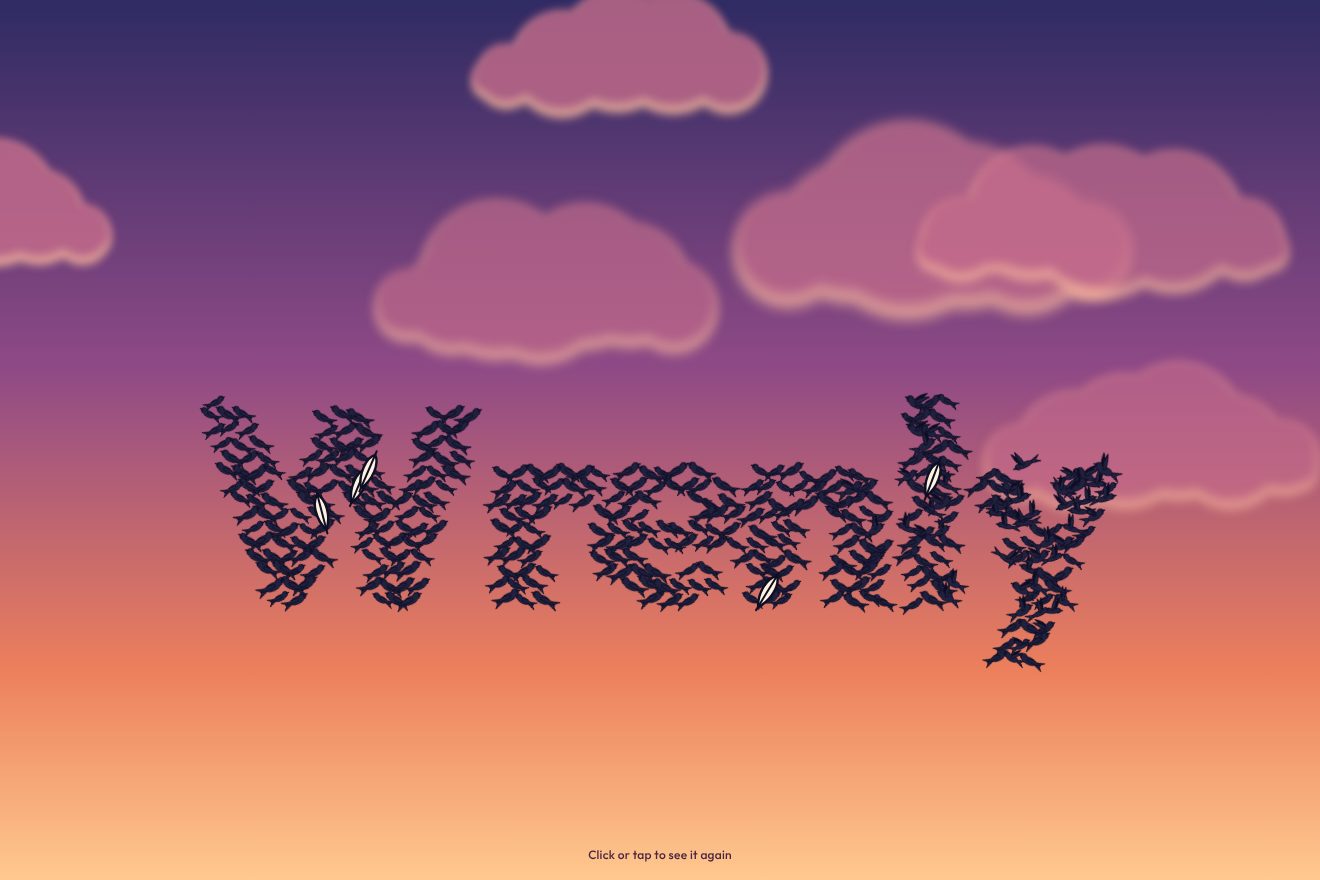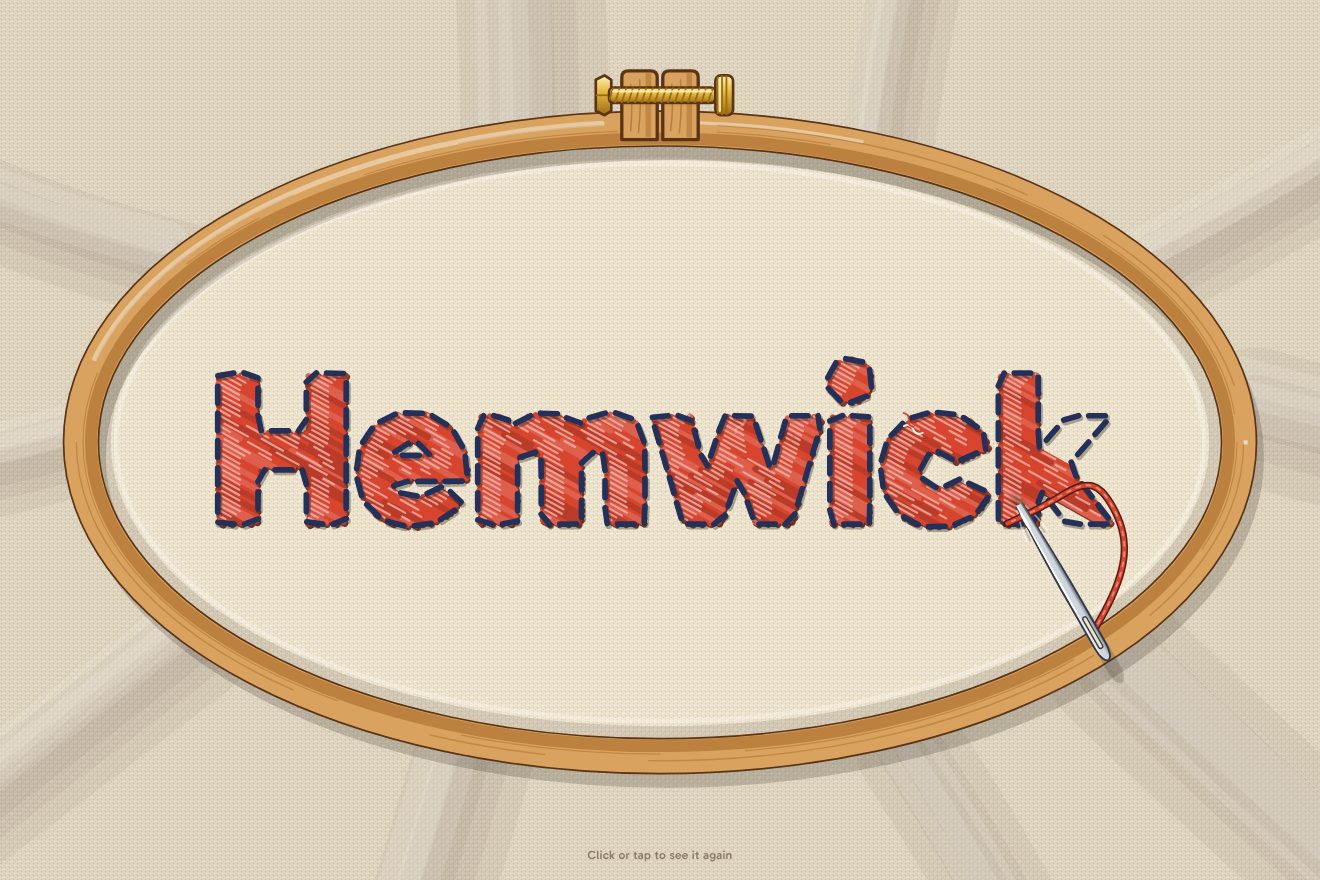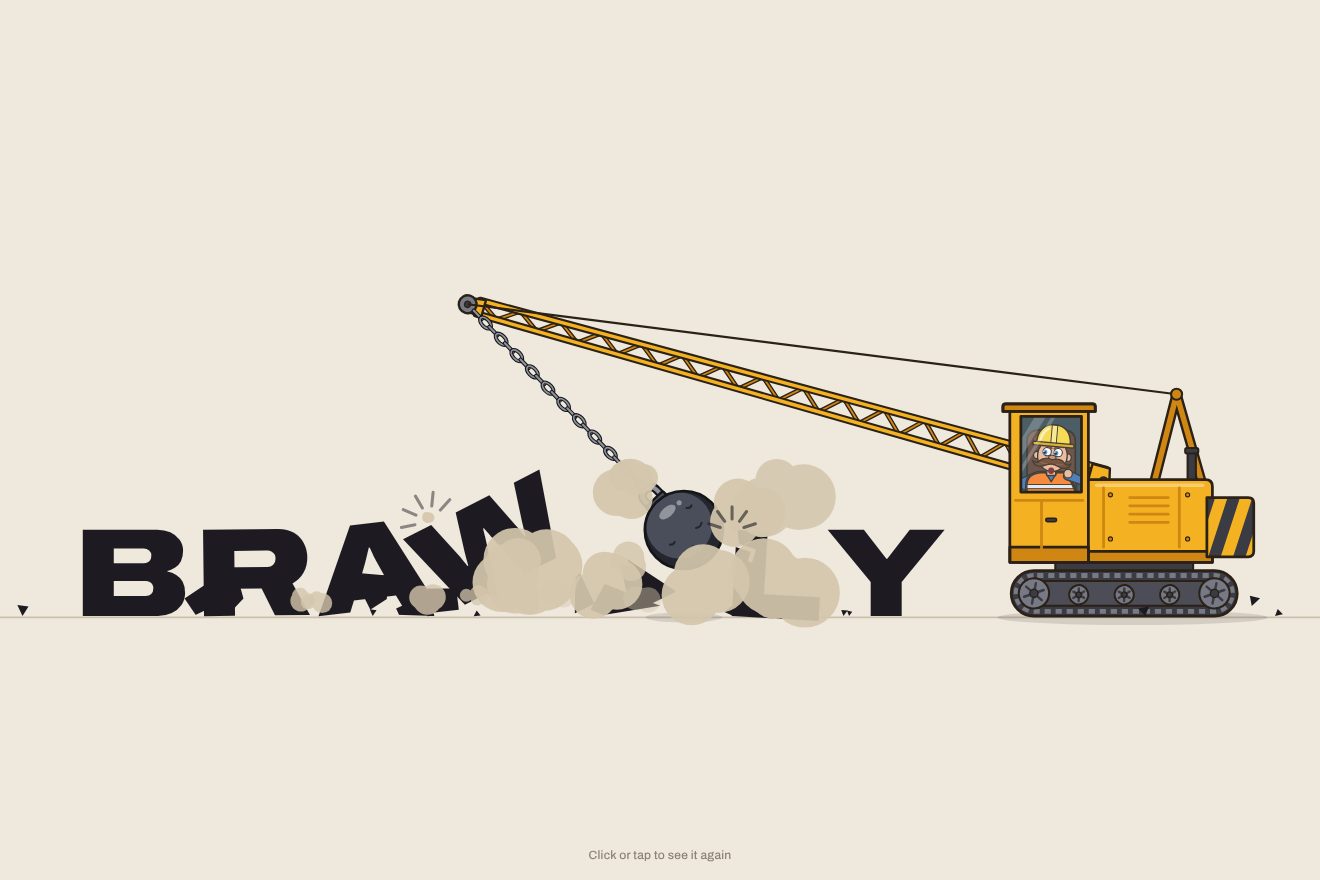
The wrecking-ball logo
Intro, Physics, SVG, Text
NewFree
A title of coloured plasticine shot in stop-motion, at twelve frames a second: the balls drop, squash, roll into sausages and bend into the letters, which then breathe. The pointer leaves a thumbprint that slowly fills back in; a click balls a letter up and models it again.
A folder that runs on its own: index.html, style.css, script.js and the libraries from a CDN. The React and Vue tabs hold the same demo as a ready component, which switches its animations off when it leaves the page.
<!doctype html>
<html lang="en">
<head>
  <meta charset="utf-8">
  <meta name="viewport" content="width=device-width, initial-scale=1">
  <title>The plasticine title</title>
  <link rel="stylesheet" href="https://cdn.jsdelivr.net/npm/@fontsource-variable/fredoka@5.3.0/index.css">
  <link rel="stylesheet" href="style.css">
</head>
<body>
  <main class="scena" data-scene>
    <!-- the title, for screen readers: the clay letters are painted on the canvas -->
    <h1 class="leggibile" data-reader>LUMPY</h1>
    <!-- the table, the balls of clay and the letters: all painted on this canvas -->
    <canvas class="tavolo" data-stage aria-hidden="true"></canvas>
    <p class="marca" data-brand>
      <span class="marca__nome">Pictures</span>
      <span class="marca__riga">A stop-motion studio. Every frame made by hand.</span>
    </p>
    <p class="nota" data-hint>Press a letter with the pointer, click to squash it</p>
  </main>

  <script src="https://cdn.jsdelivr.net/npm/gsap@3.15.0/dist/gsap.min.js"></script>
  <script src="script.js"></script>
</body>
</html>Change values, colours and text with the controls and watch the animation respond live. Or write in the code yourself. Then download the folder with your changes.
23 values to change
With the Animorio connector, Claude Code takes it from here, guide included, and fits it into your project. Paste this request:
Take “The plasticine title” from Animorio and fit it into my siteEvery letter is the centre line of one or more sausages, in a box one unit tall: straight strokes and elliptical arcs written by hand, from A to Z. Each stroke is resampled at a fixed step and softened with a moving average (clay never has sharp corners), so it always has the same number of points. For the same stroke a straight sausage is prepared, with those points in a row, and a ball holding the same clay: its radius is the cube root of the sausage's volume.
A single number per letter, f, says the shape: 0 is the ball, 1 the straight sausage, 2 the letter. Between 0 and 1 the points move away from the centre and the thickness goes from the ball's to the sausage's, which rocks sideways meanwhile; between 1 and 2 each point travels from its place in the sausage to its place in the letter, the middle points first and the ends last. Balling up is another number, crush: the points twist and shrink towards the centre until the shape is the ball, and there f goes back to 0 without a jump.
Each letter is drawn on a canvas of its own: first the full shape (a round-capped line, plus a circle wherever the clay is fatter), then, inside the shape with source-atop, a darker colour covered by the shape itself moved up to the left and blurred, which leaves the edge in shadow; then a pale blurred strip along the top, the fingerprint texture and the flaws. Blurs are costly: they are done on a canvas four times smaller, with the shadow of a copy drawn off screen, and stretched back up.
The story is a repeating GSAP timeline; the tweens run smoothly, but the canvas is redrawn only when the frame changes, Math.floor of time times FPS. At every frame the letters move and turn a hair, with random numbers that depend only on the frame number: the next take has the same jitter. The breathing is a sine that stretches up and narrows sideways, plus a wave along the normal of every point.
The pointer looks for the nearest point of the letter; if it is on the clay a print is born, with a depth that a tween takes to 1 in an instant and back to 0 in REFILL seconds. There the clay widens a little, and on top a dish is drawn: a dark gradient on the side of the light, a pale one on the other and the broken arcs of the fingertip. The click uses a second set of numbers for the letter, combined with the story's (the minimum for the shape, the maximum for the crush), so the letter is remade even while the take goes on.
| Name | File | Default | What it changes |
|---|---|---|---|
TITLE | script.js | 'LUMPY' | The word modelled in clay: letters from A to Z, one ball for every stroke (spaces leave a little room). |
FPS | script.js | 12 | The frames per second of the stop-motion: 12 is the classic, 24 is smooth, 6 very jerky. |
SQUISH | script.js | 1 | How deep the pointer's print goes (0 = no prints). |
REFILL | script.js | 4 | How many seconds a print takes to fill back in. |
BREATHE | script.js | 1 | How much the finished letters breathe and ripple (0 = they keep still, apart from the frame jitter). |
THICKNESS | script.js | 1 | How fat the sausages are: 0.7 thin, 1.4 chunky. |
SPEED | script.js | 1 | The speed of the whole take: 2 is twice as fast, 0.5 half as fast. |
HOLD | script.js | 6 | How many seconds the finished title stays on the board before it turns back into balls. |
For the opening of an animation studio's site, a nursery, a play centre, a toy shop or a modelling class, for a long loading screen, for a video intro or a social post. It works with short words, three to seven letters: a brand, PLAY, HELLO, MAKE.
The same take with the sizes adapted: the word takes almost the whole width. Dragging a finger across a letter leaves prints, a tap balls it up and models it again.
Nothing drops, nothing is rolled and there is no jitter: the letters appear already modelled, fading in one after the other, then the studio's name. Prints appear and fade without the clay moving; a click fades the letter out and back in.
GSAP 3.15.0, Fredoka (font variabile) 5.3.0.
Compressed with gzip, the three demo files weigh 13 KB; the libraries: GSAP 28 KB.
Tested on 11 October 2026
Use it in your own projects and in your clients’ projects. Do not resell it or redistribute it as is. GSAP stays under its own Standard license. Full license.
With your account’s email and password.
or with your email
You’re signed in as .
With your account, you can download the zip of every animation and every pack, for free.