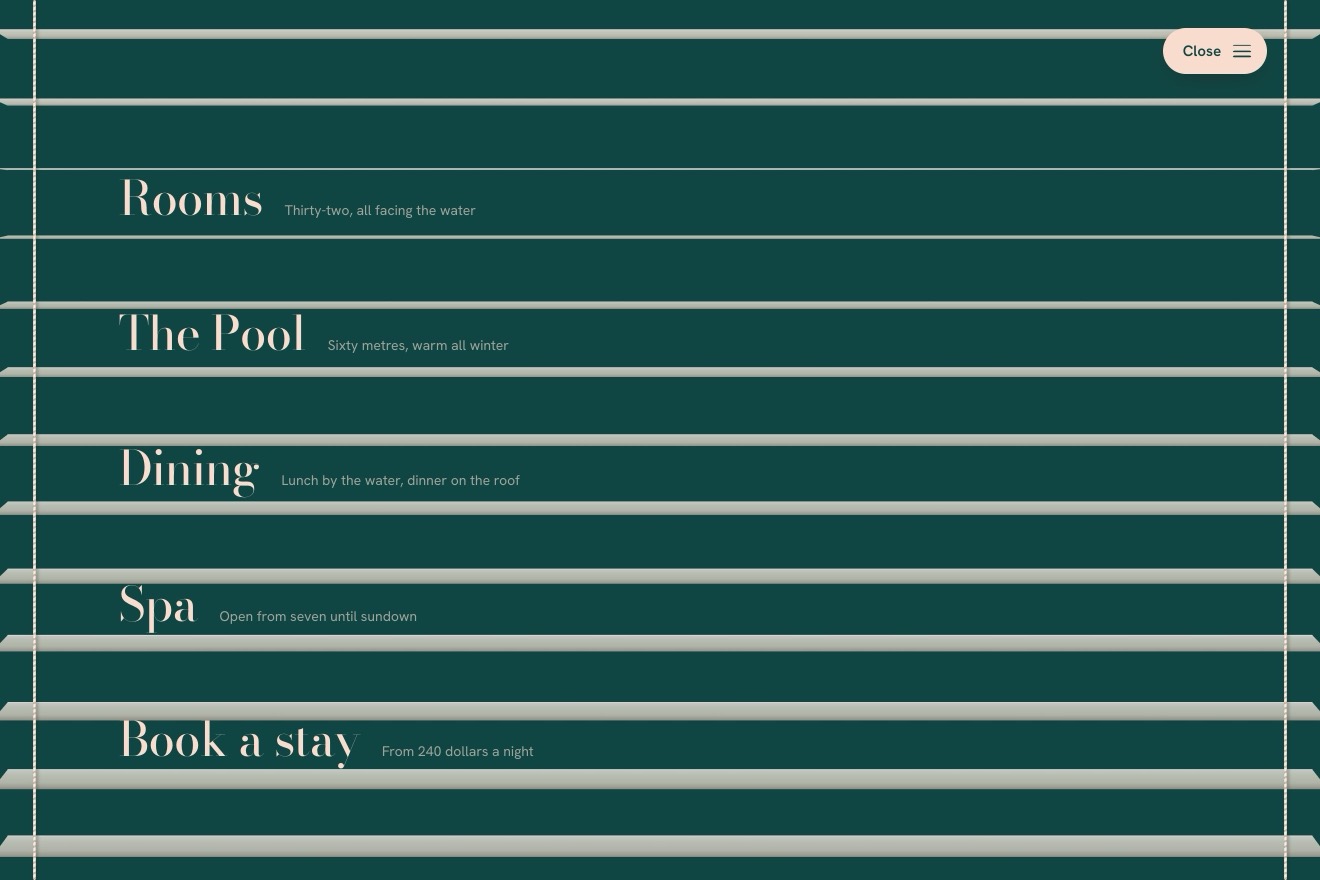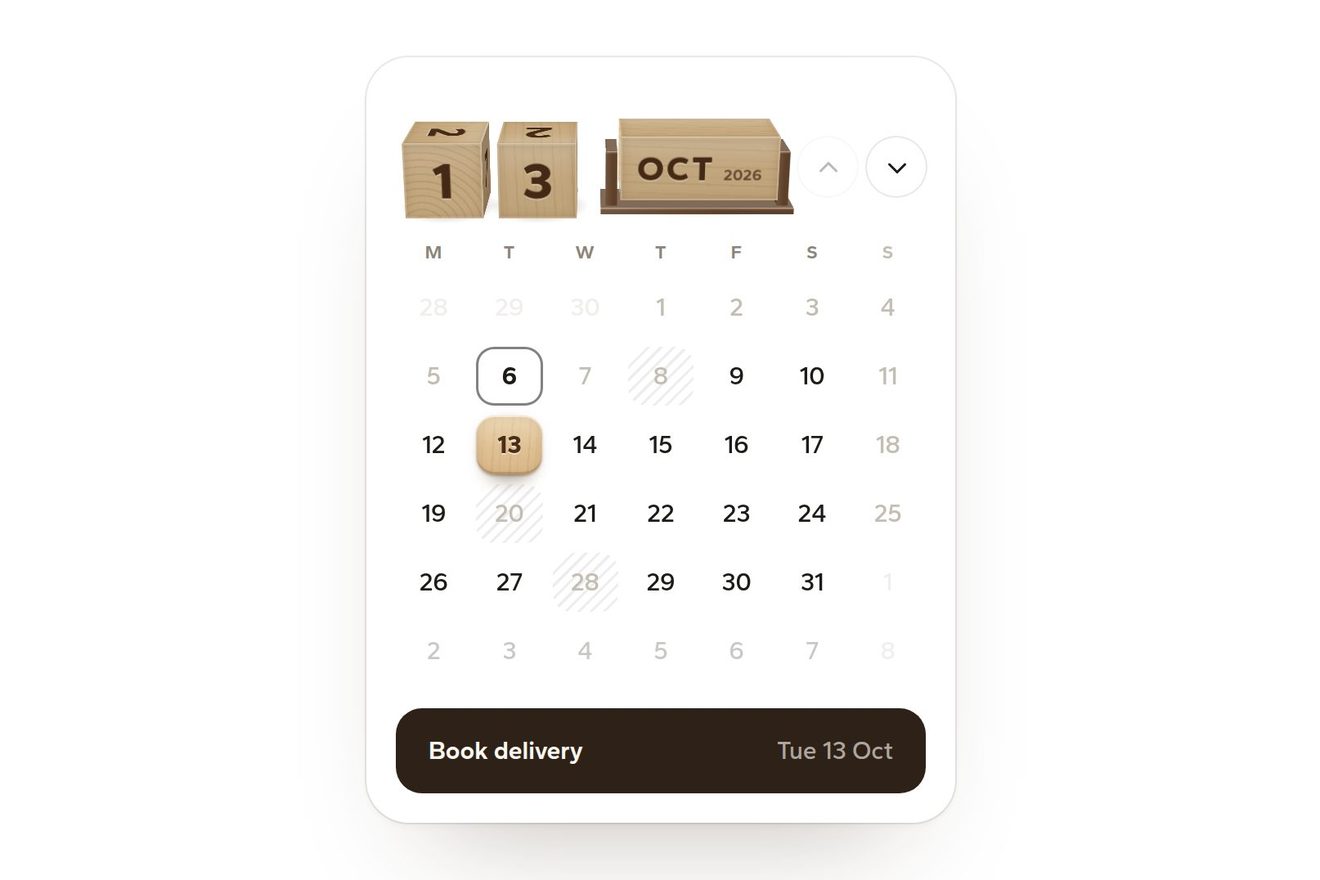
The menu under the page
Menus, 3D, Physics, Transitions
NewFree
The menu of a small bookshop as a pop-up book lying on the table. Closed it is a green cloth cover with Menu blocked in gold; pressed, or opened by dragging the cover, the book opens in 3D and the cut paper figures stand up from the pages one after the other, a little theatre, a stair of books, a house, a shopfront and a stone arch, each with an entry. Every figure is a true parallel fold, its angles worked out from the angle the book is open at, pulled up by its tab; closing, the figures fold flat before the pages close.
A folder that runs on its own: index.html, style.css, script.js and the libraries from a CDN. The React and Vue tabs hold the same demo as a ready component, which switches its animations off when it leaves the page.
<!doctype html>
<html lang="en">
<head>
  <meta charset="utf-8">
  <meta name="viewport" content="width=device-width, initial-scale=1">
  <title>The pop-up book menu</title>
  <link rel="stylesheet" href="https://cdn.jsdelivr.net/npm/@fontsource-variable/newsreader@5.3.0/index.css">
  <link rel="stylesheet" href="https://cdn.jsdelivr.net/npm/@fontsource-variable/instrument-sans@5.3.0/index.css">
  <link rel="stylesheet" href="style.css">
</head>
<body>
  <main class="stage">
    <!-- the pop-up book menu: the menu of a small bookshop as a cloth-bound pop-up book lying on the table. Pressed (or
         dragged open by its cover), the book opens and the paper figures stand up from the pages one after the other,
         each pulled up by its paper tab: a stage, a stair of books, a house, a shopfront and an arch, each with an entry
         of the menu. Closing, the figures fold flat before the pages close -->
    <div class="book" data-book>
      <div class="book__fit" data-fit>
        <div class="scene" data-scene>
          <nav class="world" id="book-menu" aria-label="Main" data-world inert>
            <!-- the lower page, lying on the table, with the shadows the figures throw on it -->
            <div class="page page--lower" data-lower aria-hidden="true">
              <svg class="page__print" viewBox="0 0 600 300" preserveAspectRatio="none">
                <path class="print__line" d="M40 300 C120 230 200 214 300 210 C400 214 480 230 560 300"/>
                <path class="print__line print__line--soft" d="M120 300 C180 252 240 240 300 238 C360 240 420 252 480 300"/>
                <path class="print__grass" d="M18 286 q6 -14 10 0 q5 -12 9 0 M560 284 q6 -14 10 0 q5 -12 9 0 M70 250 q5 -11 8 0 q4 -10 7 0 M518 248 q5 -11 8 0 q4 -10 7 0"/>
              </svg>
              <div class="shadows" data-shadows></div>
              <p class="page__note" data-note>Open Tuesday to Sunday · Ten till seven</p>
            </div>
            <div class="edge edge--lower" data-edge aria-hidden="true"></div>

            <!-- the upper page: printed with an evening sky inside, cloth with the title outside -->
            <div class="page page--upper" data-upper aria-hidden="true">
              <svg class="page__print" viewBox="0 0 600 300" preserveAspectRatio="none">
                <defs>
                  <linearGradient id="book-sky" x1="0" y1="0" x2="0" y2="1">
                    <stop offset="0" style="stop-color: var(--sky-top)"/>
                    <stop offset="1" style="stop-color: var(--sky-low)"/>
                  </linearGradient>
                </defs>
                <rect x="0" y="0" width="600" height="300" fill="url(#book-sky)"/>
                <path class="print__moon" d="M478 52 a26 26 0 1 0 22 40 a21 21 0 1 1 -22 -40 z"/>
                <path class="print__cloud" d="M70 92 c8 -16 30 -16 38 -4 c10 -10 30 -6 32 8 c12 0 18 12 10 18 h-84 c-10 -4 -8 -20 4 -22 z"/>
                <path class="print__cloud" d="M330 60 c6 -12 22 -12 28 -3 c8 -8 22 -4 24 6 c9 0 13 9 7 13 h-62 c-8 -3 -6 -15 3 -16 z"/>
                <path class="print__hills" d="M0 300 V236 C70 214 130 222 190 236 C260 252 320 214 390 210 C460 206 520 226 600 220 V300 Z"/>
                <path class="print__roofs" d="M20 300 V262 h26 v-14 l14 -12 l14 12 v14 h20 v-22 h18 v22 h22 V300 Z M470 300 V258 h20 l12 -14 l12 14 h14 v-18 h16 v18 h28 V300 Z"/>
              </svg>
              <!-- the slots the paper tabs run through -->
              <div class="slots" data-slots></div>
            </div>
            <div class="cover" data-cover aria-hidden="true">
              <div class="cover__frame">
                <span class="cover__small">The little bookshop</span>
                <span class="cover__title">Menu</span>
                <svg class="cover__rule" viewBox="0 0 120 10"><path d="M0 5 H48 M72 5 H120 M54 5 l6 -4 l6 4 l-6 4 z"/></svg>
              </div>
            </div>

            <!-- the figures. Each is a chain of paper panels hinged to each other: the faces that stand up (risers) and
                 the tops that go back (treads), and a paper tab that runs into a slot in the upper page -->
            <div class="fig" data-fig="shop">
              <div class="panel riser" data-riser>
                <svg viewBox="0 0 120 98" aria-hidden="true">
                  <path class="cut" d="M2 98 V20 H118 V98 Z"/>
                  <path style="fill: var(--shop)" d="M2 0 H118 V20 H2 Z"/>
                  <path style="fill: var(--awning-a)" d="M2 20 H118 L114 34 Q108 40 102 34 Q96 40 90 34 Q84 40 78 34 Q72 40 66 34 Q60 40 54 34 Q48 40 42 34 Q36 40 30 34 Q24 40 18 34 Q12 40 6 34 Z"/>
                  <path style="fill: var(--awning-b)" d="M14 20 L18 34 Q24 40 30 34 L26 20 Z M38 20 L42 34 Q48 40 54 34 L50 20 Z M62 20 L66 34 Q72 40 78 34 L74 20 Z M86 20 L90 34 Q96 40 102 34 L98 20 Z"/>
                  <rect x="12" y="46" width="52" height="40" style="fill: var(--glass)"/>
                  <path style="fill: var(--ink-soft)" d="M16 86 V64 h6 v22 Z M23 86 V60 h5 v26 Z M29 86 V66 h7 v20 Z M37 86 V58 h4 v28 Z M42 86 v-18 l6 -2 l2 20 Z M52 86 V62 h7 v24 Z"/>
                  <rect x="74" y="46" width="32" height="52" style="fill: var(--shop)"/>
                  <rect x="79" y="52" width="22" height="20" style="fill: var(--glass)"/>
                  <path class="cut-line" d="M2 98 V20 H118 V98"/>
                </svg>
                <a class="label label--sign" href="#" data-link style="left: 60px; top: 10px">Shop</a>
              </div>
              <div class="panel tread" data-tread style="--top: var(--shop-top)"></div>
              <div class="panel tab" data-tab></div>
            </div>

            <div class="fig" data-fig="events">
              <div class="panel riser" data-riser>
                <svg viewBox="0 0 176 184" aria-hidden="true">
                  <path style="fill: var(--stage-frame)" d="M0 184 V30 Q0 4 26 4 H150 Q176 4 176 30 V184 H158 V60 Q158 46 144 46 H32 Q18 46 18 60 V184 Z"/>
                  <path style="fill: var(--stage-dark)" d="M18 184 V60 Q18 46 32 46 H144 Q158 46 158 60 V184 Z"/>
                  <path style="fill: var(--curtain)" d="M18 46 H70 C64 90 56 140 62 166 C46 176 30 178 18 184 Z"/>
                  <path style="fill: var(--curtain)" d="M158 46 H106 C112 90 120 140 114 166 C130 176 146 178 158 184 Z"/>
                  <path class="fold" d="M30 48 C28 100 26 150 24 182 M44 48 C42 100 40 150 38 178 M56 48 C54 100 52 140 52 170 M146 48 C148 100 150 150 152 182 M132 48 C134 100 136 150 138 178 M120 48 C122 100 124 140 124 170"/>
                  <path style="fill: var(--gold)" d="M58 164 c4 4 8 4 10 0 l-2 6 z M118 164 c-4 4 -8 4 -10 0 l2 6 z"/>
                  <path style="fill: var(--curtain)" d="M18 46 H158 V58 Q148 68 136 58 Q124 68 112 58 Q100 68 88 58 Q76 68 64 58 Q52 68 40 58 Q28 68 18 58 Z"/>
                  <path style="fill: var(--stage-floor)" d="M62 184 L72 168 H104 L114 184 Z"/>
                  <path class="cut-line" d="M0 184 V30 Q0 4 26 4 H150 Q176 4 176 30 V184"/>
                </svg>
                <a class="label label--sign" href="#" data-link style="left: 88px; top: 24px">Events</a>
              </div>
              <div class="panel tread" data-tread style="--top: var(--stage-top)"></div>
              <div class="panel tab" data-tab></div>
            </div>

            <div class="fig" data-fig="club">
              <div class="panel riser riser--book" data-riser style="--spine: var(--book-a)"><span class="spine"></span></div>
              <div class="panel tread tread--pages" data-tread></div>
              <div class="panel riser riser--book" data-riser style="--spine: var(--book-b)"><span class="spine"></span></div>
              <div class="panel tread tread--pages" data-tread></div>
              <div class="panel riser riser--book" data-riser style="--spine: var(--book-c)"><span class="spine"></span></div>
              <div class="panel tread tread--pages" data-tread></div>
              <div class="panel riser riser--book" data-riser style="--spine: var(--book-d)">
                <span class="spine"></span>
                <a class="label label--spine" href="#" data-link style="left: 64px; top: 18px">Reading club</a>
              </div>
              <div class="panel tread tread--pages" data-tread></div>
              <div class="panel tab" data-tab></div>
            </div>

            <div class="fig" data-fig="about">
              <div class="panel riser" data-riser>
                <svg viewBox="0 0 134 150" aria-hidden="true">
                  <path style="fill: var(--chimney)" d="M96 6 h14 v34 h-14 Z"/>
                  <path style="fill: var(--roof)" d="M0 62 L67 4 L134 62 Z"/>
                  <path style="fill: var(--wall)" d="M10 62 H124 V150 H10 Z"/>
                  <path style="fill: var(--roof-dark)" d="M0 62 H134 V68 H0 Z"/>
                  <rect x="22" y="80" width="26" height="26" style="fill: var(--window)"/>
                  <rect x="86" y="80" width="26" height="26" style="fill: var(--window)"/>
                  <path class="mullion" d="M35 80 V106 M22 93 H48 M99 80 V106 M86 93 H112"/>
                  <path style="fill: var(--door)" d="M54 150 V112 Q54 100 67 100 Q80 100 80 112 V150 Z"/>
                  <path class="cut-line" d="M10 150 V68 H0 V62 L67 4 L96 29 V6 H110 V41 L134 62 V68 H124 V150"/>
                </svg>
                <a class="label label--gable" href="#" data-link style="left: 67px; top: 44px">About</a>
              </div>
              <div class="panel tread" data-tread style="--top: var(--roof-dark)"></div>
              <div class="panel tab" data-tab></div>
            </div>

            <div class="fig" data-fig="visit">
              <div class="panel riser" data-riser>
                <svg viewBox="0 0 120 104" aria-hidden="true">
                  <path style="fill: var(--stone)" fill-rule="evenodd" d="M0 104 V14 H120 V104 Z M28 104 V62 A32 32 0 0 1 92 62 V104 Z"/>
                  <path style="fill: var(--stone-dark)" d="M0 14 H120 V30 H0 Z"/>
                  <path class="joint" d="M0 48 H22 M98 48 H120 M0 72 H26 M94 72 H120 M12 30 V48 M108 30 V48 M8 72 V104 M112 72 V104"/>
                  <path style="fill: var(--stone-dark)" d="M54 30 h12 l3 14 h-18 Z"/>
                  <path style="fill: var(--ivy)" d="M0 104 V80 c6 -4 10 2 8 8 c6 -2 8 6 4 10 c4 2 4 6 2 6 Z M120 104 V84 c-6 -4 -10 2 -8 8 c-6 -2 -8 6 -4 10 c-4 2 -4 6 -2 2 Z"/>
                  <path class="cut-line" d="M0 104 V14 H120 V104 M28 104 V62 A32 32 0 0 1 92 62 V104"/>
                </svg>
                <a class="label label--stone" href="#" data-link style="left: 60px; top: 22px">Visit</a>
              </div>
              <div class="panel tread" data-tread style="--top: var(--stone-dark)"></div>
              <div class="panel tab" data-tab></div>
            </div>
          </nav>
        </div>
      </div>

      <!-- the real buttons: the closed book opens with a press on its cover (or a drag); open, Close shuts it -->
      <button class="book__open" type="button" aria-expanded="false" aria-controls="book-menu" data-open data-autoclic>
        <span class="sr">Open the menu</span>
      </button>
      <button class="book__close" type="button" aria-expanded="false" aria-controls="book-menu" data-close data-autoclic>
        <svg viewBox="0 0 24 24" aria-hidden="true"><path d="M6.5 6.5l11 11M17.5 6.5l-11 11"/></svg>
        <span>Close the book</span>
      </button>
      <p class="sr" aria-live="polite" data-live></p>
    </div>
  </main>

  <script src="https://cdn.jsdelivr.net/npm/gsap@3.15.0/dist/gsap.min.js"></script>
  <script src="script.js"></script>
</body>
</html>Change values, colours and text with the controls and watch the animation respond live. Or write in the code yourself. Then download the folder with your changes.
51 values to change
With the Animorio connector, Claude Code takes it from here, guide included, and fits it into your project. Paste this request:
Take “The pop-up book menu” from Animorio and fit it into my siteEverything is flat HTML in a preserve-3d scene: the lower page, the upper page and the cover on its back, the edge of the book and every panel of the figures. Each panel is hinged on its bottom edge: the script gives it a hinge point (y, z) and a direction, and the transform is a translation plus rotateX(atan2(−uz, uy)), with transform-origin at the bottom left. The scene is seen from TILT degrees above, with perspective and the eye up high.
Everything comes from one number, the angle the book is open at: the upper page turns on the spine by that angle, the cover is its back (rotateX by 180 degrees, so the title reads with the book shut), the edge thins as the book opens. GSAP animates only that number, and dragging changes it by hand: opening, closing, peeking and dragging are the same drawing function.
Each figure is a chain of hinged panels: a face rising from its foot glued to the page, a top going back towards the spine parallel to the page, and so on (the stair of books has four). In a parallel fold the faces stay parallel to each other and the tops parallel to the page, so the whole chain hangs on one angle. The tops never go back further than the foot is from the spine: that way no fold pokes through the upper page, which is always higher.
The angle of each figure follows the book’s over its own stretch of the opening, STAGGER degrees after the one before and RISE degrees long, with a small bounce at the end, and it never goes past the page’s angle. The top of each figure is tied to a paper tab that runs into a slot in the back page: its length changes as the figure rises, like a sliding tab. Closing, the same sum backwards folds the figures in reverse order, and all of them are flat before the pages close.
Each panel takes a shade from the way it faces a light up on the left (a CSS variable darkening the panel, or the SVG drawing with a brightness filter). Each figure’s shadow on the page below is its outline projected along the light onto the page: a clip-path polygon, blurred, which grows as the figure rises. The cut-outs can rise above their fold and hide the top behind them, as in real pop-ups.
| Name | File | Default | What it changes |
|---|---|---|---|
OPEN | script.js | 104 | How far the book opens, in degrees (90 = the upper page stands straight up). |
OPEN_TIME | script.js | 1.7 | The seconds the book takes to open (closing takes a little less). |
STAGGER | script.js | 9 | How many degrees of opening pass between one figure rising and the next. |
RISE | script.js | 40 | How many degrees of opening each figure takes to stand up. |
BEND | script.js | 16 | How far a figure leans forward under the pointer, in degrees. |
TILT | script.js | 33 | How far above the table you look at the book from, in degrees. |
For the site of an independent bookshop, a small theatre, a children’s museum, a publisher or an illustrator: wherever opening the menu can be a small paper show. Each figure is swapped by changing the SVG drawing of its panel and its measures in SHAPES. For an everyday site it is too much: the book asks for a moment of attention.
The scene is drawn at 660 by 520 and scales to the width of the screen; below a certain size the entries are printed larger so they stay readable. A tap on the cover opens the book, a finger dragging it up and down opens and closes it following the hand; Close the book stays under the book, large enough for a thumb.
The book does not turn and the figures do not rise: the book fades and comes back already open, with the figures standing, or already shut. The figures do not lean under the pointer, the cover does not lift to peek and dragging is off; the entries are still chosen with a click and with the keyboard.
GSAP 3.15.0, Newsreader (font variabile) 5.3.0, Instrument Sans (font variabile) 5.3.0.
Compressed with gzip, the three demo files weigh 12 KB; the libraries: GSAP 28 KB.
Tested on 5 October 2026
Use it in your own projects and in your clients’ projects. Do not resell it or redistribute it as is. GSAP stays under its own Standard license. Full license.
With your account’s email and password.
or with your email
You’re signed in as .
With your account, you can download the zip of every animation and every pack, for free.