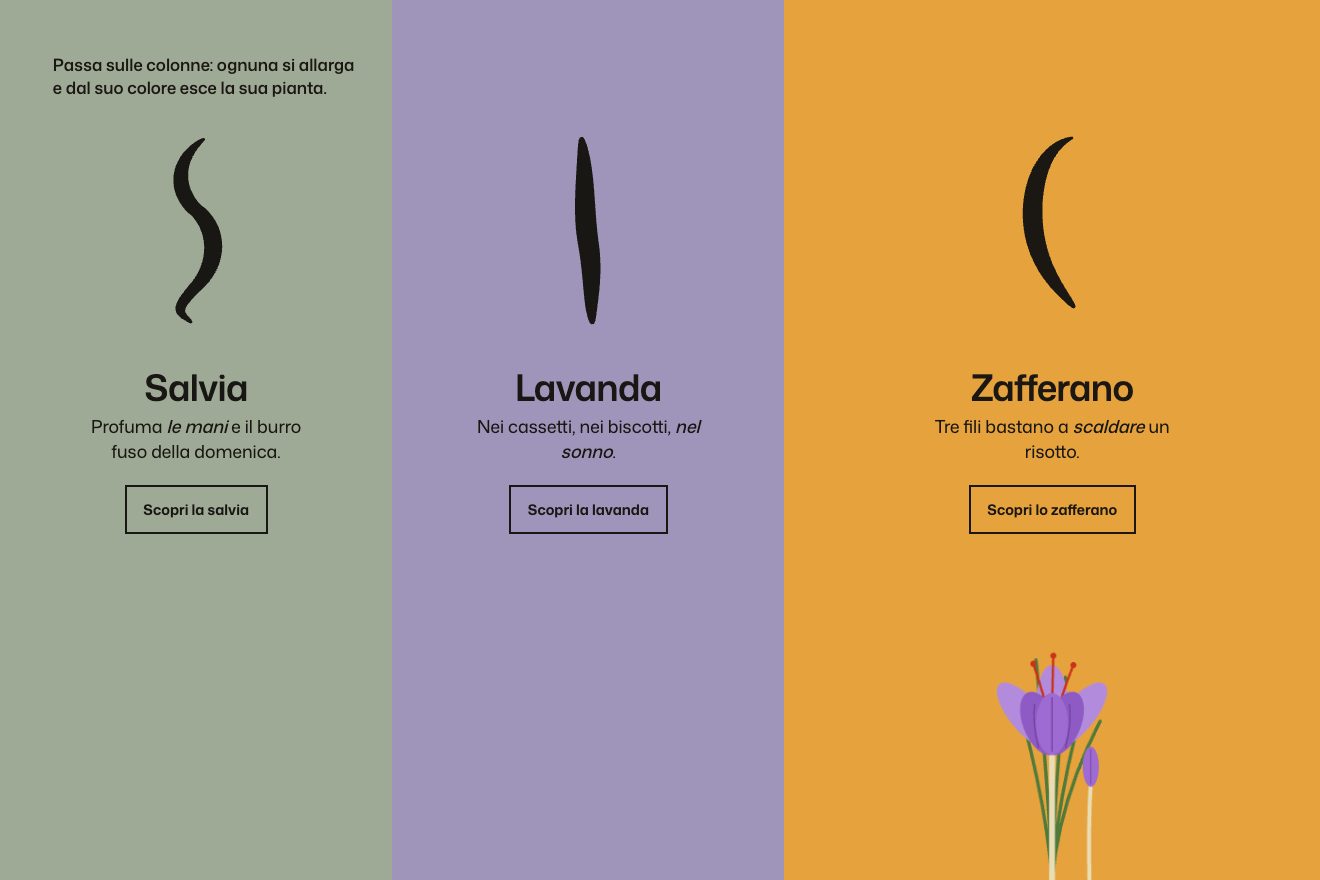
The colour columns
Hover, SVG
NewFree
A minimal-style hover project list: five large items on warm white paper and, on the left, a thin curly brace drawn as if in pencil. Pointing at an item, the brace bends and hugs it, its arms and tip each on their own spring, with a paler echo arriving a moment later; the item gains weight and width, the others fade, and its year lights up in vermilion.
A folder that runs on its own: index.html, style.css, script.js and the libraries from a CDN. The React and Vue tabs hold the same demo as a ready component, which switches its animations off when it leaves the page.
<!doctype html>
<html lang="en">
<head>
<meta charset="utf-8">
<meta name="viewport" content="width=device-width, initial-scale=1">
<title>Orvale Studio</title>
<link rel="stylesheet" href="https://cdn.jsdelivr.net/npm/@fontsource-variable/archivo@5.3.0/wdth.css">
<link rel="stylesheet" href="style.css">
</head>
<body>
<!-- a list of projects; a thin curly brace on the left bends and hugs the item under the pointer -->
<main class="pagina" data-pagina>
<header class="testa">
<p class="marchio" data-entra>Orvale Studio</p>
<p class="testa__nota" data-entra>Selected work</p>
</header>
<section class="palco" data-palco>
<svg class="graffa" data-svg aria-hidden="true">
<path class="graffa__eco" data-eco />
<path class="graffa__linea" data-graffa />
</svg>
<ol class="elenco" data-elenco>
<li class="voce" data-voce><a href="#" class="voce__nome">Harbour Lights</a><span class="voce__anno">2026, identity</span></li>
<li class="voce" data-voce><a href="#" class="voce__nome">Salt & Clay</a><span class="voce__anno">2025, packaging</span></li>
<li class="voce" data-voce><a href="#" class="voce__nome">Northbound</a><span class="voce__anno">2025, editorial</span></li>
<li class="voce" data-voce><a href="#" class="voce__nome">Quiet Rooms</a><span class="voce__anno">2024, interiors</span></li>
<li class="voce" data-voce><a href="#" class="voce__nome">Field Notes</a><span class="voce__anno">2024, type</span></li>
</ol>
</section>
<footer class="piede">
<p class="nota" data-entra data-nota>Point at a project, the brace holds it</p>
<p class="conta" data-entra>Showing <span data-scelta>all five</span></p>
</footer>
</main>
<script src="https://cdn.jsdelivr.net/npm/gsap@3.15.0/dist/gsap.min.js"></script>
<script src="script.js"></script>
</body>
</html>Change values, colours and text with the controls and watch the animation respond live. Or write in the code yourself. Then download the folder with your changes.
27 values to change
With the Animorio connector, Claude Code takes it from here, guide included, and fits it into your project. Paste this request:
Take “The project list with a brace that hugs the item” from Animorio and fit it into my siteThe brace is a single SVG path redrawn every frame from four numbers: where the upper arm starts, where the lower one ends, the height of the tip and how far it sticks out. Between the straight stretches there are quadratic curves with radius CURL, which tightens when the item is short, so the arms never cross.
Each of the four numbers has its own spring, stiffness STIFF and damping DAMP, integrated on every tick of the GSAP ticker: the tip and the arms each arrive in their own time and pass one pixel beyond before settling. When the item changes, the depth gets a small push, and the tip pulls back and returns.
Under the brace there is a second identical brace, paler and thinner, with softer springs: ECHO sets how slow it is. It always arrives a moment later, like a pencil mark gone over, and shows only while the brace moves.
The item under the pointer goes to weight 640 and width GROW on Archivo's wdth axis, with back.out, and slides six pixels; the others go grey. The item's year turns vermilion, and the label at the bottom changes name, leaving upward and coming in from below with a bounce.
A click pushes the brace's depth and the item, which come back on a spring: the brace squeezes and lets go. After IDLE seconds without a pointer the brace moves to one item every 1.6 seconds on its own, now and then squeezing it, then goes back to the whole list.
| Name | File | Default | What it changes |
|---|---|---|---|
STIFF | script.js | 170 | The stiffness of the brace's spring: higher is quicker. |
DAMP | script.js | 15 | The damping: lower wobbles more. |
ECHO | script.js | 0.35 | How slow the brace's echo is (0 removes it). |
DEPTH | script.js | 22 | How far the tip sticks out, in px. |
CURL | script.js | 16 | The radius of the brace's curves, in px. |
HUG | script.js | 10 | How loosely the arms sit around the item, in px. |
GROW | script.js | 118 | The width of the hugged item on the wdth axis. |
IDLE | script.js | 2.6 | After how many idle seconds the brace tours on its own. |
As the work list of a studio, an agency or a photographer; as the index of a magazine or an archive; as the open menu of a site with few items, where you want the chosen item to stand out without underlines.
The same animation: the items are sized on width and height, the years on the right disappear, and a tap on an item makes the brace hug and squeeze it. The line at the bottom says tap.
No springs and no echo: the brace jumps to the item with a fade, the item changes weight and colour at once, the text fades in.
GSAP 3.15.0, Archivo (font variabile) 5.3.0.
Compressed with gzip, the three demo files weigh 5.1 KB; the libraries: GSAP 28 KB.
Tested on 24 October 2026
Use it in your own projects and in your clients’ projects. Do not resell it or redistribute it as is. GSAP stays under its own Standard license. Full license.
With your account’s email and password.
or with your email
You’re signed in as .
With your account, you can download the zip of every animation and every pack, for free.