The send button
Buttons, Transitions, SVG
The navigation bar of Salvia, an invented restaurant, in warm glass on white: the leaf brand, Menu, Wine, Story and the olive green ‘Book a table’ button. Pressed, the button becomes a cross and the bar itself grows on a spring into the small booking form: a real photo of the sunlit room, guests, day and time on three rows of pills with a puck that stretches and slides, and Reserve summing up the choice. Booked, it spins, draws a check and says Confirmed; the bar closes back and keeps the booking on its button for a moment, then Book a table comes back.
A folder that runs on its own: index.html, style.css, script.js and the libraries from a CDN. The React and Vue tabs hold the same demo as a ready component, which switches its animations off when it leaves the page.
<!doctype html>
<!--
  "Restaurant booking nav" from Animorio · https://animorio.com
  License: free on your own sites and your clients’ sites, paid work included.
  Not for resale, redistribution, templates or code collections · https://animorio.com/en/license/
-->
<html lang="en">
<head>
  <meta charset="utf-8">
  <meta name="viewport" content="width=device-width, initial-scale=1">
  <title>The restaurant nav that opens into the booking</title>
  <link rel="stylesheet" href="https://cdn.jsdelivr.net/npm/@fontsource-variable/mona-sans@5.3.0/wdth.css">
  <link rel="stylesheet" href="https://cdn.jsdelivr.net/npm/@fontsource-variable/fraunces@5.3.0/full.css">
  <link rel="stylesheet" href="style.css">
</head>
<body>
  <main class="stage">
    <!-- the navigation bar of Salvia, a restaurant: Menu, Wine, Story and the Book a table button. Pressed, the button
         stays where it is and the bar itself opens on a spring into the booking: a photo of the room, guests, day and
         time on three sliding pills, and Reserve. Confirmed, the bar closes back and keeps the booking on its button -->
    <nav class="bar" data-bar aria-label="Salvia">
      <div class="bar__glass" data-glass>
        <div class="bar__row">
          <a class="brand" href="#" aria-label="Salvia, home">
            <svg class="brand__mark" viewBox="0 0 24 24" aria-hidden="true">
              <path class="brand__stem" d="M12 21.2V8.6"/>
              <path class="brand__leaf" data-leaf d="M12 13.6c-3.9-.3-6.3-2.6-6.6-6.4 3.9.2 6.3 2.5 6.6 6.4z"/>
              <path class="brand__leaf" data-leaf d="M12 10.4c3.6-.4 5.8-2.6 6.1-6.1-3.6.3-5.8 2.5-6.1 6.1z"/>
              <path class="brand__leaf" data-leaf d="M12 17.6c3-.3 4.9-2 5.2-5-3 .3-4.9 2-5.2 5z"/>
            </svg>
            <span class="brand__name">Salvia</span>
          </a>

          <div class="bar__mid">
            <ul class="links" data-links>
              <li><a class="links__a" href="#" data-link>Menu</a></li>
              <li><a class="links__a" href="#" data-link>Wine</a></li>
              <li><a class="links__a" href="#" data-link>Story</a></li>
            </ul>
            <p class="bar__title" data-title aria-hidden="true">
              <span class="bar__title-main">A table at Salvia</span>
              <span class="bar__title-sub">Garden room, open till 23:00</span>
            </p>
            <p class="bar__booked" data-booked aria-hidden="true">
              <svg viewBox="0 0 16 16" aria-hidden="true"><path data-booked-check pathLength="1" stroke-dashoffset="1" d="M3.2 8.5l3 3 6.6-7"/></svg>
              <span data-booked-words>Sat 7, 20:00, table for 4</span>
            </p>
          </div>

          <button class="book" type="button" data-book aria-expanded="false" aria-controls="booking">
            <span class="book__shine" aria-hidden="true"></span>
            <span class="book__words" data-book-words>Book a table</span>
            <svg class="book__icon" viewBox="0 0 16 16" aria-hidden="true">
              <path class="book__plus" data-book-a d="M8 3.2v9.6"/>
              <path class="book__plus" data-book-b d="M3.2 8h9.6"/>
              <path class="book__check" data-book-check pathLength="1" stroke-dashoffset="1" d="M3.2 8.5l3 3 6.6-7"/>
            </svg>
          </button>
        </div>

        <div class="booking" id="booking" data-booking inert>
          <figure class="room" data-room>
            <div class="room__frame" data-room-frame>
              <img class="room__img" data-room-img src="sala.webp" alt="A table laid in the sun by a stone wall, wine glasses and lavender" width="1024" height="683" decoding="async">
            </div>
            <figcaption class="room__tag" data-part>
              <span class="room__tag-name">The garden room</span>
              <span class="room__tag-left" data-left>6 tables left tonight</span>
            </figcaption>
          </figure>

          <form class="form" data-form>
            <div class="row" role="group" aria-labelledby="l-guests" data-part>
              <span class="row__label" id="l-guests">Guests</span>
              <div class="seg" data-seg="guests">
                <span class="seg__puck" aria-hidden="true"></span>
                <button type="button" class="seg__opt" aria-pressed="false">1</button>
                <button type="button" class="seg__opt" aria-pressed="true">2</button>
                <button type="button" class="seg__opt" aria-pressed="false">3</button>
                <button type="button" class="seg__opt" aria-pressed="false">4</button>
                <button type="button" class="seg__opt" aria-pressed="false">5</button>
                <button type="button" class="seg__opt" aria-pressed="false">6</button>
              </div>
            </div>
            <div class="row" role="group" aria-labelledby="l-day" data-part>
              <span class="row__label" id="l-day">Day</span>
              <div class="seg" data-seg="day">
                <span class="seg__puck" aria-hidden="true"></span>
                <button type="button" class="seg__opt" aria-pressed="true">Today</button>
                <button type="button" class="seg__opt" aria-pressed="false">Sat 7</button>
                <button type="button" class="seg__opt" aria-pressed="false">Sun 8</button>
                <button type="button" class="seg__opt" aria-pressed="false">Tue 10</button>
              </div>
            </div>
            <div class="row" role="group" aria-labelledby="l-time" data-part>
              <span class="row__label" id="l-time">Time</span>
              <div class="seg" data-seg="time">
                <span class="seg__puck" aria-hidden="true"></span>
                <button type="button" class="seg__opt" aria-pressed="true">19:30</button>
                <button type="button" class="seg__opt" aria-pressed="false">20:00</button>
                <button type="button" class="seg__opt" aria-pressed="false">20:30</button>
                <button type="button" class="seg__opt" aria-pressed="false" disabled aria-label="21:15, full">21:15</button>
              </div>
            </div>

            <div class="send" data-part>
              <button class="reserve" type="button" data-reserve>
                <span class="reserve__shine" aria-hidden="true"></span>
                <span class="reserve__words" data-reserve-words>Reserve</span>
                <span class="reserve__sum" data-sum>Today, 19:30, 2 guests</span>
                <svg class="reserve__icon" viewBox="0 0 20 20" aria-hidden="true">
                  <path class="reserve__arrow" data-r-arrow d="M4 10h11M11 5.6L15.4 10 11 14.4"/>
                  <circle class="reserve__spin" data-r-spin cx="10" cy="10" r="6.4" pathLength="1"/>
                  <path class="reserve__check" data-r-check pathLength="1" stroke-dashoffset="1" d="M4.6 10.4l3.6 3.6 7.4-8"/>
                </svg>
              </button>
            </div>
          </form>
        </div>
      </div>
    </nav>
    <p class="sr" aria-live="polite" data-live></p>
  </main>

  <script src="https://cdn.jsdelivr.net/npm/gsap@3.15.0/dist/gsap.min.js"></script>
  <script src="script.js"></script>
</body>
</html>Change values, colours and text with the controls and watch the animation respond live. Or write in the code yourself. Then download the folder with your changes.
47 values to change
With the Animorio connector, Claude Code, ChatGPT, Cursor or VS Code take it from here, guide included, and fit it into your project. Paste this request:
Take “Restaurant booking nav” from Animorio and fit it into my siteThe form is already inside the bar, hidden (display none and inert). On opening the script adds the is-open class, measures the width and height the open bar will have, puts it straight back to the closed size in pixels and takes it to the new one with two tweens on the same spring; at the end width and height go back to auto, so the bar survives a window change. Closing does the opposite, starting from the sizes of that moment.
The Book a table label is a span with overflow hidden: its width goes to zero while the two strokes of the plus turn 45 degrees, four hundredths apart, and the button is left as a 40 pixel circle. To come back, the right width of the new label is measured on a hidden copy, so the button also stretches to ‘Sat 7, 20:00’.
Each row of pills has a single white puck in absolute position. On a choice GSAP stretches it in 0.17 s over both the old and the new pill, then takes it to the new one (x and width measured with offsetLeft and offsetWidth) on the spring: it looks like it peels off the old one. A ResizeObserver puts it back when the bar changes width.
Every opening uses a hand written ease function: the response of a damped spring (damping 0.72) normalised between 0 and 1, passing the mark by a pixel or two and settling. The same function with higher damping brings the words in.
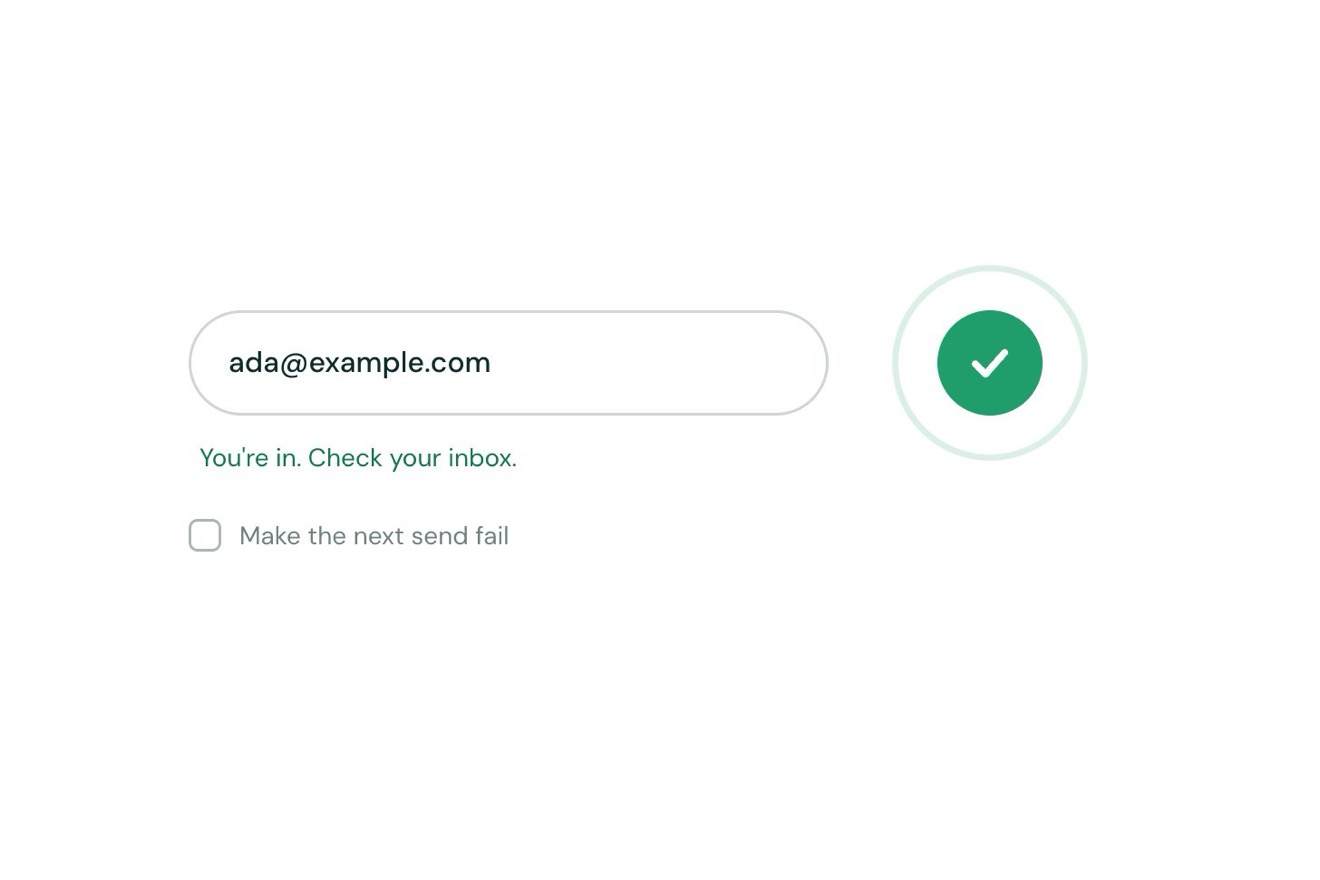
Reserve has three marks in one SVG: the arrow, an arc with pathLength 1 and a 0.28 dasharray that spins while it ‘books’, and the check that draws itself by animating the stroke-dashoffset attribute. An oblique gradient moved by a CSS variable makes the glint; the photo has a warm glow in a radial-gradient over it, lit for an instant with another variable.
| Name | File | Default | What it changes |
|---|---|---|---|
PICK_GUESTS | script.js | 4 | The guests the pilot picks (1 to 6). |
PICK_DAY | script.js | Sat 7 | The day the pilot picks: Today, Sat 7, Sun 8 or Tue 10. |
PICK_TIME | script.js | 20:00 | The time the pilot picks: 19:30, 20:00 or 20:30 (21:15 is full). |
TABLES_LEFT | script.js | 6 | The free tables written on the photo: one goes with each booking. |
BOUNCE | script.js | 0.72 | The springs: lower bounces more (0.5), higher settles without passing the mark (1). |
BOOKED_HOLD | script.js | 2.6 | The seconds the closed bar keeps the booking on its button. |
LOOP | script.js | true | The pilot books again until someone touches the bar. |
At the top of the site of a restaurant, a trattoria, a bar with a kitchen or a wine bar: booking happens without changing page and without a panel covering everything, inside the bar itself, and after the confirmation the bar remembers it. The same gesture suits a hotel (nights and rooms), a spa, a hair salon or any site where the main action is booking.
The same animation with adapted sizes: the bar is 92% of the screen wide and under 500 pixels the Menu, Wine and Story links leave just the brand and the button; open, the photo goes above the form in a band at most 16% of the screen tall, and the pills are tapped with a finger. Everything stays inside the frame even when open.
Nothing moves: the bar fades in, opens and closes at once with the photo and the pills fading, the puck jumps to the chosen pill, the arc does not spin and the words and checks change with a fade.
GSAP 3.15.0, Mona Sans (font variabile) 5.3.0, Fraunces (font variabile) 5.3.0.
Compressed with gzip, the three demo files weigh 10 KB; the libraries: GSAP 28 KB.
Tested on 6 November 2026
Use it in your own projects and in your clients’ projects. Do not resell it or redistribute it as is. GSAP stays under its own Standard license. Full license.
Support Animorio
Animorio stays free thanks to the people who support it. If you like, buy us a coffee: it helps us make the next animations.
You asked for
We made it for you: it’s in the library, with the preview, the Playground and the code to copy.
An animation you can’t find, or a site to take apart in the journal: tell us which. We pick the next ones from here.
With your account’s email and password.
or with your email
You’re signed in as .
With your account, you can download the zip of every animation and every pack, for free.