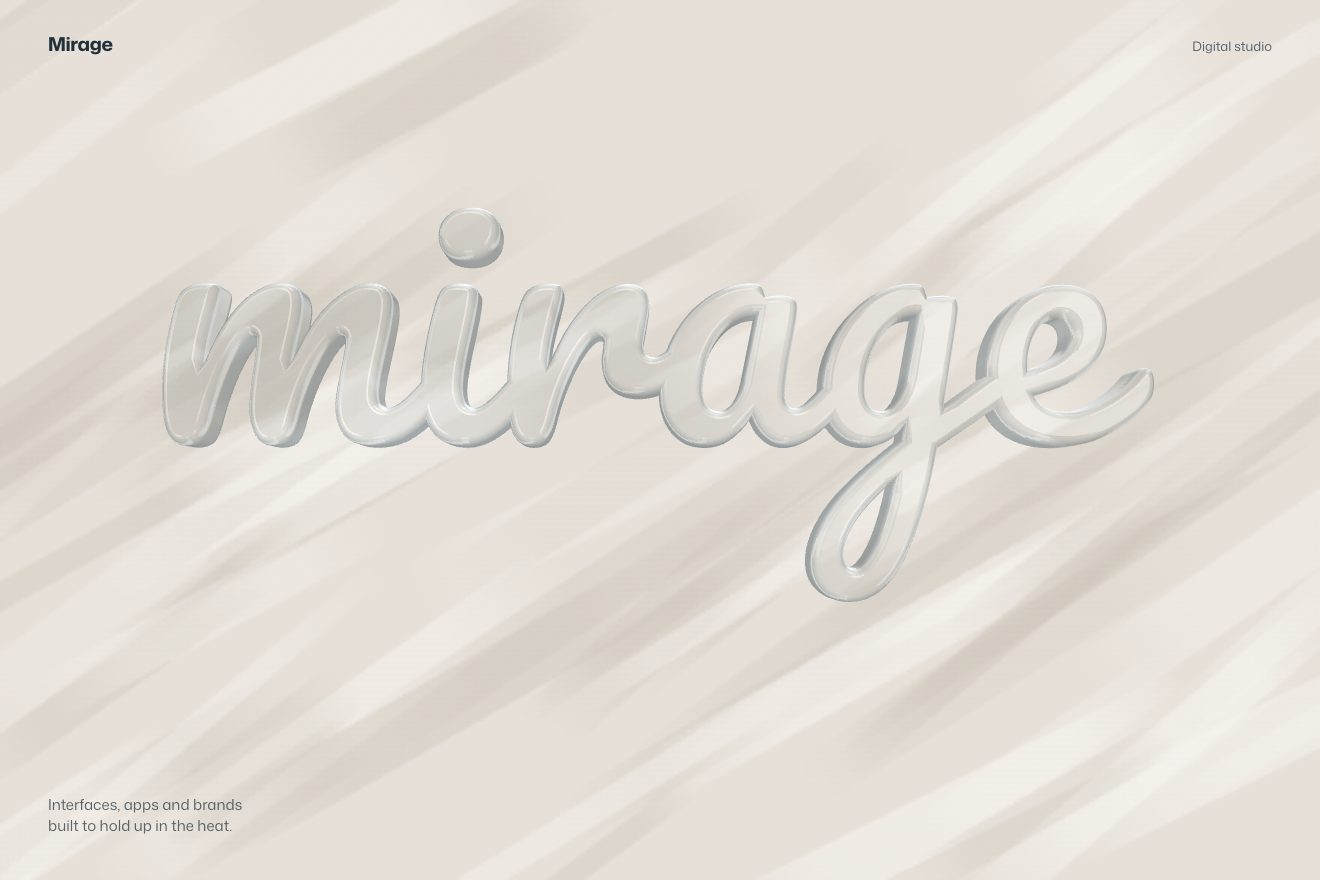
The glass word
WebGL, 3D, Scroll, Text
Free
A 3D anamorphosis in the minimal style: thousands of thin black threads hang in space and look like rain from everywhere but three points. From each of those points the threads line up and a word reads: Seen, from, here. The camera travels round the cloud, climbs a little between two points, goes a hair past the next one and settles: the rain clicks into a word that fills with ink from left to right. You can also walk round it by dragging.
A folder that runs on its own: index.html, style.css, script.js and the libraries from a CDN. The React and Vue tabs hold the same demo as a ready component, which switches its animations off when it leaves the page.
<!doctype html>
<html lang="en">
<head>
  <meta charset="utf-8">
  <meta name="viewport" content="width=device-width, initial-scale=1">
  <title>Seen from here</title>
  <link rel="stylesheet" href="https://cdn.jsdelivr.net/npm/@fontsource-variable/archivo@5.3.0/wdth.css">
  <link rel="stylesheet" href="style.css">
  <script type="importmap">
    { "imports": {
      "three": "https://cdn.jsdelivr.net/npm/three@0.178.0/build/three.module.min.js"
    } }
  </script>
</head>
<body>
  <!-- an anamorphosis: thousands of thin threads hang in space and look like rain from everywhere but three points.
       From each of those points the threads line up into one word. The camera goes round the cloud and stops on
       each point; drag to look round it yourself. The script cuts the words into threads and places them in 3D -->
  <main class="stage" data-stage>
    <canvas class="canvas" data-canvas aria-hidden="true"></canvas>
    <h1 class="sr" data-sr>Seen from here</h1>
    <div class="dial" aria-hidden="true">
      <svg class="dial__face" viewBox="-20 -20 40 40" data-dial>
        <circle class="dial__ring" r="15" />
        <g data-ticks></g>
        <line class="dial__needle" x1="0" y1="0" x2="0" y2="-15" data-needle />
      </svg>
      <span class="dial__angle" data-angle>0°</span>
    </div>
  </main>

  <script src="https://cdn.jsdelivr.net/npm/gsap@3.15.0/dist/gsap.min.js"></script>
  <script type="module" src="script.js"></script>
</body>
</html>Change values, colours and text with the controls and watch the animation respond live. Or write in the code yourself. Then download the folder with your changes.
17 values to change
With the Animorio connector, Claude Code takes it from here, guide included, and fits it into your project. Paste this request:
Take “Seen from here” from Animorio and fit it into my siteEvery word is drawn in black on a hidden canvas, at 300 pixels, and read row by row: ROWS rows across the height of a capital, starting from the baseline, so every word has its rows in the same places. Where a row crosses the ink a stroke is born; every stroke is cut into pieces of random length, the threads, which meet one another exactly. All the words sit on the same plane, the one through the middle of the cloud, at the same scale.
Every word has its point of view, on a circle round the middle (360 degrees divided by the number of words). Every thread moves along the ray from that point of view to the thread, nearer or further by a random factor (between 1 - SPREAD and 1 + SPREAD), and shrinks or grows by the same factor: from a camera standing exactly on that point the projection does not change, so the word reads intact; from anywhere else the threads are scattered in a deep cloud. A projected segment stays a segment, so the threads stay straight and still meet.
All the threads are a single instanced Three.js mesh: a rectangle of four vertices repeated once per thread, with its data (start and end on the plane, depth factor, phase, word, place in the word). The vertex shader works out the position in space, projects both ends and widens the rectangle by WIDTH screen pixels across the thread, so the lines are equally thick at any distance; the fragment shader smooths the edges by hand. Far threads get lighter. The breathing is a sine on the depth factor: it moves the threads along their line of sight and from the right point it does not show.
The camera sits on a sphere round the middle and always looks there. Between two points a GSAP timeline takes the angle OVERSHOOT degrees past the point with power3.inOut, raising it by RISE degrees and bringing it down meanwhile; then it brings it back onto the exact point in 0.7 seconds. A moment before it stops the word lights up: a sweep from left to right in the shader fills the threads it has passed, thickens them and takes away their fading with distance, while the other words drop to 10 per cent.
The round is one repeating timeline. A press stops it, the words go back to neutral and dragging moves the angle and the height; letting go works out where the throw would land, picks the nearest point and the camera gets there with back.out. The word lights up as in the round and the timeline goes on from the moment that word is full, with seek: the values match and no jump shows. With a mouse, without pressing, the camera follows the pointer by a little over two degrees.
| Name | File | Default | What it changes |
|---|---|---|---|
WORDS | script.js | ['Seen', 'from', 'here'] | One word for each point of view, 1 to 4: best short and of similar length. |
SPREAD | script.js | 0.45 | How deep the cloud is: 0 is a flat page, 0.7 a very deep cloud. |
ROWS | script.js | 44 | How many hatch lines across the height of a capital: more rows, a fuller word and more threads. |
TRAVEL | script.js | 3.0 | How many seconds the camera takes from one point of view to the next. |
HOLD | script.js | 1.6 | How many seconds the camera stays on a word. |
RISE | script.js | 16 | How many degrees the camera climbs halfway between two points, to show the cloud from above. |
OVERSHOOT | script.js | 1.4 | How many degrees the camera goes past the point before it comes back and settles. |
BREATH | script.js | 0.05 | How much the threads breathe along their line of sight: from the right point it does not show, from elsewhere it does. |
WIDTH | script.js | 1.4 | How thick a thread is, in pixels. |
For the opening of an art or design exhibition, an architecture studio, a photographer or an agency that talks about points of view; for a campaign that says “look closer”; for the site of an event in a space you walk through. It works with two, three or four words, even a broken-up sentence.
The same animation with the sizes adapted: the word takes almost the whole width, the camera has a wider angle and the threads get thinner when the rows get closer. A finger drags round the cloud just like the mouse.
The camera does not move and the threads do not breathe: one word at a time, already set and full of ink, fading into the next. A click starts it over.
Three.js 0.178.0, GSAP 3.15.0, Archivo (font variabile) 5.3.0.
Compressed with gzip, the three demo files weigh 8.2 KB; the libraries: GSAP 28 KB, Three.js 174 KB.
Tested on 16 October 2026
Use it in your own projects and in your clients’ projects. Do not resell it or redistribute it as is. GSAP stays under its own Standard license. Full license.
With your account’s email and password.
or with your email
You’re signed in as .
With your account, you can download the zip of every animation and every pack, for free.