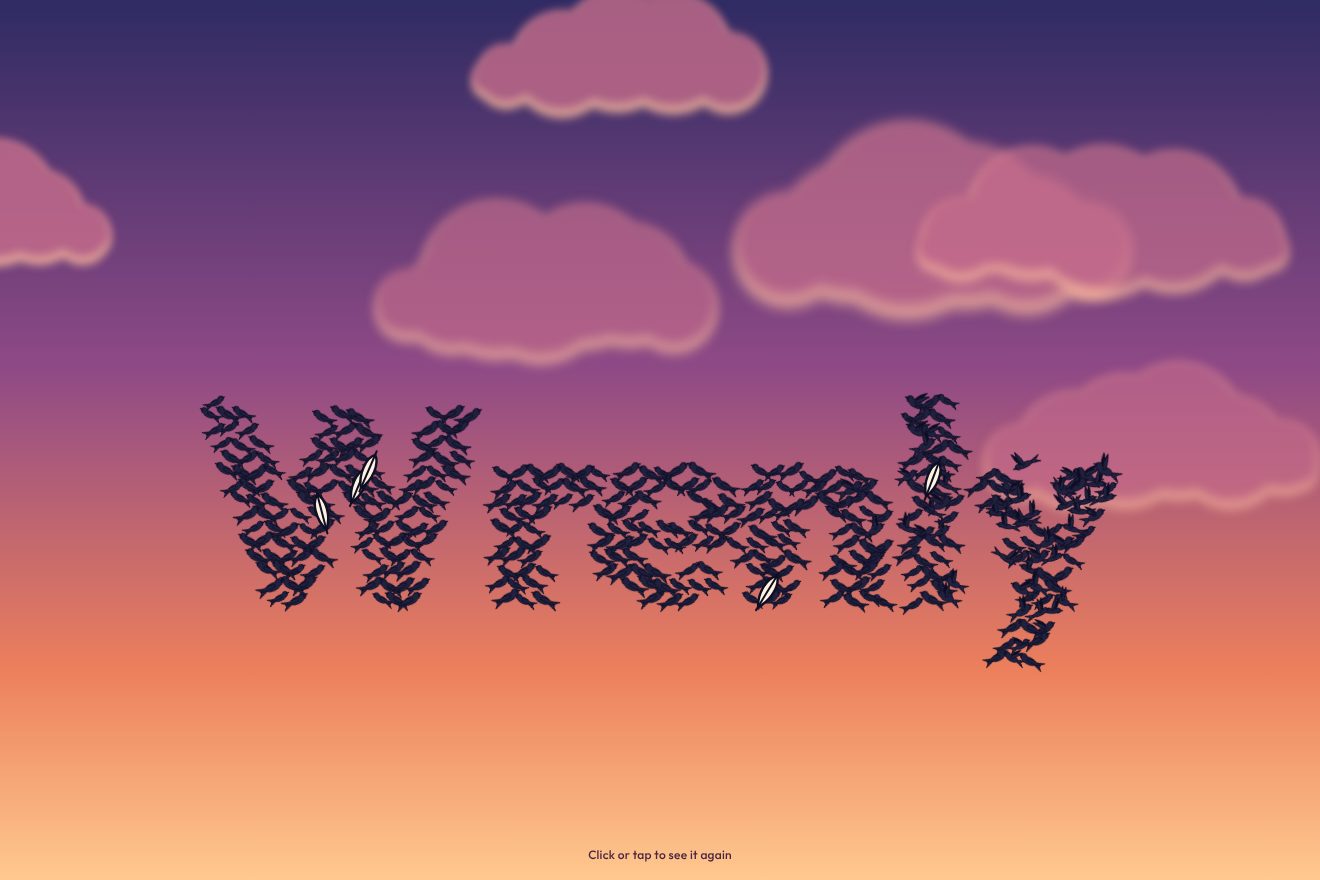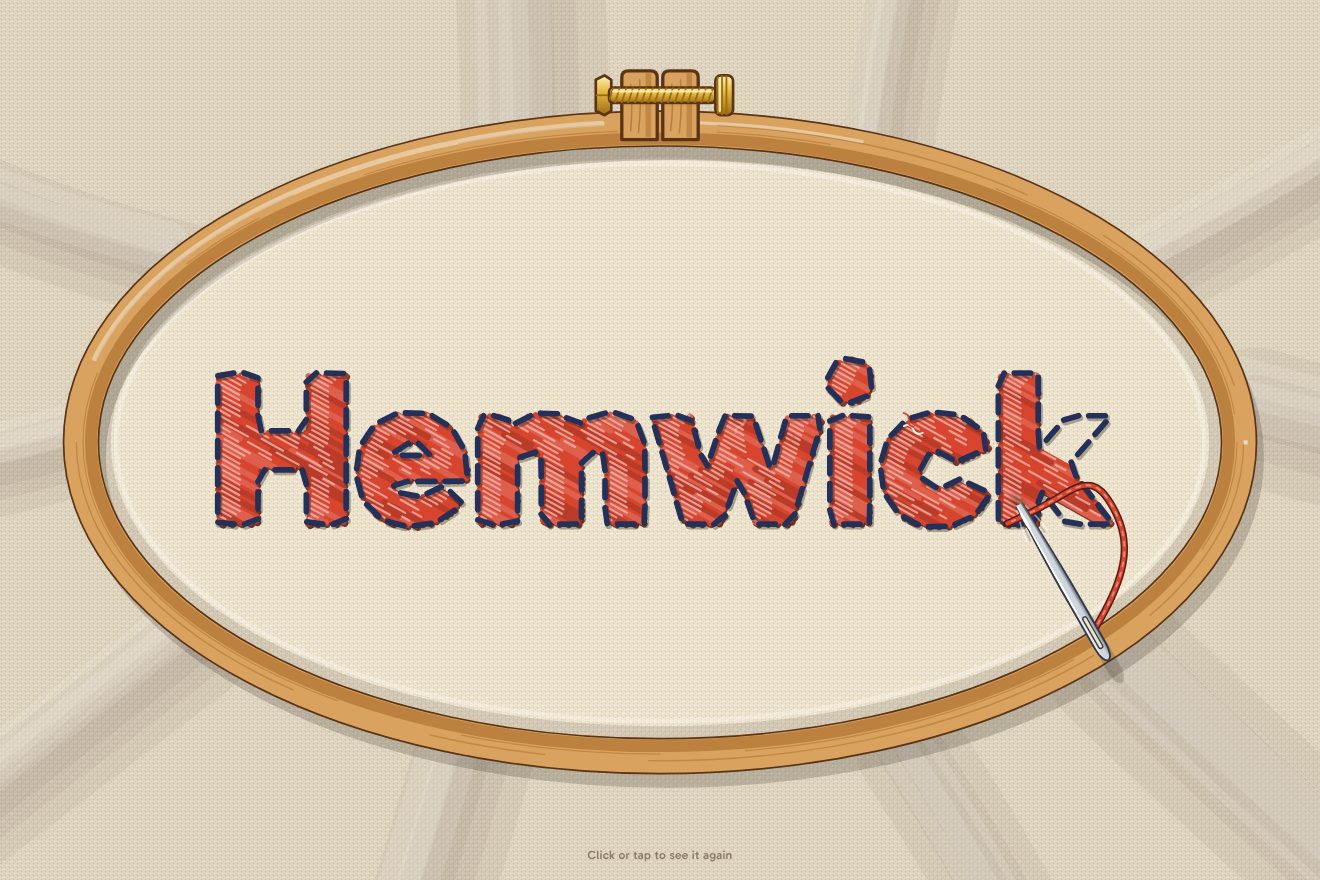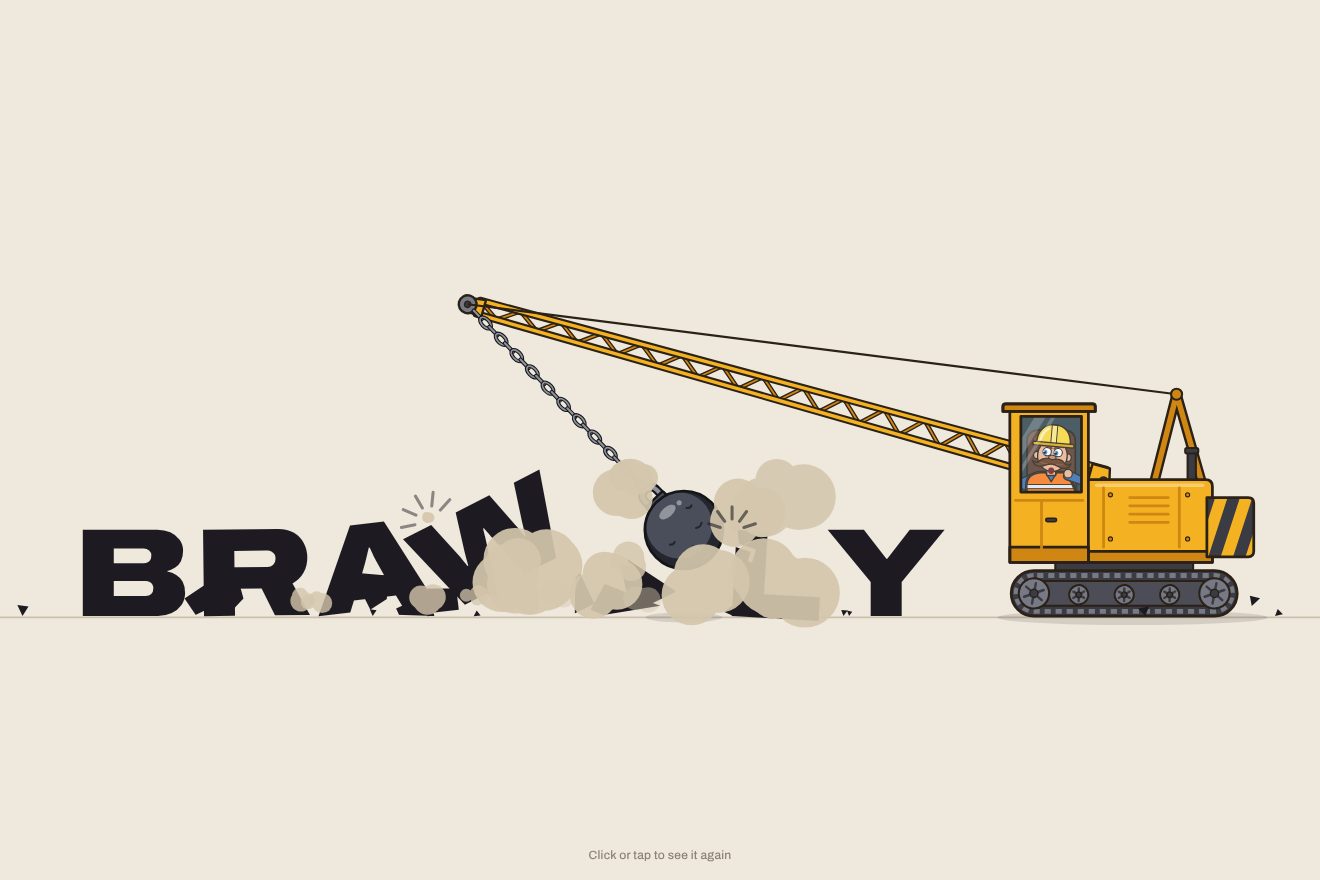
The wrecking-ball logo
Intro, Physics, SVG, Text
NewFree
Alignment by gravity, in the minimal style: one word on a thin beam resting on a small pivot. The beam tilts and the letters slide down one after the other, knock against the stop and set the word flush left, then flush right; back level the word widens on the wdth axis and justifies, and at last it gathers in the middle and takes weight.
A folder that runs on its own: index.html, style.css, script.js and the libraries from a CDN. The React and Vue tabs hold the same demo as a ready component, which switches its animations off when it leaves the page.
<!doctype html>
<html lang="en">
<head>
  <meta charset="utf-8">
  <meta name="viewport" content="width=device-width, initial-scale=1">
  <title>The word on the tilt</title>
  <link rel="stylesheet" href="https://cdn.jsdelivr.net/npm/@fontsource-variable/archivo@5.3.0/wdth.css">
  <link rel="stylesheet" href="style.css">
</head>
<body>
  <main class="stage" data-stage>
    <!-- one word on a thin beam that rests on a pivot. The beam tilts and the letters slide down to the low end,
         one after the other, and set the word flush left, flush right, justified and centred: alignment by gravity.
         The script builds the letters and works out where each one goes -->
    <div class="lever" data-lever>
      <h1 class="word" data-word>
        <span class="sr" data-sr>Balance</span>
      </h1>
      <span class="beam" data-beam aria-hidden="true"></span>
      <span class="stop stop--left" data-stop-left aria-hidden="true"></span>
      <span class="stop stop--right" data-stop-right aria-hidden="true"></span>
    </div>
    <svg class="pivot" viewBox="0 0 24 20" aria-hidden="true" data-pivot>
      <path d="M12 1 L23 19 L1 19 Z" />
    </svg>
    <p class="label" aria-hidden="true">
      <span class="label__clip" data-label></span>
    </p>
  </main>

  <script src="https://cdn.jsdelivr.net/npm/gsap@3.15.0/dist/gsap.min.js"></script>
  <script src="script.js"></script>
</body>
</html>Change values, colours and text with the controls and watch the animation respond live. Or write in the code yourself. Then download the folder with your changes.
17 values to change
With the Animorio connector, Claude Code takes it from here, guide included, and fits it into your project. Paste this request:
Take “The word on the tilt” from Animorio and fit it into my siteThe beam, the two stops and the word sit in one container, the lever, which turns around its bottom centre point: right above the tip of the pivot. So when the lever tilts, the letters stay on the beam with no maths at all. Every letter is an absolutely positioned box with its glyph inside: GSAP moves the box along the beam (x), the glyph squashes, slides a pixel and changes width and weight through the --wdth and --wght variables read by font-variation-settings.
At start the script measures every letter three times: at normal width, at the wdth of the justified line (SPREAD) and at the final weight (HEAVY). From that it works out where each letter goes flush left, flush right, centred and justified (the wide letters, with the space left over shared out evenly). The heavy centred word has positions of its own: with the normal widths the black letters would touch. The baseline is found with a zero-height element placed inside the first letter, so every letter stands on the beam whatever the typeface.
When the beam tilts, the letters do not leave together: the one nearest the low end lets go first and each of the others follows PEEL seconds later. They all slide for SLIDE seconds on power2.in, speeding up as on a real slope, and get narrower on the wdth axis as they run. Since they leave staggered, they arrive staggered: each one closes the gap behind the one before and meets it in its place.
As it arrives every letter squashes towards the side it comes from (scaleX to SQUASH, with the origin on the side of the hit) and comes back with back.out; the three letters already standing in front of it shift a pixel towards the stop and come back, one after the other. The first letter hits the stop instead, which turns a few degrees, flashes blue and straightens up with elastic.out. With the last letter the lever dips half a degree and settles again: the beam feels the weight.
It is all one repeating timeline, built from the measured positions: the tilts are smaller timelines added at their time, and the little line under the pivot is a column of five names scrolling in a window with hidden overflow. When the window is resized the script measures again and rebuilds the timeline.
| Name | File | Default | What it changes |
|---|---|---|---|
WORD | script.js | 'Balance' | The word on the beam: best short, 4 to 10 letters. |
TILT | script.js | 3.5 | How far the beam tilts, in degrees. |
SLIDE | script.js | 0.9 | How many seconds a letter takes to slide to the end. |
PEEL | script.js | 0.07 | How many seconds between one letter letting go and the next: 0 slides the word all together. |
SQUASH | script.js | 0.86 | How narrow a letter gets as it knocks into the one in front (1 does not squash). |
SPREAD | script.js | 125 | How wide the letters get on the wdth axis to fill the justified line, 75 to 125. |
HEAVY | script.js | 680 | The weight the word takes when it is centred again, 100 to 900. |
HOLD | script.js | 1.1 | How many seconds every alignment stays before the beam moves again. |
NAMES | script.js | { centred: 'Centred', left: 'Flush left', right: 'Flush right', justified: 'Justified' } | The names of the alignments in the small line under the pivot. |
For the opening of a brand about balance (a wellness centre, a yoga studio, a budgeting app, a mountain retreat), for the page of a type studio or a variable typeface, or inside an article that explains how text is set.
The same animation with the sizes adapted: the beam takes almost the whole width and the word gets smaller in proportion, so it still fits when justified. A tap starts it over.
Nothing moves or tilts: the beam stays level, the word fades out and comes back already in its new alignment, and the small line changes name with a fade.
GSAP 3.15.0, Archivo (font variabile) 5.3.0.
Compressed with gzip, the three demo files weigh 5.9 KB; the libraries: GSAP 28 KB.
Tested on 16 October 2026
Use it in your own projects and in your clients’ projects. Do not resell it or redistribute it as is. GSAP stays under its own Standard license. Full license.
With your account’s email and password.
or with your email
You’re signed in as .
With your account, you can download the zip of every animation and every pack, for free.