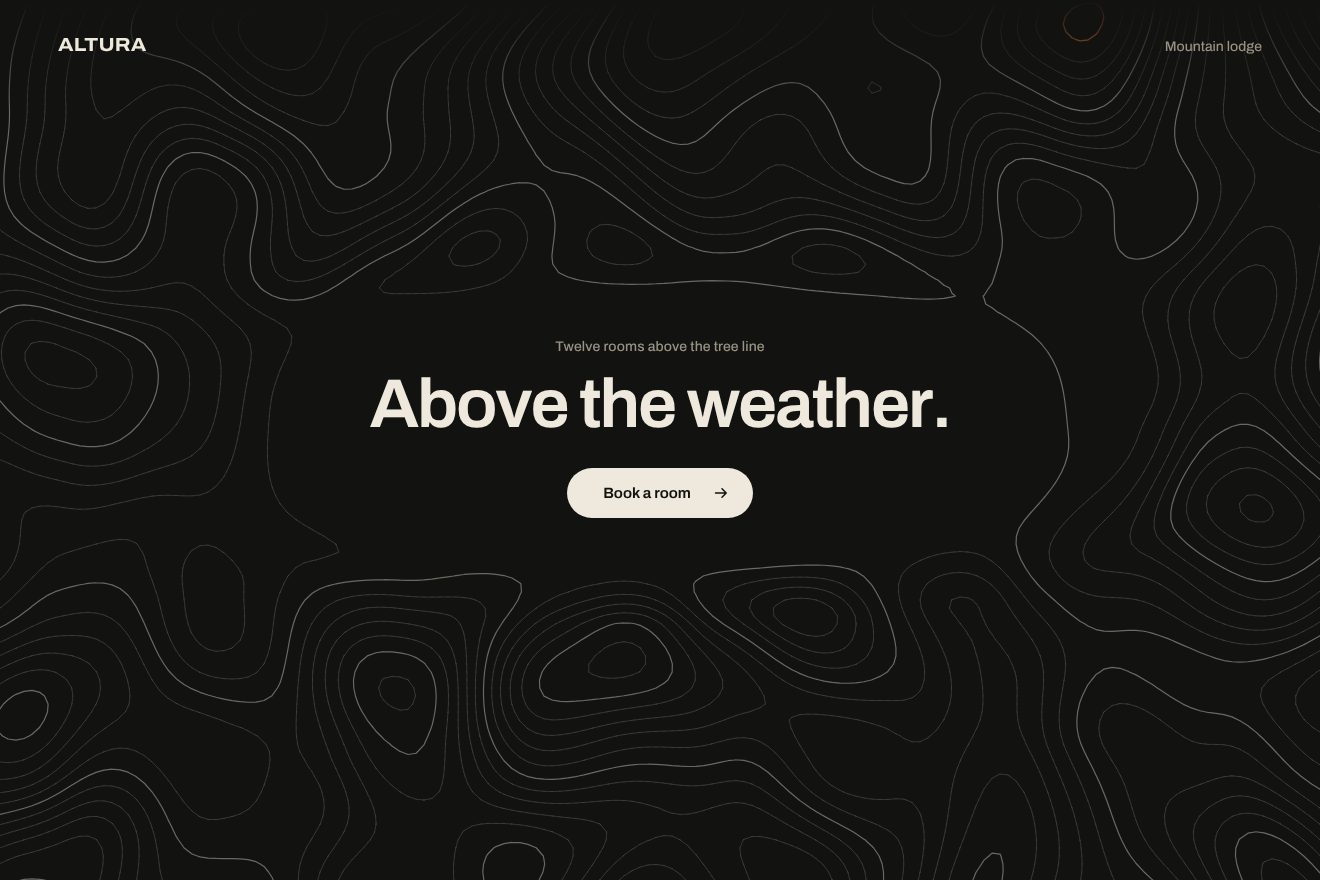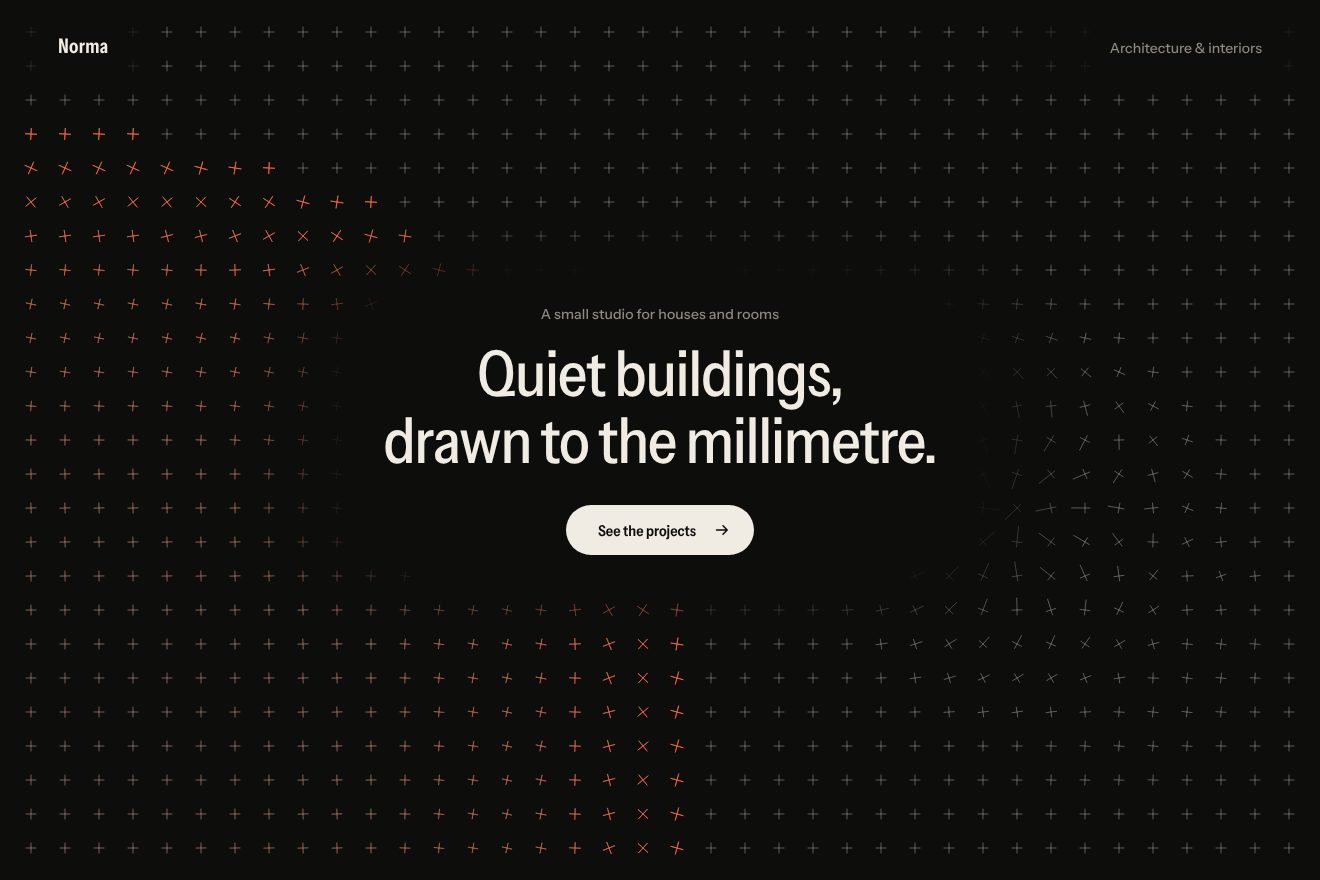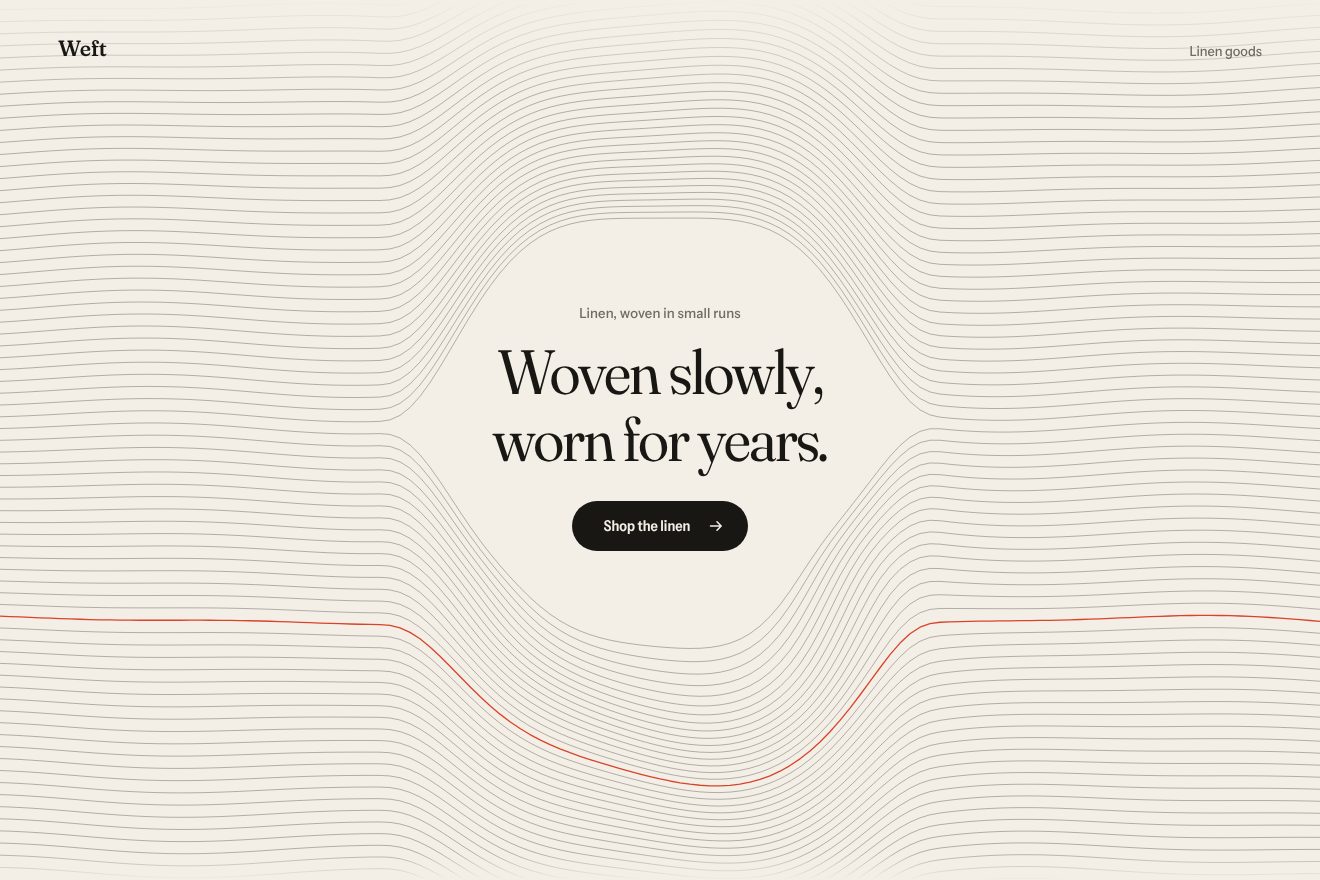
Woven thread background
Backgrounds, Hover
An animated background to put behind a headline, in the minimal style: on warm white, a sunburst of hairline rays starts from a pivot on a thin horizon, like the light of a sun that has just set. At first it is one single upright line; then it opens like a fan, every ray on its own spring, one hair too far and back into place. The ray under the pointer takes the one accent and reaches down to the pivot, and its neighbours step aside to give it room. A click folds the fan and opens it again.
A folder that runs on its own: index.html, style.css, script.js and the libraries from a CDN. The React and Vue tabs hold the same demo as a ready component, which switches its animations off when it leaves the page.
<!doctype html>
<!--
  "Sunburst background" from Animorio · https://animorio.com
  License: free on your own sites and your clients’ sites, paid work included.
  Not for resale, redistribution, templates or code collections · https://animorio.com/en/license/
-->
<html lang="en">
<head>
  <meta charset="utf-8">
  <meta name="viewport" content="width=device-width, initial-scale=1">
  <title>Radia</title>
  <link rel="stylesheet" href="https://cdn.jsdelivr.net/npm/@fontsource-variable/mona-sans@5.3.0/wdth.css">
  <link rel="stylesheet" href="style.css">
</head>
<body>
  <!-- the background: hairline rays on a canvas behind the page, fanned out from a pivot on a thin horizon. They open
       from one line like a fan; the ray under the pointer takes the accent and its neighbours step aside to give it room -->
  <main class="pagina" data-pagina>
    <canvas class="fondo" aria-hidden="true" data-fondo></canvas>

    <header class="testa">
      <p class="marchio">Radia</p>
      <p class="testa__nota">Lighting studio</p>
    </header>

    <section class="eroe">
      <div class="blocco" data-blocco>
        <p class="occhiello" data-entra>Light for homes, shops and galleries</p>
        <h1 class="titolo">
          <span class="riga"><span class="riga__dentro" data-riga>Room for</span></span>
          <span class="riga"><span class="riga__dentro" data-riga>the light.</span></span>
        </h1>
        <div class="azione" data-entra>
          <a class="pillola" href="#">
            <span class="pillola__scritta" data-testo="See the work">See the work</span>
            <svg class="pillola__freccia" viewBox="0 0 16 16" aria-hidden="true"><path d="M2.5 8h10.5M9 3.8 13.2 8 9 12.2" /></svg>
          </a>
        </div>
      </div>
    </section>
  </main>

  <script src="https://cdn.jsdelivr.net/npm/gsap@3.15.0/dist/gsap.min.js"></script>
  <script src="script.js"></script>
</body>
</html>Change values, colours and text with the controls and watch the animation respond live. Or write in the code yourself. Then download the folder with your changes.
22 values to change
With the Animorio connector, Claude Code, ChatGPT, Cursor or VS Code take it from here, guide included, and fit it into your project. Paste this request:
Take “Sunburst background” from Animorio and fit it into my siteEvery ray is an object with four numbers: how open it is, how long it is, how far it is pushed aside and how much light it has. GSAP animates the opening and the length, a spring the push; one draw per frame, in the ticker, writes them all on a canvas.
A ray’s angle is its place in the fan (from -1 to 1) times half the spread times how open it is: at zero they all stand upright, one single line. The opening uses back.out(1.25), one hair too far and back, and starts a little later for the rays at the sides.
The ray nearest the pointer goes under the pointer; the others are pushed aside by x times e to the (1 minus x squared) over two, with x the distance in wedge widths: zero on the lit ray, most at one wedge, then back to rest. With the push capped at 1.3 wedges the rays never cross.
The zones without rays are not worked out ray by ray: after drawing, with destination-out, a soft ellipse is erased around the headline and the words at the top, and a soft circle around the pivot. The lit ray is drawn after the circle, so it reaches down to the half circle.
When the real pointer has been still for more than 2.4 seconds, the angle to follow becomes a sine that crosses the fan in SWEEP seconds; the real pointer is read as an angle seen from the pivot, kept inside the fan. Both arrive on a spring.
| Name | File | Default | What it changes |
|---|---|---|---|
RAYS | script.js | 49 | How many rays the fan has. |
SPREAD | script.js | 180 | How wide the fan opens, in degrees. |
PIVOT | script.js | 0.84 | Where the pivot sits, from the top (0) to the bottom (1) of the page. |
MAKE_ROOM | script.js | 7 | How far the neighbours of the lit ray step aside, in degrees. |
ROOM_WIDTH | script.js | 10 | How wide the clear wedge around the lit ray is, in degrees. |
SPRING | script.js | [170, 15] | The spring of the rays: how stiff and how damped. |
SWAY | script.js | 1.2 | How many degrees the fan sways while it rests. |
SWEEP | script.js | 14 | How many seconds the invisible pointer takes to cross the fan and come back. |
WIDTH | script.js | 1 | The width of the rays, in px. |
As the background of the first screen of a lighting studio, a photographer, a seaside hotel, a sunset festival or a product about light and energy; in general behind a short headline when you want a light, almost empty page that is still alive.
The same animations with adapted sizes: the pivot stays at the bottom, the headline is as big as the box allows in width and height, and the clean zone follows it. The finger lights the ray under it while it touches and drags; a tap folds and reopens the fan.
The fan is already open and still, with the middle ray lit: no opening, no sway, no rays stepping aside. The headline, the small line and the pill fade in.
GSAP 3.15.0, Mona Sans (font variabile) 5.3.0.
Compressed with gzip, the three demo files weigh 6.7 KB; the libraries: GSAP 28 KB.
Tested on 31 October 2026
Use it in your own projects and in your clients’ projects. Do not resell it or redistribute it as is. GSAP stays under its own Standard license. Full license.
Support Animorio
Animorio stays free thanks to the people who support it. If you like, buy us a coffee: it helps us make the next animations.
You asked for
We made it for you: it’s in the library, with the preview, the Playground and the code to copy.
An animation you can’t find, or a site to take apart in the journal: tell us which. We pick the next ones from here.
With your account’s email and password.
or with your email
You’re signed in as .
With your account, you can download the zip of every animation and every pack, for free.