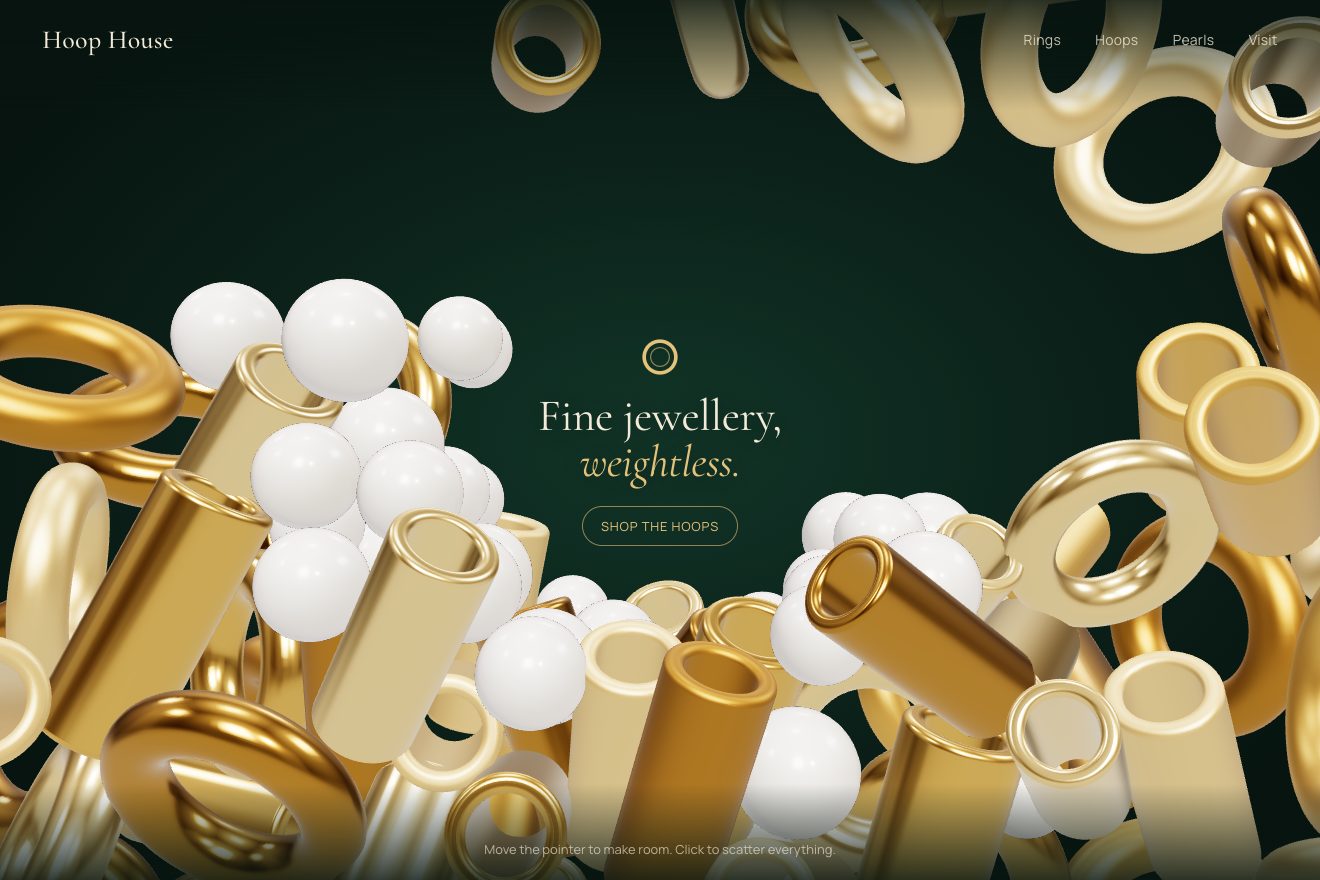
The tunnel that makes room
WebGL, Physics, Hover
A WebGL animation: the update card of an operating system, dark on a near black page, whose progress bar is made of liquid metal. A 2D shader draws the mercury in its groove with the chrome reflections of a photo studio: its front chases the download on a spring, leans forward when it speeds up, runs past the mark and sloshes back when it slows, spits a drop ahead in a burst and takes it back. Paused, the metal settles; once installed, a light runs along the whole bar.
A folder that runs on its own: index.html, style.css, script.js and the libraries from a CDN. The React and Vue tabs hold the same demo as a ready component, which switches its animations off when it leaves the page.
<!doctype html>
<!--
"Mercury progress bar" from Animorio · https://animorio.com
License: free on your own sites and your clients’ sites, paid work included.
Not for resale, redistribution, templates or code collections · https://animorio.com/en/license/
-->
<html lang="en">
<head>
<meta charset="utf-8">
<meta name="viewport" content="width=device-width, initial-scale=1">
<title>The update card with the mercury progress bar</title>
<link rel="stylesheet" href="https://cdn.jsdelivr.net/npm/@fontsource-variable/geist@5.3.0/index.css">
<link rel="stylesheet" href="style.css">
</head>
<body>
<main class="stage">
<!-- the software update card of an operating system: the progress bar is a groove filled with liquid metal,
drawn by a WebGL shader. The mercury runs forward as the update downloads, leans and sloshes when the speed
changes, spits a drop ahead on a burst and swallows it again, and shines all along when it is installed -->
<div class="upd" data-upd>
<article class="upd__card" data-card>
<span class="upd__rim" data-rim aria-hidden="true"></span>
<header class="upd__head">
<span class="upd__icon" aria-hidden="true">
<svg viewBox="0 0 24 24"><circle class="upd__icon-ring" cx="12" cy="12" r="6.4"/><path class="upd__icon-cut" d="M12 5.6a6.4 6.4 0 0 1 6.4 6.4"/></svg>
</span>
<span class="upd__title">
<span class="upd__name">Halo OS 18.2</span>
<span class="upd__meta">Update · <span data-size>2.4</span> GB</span>
</span>
<span class="upd__chip" data-chip>
<svg class="upd__chip-check" viewBox="0 0 12 12" aria-hidden="true"><path d="M2.6 6.3l2.2 2.2 4.6-4.9" pathLength="1" data-chip-check/></svg>
<span class="upd__chip-words" data-chip-words>Available</span>
</span>
</header>
<p class="upd__line">Quicker wake from sleep, new Focus filters and 48 security fixes.</p>
<div class="upd__bar" data-bar role="progressbar" aria-label="Download" aria-valuemin="0" aria-valuemax="100" aria-valuenow="0">
<span class="upd__groove" aria-hidden="true"></span>
<canvas class="upd__metal" data-canvas aria-hidden="true"></canvas>
<span class="upd__flat" data-flat aria-hidden="true"></span>
</div>
<p class="upd__nums">
<span class="upd__got"><span data-got>0.00</span> of <span data-total>2.40</span> GB</span>
<span class="upd__left" data-left>About 3 min</span>
</p>
<button class="upd__btn" type="button" data-btn>
<span class="upd__btn-face" data-face>
<span class="upd__btn-icons" aria-hidden="true">
<svg class="upd__ico" data-ico="idle" viewBox="0 0 16 16"><path d="M8 2.6v8M4.4 7.4L8 11l3.6-3.6M3.4 13.4h9.2"/></svg>
<svg class="upd__ico" data-ico="run" viewBox="0 0 16 16"><path d="M5.6 3.6v8.8M10.4 3.6v8.8"/></svg>
<svg class="upd__ico" data-ico="paused" viewBox="0 0 16 16"><path class="upd__fill" d="M5.2 3.4l7 4.6-7 4.6z"/></svg>
<svg class="upd__ico" data-ico="done" viewBox="0 0 16 16"><path d="M12.9 8.6A4.9 4.9 0 1 1 11.3 4.4M11.7 1.9l-.2 2.8-2.8-.1"/></svg>
</span>
<span class="upd__btn-words" data-words>Update now</span>
</span>
</button>
</article>
</div>
<p class="sr" aria-live="polite" data-live></p>
</main>
<script src="https://cdn.jsdelivr.net/npm/gsap@3.15.0/dist/gsap.min.js"></script>
<script src="script.js"></script>
</body>
</html>Change values, colours and text with the controls and watch the animation respond live. Or write in the code yourself. Then download the folder with your changes.
33 values to change
With the Animorio connector, Claude Code, ChatGPT, Cursor or VS Code take it from here, guide included, and fit it into your project. Paste this request:
Take “Mercury progress bar” from Animorio and fit it into my siteThe mercury is a WebGL shader on a canvas a little larger than the groove: a rounded segment for the body, a circle for the front and five drops, melted together with a smooth minimum. The distance from the edge becomes a quarter circle height, its slope the normal.
The normal reflects a photo studio made of numbers: a bright wall, a sharp horizon, a dark floor, strip lights. The colours come from the CSS, a touch of the blue accent goes into the sky. The studio turns a little with the light on the card, so the reflections move even when the metal is still.
The download is a GSAP timeline that is always the same, fast and slow by turns. The front chases it on a spring integrated by hand, stiffness 90 and damping 11, in two steps per frame: it leans as it runs and passes the mark when the download brakes.
The front's acceleration pushes an oscillator that makes the wave on the surface, strongest near the front. Past a speed the front spits a drop that slows by friction, then is drawn back until the front touches it and takes it in.
The button goes from Update now to Pause, Resume and Restart now, the icons turning and a spring on the press. When it is done a light runs along the bar in the shader, the chip takes the accent and the checkmark draws itself; the card's edge catches the light where the pointer is.
| Name | File | Default | What it changes |
|---|---|---|---|
STIFFNESS | script.js | 90 | The spring pulling the mercury's front to the real progress: higher is quicker. |
DAMPING | script.js | 11 | Lower lets the front pass the mark and slosh back. |
SLOSH | script.js | 1 | How much the surface ripples when the speed changes. |
SPIT | script.js | 1 | How readily a burst spits a drop ahead (0 = never). |
SHINE | script.js | 1 | How bright the lights in the metal are. |
SIZE | script.js | 2.4 | The size of the update, in GB. |
SPEED | script.js | 1 | 2 = the update on its own twice as fast, 0.5 = half. |
LOOP | script.js | true | Repeats the update until someone touches it. |
For the updates screen of an app or a system, for downloading a large file in a dashboard, for installing an extension, or for any progress bar that should feel like a precious object rather than a flat line.
The same animation with adapted sizes: the card is as wide as the box, the margins shrink with the height, the groove and the mercury are measured again when the size changes, and a finger presses the button and dents the metal.
The mercury follows the progress with no spring, no wave and no drops; the card fades in, words and icons change with a fade, and when it is installed the bar brightens and dims again, with no running light.
GSAP 3.15.0, Geist (font variabile) 5.3.0.
Compressed with gzip, the three demo files weigh 12 KB; the libraries: GSAP 28 KB.
Tested on 3 November 2026
Use it in your own projects and in your clients’ projects. Do not resell it or redistribute it as is. GSAP stays under its own Standard license. Full license.
Support Animorio
Animorio stays free thanks to the people who support it. If you like, buy us a coffee: it helps us make the next animations.
You asked for
We made it for you: it’s in the library, with the preview, the Playground and the code to copy.
An animation you can’t find, or a site to take apart in the journal: tell us which. We pick the next ones from here.
With your account’s email and password.
or with your email
You’re signed in as .
With your account, you can download the zip of every animation and every pack, for free.