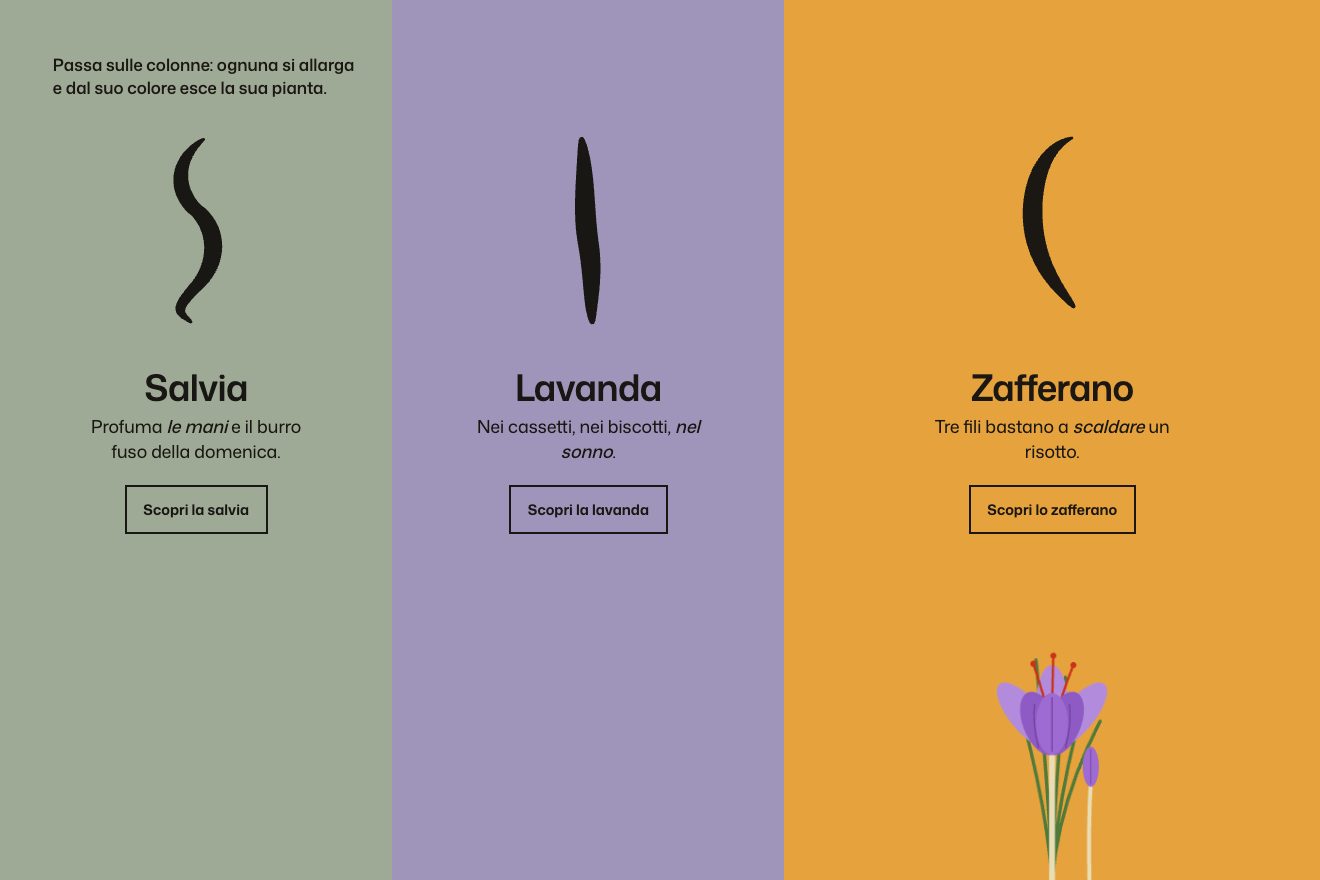
The colour columns
Hover, SVG
NewFree
In the minimal style: the name of an architecture studio, Plinth, drawn in one-point perspective as on a drawing sheet. The front faces of the letters are solid, every corner runs with a hairline to the same vanishing point on the horizon, the back faces are dashed. The vanishing point follows the pointer on a spring and the word turns in space; the nearest letter lifts and its edges turn red, and a click pushes the depth out.
A folder that runs on its own: index.html, style.css, script.js and the libraries from a CDN. The React and Vue tabs hold the same demo as a ready component, which switches its animations off when it leaves the page.
<!doctype html>
<html lang="en">
<head>
<meta charset="utf-8">
<meta name="viewport" content="width=device-width, initial-scale=1">
<title>Plinth</title>
<link rel="stylesheet" href="https://cdn.jsdelivr.net/npm/@fontsource-variable/instrument-sans@5.3.0/wdth.css">
<link rel="stylesheet" href="style.css">
</head>
<body>
<!-- one word drawn in one-point perspective: every corner runs to a vanishing point that follows the pointer -->
<main class="stage" data-stage>
<header class="top">
<span class="brand">Plinth</span>
<span class="what">Architecture & interiors</span>
</header>
<svg class="drawing" data-svg role="img" aria-label="Plinth, drawn in perspective">
<g data-guides class="guides"></g>
<line data-horizon class="horizon" x1="0" y1="0" x2="0" y2="0" />
<g data-ticks class="ticks"></g>
<g data-depth class="depth"></g>
<g data-back class="back"></g>
<g data-front class="front"></g>
<g data-vp class="vp">
<circle class="vp__ring" r="9" />
<line class="vp__arm" x1="-14" y1="0" x2="14" y2="0" />
<line class="vp__arm" x1="0" y1="-14" x2="0" y2="14" />
<text class="vp__label" x="12" y="-12">VP</text>
</g>
</svg>
<footer class="bottom">
<p class="hint" data-hint>Move to drag the vanishing point. Click to push the depth.</p>
<p class="read" aria-hidden="true"><span>Depth</span> <b data-read-depth>0.00</b> <span class="read__sep"></span> <span>Horizon</span> <b data-read-h>0%</b></p>
</footer>
</main>
<script src="https://cdn.jsdelivr.net/npm/gsap@3.15.0/dist/gsap.min.js"></script>
<script src="script.js"></script>
</body>
</html>Change values, colours and text with the controls and watch the animation respond live. Or write in the code yourself. Then download the folder with your changes.
21 values to change
With the Animorio connector, Claude Code takes it from here, guide included, and fits it into your project. Paste this request:
Take “The word with a vanishing point” from Animorio and fit it into my siteThe six letters of PLINTH are written by hand as polygons on a grid five units wide and seven tall (the P has a second ring, its empty bowl, drawn with fill-rule evenodd). So every corner is a real point, and from every point a line can be drawn towards the vanishing point. The size of the word is the smaller of three quarters of the width and a good quarter of the height, recomputed on every resize.
The back face of every letter is the front face moved towards the vanishing point by a fixed share, the depth: every point P becomes P + (VP − P) · depth. The depth lines join every front corner to its twin at the back; the construction lines start from the four corners of every letter and run all the way to the vanishing point.
The vanishing point, the depth and the lift of every letter are springs with a frequency and a damping, computed in fixed steps of a two-hundred-and-fortieth of a second inside gsap.ticker. FOLLOW and WOBBLE decide how quickly and how softly the point follows the pointer; the click kicks the speed of the depth, so it goes out and swings back.
Every frame looks for the letter nearest the pointer inside an oval as tall as the word: that one lifts by LIFT pixels on a spring and its edges and back face take the accent colour, through a CSS class.
A GSAP timeline draws the horizon and the construction lines from the middle (expo.out), opens the crosshair with back.out, drops the letters one every nine hundredths of a second and finally opens the depth with a kick to the spring. The small print at the bottom reads the depth and the horizon height every frame.
| Name | File | Default | What it changes |
|---|---|---|---|
DEPTH | script.js | 0.2 | How deep the letters go, as a share of the way to the vanishing point (0.05 to 0.5). |
PUSH | script.js | 1.9 | How much a click pushes the depth out (1 = not at all). |
FOLLOW | script.js | 3.4 | How quickly the vanishing point follows the pointer, in hertz. |
WOBBLE | script.js | 0.42 | The damping of the spring: 0.2 overshoots and swings, 1 arrives without overshooting. |
LIFT | script.js | 4 | How many pixels the letter under the pointer lifts. |
GUIDES | script.js | 0.7 | How visible the construction lines are (0 = hidden, 1 = full). |
IDLE | script.js | 2.4 | After how many seconds without a pointer the vanishing point wanders on its own (0 = never). |
--accent | style.css | #e2482c | The colour of the vanishing point and of the letter under the pointer. |
--ink | style.css | #161513 | The colour of the front faces. |
--paper | style.css | #f3f0e8 | The background colour. |
For the header of an architecture, interior design or engineering studio, a drawing school, an architecture magazine or a builder: a heading you can turn with the mouse. The letters are polygons, so the word is changed by redrawing the letters on the grid.
The same lines and the same springs, with the word measured on the height too: it fits the phone box. The vanishing point follows a finger dragging sideways (vertically the page scrolls), and a tap pushes the depth. Without a touch, the point wanders on its own.
Nothing moves: the drawing fades in with the perspective already open and the vanishing point still. The letter nearest the pointer only changes colour.
GSAP 3.15.0, Instrument Sans (font variabile) 5.3.0.
Compressed with gzip, the three demo files weigh 5.8 KB; the libraries: GSAP 28 KB.
Tested on 23 October 2026
Use it in your own projects and in your clients’ projects. Do not resell it or redistribute it as is. GSAP stays under its own Standard license. Full license.
With your account’s email and password.
or with your email
You’re signed in as .
With your account, you can download the zip of every animation and every pack, for free.