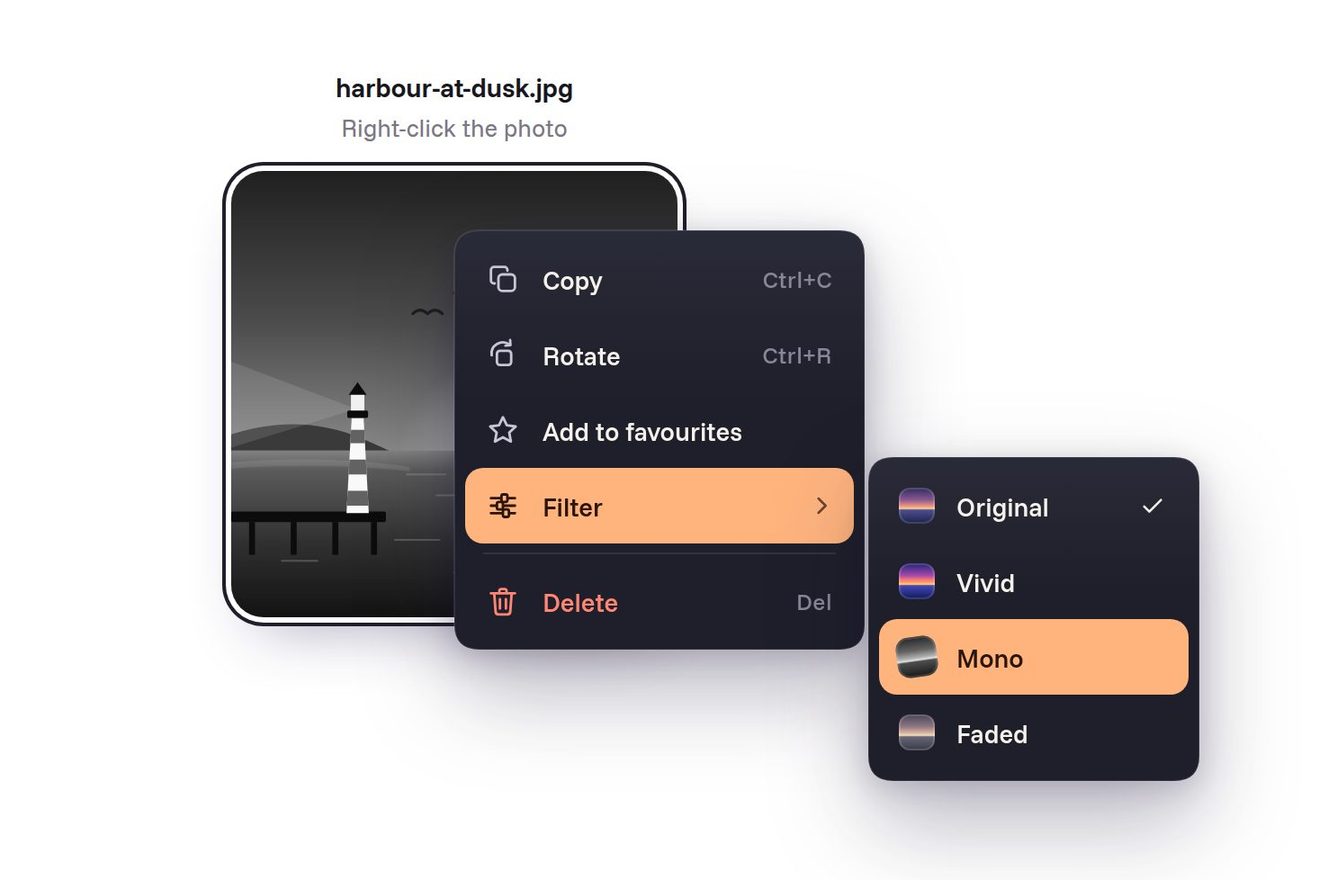
The funnel context menu
Menus, Transitions, SVG, Hover
The top bar of a workout and gym app, on black: the seven days of the week, each with the ring of its session (closed for the days trained, dotted for the rest day, half filled for today, empty for the days to come) and the streak flame on the right. The capsule under the chosen day hops to the new one like a barbell plate set down on the floor: it lifts, travels, lands with a small squash and settles by a pixel, while the ring of that day draws itself again. Press and hold today and its ring closes, a glint runs round it, the line between yesterday and today welds with a spark and the streak counter rolls up by one.
A folder that runs on its own: index.html, style.css, script.js and the libraries from a CDN. The React and Vue tabs hold the same demo as a ready component, which switches its animations off when it leaves the page.
<!doctype html>
<!--
  "Workout week bar" from Animorio · https://animorio.com
  License: free on your own sites and your clients’ sites, paid work included.
  Not for resale, redistribution, templates or code collections · https://animorio.com/en/license/
-->
<html lang="en">
<head>
  <meta charset="utf-8">
  <meta name="viewport" content="width=device-width, initial-scale=1">
  <title>The workout week navigation bar with the ring of each day and the streak that welds</title>
  <link rel="stylesheet" href="https://cdn.jsdelivr.net/npm/@fontsource-variable/mona-sans@5.3.0/wdth.css">
  <link rel="stylesheet" href="style.css">
</head>
<body>
  <main class="stage" data-stage>
    <!-- the week bar at the top of a workout app: seven days, each with the ring of its session; the capsule hops
         from day to day like a plate set down, and holding today closes its ring and welds the streak -->
    <div class="fit" data-fit>
      <nav class="week" data-week aria-label="Training week">
        <span class="week__edge" aria-hidden="true"></span>
        <span class="week__grain" aria-hidden="true"></span>
        <div class="days" role="tablist" aria-label="Days of this week" data-days>
          <span class="cap" data-cap aria-hidden="true"><span class="cap__body" data-cap-body><span class="cap__shine"></span></span><span class="cap__shadow" data-cap-shadow></span></span>
          <span class="bridges" data-bridges aria-hidden="true"></span>
        </div>
        <span class="week__rule" aria-hidden="true"></span>
        <div class="streak" data-streak role="status" aria-live="polite">
          <svg class="streak__flame" viewBox="0 0 16 16" aria-hidden="true" data-flame>
            <path class="streak__outer" d="M8 1.4c.4 2.2 2.2 3.3 3.2 5 .9 1.5 1.1 3.3.3 4.9A4 4 0 0 1 8 14.6a4 4 0 0 1-3.5-3.3c-.3-1.5.2-2.9 1.1-3.9.2 1 .7 1.6 1.4 1.9-.3-2.6.1-5.4 1-7.9z"/>
            <path class="streak__inner" d="M8.1 8.2c.3 1 1.3 1.6 1.4 2.8a1.5 1.5 0 0 1-1.5 1.7 1.5 1.5 0 0 1-1.5-1.6c0-1.1.8-1.8 1.6-2.9z"/>
          </svg>
          <span class="streak__num" aria-hidden="true"><span class="streak__col" data-streak-col></span></span>
          <span class="streak__word" aria-hidden="true">streak</span>
          <span class="sr" data-streak-sr></span>
        </div>
      </nav>
      <p class="hint" data-hint aria-hidden="true">Hold today to log it</p>
    </div>
    <svg class="cursor" data-cursor viewBox="0 0 24 24" aria-hidden="true"><path d="M5 3.2 19 12.4l-6.3 1.2-3.4 5.9z"/></svg>
  </main>

  <script src="https://cdn.jsdelivr.net/npm/gsap@3.15.0/dist/gsap.min.js"></script>
  <script src="script.js"></script>
</body>
</html>Change values, colours and text with the controls and watch the animation respond live. Or write in the code yourself. Then download the folder with your changes.
21 values to change
With the Animorio connector, Claude Code, ChatGPT, Cursor or VS Code take it from here, guide included, and fit it into your project. Paste this request:
Take “Workout week bar” from Animorio and fit it into my siteEach day is a button with role tab and an SVG with three circles of the same radius, turned by -90 degrees: the track, the arc with the gradient and the glint. The arc has a stroke-dasharray as long as the circumference (2πr) and a stroke-dashoffset equal to the part missing; the rest day has a dotted track with a short stroke-dasharray and round caps. The glint is a 6 unit dash that runs round the circle as its stroke-dashoffset goes to minus the circumference.
The capsule's x goes to the new day with back.out in SLIDE seconds; meanwhile a timeline lifts it by HOP pixels (less when the day is close) and brings it down with power2.in. On landing the body squashes (scaleX 1.07, scaleY 0.9 from the bottom), sinks 0.8 pixels and comes back with elastic.out. The shadow below is an ellipse that shrinks and fades in the air and spreads when it touches down. Body and shadow are children of the capsule: GSAP moves the capsule and scales the children, so the transforms do not cancel each other.
On pointerdown on today a tween takes the ring's value to 1 in HOLD seconds with power1.in, and the day shrinks to 93%. On a pointerup before the end the tween stops and the value goes back to TODAY_DONE on a spring. At 1 the confirmation starts: the glint runs round, the stroke width goes from 2.6 to 3.6 and back, the ring grows 8% and settles.
Between two days done in a row sits a 2 pixel line at the height of the ring centres, measured with offsetLeft and offsetTop (which ignore the bar's scale) and measured again on resize. The new weld grows with scaleX from the left in 0.42 seconds, a radial spark runs to its tip, the earlier welds light up in a chain from right to left; the counter is a column of two numbers that rises 15 pixels with back.out and the flame stretches from its base.
When nobody touches it, a drawn pointer taps Tuesday, then Friday, then today, holds it until the ring closes and moves aside to show the streak; then everything goes back and the round starts again. Positions are read by functions inside the tweens, so they follow the bar if the window changes; at the first real touch, wheel or key the pilot stops.
| Name | File | Default | What it changes |
|---|---|---|---|
START | script.js | 2 | The day chosen on opening: 0 Monday, 6 Sunday. |
TODAY_DONE | script.js | 62 | Percent of today's session already done. |
STREAK | script.js | 4 | The streak before today is logged (then it rises by one). |
HOLD | script.js | 1.1 | Seconds of holding today to close its ring. |
HOP | script.js | 7 | Pixels the capsule lifts when hopping to a far day. |
SLIDE | script.js | 0.5 | Seconds for the capsule to reach a day. |
SPRING | script.js | 1 | How springy the landing is: 0.4 calm, 2 very. |
AUTO | script.js | true | A drawn pointer taps and holds by itself until someone touches the page. |
At the top of a workout, gym, running or yoga app, above the day's plan: to pick the day and see the week and the streak at a glance. It also works in a gym membership dashboard or a habit tracker.
The same animation with adapted sizes: the bar is drawn at its own size and scaled to 92% of the screen width. A finger taps a day and holds today just like the mouse; the long press menu is off.
Nothing moves: the capsule fades out and back in on the new day, rings and welds are already in place, the counter changes without rolling and there is no pilot. Holding today still fills the ring, which works as the progress indicator.
GSAP 3.15.0, Mona Sans (font variabile) 5.3.0.
Compressed with gzip, the three demo files weigh 8.7 KB; the libraries: GSAP 28 KB.
Tested on 10 November 2026
Use it in your own projects and in your clients’ projects. Do not resell it or redistribute it as is. GSAP stays under its own Standard license. Full license.
Support Animorio
Animorio stays free thanks to the people who support it. If you like, buy us a coffee: it helps us make the next animations.
You asked for
We made it for you: it’s in the library, with the preview, the Playground and the code to copy.
An animation you can’t find, or a site to take apart in the journal: tell us which. We pick the next ones from here.
With your account’s email and password.
or with your email
You’re signed in as .
With your account, you can download the zip of every animation and every pack, for free.