Button menu
Menus, Transitions, Text
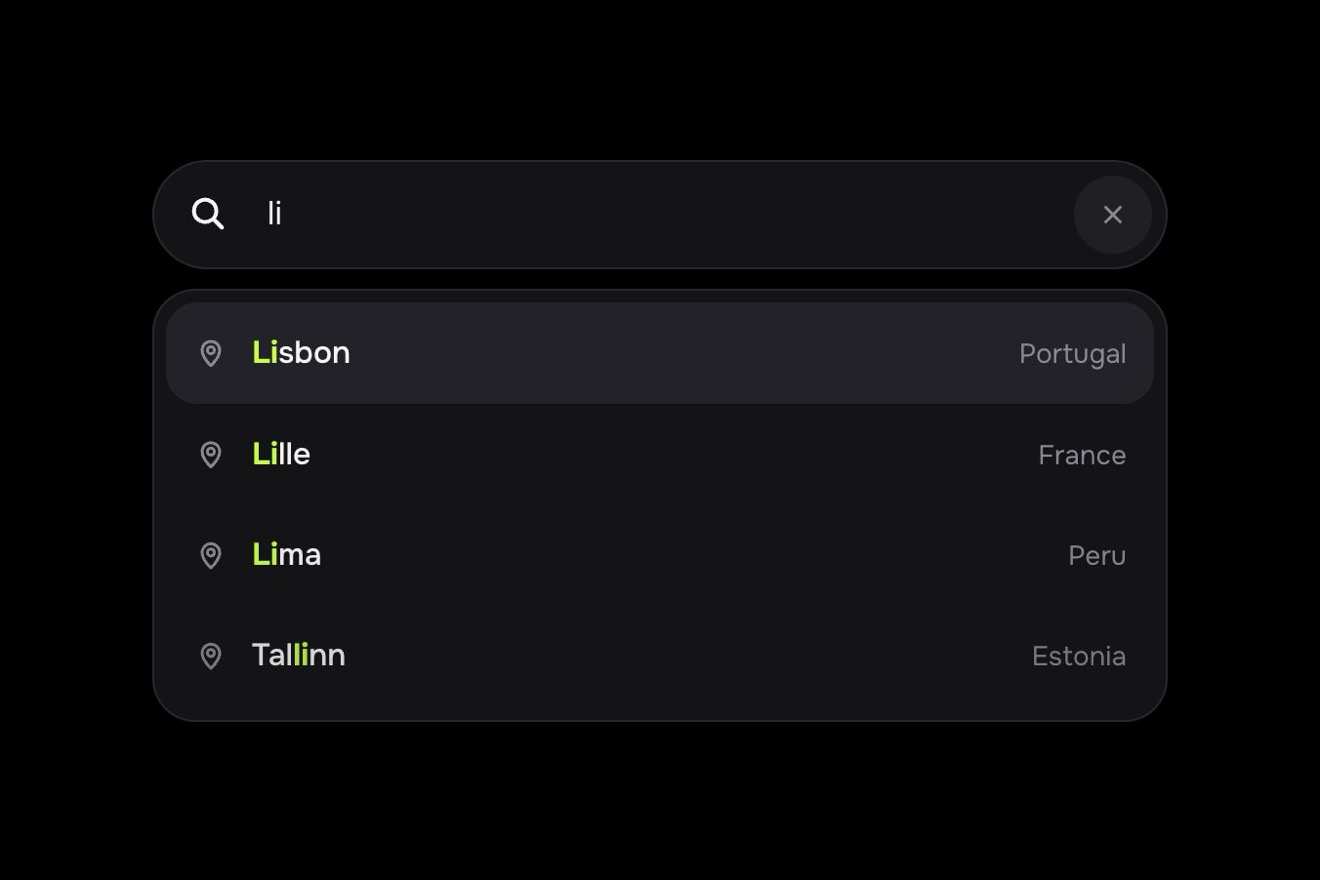
The ⌘K command palette of Loomwork, a made-up AI workspace, like a Dribbble shot: a window of dark smoked glass with light on its edge and grain, over a dark room with two soft lights. As you type the results (commands, files, people) are weighed again at every letter and slide to their new places on a spring, with FLIP; Ask AI stays on top with an iridescent light running along its edge, the highlight glides under the row chosen with the arrows and every command has its shortcut on the right, with drawn keys. Choosing Ask AI the other rows fold away, the window grows and the answer arrives word by word with a small light running just ahead of it.
A folder that runs on its own: index.html, style.css, script.js and the libraries from a CDN. The React and Vue tabs hold the same demo as a ready component, which switches its animations off when it leaves the page.
<!doctype html>
<!--
  "AI command palette" from Animorio · https://animorio.com
  License: free on your own sites and your clients’ sites, paid work included.
  Not for resale, redistribution, templates or code collections · https://animorio.com/en/license/
-->
<html lang="en">
<head>
  <meta charset="utf-8">
  <meta name="viewport" content="width=device-width, initial-scale=1">
  <title>The AI command palette with the reordering results</title>
  <link rel="stylesheet" href="https://cdn.jsdelivr.net/npm/@fontsource-variable/mona-sans@5.3.0/wdth.css">
  <link rel="stylesheet" href="style.css">
</head>
<body>
  <main class="stage" data-stage>
    <!-- the room behind the glass: two soft coloured lights out of focus, the floor catching them, a fine grain -->
    <div class="room" aria-hidden="true">
      <span class="room__light room__light--a" data-light></span>
      <span class="room__light room__light--b" data-light></span>
      <span class="room__light room__light--c" data-light></span>
      <span class="room__floor"></span>
      <span class="room__grain"></span>
    </div>

    <!-- the command palette of Loomwork, a made-up AI workspace. A window of smoked glass: typing, the results
         (commands, files, people) reorder on a spring, Ask AI stays on top with an iridescent light running on its
         edge, the highlight glides under the chosen row. Choosing Ask AI, the window grows and the answer arrives
         word by word, with a light running just ahead of it -->
    <div class="frame" data-frame>
      <div class="cp" data-cp role="dialog" aria-label="Loomwork command palette">
        <span class="cp__aura" data-aura aria-hidden="true"></span>
        <span class="cp__glass" aria-hidden="true"></span>
        <span class="cp__grain" aria-hidden="true"></span>
        <span class="cp__sheen" data-sheen aria-hidden="true"></span>
        <span class="cp__rim" aria-hidden="true"></span>

        <div class="cp__field">
          <svg class="cp__lens" viewBox="0 0 16 16" aria-hidden="true"><circle cx="7" cy="7" r="4.6"/><path d="M10.4 10.4L14 14"/></svg>
          <span class="cp__input-wrap">
            <input class="cp__input" data-input type="text" autocomplete="off" spellcheck="false"
                   placeholder="Search or ask Loomwork…" aria-label="Search commands, files and people, or ask Loomwork AI"
                   role="combobox" aria-expanded="true" aria-controls="cp-list" aria-autocomplete="list">
            <span class="cp__mirror" data-mirror aria-hidden="true"></span>
            <span class="cp__caret" data-caret aria-hidden="true"></span>
          </span>
          <button class="cp__kbd" type="button" data-cmdk aria-label="Focus the palette, Command K">
            <span class="key" data-k="cmd"><svg viewBox="0 0 16 16" aria-hidden="true"><path d="M6 6V4a2 2 0 1 0-2 2h8a2 2 0 1 0-2-2v8a2 2 0 1 0 2-2H4a2 2 0 1 0 2 2V6z"/></svg></span>
            <span class="key" data-k="k">K</span>
          </button>
        </div>
        <span class="cp__rule" aria-hidden="true"></span>

        <div class="cp__body" data-body>
          <span class="cp__probe cp__probe--row" data-probe-row aria-hidden="true"></span>
          <span class="cp__probe cp__probe--pad" data-probe-pad aria-hidden="true"></span>
          <ul class="cp__list" id="cp-list" role="listbox" aria-label="Results" data-list>
            <li class="cp__hl" data-hl aria-hidden="true"><span class="cp__hl-bar"></span></li>
          </ul>

          <section class="ans" data-answer aria-live="polite" aria-label="Loomwork AI answer">
            <header class="ans__head">
              <span class="ans__who">Loomwork AI</span>
              <span class="ans__status" data-status>
                <span class="ans__think" data-think>Reading 3 docs</span>
                <span class="ans__found" data-found>3 sources</span>
              </span>
            </header>
            <p class="ans__text" data-text></p>
            <div class="ans__src" aria-label="Sources">
              <span class="chip" data-chip><svg viewBox="0 0 16 16" aria-hidden="true"><path d="M4 2.5h5.3l3.2 3.2v7.8H4z"/><path d="M9.3 2.5v3.2h3.2"/></svg>Q4 Launch Plan</span>
              <span class="chip" data-chip><svg viewBox="0 0 16 16" aria-hidden="true"><path d="M3.5 4.5h9M3.5 8h9M3.5 11.5h5.5"/></svg>Launch checklist</span>
              <span class="chip" data-chip><svg viewBox="0 0 16 16" aria-hidden="true"><rect x="2.5" y="3.5" width="11" height="10" rx="2"/><path d="M2.5 6.8h11M5.5 2v3M10.5 2v3"/></svg>Team calendar</span>
            </div>
            <div class="ans__act">
              <button class="act act--main" type="button" data-act>Draft the email</button>
              <button class="act" type="button" data-act>Open the plan</button>
            </div>
          </section>
        </div>

        <footer class="cp__foot">
          <span class="hint">
            <span class="key key--sm" data-k="up"><svg viewBox="0 0 16 16" aria-hidden="true"><path d="M8 12.5V3.8M4.6 7.2L8 3.8l3.4 3.4"/></svg></span>
            <span class="key key--sm" data-k="down"><svg viewBox="0 0 16 16" aria-hidden="true"><path d="M8 3.5v8.7M4.6 8.8L8 12.2l3.4-3.4"/></svg></span>
            <span class="hint__word">Navigate</span>
          </span>
          <span class="hint">
            <span class="key key--sm" data-k="enter"><svg viewBox="0 0 16 16" aria-hidden="true"><path d="M12.5 3.5v4.8H4.2"/><path d="M6.8 5.7L4.2 8.3l2.6 2.6"/></svg></span>
            <span class="hint__word">Select</span>
          </span>
          <span class="hint">
            <span class="key key--sm key--word" data-k="esc">esc</span>
            <span class="hint__word hint__swap"><span data-esc="close">Close</span><span data-esc="back">Back</span></span>
          </span>
          <span class="cp__brand">
            <svg viewBox="0 0 16 16" aria-hidden="true"><rect x="1.8" y="1.8" width="12.4" height="12.4" rx="3.6"/><path d="M5 11.2L11.2 5M5 7.6L7.6 5M8.4 11.2l2.8-2.8"/></svg>
            Loomwork
          </span>
        </footer>
      </div>
    </div>
    <p class="sr" aria-live="polite" data-live></p>
  </main>

  <script src="https://cdn.jsdelivr.net/npm/gsap@3.15.0/dist/gsap.min.js"></script>
  <script src="script.js"></script>
</body>
</html>Change values, colours and text with the controls and watch the animation respond live. Or write in the code yourself. Then download the folder with your changes.
40 values to change
With the Animorio connector, Claude Code, ChatGPT, Cursor or VS Code take it from here, guide included, and fit it into your project. Paste this request:
Take “AI command palette” from Animorio and fit it into my siteEvery command, file or person has its row, created once and placed absolutely in the list. At every letter a score picks the top rows (the word found at a start counts more, then the letters in order with gaps, then hidden words like “launch owner”), and every row that stays goes from its old y to the new one: FLIP without measuring, because the position is always index times height. New ones come in from the left, staggered, the ones leaving go right and hide.
The motion is a function passed to GSAP as an ease: 1 − e^(−d·p) · cos(w·p), a damped spring that passes the mark by a pixel or two and settles, with d and w taken from the BOUNCE knob (at zero it becomes power3.out). The same spring moves the rows, the highlight, the window’s height and the tags of the answer.
The band under the chosen row is a single element: it goes to the row’s y on the spring and meanwhile, with two keyframes, stretches vertically and narrows by a hair in proportion to the distance, then comes back. The keys at the bottom sink by a pixel and light up from inside by animating the CSS variable --lit.
The Ask AI edge is a box with one pixel of padding and a content-box mask in exclude: only the frame shows. Inside spins a square with a conic-gradient, half transparent and half violet, cyan, pink and amber, rotated by GSAP with xPercent and yPercent (the CSS translate would be wiped out). A blurred copy of the same gradient inside the row tints it from within.
The answer is split into words, each an inline-block span. A timeline brings them in at the WORD rhythm, pausing after full stops and commas: each word rises by 4 pixels, blurred and cyan, then takes its colour. Before each word a light (a blurred ellipse in screen with a bright caret) runs to its end, measured with offsetLeft and offsetWidth, and on a new line jumps to its start.
From the load event a timeline presses ⌘ K, types the word with a fixed irregular rhythm, goes down twice, back up, presses Enter on Ask AI, waits for the answer and HOLD seconds, goes back with esc and erases. At the first real key, click or letter the loop stops and the palette stays as it is.
| Name | File | Default | What it changes |
|---|---|---|---|
QUERY | script.js | launch | The word the palette types by itself. |
TYPE_SPEED | script.js | 9 | Letters per second while it types by itself. |
ROWS | script.js | 5 | How many rows the list shows, Ask AI included. |
BOUNCE | script.js | 1 | How springy the rows and the highlight are: 0 no bounce, 2 lively. |
WORD | script.js | 0.07 | Seconds between two words of the answer. |
RING | script.js | 3.4 | Seconds for one turn of the iridescent light around Ask AI. |
HOLD | script.js | 2.8 | How many seconds the finished answer stays before going back to the list. |
AUTO | script.js | true | Types, moves and chooses by itself until someone touches it. |
For a work app or an AI SaaS, a docs editor, a team tool, a dashboard or an admin panel: the ⌘K palette that finds commands, files and people and lets you ask the assistant, with the answer arriving as you read it.
On the phone the window takes almost the whole width and every size inside shrinks with the screen’s height; the secondary words go (Command, the brand in the AI row, the words beside the keys at the bottom, the third tag) and the shortcuts and keys stay. Tapping a row chooses it; the rest is the same.
Nothing travels: the rows change places at once and appear or vanish with a fade, the highlight jumps and lights up again, the light on the edge stays still, the window takes its new height at once and the words of the answer only fade in, without the light ahead.
GSAP 3.15.0, Mona Sans (font variabile) 5.3.0.
Compressed with gzip, the three demo files weigh 15 KB; the libraries: GSAP 28 KB.
Tested on 4 November 2026
Use it in your own projects and in your clients’ projects. Do not resell it or redistribute it as is. GSAP stays under its own Standard license. Full license.
Support Animorio
Animorio stays free thanks to the people who support it. If you like, buy us a coffee: it helps us make the next animations.
You asked for
We made it for you: it’s in the library, with the preview, the Playground and the code to copy.
An animation you can’t find, or a site to take apart in the journal: tell us which. We pick the next ones from here.
With your account’s email and password.
or with your email
You’re signed in as .
With your account, you can download the zip of every animation and every pack, for free.