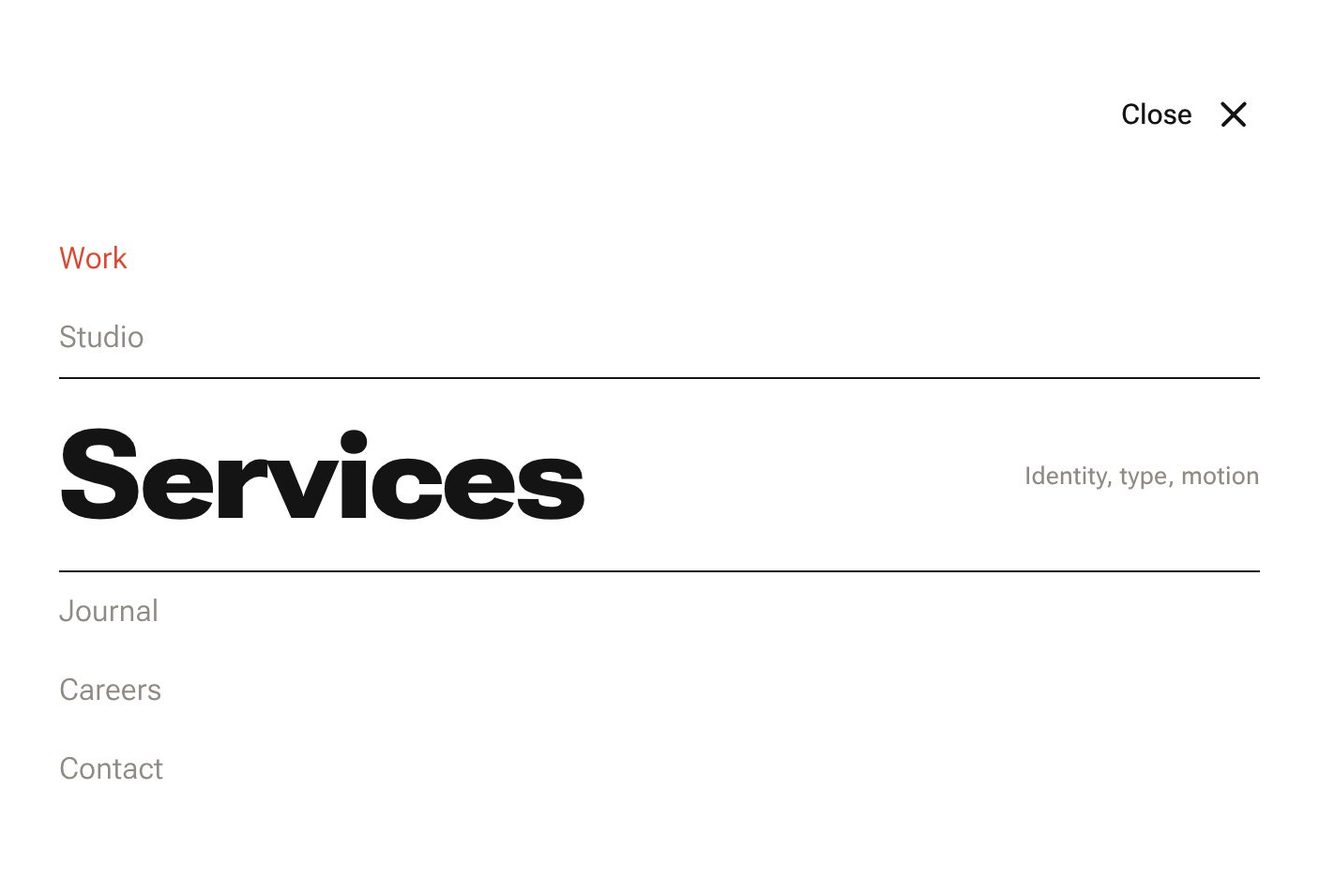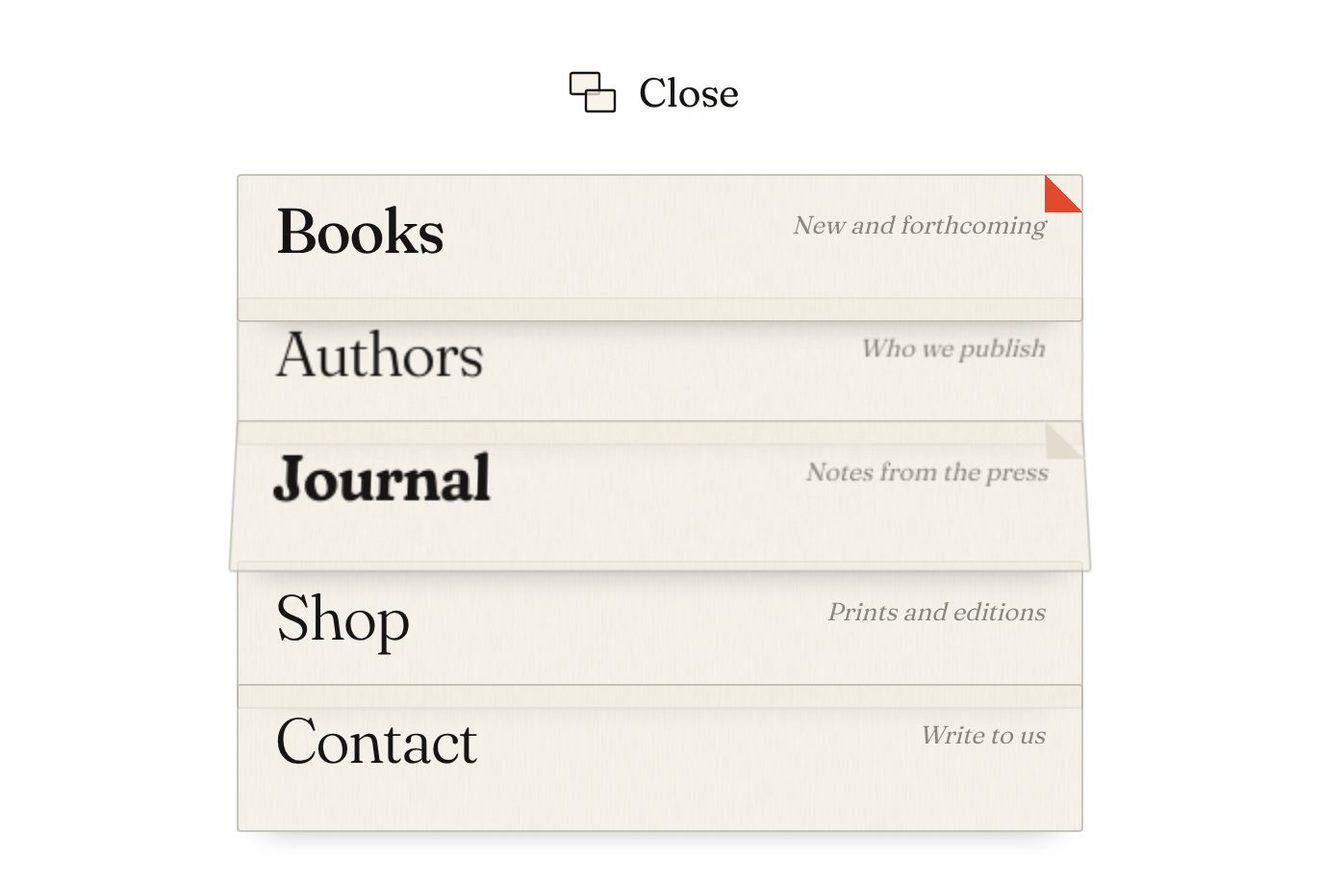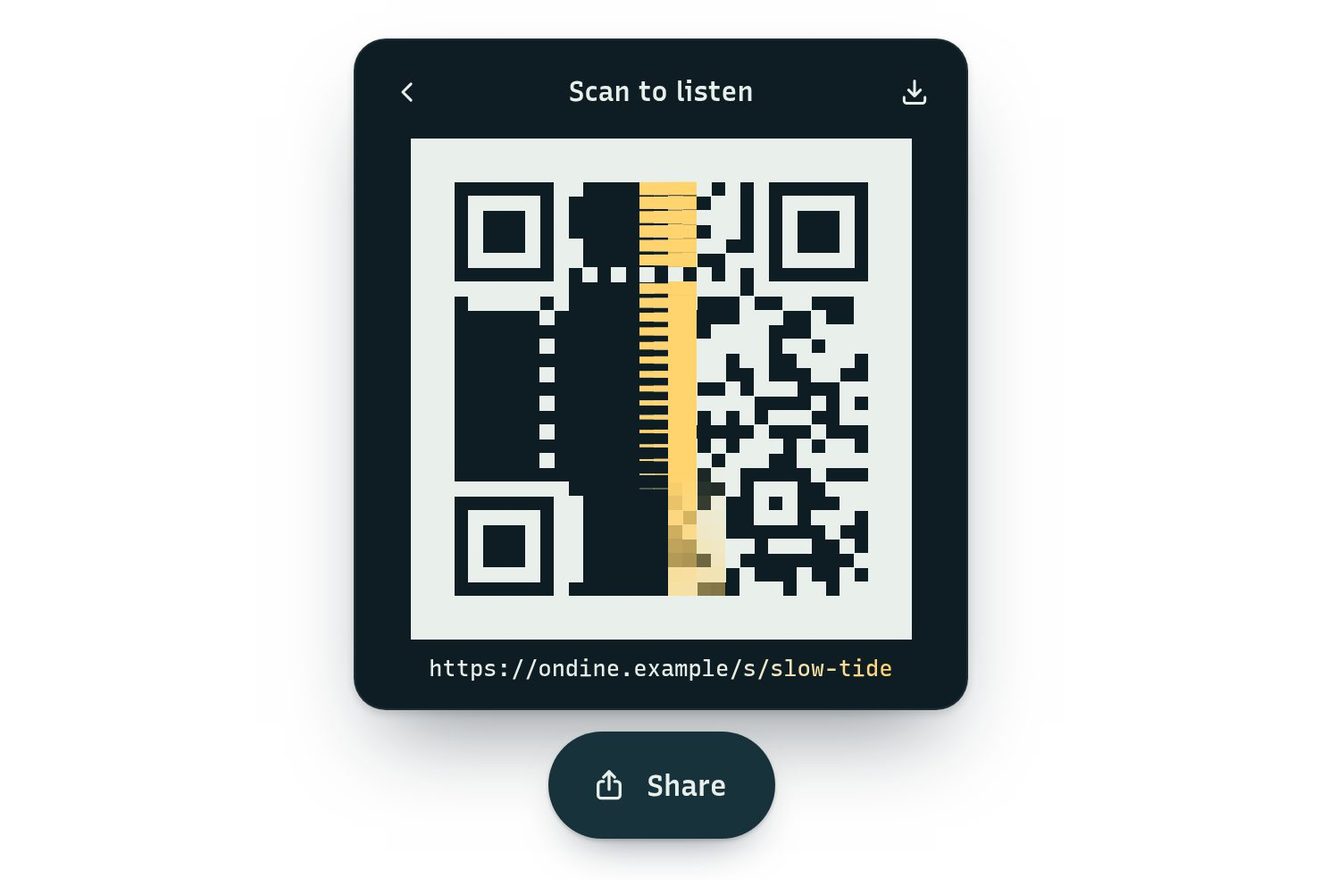
The share menu made of modules
Menus, Transitions, Hover, Text
NewFree
The full-screen menu of a studio that makes tools for developers, written in characters: pressing Menu, a wave of characters runs out of the button across the screen and, where it passes, leaves the links in big letters made of small ones, each chosen for its shape.
A folder that runs on its own: index.html, style.css, script.js and the libraries from a CDN. The React and Vue tabs hold the same demo as a ready component, which switches its animations off when it leaves the page.
<!doctype html>
<html lang="en">
<head>
  <meta charset="utf-8">
  <meta name="viewport" content="width=device-width, initial-scale=1">
  <title>The ASCII menu</title>
  <link rel="stylesheet" href="https://cdn.jsdelivr.net/npm/@fontsource-variable/jetbrains-mono@5.3.0/index.css">
  <link rel="stylesheet" href="style.css">
</head>
<body>
  <main class="stage">
    <!-- the full-screen menu of a small studio that makes tools for developers, set in characters. At rest only a
         Menu button. Pressed, a wave of characters runs out of the button across the screen and, where it has passed,
         the links are left drawn in big letters made of small ones: every character is chosen for its shape, so the
         slashes follow the diagonals and the bars the straight strokes -->
    <div class="term" data-frame>
      <canvas class="term__screen" aria-hidden="true" data-screen></canvas>

      <nav class="term__menu" id="ascii-menu" aria-label="Main" data-menu inert>
        <ul class="term__list">
          <li><a class="word" href="#work" data-word data-note="selected work">Work</a></li>
          <li><a class="word" href="#tools" data-word data-note="open source" aria-current="page">Tools</a></li>
          <li><a class="word" href="#notes" data-word data-note="essays, changelogs">Notes</a></li>
          <li><a class="word" href="#studio" data-word data-note="people and place">Studio</a></li>
          <li><a class="word" href="#contact" data-word data-note="say hello">Contact</a></li>
        </ul>
      </nav>

      <button class="key" type="button" aria-expanded="false" aria-controls="ascii-menu" data-toggle data-autoclic>
        <span class="key__word" aria-hidden="true" data-key-word>Menu</span>
        <svg class="key__icon" viewBox="0 0 16 12" aria-hidden="true">
          <path data-key-line d="M1 2h14"/>
          <path data-key-line d="M1 6h14"/>
          <path data-key-line d="M1 10h14"/>
        </svg>
        <span class="sr" data-toggle-name>Open the menu</span>
      </button>
    </div>
  </main>

  <script src="https://cdn.jsdelivr.net/npm/gsap@3.15.0/dist/gsap.min.js"></script>
  <script src="script.js"></script>
</body>
</html>Change values, colours and text with the controls and watch the animation respond live. Or write in the code yourself. Then download the folder with your changes.
20 values to change
With the Animorio connector, Claude Code takes it from here, guide included, and fits it into your project. Paste this request:
Take “The ASCII menu” from Animorio and fit it into my siteAt the start every character of the set (dots, dashes, bars, brackets, hash…) is drawn on a hidden canvas and its coverage measured in six zones: two across and three down. They are six numbers from 0 to 1 that say where the character has ink: the slash / top right and bottom left, the underscore only at the bottom.
The links are written in capitals, weight 800, on another hidden canvas three times finer than the grid, TALL lines high. For every place of the grid the same six zones are measured and the character most like them is chosen (the distance between the six numbers, with full ink brought to the coverage of the densest character). So the diagonal edges become slashes, the straight strokes brackets and the inside hashes.
Every place knows how far it is from the button: the wave reaches it after distance / SPEED seconds, plus a touch of chance. For SCRAMBLE seconds the place shows random characters (they change 24 times a second, from a hash of the place and the time), then its final one; empty places flicker only in part (GLITTER). Closing it is the same the other way round, from the farthest place to the button.
In the empty places within LENS pixels of the pointer characters from a density scale appear, thicker near it, fading in less than a second when it stops. The link pointed at flickers again from the column where the pointer came in, the farther columns later, and the others turn grey.
The links are real links, transparent, laid over the box of their word. The keyboard focus draws crop marks with the characters + - |; the arrows go from link to link, Tab goes round the button and the links, Esc closes and the focus goes back to the button. The canvas is drawn again only while something moves.
| Name | File | Default | What it changes |
|---|---|---|---|
SPEED | script.js | 950 | How fast the wave of characters runs, in pixels per second. |
SCRAMBLE | script.js | 0.24 | The seconds a character flickers before it settles. |
TALL | script.js | 7 | How many lines tall a big word is at most (it lowers itself when it does not fit). |
WEIGHT | script.js | 800 | The weight of the letters the big words are cut from (100 to 800). |
LENS | script.js | 64 | The radius of the field of characters the pointer stirs, in pixels. |
GLITTER | script.js | 0.45 | How many empty places flicker as the wave goes by (0 none, 1 all). |
For the site of a development studio, a tool for programmers, a technical app or a portfolio that wants a strong character. It works with a few short links, up to five or six: the big words need room.
The grid is rebuilt to the width of the screen and the big words lose a line so they fit; the wave still starts from the button in the corner. A tap chooses the link; the field that follows the pointer follows the finger too.
No wave and no flickering characters: the links fade in already written, and the button goes to its corner without gliding. The links pointed at light up and the others dim as always, without flickering.
GSAP 3.15.0, JetBrains Mono (font variabile) 5.3.0.
Compressed with gzip, the three demo files weigh 10 KB; the libraries: GSAP 28 KB.
Tested on 19 October 2026
Use it in your own projects and in your clients’ projects. Do not resell it or redistribute it as is. GSAP stays under its own Standard license. Full license.
With your account’s email and password.
or with your email
You’re signed in as .
With your account, you can download the zip of every animation and every pack, for free.