The share menu made of modules
Menus, Transitions, Hover, Text
NewFree
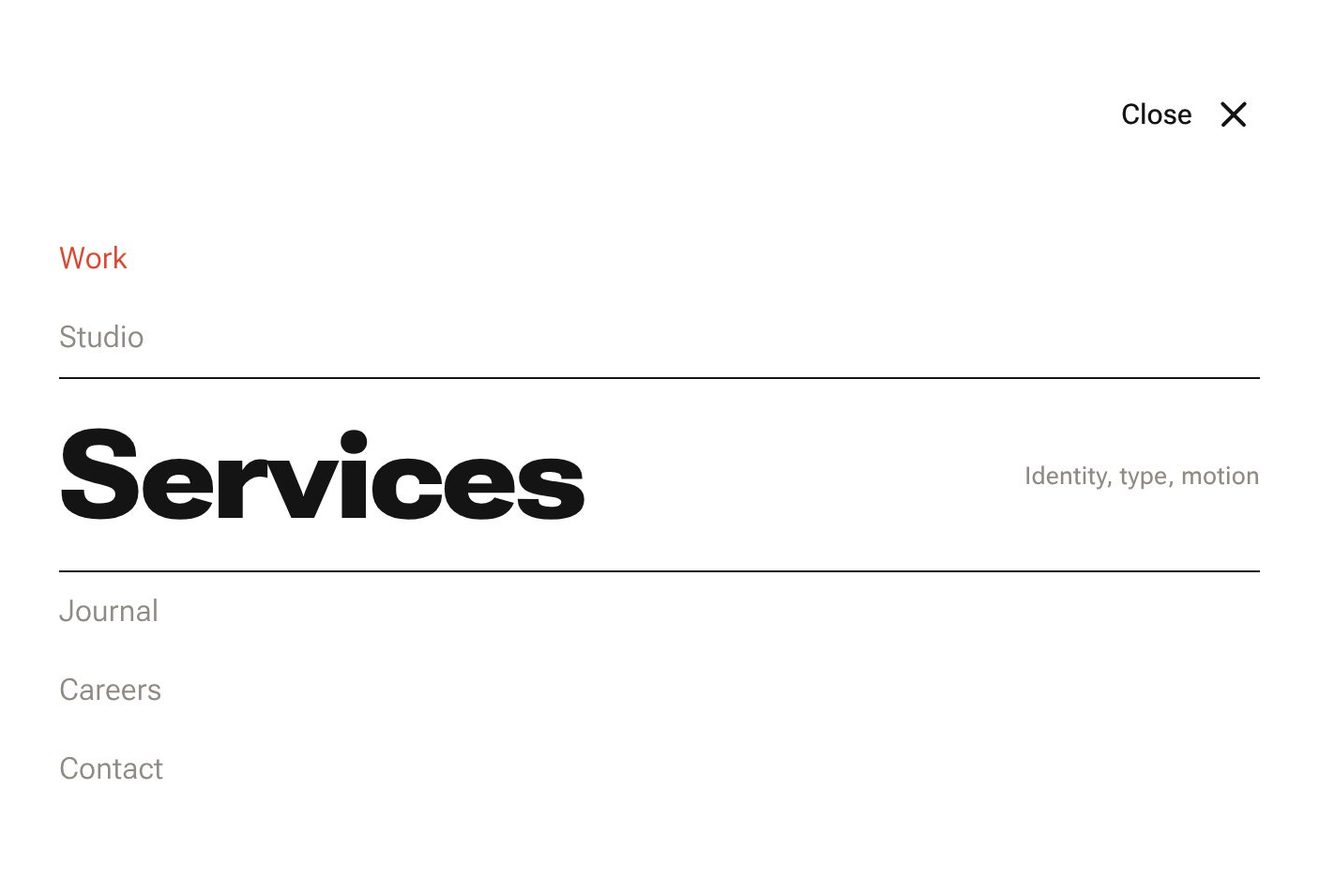
In the minimal style: the menu of a small publisher as a pad of tissue paper. Pressing Menu, the sheets fall from under the button one after the other, hinged on their top edge like the pages of a pad, and settle on a measured spring; each sheet lies over the bottom of the one above, and the paper is thin enough for that edge to show through. Under the pointer a sheet lifts on its hinge, its word gains weight and its corner folds down; the page you are on has the vermilion dog-ear.
A folder that runs on its own: index.html, style.css, script.js and the libraries from a CDN. The React and Vue tabs hold the same demo as a ready component, which switches its animations off when it leaves the page.
<!doctype html>
<html lang="en">
<head>
  <meta charset="utf-8">
  <meta name="viewport" content="width=device-width, initial-scale=1">
  <title>The tissue paper menu</title>
  <link rel="stylesheet" href="https://cdn.jsdelivr.net/npm/@fontsource-variable/fraunces@5.3.0/full.css">
  <link rel="stylesheet" href="style.css">
</head>
<body>
  <main class="stage">
    <!-- the menu of a small publisher, stacked like sheets of tissue paper. At rest only the Menu button. Pressed, the
         sheets fall from under it one after the other, hinged on their top edge like pages of a pad, each settling a
         hair too far and back; each one overlaps the one above, and through the thin paper the edge below shows.
         Under the pointer a sheet lifts on its hinge and the sheets below it make room; the chosen one gets the
         vermilion corner -->
    <div class="pad" data-frame>
      <button class="toggle" type="button" aria-expanded="false" aria-controls="pad-menu" data-toggle data-autoclic>
        <span class="toggle__icon" aria-hidden="true">
          <svg viewBox="0 0 22 18" width="22" height="18">
            <rect class="toggle__sheet" data-icon-sheet x="1.5" y="1.5" width="15" height="11" rx="1"></rect>
            <rect class="toggle__sheet" data-icon-sheet x="5.5" y="5.5" width="15" height="11" rx="1"></rect>
          </svg>
        </span>
        <span class="toggle__words" aria-hidden="true">
          <span class="toggle__word" data-word-open>Menu</span>
          <span class="toggle__word" data-word-close>Close</span>
        </span>
        <span class="sr" data-toggle-name>Open the menu</span>
      </button>

      <nav class="menu" id="pad-menu" aria-label="Main" data-menu inert>
        <ul class="sheets" data-sheets>
          <li class="sheet" data-sheet><a class="sheet__link" href="#books" aria-current="page" data-link>
            <span class="sheet__paper" aria-hidden="true"></span>
            <span class="sheet__word" data-word>Books</span>
            <span class="sheet__note">New and forthcoming</span>
            <span class="sheet__fold" aria-hidden="true" data-fold></span>
          </a></li>
          <li class="sheet" data-sheet><a class="sheet__link" href="#authors" data-link>
            <span class="sheet__paper" aria-hidden="true"></span>
            <span class="sheet__word" data-word>Authors</span>
            <span class="sheet__note">Who we publish</span>
            <span class="sheet__fold" aria-hidden="true" data-fold></span>
          </a></li>
          <li class="sheet" data-sheet><a class="sheet__link" href="#journal" data-link>
            <span class="sheet__paper" aria-hidden="true"></span>
            <span class="sheet__word" data-word>Journal</span>
            <span class="sheet__note">Notes from the press</span>
            <span class="sheet__fold" aria-hidden="true" data-fold></span>
          </a></li>
          <li class="sheet" data-sheet><a class="sheet__link" href="#shop" data-link>
            <span class="sheet__paper" aria-hidden="true"></span>
            <span class="sheet__word" data-word>Shop</span>
            <span class="sheet__note">Prints and editions</span>
            <span class="sheet__fold" aria-hidden="true" data-fold></span>
          </a></li>
          <li class="sheet" data-sheet><a class="sheet__link" href="#contact" data-link>
            <span class="sheet__paper" aria-hidden="true"></span>
            <span class="sheet__word" data-word>Contact</span>
            <span class="sheet__note">Write to us</span>
            <span class="sheet__fold" aria-hidden="true" data-fold></span>
          </a></li>
        </ul>
      </nav>
    </div>
  </main>

  <script src="https://cdn.jsdelivr.net/npm/gsap@3.15.0/dist/gsap.min.js"></script>
  <script src="script.js"></script>
</body>
</html>Change values, colours and text with the controls and watch the animation respond live. Or write in the code yourself. Then download the folder with your changes.
29 values to change
With the Animorio connector, Claude Code takes it from here, guide included, and fits it into your project. Paste this request:
Take “The tissue paper menu” from Animorio and fit it into my siteEach link is an absolutely positioned li with its transform-origin at the middle of its top edge, inside a container with a 900 pixel perspective and preserve-3d. Closed, each sheet stands at y 0 under the button with rotationX -96: turned past edge-on, so invisible. GSAP moves the li; the drawing (paper, word, note, dog-ear) lives in its children, so GSAP's transform does not wipe out the CSS one.
Opening, a timeline takes each sheet from rotationX -96 to 0 and from y 0 to its row, with elastic.out(1, SETTLE) over FALL seconds and STAGGER between one sheet and the next: the sheet goes a degree past flat and settles. Its opacity goes to 1 in the first 0.18 seconds, while it is still edge-on.
A sheet is one row tall plus OVERLAP, so it covers the bottom of the one above, and later sheets lie over earlier ones. The paper colour has an alpha of 0.8: where two sheets overlap the paper is darker and the hairline edge below reads through it. The fibres are an feTurbulence with different horizontal and vertical frequencies, in an SVG used as a background image.
place() puts every sheet back where it belongs: the hot sheet at rotationX LIFT (the top hinge brings its bottom forward), the ones below moved ROOM pixels down, with back.out. The word's weight is a CSS variable (--wght) that GSAP animates and font-variation-settings reads together with Fraunces' opsz and SOFT; the dog-ear is a clip-path triangle that opens with scale from the corner.
The click presses the sheet with scaleY 0.96 there and back, moves aria-current and the vermilion dog-ear, then after 0.55 seconds (gsap.delayedCall) the pad closes: the sheets go back up to rotationX -96 from the last to the first with power3.in and vanish when they are edge-on again.
The button has aria-expanded and aria-controls, the nav is inert while closed. The arrows, Home and End move the focus from sheet to sheet and the focus lifts a sheet like the mouse; Tab goes round the button and the links, Esc closes and gives the focus back to the button. The preview's click (detail 0, with no key just pressed) makes a tour: it opens, goes down the sheets, chooses one and closes; the next tour chooses the other.
| Name | File | Default | What it changes |
|---|---|---|---|
FALL | script.js | 0.95 | The seconds a sheet takes to fall from under the button to its row. |
STAGGER | script.js | 0.07 | The seconds between one sheet and the next, opening and closing. |
SETTLE | script.js | 0.62 | How calmly a sheet settles: low swings past its row, high stops at once (0.3 to 1). |
LIFT | script.js | 13 | How many degrees the sheet under the pointer lifts on its hinge. |
ROOM | script.js | 9 | How many pixels the sheets below move down to make room. |
WEIGHT | script.js | [330, 640] | The weight of a word at rest and on the sheet under the pointer (100 to 900). |
OVERLAP | script.js | 0.2 | How much of each sheet hides under the next one, as a share of a row. |
For the menu of anyone who works with paper and words: a publisher, a bookshop, a magazine, a personal blog, a stationer, a graphic design studio. It suits four, five or six short links on a light background; the note on the right says in a few words what lies behind it.
The pad is as wide as the screen less 32 pixels (440 at most) and the row height comes from the window's height, so the button and the five sheets always fit; below 380 pixels the notes on the right are left out. The same animations: the sheets fall and settle on the spring. A tap on a sheet chooses it and closes the pad.
No falling and no lifting: opening, the sheets fade in already in place, one just after the other; under the pointer only the word's weight and the dog-ear change. Closing, the sheets fade out.
GSAP 3.15.0, Fraunces (font variabile, con gli assi del peso, della dimensione ottica e della morbidezza) 5.3.0.
Compressed with gzip, the three demo files weigh 6.4 KB; the libraries: GSAP 28 KB.
Tested on 22 October 2026
Use it in your own projects and in your clients’ projects. Do not resell it or redistribute it as is. GSAP stays under its own Standard license. Full license.
With your account’s email and password.
or with your email
You’re signed in as .
With your account, you can download the zip of every animation and every pack, for free.