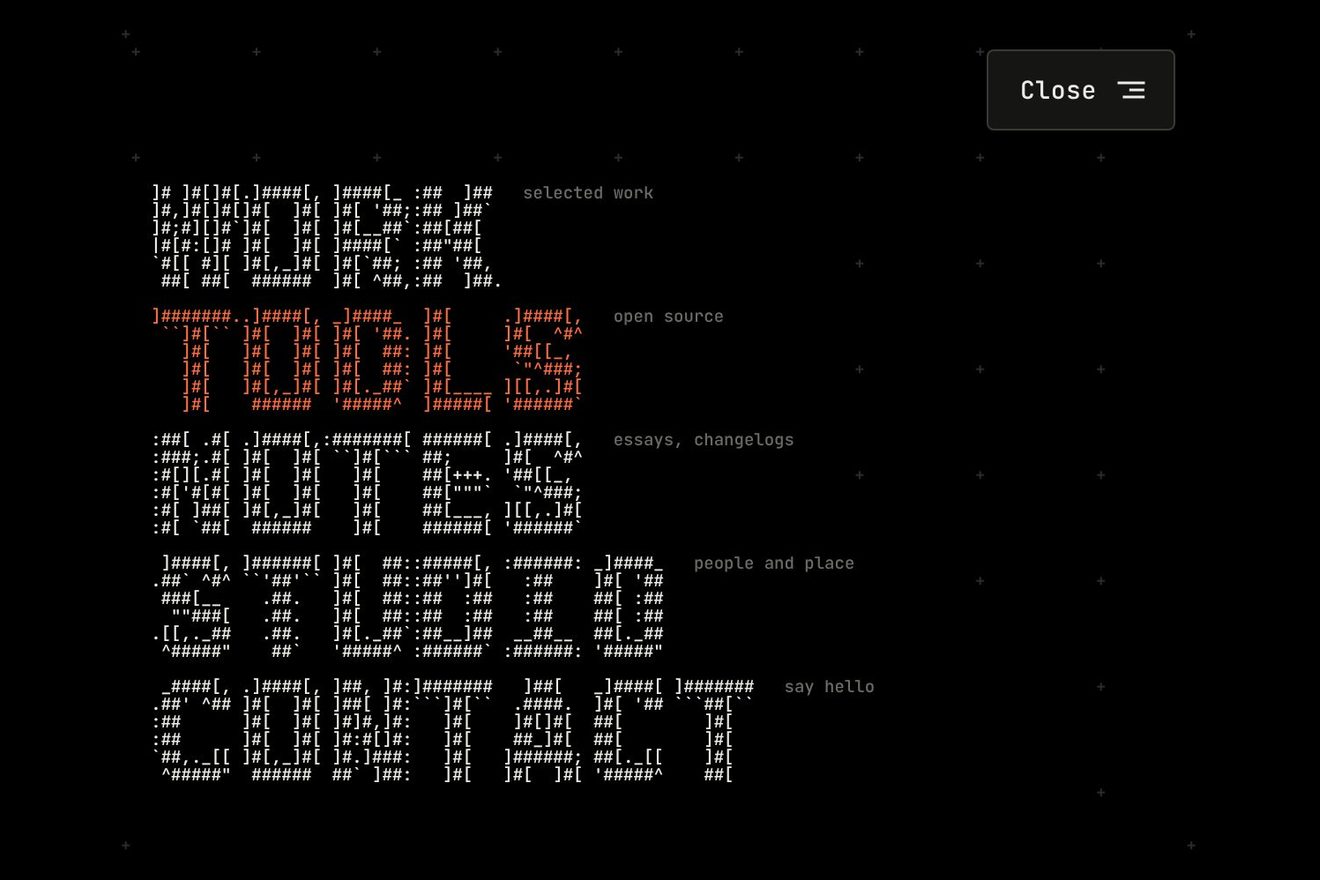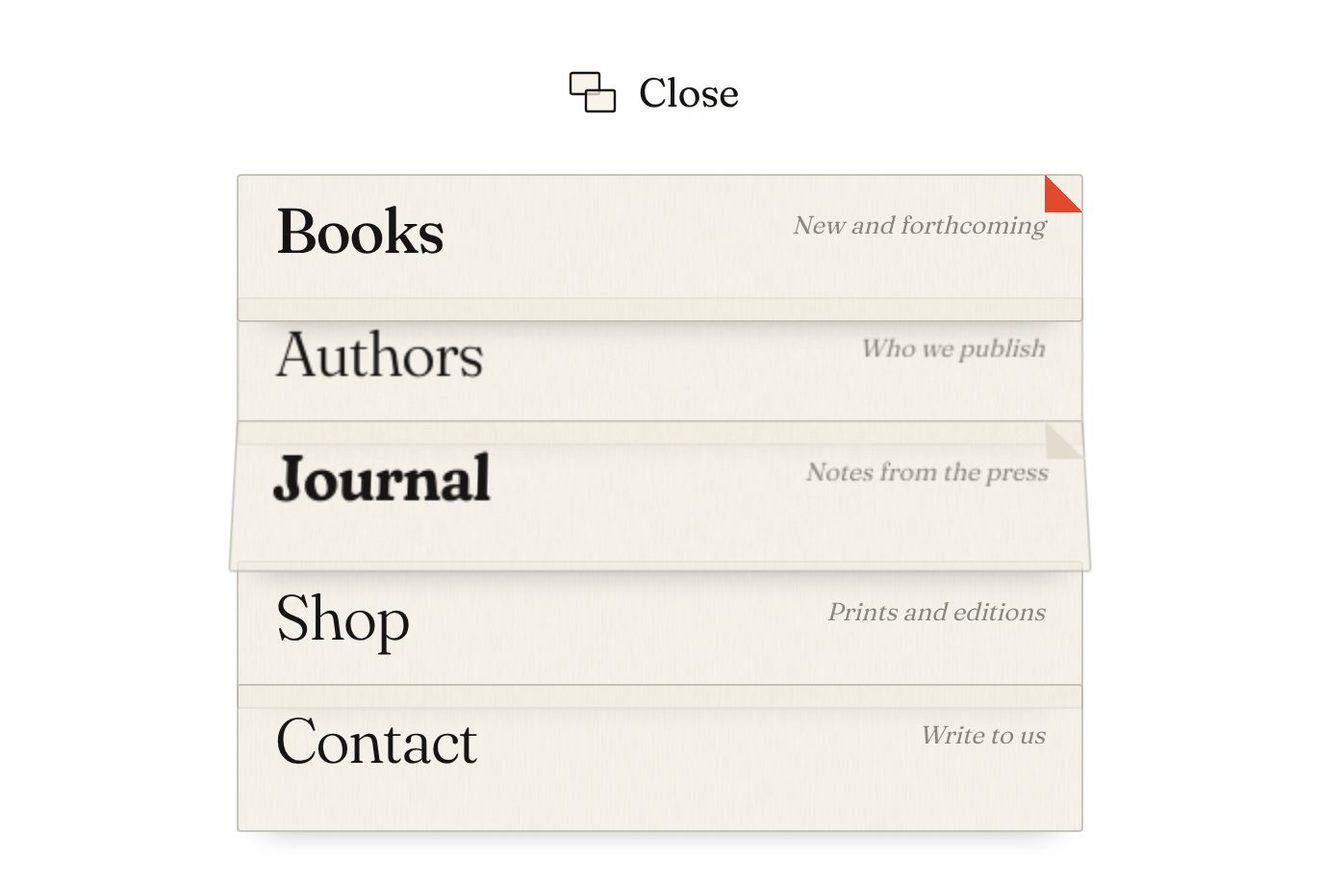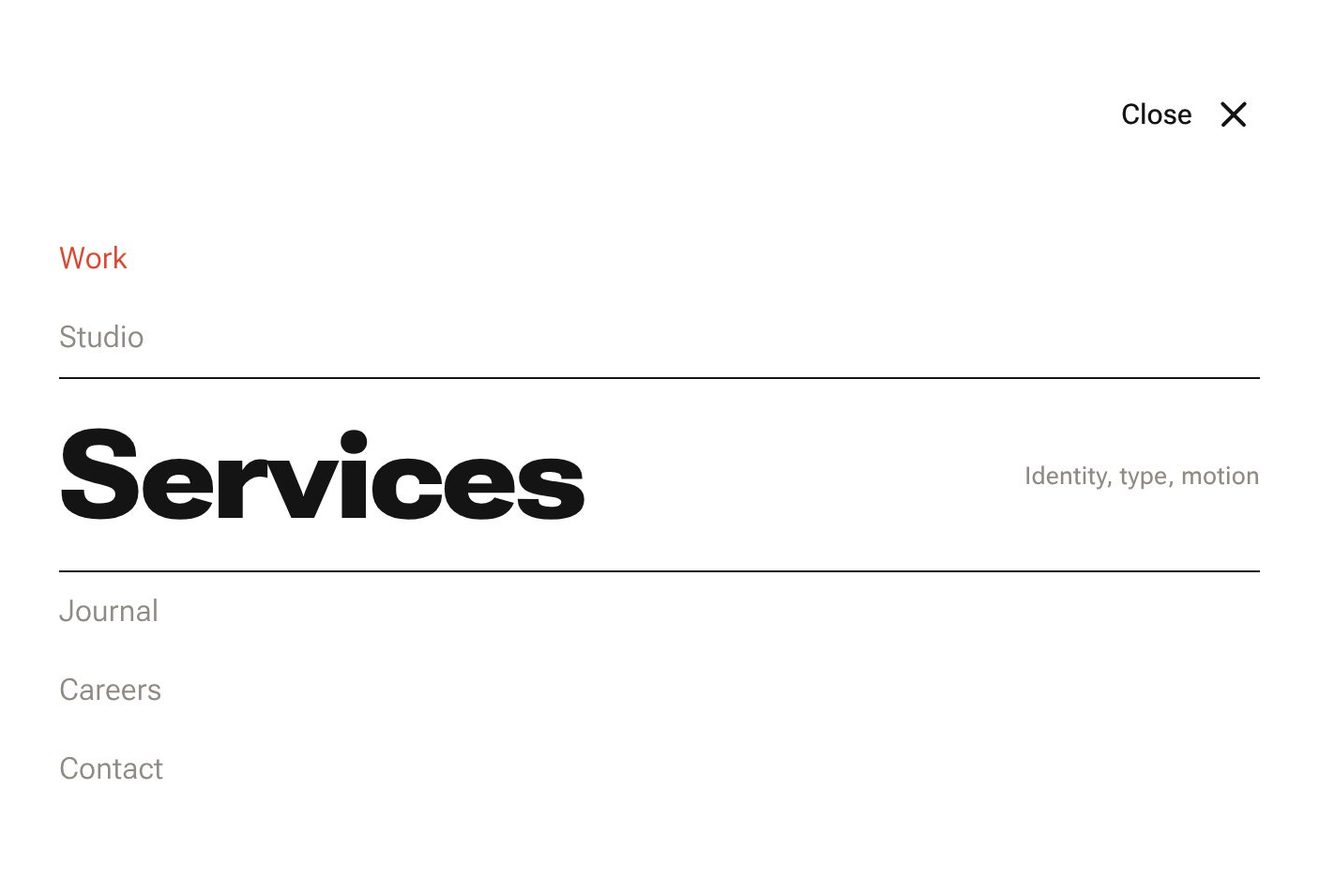
The reading line menu
Menus, Text, Hover, Transitions
NewFree
A playlist's Share button: its panel comes out of the button square by square, like a fountain, and its squares are the squares of a QR code. Choosing QR code, the panel turns its own squares into the real code of the link, in the order a phone reads it, while the letters of the link light up; the highlight is made of columns that bend in steps, and Copy sends a yellow reading head along the link.
A folder that runs on its own: index.html, style.css, script.js and the libraries from a CDN. The React and Vue tabs hold the same demo as a ready component, which switches its animations off when it leaves the page.
<!doctype html>
<html lang="en">
<head>
  <meta charset="utf-8">
  <meta name="viewport" content="width=device-width, initial-scale=1">
  <title>The share menu made of modules</title>
  <link rel="stylesheet" href="https://cdn.jsdelivr.net/npm/@fontsource-variable/recursive@5.3.0/mono.css">
  <link rel="stylesheet" href="style.css">
</head>
<body>
  <main class="stage">
    <!-- the share button of a playlist and the room above it for its panel. The panel is drawn square by square in
         the canvas: it comes out of the button, and its squares are the same size as the squares of the QR code it
         can turn into -->
    <div class="share" data-share>
      <div class="share__shade" aria-hidden="true" data-shade></div>
      <canvas class="share__canvas" aria-hidden="true" data-canvas></canvas>

      <div class="sheet" data-sheet inert>
        <!-- the first page: what is shared, where it can go, and its link -->
        <section class="sheet__page" data-page="menu">
          <div class="sheet__head" data-row>
            <svg class="sheet__cover" viewBox="0 0 44 44" aria-hidden="true">
              <rect width="44" height="44" fill="#123f49"/>
              <path d="M17.5 27a10 10 0 0 1 20 0z" fill="#ffd36e"/><path d="M14 31.5h27" stroke="#ffd36e" stroke-width="1.4" stroke-linecap="round" opacity=".55"/>
              <path d="M0 26.5q5.5-3 11 0t11 0 11 0 11 0V44H0z" fill="#1d6772"/>
              <path d="M0 31.5q5.5-3 11 0t11 0 11 0 11 0V44H0z" fill="#3b9693"/>
              <path d="M0 36.5q5.5-3 11 0t11 0 11 0 11 0V44H0z" fill="#a7d9c8"/>
            </svg>
            <span class="sheet__what">
              <span class="sheet__title" data-title>Slow Tide</span>
              <span class="sheet__meta">Playlist · 24 songs</span>
            </span>
          </div>
          <div class="sheet__rule" aria-hidden="true" data-row></div>

          <div class="menu" id="share-menu" role="menu" aria-label="Share Slow Tide" tabindex="-1" data-menu>
            <a class="item" role="menuitem" tabindex="-1" href="#" data-item="messages" data-row>
              <span class="item__face">
                <svg class="item__icon" viewBox="0 0 24 24" aria-hidden="true"><path data-bubble d="M12 4.6c4.6 0 8.2 2.9 8.2 6.7S16.6 18 12 18c-1 0-2-.13-2.9-.4L5.2 19.6l1.15-3.35C4.8 15 3.8 13.3 3.8 11.3 3.8 7.5 7.4 4.6 12 4.6z"/></svg>
                <span class="item__label">Messages</span>
                <span class="item__end"></span>
              </span>
            </a>
            <a class="item" role="menuitem" tabindex="-1" href="#" data-item="mail" data-row>
              <span class="item__face">
                <svg class="item__icon" viewBox="0 0 24 24" aria-hidden="true"><rect x="3.6" y="5.6" width="16.8" height="12.8" rx="2.6"/><path data-flap d="M4.8 7.2 L12 12.6 L19.2 7.2"/></svg>
                <span class="item__label">Mail</span>
                <span class="item__end"></span>
              </span>
            </a>
            <div class="item" role="menuitem" tabindex="-1" aria-haspopup="true" data-item="qr" data-row>
              <span class="item__face">
                <svg class="item__icon" viewBox="0 0 24 24" aria-hidden="true"><rect x="4" y="4" width="6" height="6" rx="1.4"/><rect x="14" y="4" width="6" height="6" rx="1.4"/><rect x="4" y="14" width="6" height="6" rx="1.4"/><g class="item__bits" data-bits><rect x="14" y="14" width="2.4" height="2.4" rx=".5"/><rect x="17.6" y="17.6" width="2.4" height="2.4" rx=".5"/><rect x="17.6" y="14" width="2.4" height="2.4" rx=".5"/></g></svg>
                <span class="item__label">QR code</span>
                <span class="item__end"><svg class="item__chev" viewBox="0 0 24 24" aria-hidden="true" data-chev><path d="M9.5 6.5 15 12l-5.5 5.5"/></svg></span>
              </span>
            </div>
            <div class="item" role="menuitem" tabindex="-1" data-item="embed" data-row>
              <span class="item__face">
                <span class="item__glyph"><svg class="item__icon" viewBox="0 0 24 24" aria-hidden="true" data-glyph><path data-left d="M8.4 7.6 4 12l4.4 4.4"/><path data-right d="M15.6 7.6 20 12l-4.4 4.4"/><path data-slash d="M13.4 5.8l-2.8 12.4"/></svg><svg class="item__icon item__done" viewBox="0 0 24 24" aria-hidden="true"><path data-tick d="M5 12.6l4.4 4.4L19 7.4"/></svg></span>
                <span class="item__label">Embed</span>
                <span class="item__end">
                  <span class="act" data-act>
                    <span class="act__words"><span class="act__word" data-word="idle">Copy code</span><span class="act__word" data-word="done">Copied</span></span>
                  </span>
                </span>
              </span>
            </div>
            <div class="sheet__rule" role="separator" data-row></div>
            <div class="item item--link" role="menuitem" tabindex="-1" data-item="copy" data-row>
              <span class="item__face">
                <span class="item__glyph"><svg class="item__icon" viewBox="0 0 24 24" aria-hidden="true" data-glyph><path data-half="a" d="M10.6 13.4a3.6 3.6 0 0 0 5.1 0l3-3a3.6 3.6 0 0 0-5.1-5.1l-1.1 1.1"/><path data-half="b" d="M13.4 10.6a3.6 3.6 0 0 0-5.1 0l-3 3a3.6 3.6 0 0 0 5.1 5.1l1.1-1.1"/></svg><svg class="item__icon item__done" viewBox="0 0 24 24" aria-hidden="true"><path data-tick d="M5 12.6l4.4 4.4L19 7.4"/></svg></span>
                <span class="item__url" data-url></span>
                <span class="item__end">
                  <span class="act" data-act>
                    <span class="act__words"><span class="act__word" data-word="idle">Copy</span><span class="act__word" data-word="done">Copied</span></span>
                  </span>
                </span>
              </span>
            </div>
          </div>
        </section>

        <!-- the second page: the panel turns its own squares into the QR code of the link -->
        <section class="sheet__page sheet__page--qr" aria-label="QR code" data-page="qr" hidden>
          <div class="qr__bar">
            <button class="qr__btn" type="button" aria-label="Back to the share options" data-back>
              <svg viewBox="0 0 24 24" aria-hidden="true"><path d="M14.5 6.5 9 12l5.5 5.5"/></svg>
            </button>
            <span class="qr__title">Scan to listen</span>
            <button class="qr__btn" type="button" aria-label="Save the QR code as an image" data-save>
              <svg viewBox="0 0 24 24" aria-hidden="true"><path data-down d="M12 4.5v10M8 10.6l4 4 4-4"/><path d="M5 15.5v2.2A1.8 1.8 0 0 0 6.8 19.5h10.4a1.8 1.8 0 0 0 1.8-1.8v-2.2"/></svg>
            </button>
          </div>
          <div class="qr__code" role="img" data-code></div>
          <p class="qr__link" aria-hidden="true" data-caption></p>
        </section>
      </div>

      <button class="trigger" type="button" aria-haspopup="menu" aria-expanded="false" aria-controls="share-menu" data-trigger data-autoclic>
        <span class="trigger__pill" data-pill>
          <svg class="trigger__icon" viewBox="0 0 24 24" aria-hidden="true">
            <path d="M8.6 9.8H7.2a1.9 1.9 0 0 0-1.9 1.9v6.4A1.9 1.9 0 0 0 7.2 20h9.6a1.9 1.9 0 0 0 1.9-1.9v-6.4a1.9 1.9 0 0 0-1.9-1.9h-1.4"/>
            <g data-arrow><path d="M12 14.6V3.8"/><path d="M8.6 7.2 12 3.8l3.4 3.4"/></g>
          </svg>
          <span class="trigger__label" data-label>Share</span>
        </span>
      </button>
    </div>
  </main>

  <p class="sr" aria-live="polite" data-say></p>

  <script src="https://cdn.jsdelivr.net/npm/gsap@3.15.0/dist/gsap.min.js"></script>
  <script src="script.js"></script>
</body>
</html>Change values, colours and text with the controls and watch the animation respond live. Or write in the code yourself. Then download the folder with your changes.
32 values to change
With the Animorio connector, Claude Code takes it from here, guide included, and fits it into your project. Paste this request:
Take “The share menu made of modules” from Animorio and fit it into my siteGSAP takes a number, fly.p, from 0 to 1 in POUR seconds, and every square of the panel reads its own moment out of it: its delay is 0.64 times its row counted from the button, plus 0.3 times the square of its distance from the middle, plus a little of its own, so the panel grows as a dome. Each square spends 30% of the opening in the air, on a quadratic Bézier curve from a point behind the button to its place, with the control point moved up as much as FOUNTAIN says; it grows from 45% of its size, straightens and swells a little as it lands. The landed ones are drawn inside the panel's rounded shape (clip), the ones just landed stay light for 35 milliseconds. Closing, the same number goes back to 0 in RETURN seconds: the top and the sides leave first, speeding up towards the button.
The code is worked out in the script from the text of LINK, with no library: byte mode, correction level M, versions 1 to 10. The bits (mode, length, the bytes, the end and the EC 11 padding) become codewords, each block gets its Reed-Solomon correction over the field GF(256) with the polynomial 0x11D, the blocks are interleaved; then the fixed patterns (the three corners, the timing lines, the alignment squares, the format and the version), the data in a zigzag two columns at a time from the bottom right, and the eight masks tried with the four penalties, keeping the best. The result was compared square by square with the qrcode library and read from screenshots with jsQR.
The panel is 43 squares of 8 pixels wide and the code, with its light border of 3 squares, starts on a multiple of 8: every square of the code is a square of the panel. Each one turns over like a slat, its height times the absolute value of cos(πu), in FLIP seconds, from the panel's colour to its own: first the border and the fixed patterns in a diagonal wave, then the data in the order it is laid, with the yellow head. Every letter of the link knows which squares carry its byte (the codewords traced back through the interleaving of the blocks): it lights up as they are written and its MONO axis of the Recursive typeface goes to 1.
The highlight is 41 columns of 8 pixels, each with its own height and place. Towards a new item every column leaves after LAG seconds times its distance from the pointer and arrives in GLIDE seconds with back.out; from the keyboard it leads from the left. Every item has a dark copy of itself on top, cut by a polygon() clip-path that follows the steps of the columns; the words of the face are the same colour as the highlight, so under it they vanish completely and only the dark copy is seen, which needs no background: underneath, the canvas can draw the reading head.
Copying, a yellow reading head runs along the link in READ seconds: yellow columns with a trail that fades exponentially, and the letters within 46 pixels of the head take the MONO axis and more weight through font-variation-settings. Then the icon spins and shrinks, a check draws itself in its place (stroke-dashoffset) and Copy rolls into DONE with a blur; after HOLD seconds it all comes back. Only a real press writes to the clipboard (navigator.clipboard, or execCommand when it is missing): the catalogue preview's click never touches it.
The button has aria-haspopup, aria-expanded and aria-controls; the panel has role menu and the items menuitem. Arrows, Home, End, the first letter of an item, Enter and Space, Esc (from the QR page it goes back first) and Tab, which closes; the focus goes back to the button for keyboard users. Messages and Mail are real links, sms: and mailto: with the title and the link. The QR page has Back and Save, and Tab goes between the two; Save makes a black on white PNG with a 4 square border, ready to print.
| Name | File | Default | What it changes |
|---|---|---|---|
LINK | script.js | https://ondine.example/s/slow-tide | The link that is copied and that becomes the QR code (up to 213 bytes: a longer one is cut). |
POUR | script.js | 0.62 | The seconds of the panel coming out of its button, square by square. |
FOUNTAIN | script.js | 0.6 | How much the squares rise before they spread: 0 in straight lines, 1 straight up first. |
RETURN | script.js | 0.42 | The seconds of the panel flying back into the button. |
LAG | script.js | 0.12 | How far behind the far end of the highlight trails, in seconds: 0 moves it all together. |
GLIDE | script.js | 0.26 | The seconds each column of the highlight takes to reach a new item. |
WEAVE | script.js | 1.3 | The seconds of the QR code being written, square by square. |
READ | script.js | 0.6 | The seconds of the yellow reading head running along the link when it is copied. |
DONE | script.js | Copied | The word of the confirmation. |
HOLD | script.js | 1.6 | The seconds the confirmation stays before going back to Copy. |
For the Share button of something people pass around: a playlist, an article, a recipe, an event, a product. The QR code really helps when the viewer is at a computer and needs the thing on their phone: the recipe in the kitchen, the ticket at the door, the playlist in the car. The opening is made to be noticed; in an app used all day long, shorten POUR and RETURN. The code scans as long as --ink and --paper stay well apart: one dark colour and one light.
The panel is 344 pixels wide and fits a 390 pixel screen with its margin; on one narrower than 368 the whole thing shrinks together. It opens and chooses with a tap: the finger lights the item before the tap chooses it. The items are 44 pixels tall, the button 60. The QR code shown on one phone can be read by another's camera.
No squares in the air: the panel fades in at its place and fades out the same way. The highlight jumps from item to item with no columns trailing, and the icons keep still. The QR code fades in all at once; copying there is no reading head and no wave of letters: Copy fades into Copied and the icon gives way to the check.
GSAP 3.15.0, Recursive (font variabile) 5.3.0.
Compressed with gzip, the three demo files weigh 22 KB; the libraries: GSAP 28 KB.
Tested on 6 October 2026
Use it in your own projects and in your clients’ projects. Do not resell it or redistribute it as is. GSAP stays under its own Standard license. Full license.
With your account’s email and password.
or with your email
You’re signed in as .
With your account, you can download the zip of every animation and every pack, for free.