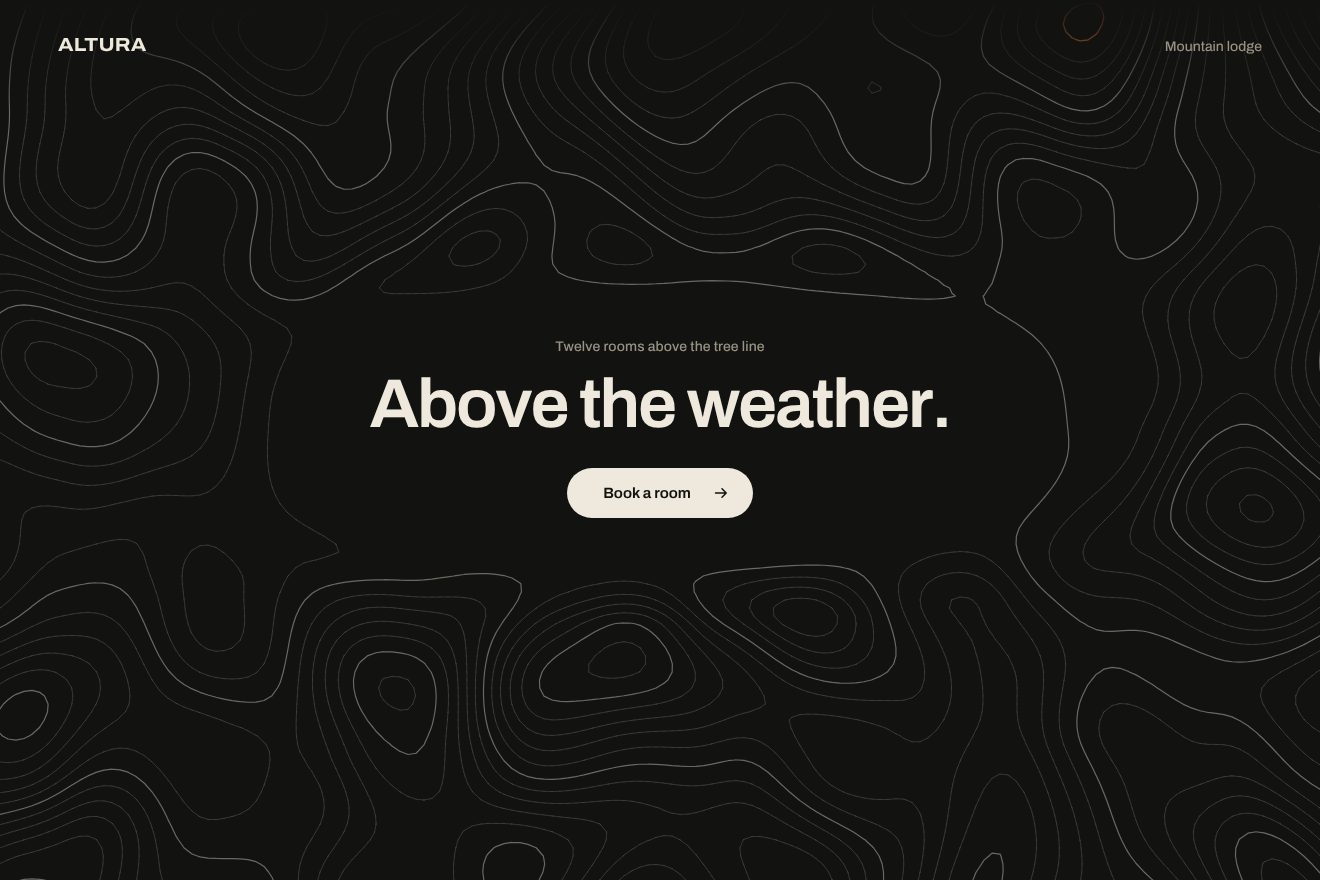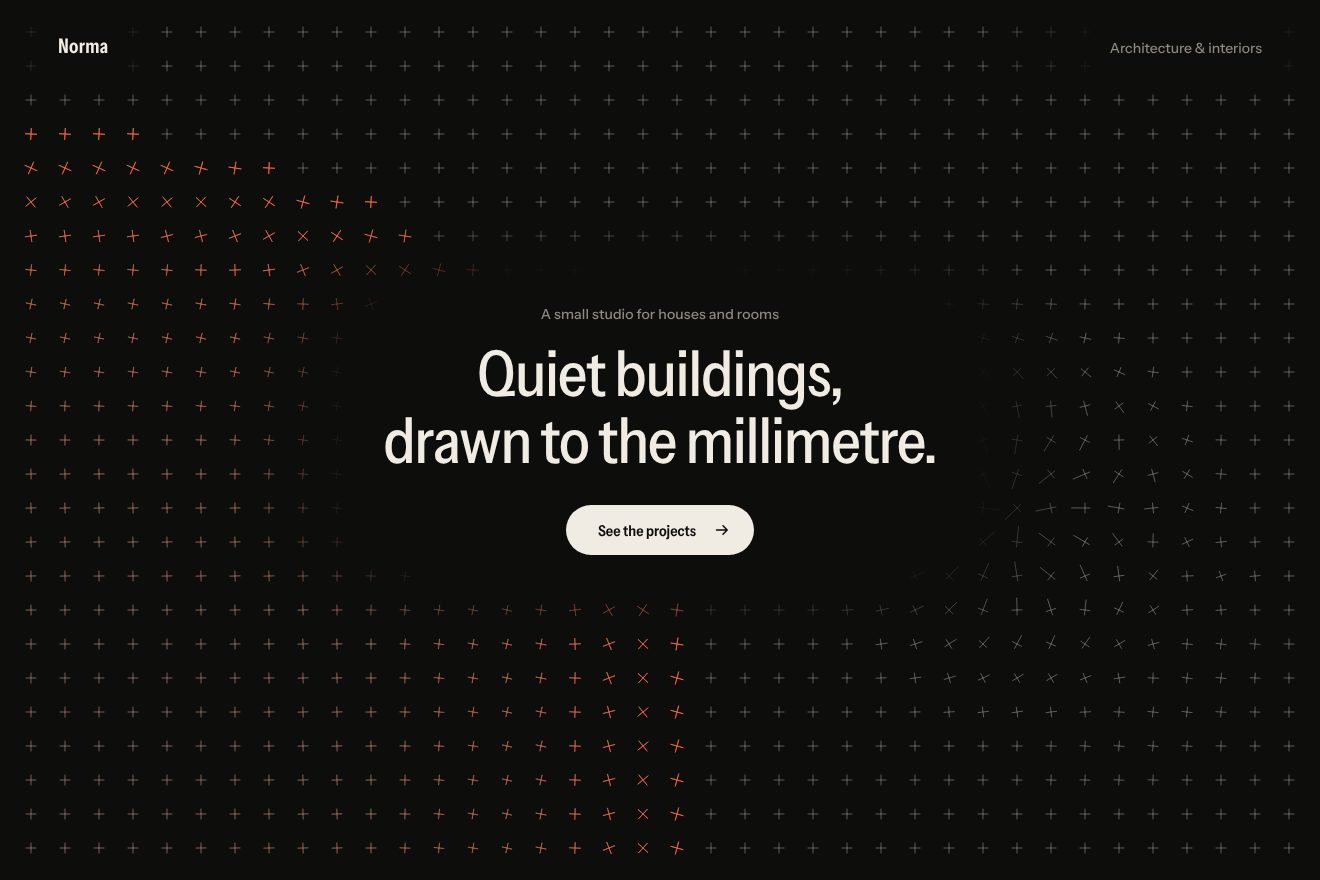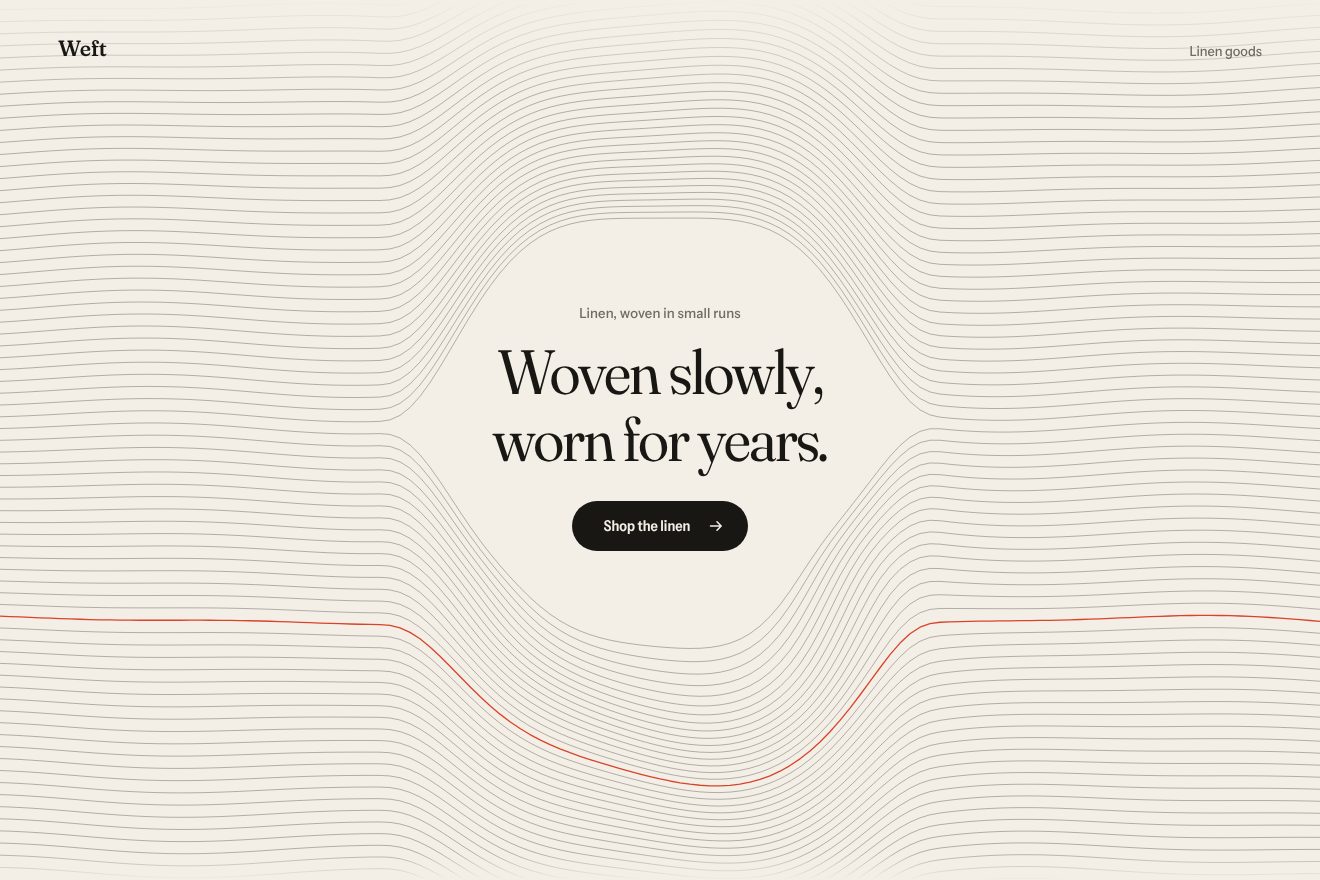
Woven thread background
Backgrounds, Hover
An animated background to put behind a headline: a warm white sheet ruled with thin horizontal lines, still like the water of a pond. The pointer crossing it leaves a V-shaped wake that spreads and fades, the lines lift with the water and turn blue where they move the most; a tap drops a ripple and the headline in the middle floats on the same water.
A folder that runs on its own: index.html, style.css, script.js and the libraries from a CDN. The React and Vue tabs hold the same demo as a ready component, which switches its animations off when it leaves the page.
<!doctype html>
<!--
  "Water lines background" from Animorio · https://animorio.com
  License: free on your own sites and your clients’ sites, paid work included.
  Not for resale, redistribution, templates or code collections · https://animorio.com/en/license/
-->
<html lang="en">
<head>
  <meta charset="utf-8">
  <meta name="viewport" content="width=device-width, initial-scale=1">
  <title>The background of lines rippling in the pointer's wake</title>
  <link rel="stylesheet" href="https://cdn.jsdelivr.net/npm/@fontsource-variable/mona-sans@5.3.0/wdth.css">
  <link rel="stylesheet" href="style.css">
</head>
<body>
  <!-- a warm white page ruled with thin horizontal lines, still like water; the pointer crossing it leaves a wake that
       spreads and settles, a tap drops a ripple, and the headline in the middle floats on the same water -->
  <main class="stage" data-stage>
    <canvas class="water" data-water aria-hidden="true"></canvas>

    <section class="hero" aria-labelledby="hero-title">
      <h1 class="title" id="hero-title" data-title>Still water</h1>
      <p class="note" data-note>Cross the page to leave a wake</p>
    </section>

    <svg class="ghost" data-ghost viewBox="0 0 20 20" aria-hidden="true"><path d="M4 2.5v13.2l3.5-3.3 2.4 5.3 2.3-1-2.4-5.2 4.8-.2z"></path></svg>
  </main>

  <script src="https://cdn.jsdelivr.net/npm/gsap@3.15.0/dist/gsap.min.js"></script>
  <script src="script.js"></script>
</body>
</html>Change values, colours and text with the controls and watch the animation respond live. Or write in the code yourself. Then download the folder with your changes.
13 values to change
With the Animorio connector, Claude Code, ChatGPT, Cursor or VS Code take it from here, guide included, and fit it into your project. Paste this request:
Take “Water lines background” from Animorio and fit it into my siteUnder the canvas there is an invisible grid of heights, one cell every seven pixels, in two Float32Arrays: the current height and the previous one. At each step every cell becomes half the sum of its four neighbours minus its previous height, times the damping: it is the wave equation in its shortest form, and that alone gives rings that spread, bounce off the edges and fade. The steps are fixed at sixty per second, whatever the screen.
Between one pointer position and the next the water is pushed down in steps of less than a cell, with a small bell five cells wide. The force grows with the pointer’s speed, up to a maximum: a pointer passing slowly barely ripples, a fast one leaves a boat’s V behind it, which emerges by itself from the sum of the many small rings along the way.
Each line is drawn with a point every six pixels, lifted by the height of the water at that point, read between the four nearest cells. All the grey lines are one single path; the stretches lifted by more than half a pixel go into five steps of blue, each drawn with one stroke, darker and a touch thicker at every step. When the water has been still for half a second the canvas stops redrawing.
The headline is split into one span per letter, with a second span inside: the outer one is moved by GSAP for the entrance, the inner one floats. In the ticker each letter reads the height and slope of the water under its baseline, rises or sinks a few pixels and tilts a few degrees, chasing the value with a little delay. Behind the words a halo in the ground colour fades the lines, so the headline stays readable.
| Name | File | Default | What it changes |
|---|---|---|---|
GAP | script.js | 13 | The pixels between one line and the next. |
AMP | script.js | 10 | How many pixels the lines lift for each unit of water. |
DAMPING | script.js | 0.982 | How long the wave lasts: closer to 1, the longer it ripples. |
WAKE | script.js | 1 | How strong the pointer’s wake is. |
DROP | script.js | 1 | How strong the drop of a tap is. |
FLOAT | script.js | 0.4 | How much the headline’s letters float on the water (0 keeps them still). |
AUTO_PILOT | script.js | 3 | After how many seconds without a pointer the drawn one moves (0 never). |
For the opening of a calm site: a spa, a lakeside hotel, a design studio, a meditation or notes app, a portfolio. When you need a background that invites a touch but leaves the headline alone in the middle.
Same animations: the finger leaves the wake and a tap drops a ripple (the page doesn’t scroll over the demo); the headline is sized on the height too and fits inside the box.
With reduced motion the water stays still: the lines and the headline fade in, no wake, no drop, no floating letters and no drawn pointer; under the real pointer the lines only take on the blue, fading in.
GSAP 3.15.0, Mona Sans (font variabile) 5.3.0.
Compressed with gzip, the three demo files weigh 6.6 KB; the libraries: GSAP 28 KB.
Tested on 30 October 2026
Use it in your own projects and in your clients’ projects. Do not resell it or redistribute it as is. GSAP stays under its own Standard license. Full license.
Support Animorio
Animorio stays free thanks to the people who support it. If you like, buy us a coffee: it helps us make the next animations.
You asked for
We made it for you: it’s in the library, with the preview, the Playground and the code to copy.
An animation you can’t find, or a site to take apart in the journal: tell us which. We pick the next ones from here.
With your account’s email and password.
or with your email
You’re signed in as .
With your account, you can download the zip of every animation and every pack, for free.