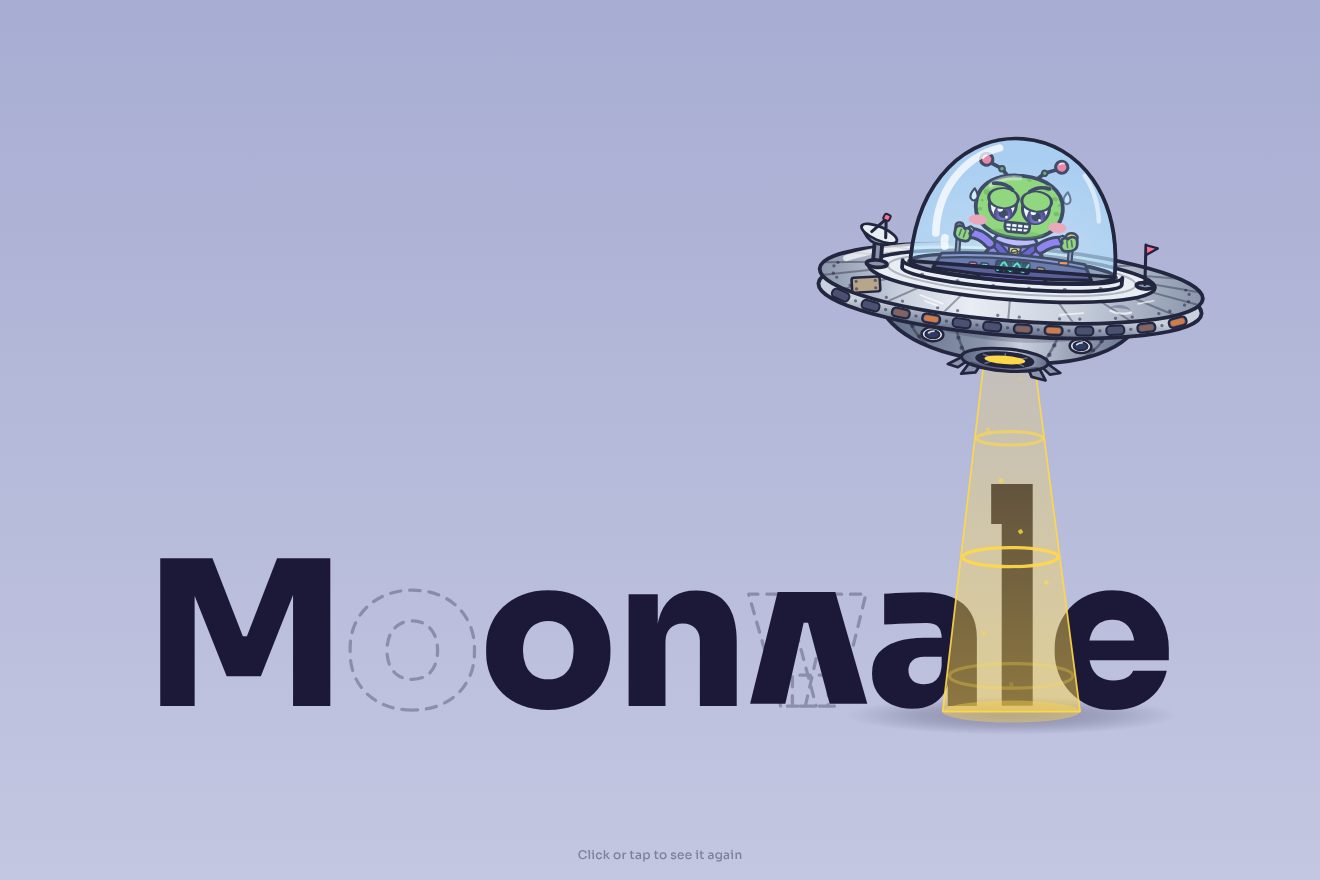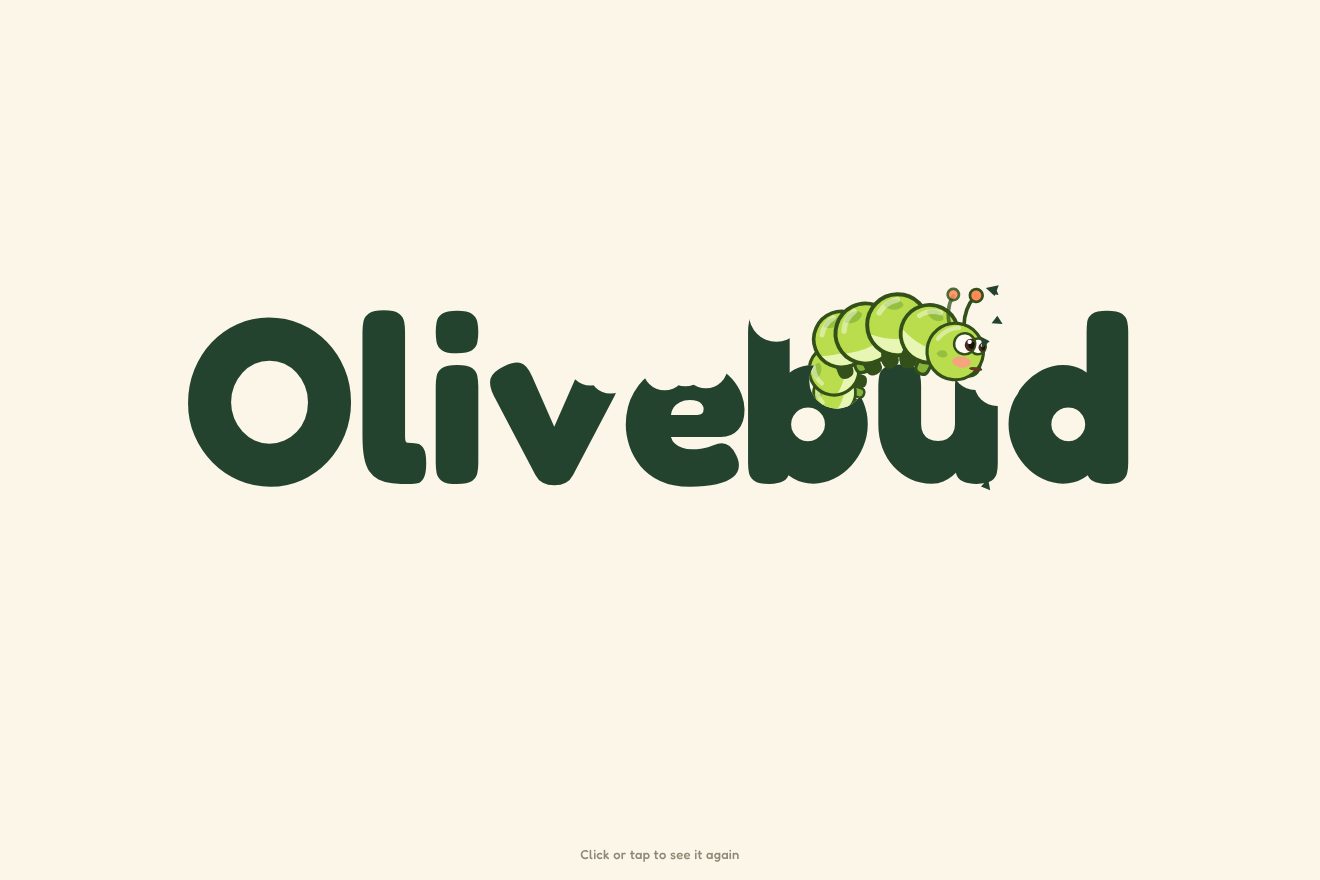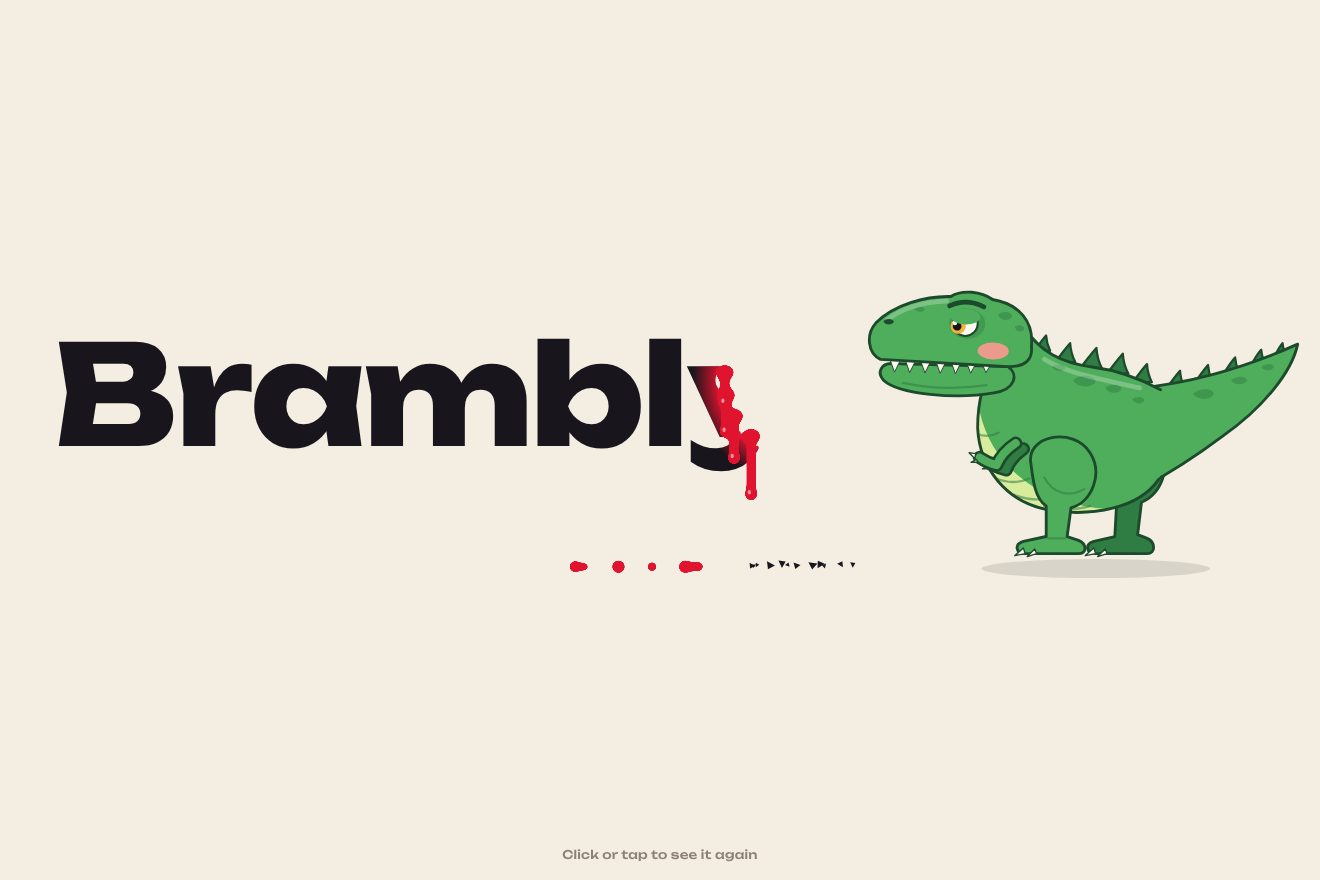
The dinosaur-bitten logo
Intro, SVG, Text
A minimal logo intro with a single gesture: a thin line draws itself across the sheet, folds halfway into a right angle on a small spring, like a set square, turns a quarter of a turn, and the name slides out along its side; then the angle tightens into a solid mark in the accent colour beside the word and everything settles by a pixel.
A folder that runs on its own: index.html, style.css, script.js and the libraries from a CDN. The React and Vue tabs hold the same demo as a ready component, which switches its animations off when it leaves the page.
<!doctype html>
<!--
  "Set square logo" from Animorio · https://animorio.com
  License: free on your own sites and your clients’ sites, paid work included.
  Not for resale, redistribution, templates or code collections · https://animorio.com/en/license/
-->
<html lang="en">
<head>
  <meta charset="utf-8">
  <meta name="viewport" content="width=device-width, initial-scale=1">
  <title>The set square logo</title>
  <link rel="stylesheet" href="https://cdn.jsdelivr.net/npm/@fontsource-variable/roboto-flex@5.3.0/wdth.css">
  <link rel="stylesheet" href="style.css">
</head>
<body>
  <main class="scena">
    <!-- the stage: the script measures it, draws the line, folds it into a right angle and slides the name out of it -->
    <svg class="palco" data-stage role="img" aria-label="Ortho" xmlns="http://www.w3.org/2000/svg">
      <defs>
        <clipPath id="fuori"><rect data-clip /></clipPath>
      </defs>
      <g data-all>
        <!-- the small square that marks the right angle -->
        <path class="tacca" data-tick pathLength="1" />
        <!-- the name, one text per letter, slid out from behind the upright arm -->
        <g clip-path="url(#fuori)"><g class="nome" data-name></g></g>
        <!-- the finished set square, with its triangular hole -->
        <path class="pieno" data-tri fill-rule="evenodd" />
        <!-- the line that becomes the set square -->
        <path class="squadra" data-square pathLength="1" />
        <!-- the small line under the name -->
        <text class="motto" data-tag></text>
      </g>
    </svg>
    <p class="nota">Click or tap to see it again</p>
  </main>

  <script src="https://cdn.jsdelivr.net/npm/gsap@3.15.0/dist/gsap.min.js"></script>
  <script src="script.js"></script>
</body>
</html>Change values, colours and text with the controls and watch the animation respond live. Or write in the code yourself. Then download the folder with your changes.
13 values to change
With the Animorio connector, Claude Code, ChatGPT, Cursor or VS Code take it from here, guide included, and fit it into your project. Paste this request:
Take “Set square logo” from Animorio and fit it into my siteThe set square is a single path with three points: the end of the first arm, the corner, the end of the second. One function writes it after every frame from a few numbers (where the corner is, how far it has turned, how far the second arm is folded, the two lengths, the thickness and the colour), and GSAP animates only those numbers. So the same line is first a straight stroke, then a set square, then the mark of the logo.
The path has pathLength 1 and stroke-dasharray 1 1: with stroke-dashoffset from 1 to 0 it draws from the start, and with the same value from 0 to minus 1 it leaves from the same side, as if running off the sheet. The joins are miter, so when the line thickens the corner stays sharp.
The fold and the turn are three tweens in a row: a power3.in that passes the value by a few degrees, a sine.out that comes back a little past on the other side and a sine.inOut that settles. SPRING scales the extra degrees: at 0 it simply stops. The letters do the same with one pixel: power3.out to a pixel past, sine.inOut back.
The name is measured in the SVG with getStartPositionOfChar, so each letter is a separate text but the kerning is kept. It sits in a group with a clipPath that starts just right of the upright arm: all the letters start shifted left by the whole word, hidden behind the arm, and come out one after another with the last one in front, like a strip being pulled out.
Everything is counted in cap heights, measured on a canvas: the finished corner is one cap tall and 0.62 wide, then a 0.42 gap and the name. The cap height is chosen so the row fits in 80 per cent of the width and 15 per cent of the height, so on a phone the logo stays in one row, just smaller. On resize everything is measured again and the timeline restarts from the same moment.
| Name | File | Default | What it changes |
|---|---|---|---|
NAME | script.js | 'Ortho' | The name that slides out of the set square. |
TAGLINE | script.js | 'Architecture studio' | The small line under the name. Empty, there is none. |
WEIGHT | script.js | 560 | The weight of the name: 300 is light, 900 is black. |
SPRING | script.js | 1 | How springy the fold and the turn are: 0 they just stop, 2 very lively. |
MARK | script.js | 1 | How thick the finished corner is: 0.5 a fine line, 2 a heavy block. |
SPEED | script.js | 1 | The speed of the whole animation: 2 is twice as fast, 0.5 half as fast. |
REST | script.js | 4 | How many seconds the logo stays on show before it starts again. |
LOOP | script.js | true | Whether the set square opens again and starts over. With false the logo stays. |
To present a logo with a precise, geometric gesture: the opening of the site of an architecture studio, an engineer, a surveyor, a builder, an interior designer or a furniture brand, a portfolio, a loader, a preview for a client or a social post.
The same animation with the sizes adapted: the corner and the name stay in one row, just smaller, and the opening line is as long as the screen allows. A tap restarts it.
Nothing moves: the finished logo, the blue corner with the name and the small line, fades in; if it starts again it fades out.
GSAP 3.15.0, Roboto Flex (font variabile) 5.3.0.
Compressed with gzip, the three demo files weigh 7.1 KB; the libraries: GSAP 28 KB.
Tested on 30 October 2026
Use it in your own projects and in your clients’ projects. Do not resell it or redistribute it as is. GSAP stays under its own Standard license. Full license.
Support Animorio
Animorio stays free thanks to the people who support it. If you like, buy us a coffee: it helps us make the next animations.
You asked for
We made it for you: it’s in the library, with the preview, the Playground and the code to copy.
An animation you can’t find, or a site to take apart in the journal: tell us which. We pick the next ones from here.
With your account’s email and password.
or with your email
You’re signed in as .
With your account, you can download the zip of every animation and every pack, for free.