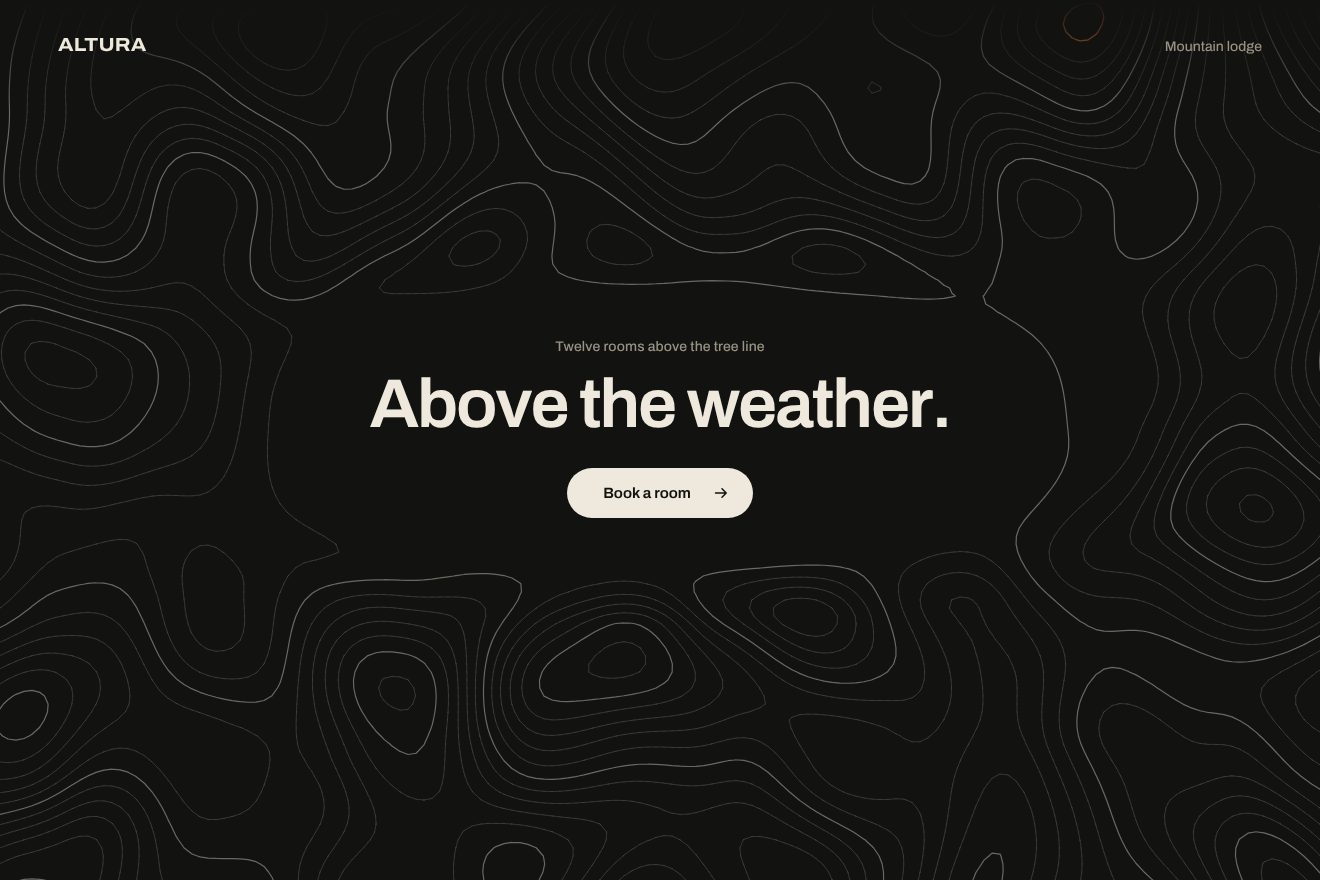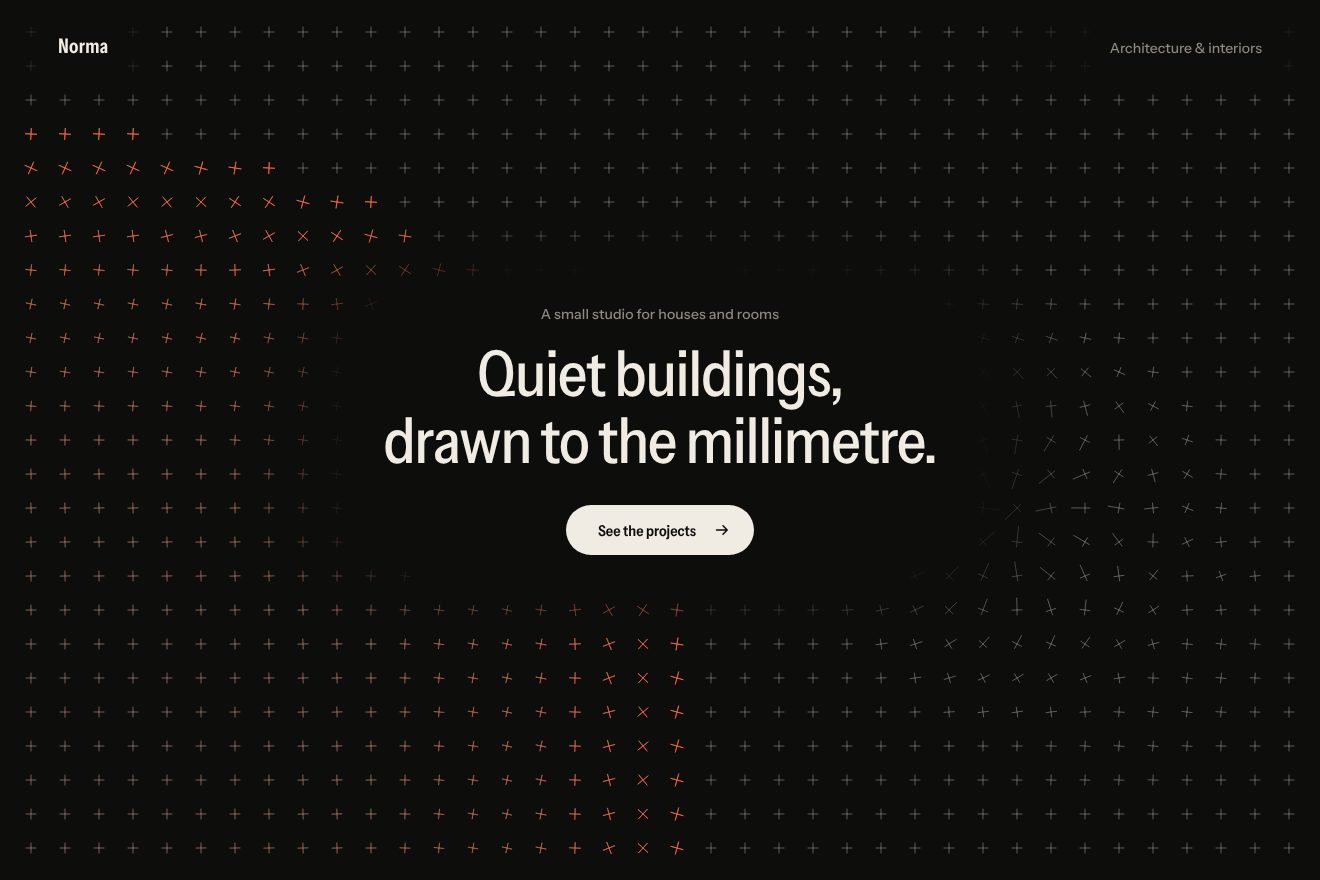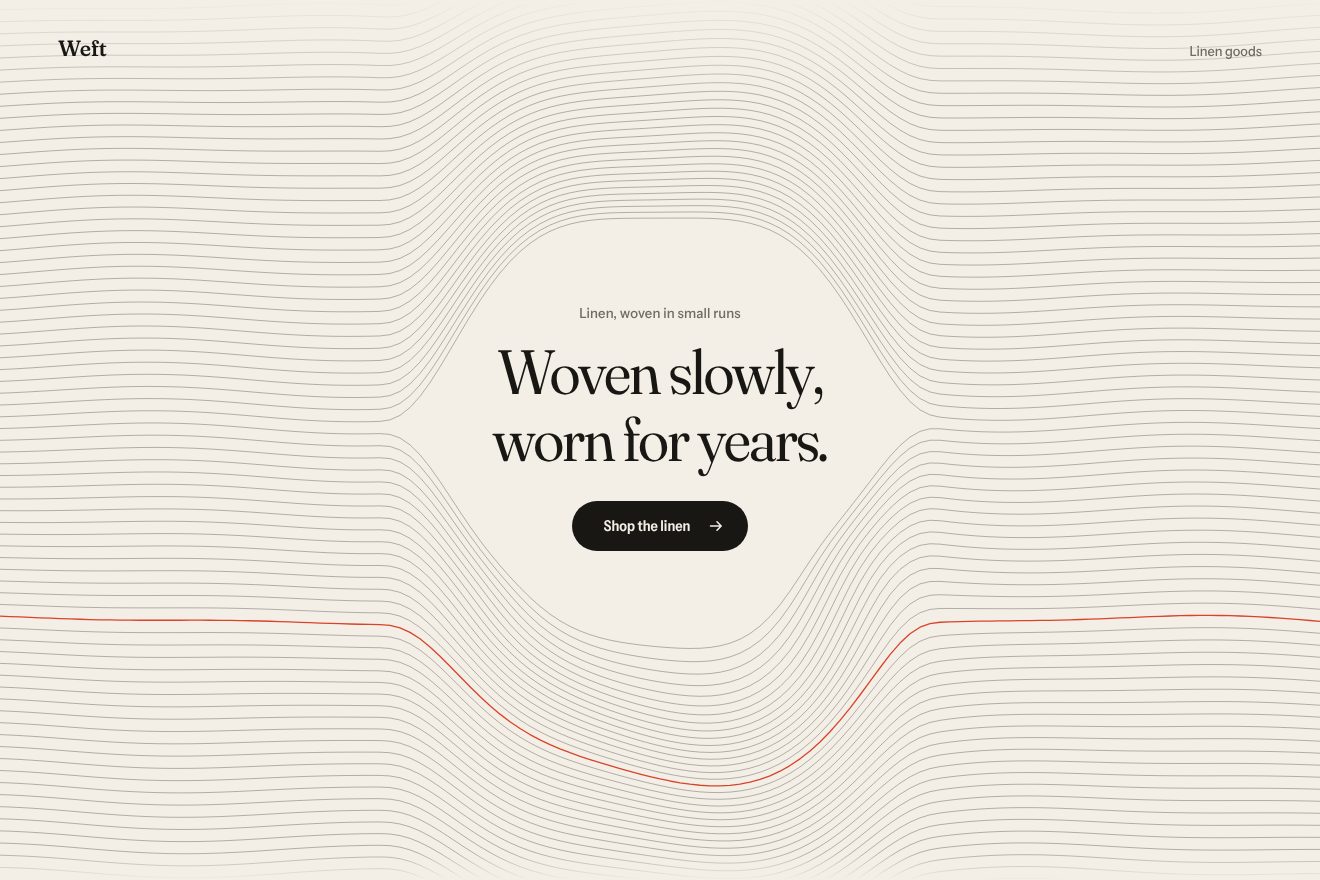
Woven thread background
Backgrounds, Hover
An animated background for an app’s hero, on near black: a soft cone of light comes down from above like a stage spot and settles on the floor in a bright pool with its horizon line. Fine, slow dust floats inside it, visible only where there is light. The cone leans gently towards the pointer on a spring and opens wider when the pointer reaches the button. In the Libraries.dev style: light as a material on a real piece of interface.
A folder that runs on its own: index.html, style.css, script.js and the libraries from a CDN. The React and Vue tabs hold the same demo as a ready component, which switches its animations off when it leaves the page.
<!doctype html>
<!--
  "Light beam background" from Animorio · https://animorio.com
  License: free on your own sites and your clients’ sites, paid work included.
  Not for resale, redistribution, templates or code collections · https://animorio.com/en/license/
-->
<html lang="en">
<head>
  <meta charset="utf-8">
  <meta name="viewport" content="width=device-width, initial-scale=1">
  <title>The background with a beam of light behind the headline</title>
  <link rel="stylesheet" href="https://cdn.jsdelivr.net/npm/@fontsource-variable/mona-sans@5.3.0/wdth.css">
  <link rel="stylesheet" href="style.css">
</head>
<body>
  <!-- the hero of an invented presentation app, Vespra, on near black: behind the words a soft cone of light comes down
       from above like a stage spot, with fine dust floating slowly inside it and a pool of light on the floor; the cone
       leans after the pointer and opens wider when the pointer reaches the button -->
  <main class="stage" data-stage>
    <canvas class="beam" data-beam aria-hidden="true"></canvas>
    <span class="grain" aria-hidden="true"></span>

    <section class="hero" aria-labelledby="hero-title">
      <p class="pill" data-in>
        <span class="pill__tag">New</span>
        <span class="pill__text">Rehearsal mode is live</span>
        <svg class="pill__arrow" viewBox="0 0 16 16" aria-hidden="true"><path d="M6 3.5 10.5 8 6 12.5"></path></svg>
      </p>
      <h1 class="title" id="hero-title" data-in>Step into<br>the light</h1>
      <p class="lede" data-in>Vespra listens while you rehearse and tells you where the room will drift.</p>
      <div class="actions" data-in>
        <button class="cta" type="button" data-cta>
          <span class="cta__shine" aria-hidden="true"></span>
          <span class="cta__label">Start rehearsing</span>
          <svg class="cta__arrow" viewBox="0 0 16 16" aria-hidden="true"><path d="M3 8h9.5M8.5 4 12.5 8l-4 4"></path></svg>
        </button>
        <span class="note">Free for your first talk</span>
      </div>
    </section>

    <svg class="ghost" data-ghost viewBox="0 0 20 20" aria-hidden="true"><path d="M4 2.5v13.2l3.5-3.3 2.4 5.3 2.3-1-2.4-5.2 4.8-.2z"></path></svg>
  </main>

  <script src="https://cdn.jsdelivr.net/npm/gsap@3.15.0/dist/gsap.min.js"></script>
  <script src="script.js"></script>
</body>
</html>Change values, colours and text with the controls and watch the animation respond live. Or write in the code yourself. Then download the folder with your changes.
21 values to change
With the Animorio connector, Claude Code, ChatGPT, Cursor or VS Code take it from here, guide included, and fit it into your project. Paste this request:
Take “Light beam background” from Animorio and fit it into my siteThe cone is drawn on a canvas a fifth of the size, with a blur filter, then scaled up onto the big canvas in lighter mode: the edges stay soft like real light and the work costs little even on a phone.
Three trapezoids one inside the other, the wide halo, the body and the bright core, each with a gradient fading towards the floor. On top, five thin shafts slowly shifting and changing width, like light through haze.
Each grain has a position relative to the cone, across and along the axis, so it follows the beam when it leans. Its light fades towards the edges of the cone, near both ends and with the power of the spot. One soft round sprite, drawn once.
The tilt and the opening of the cone follow the pointer with two hand-written springs, short and slightly soft. On the button the cone opens by OPEN and the light rises; the flash of a press fades exponentially.
On arrival the power of the spot rises, dips for a moment and then goes full, like a stage lamp; the words rise staggered. After a few seconds without a pointer a looping timeline moves a drawn pointer and presses the button; the first real movement stops it.
| Name | File | Default | What it changes |
|---|---|---|---|
WIDTH | script.js | 1 | How wide the cone is at the bottom (1 normal, 2 twice as wide). |
OPEN | script.js | 0.4 | How much the cone opens when the pointer is on the button. |
TILT | script.js | 12 | How many degrees at most the cone leans towards the pointer. |
DUST | script.js | 160 | How many grains of dust float in the beam. |
SPEED | script.js | 1 | Speed of the dust and the shafts (0 stops them). |
GLOW | script.js | 1 | How strong the light is. |
AUTO_PILOT | script.js | 4 | After how many seconds without a pointer the drawn one starts moving (0 never). |
As the background of the first screen of a dark app or software, an event, a launch, a product for public speaking or for the stage: it puts the headline under a spotlight without stealing the scene.
The same spot with adapted sizes: the cone is narrower in the tall narrow page, the headline goes on two smaller lines and the finger leans the beam like the pointer; tapping the button makes the spot flash.
The light is already on and still: no tilt, no moving dust and no drawn pointer. On the button the cone widens without a spring, and pressing it the light brightens slightly; the words are already in place.
GSAP 3.15.0, Mona Sans (font variabile) 5.3.0.
Compressed with gzip, the three demo files weigh 7.8 KB; the libraries: GSAP 28 KB.
Tested on 26 October 2026
Use it in your own projects and in your clients’ projects. Do not resell it or redistribute it as is. GSAP stays under its own Standard license. Full license.
Support Animorio
Animorio stays free thanks to the people who support it. If you like, buy us a coffee: it helps us make the next animations.
You asked for
We made it for you: it’s in the library, with the preview, the Playground and the code to copy.
An animation you can’t find, or a site to take apart in the journal: tell us which. We pick the next ones from here.
With your account’s email and password.
or with your email
You’re signed in as .
With your account, you can download the zip of every animation and every pack, for free.