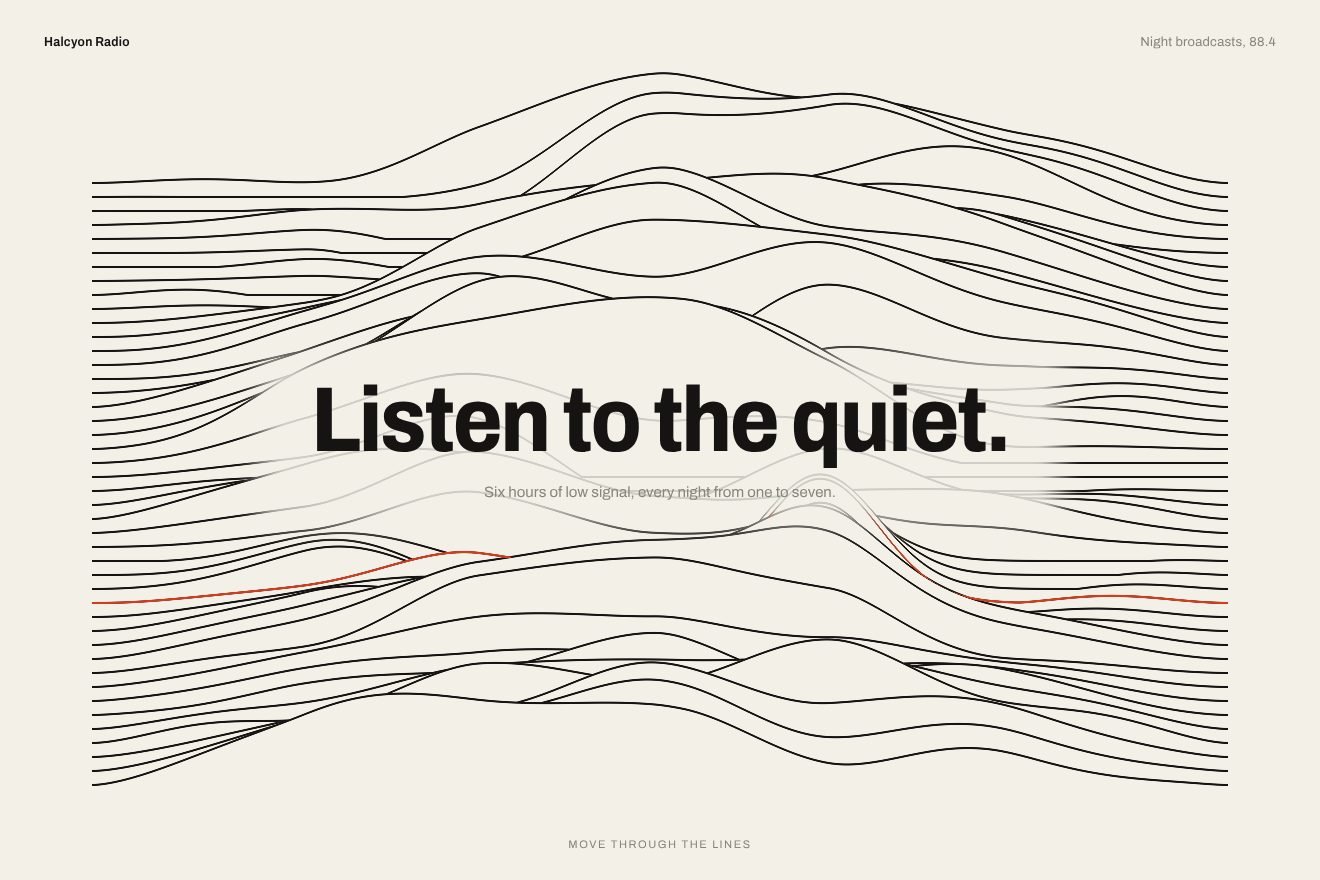
Ridge line background
Backgrounds, WebGL, Hover
An animated background for the hero of an AI research assistant: a field of very fine black sand, tens of thousands of WebGL grains carried slowly by the wind over the ripples. Where the pointer passes the sand parts in a groove with two raised rims that catch a warm raking light, a few grains of mica glint, and then the wind fills it again. The button sends a gust and a puff of air running across the sand. In the Libraries.dev style.
A folder that runs on its own: index.html, style.css, script.js and the libraries from a CDN. The React and Vue tabs hold the same demo as a ready component, which switches its animations off when it leaves the page.
<!doctype html>
<!--
  "Black sand background" from Animorio · https://animorio.com
  License: free on your own sites and your clients’ sites, paid work included.
  Not for resale, redistribution, templates or code collections · https://animorio.com/en/license/
-->
<html lang="en">
<head>
  <meta charset="utf-8">
  <meta name="viewport" content="width=device-width, initial-scale=1">
  <title>The black sand background that parts where the pointer passes</title>
  <link rel="stylesheet" href="https://cdn.jsdelivr.net/npm/@fontsource-variable/mona-sans@5.3.0/wdth.css">
  <link rel="stylesheet" href="style.css">
</head>
<body>
  <!-- the hero of an invented AI research assistant, Siltra, over a field of fine black sand: tens of thousands of
       grains drawn as WebGL points drift slowly in the wind over wind ripples; where the pointer passes the sand parts
       in a groove with two raised rims that catch a warm raking light, then the wind fills it again. The button sends
       a gust and a puff of air across the sand. -->
  <main class="stage" data-stage>
    <canvas class="sand" data-sand aria-hidden="true"></canvas>
    <span class="veil" aria-hidden="true"></span>

    <section class="hero" aria-labelledby="hero-title">
      <p class="pill" data-in>
        <span class="pill__tag">New</span>
        <span class="pill__text">Siltra 3 cites every source</span>
        <svg class="pill__arrow" viewBox="0 0 16 16" aria-hidden="true"><path d="M6 3.5 10.5 8 6 12.5"></path></svg>
      </p>
      <h1 class="title" id="hero-title" data-in>Every answer,<br>sifted from the noise</h1>
      <p class="lede" data-in>Siltra reads your docs, calls and inboxes, and keeps only what your team needs to know.</p>
      <div class="actions" data-in>
        <button class="cta" type="button" data-cta>
          <span class="cta__sheen" aria-hidden="true"></span>
          <span class="cta__label">Try Siltra free</span>
          <svg class="cta__arrow" viewBox="0 0 16 16" aria-hidden="true"><path d="M3 8h9.5M8.5 4 12.5 8l-4 4"></path></svg>
        </button>
        <button class="second" type="button" data-second>
          <svg class="second__icon" viewBox="0 0 16 16" aria-hidden="true"><path d="M2.5 4.5h11M4.5 8h7M6.5 11.5h3"></path></svg>
          <span>See how it sifts</span>
        </button>
      </div>
      <p class="note" data-in>Private by default. No training on your data.</p>
    </section>

    <svg class="ghost" data-ghost viewBox="0 0 20 20" aria-hidden="true"><path d="M4 2.5v13.2l3.5-3.3 2.4 5.3 2.3-1-2.4-5.2 4.8-.2z"></path></svg>
  </main>

  <script src="https://cdn.jsdelivr.net/npm/gsap@3.15.0/dist/gsap.min.js"></script>
  <script src="script.js"></script>
</body>
</html>Change values, colours and text with the controls and watch the animation respond live. Or write in the code yourself. Then download the folder with your changes.
22 values to change
With the Animorio connector, Claude Code, ChatGPT, Cursor or VS Code take it from here, guide included, and fit it into your project. Paste this request:
Take “Black sand background” from Animorio and fit it into my siteA WebGL canvas behind the hero, density capped at 1.5, with two hand-written programs: first the surface, a single triangle covering the screen, then the grains, tens of thousands of points (one every six page pixels) with alpha blending. Both shaders share the same functions, so the sand below and the grains on top take the same light.
The height of the sand is a slow dune plus the ripples: a fine sine along the wind, bent by two slower sines across it, with its phase warped by 0.6 of its own sine, so the windward side rises gently and the lee side drops steeply as in real sand. The ripples migrate slowly with the wind.
The pointer leaves a trail of 32 points, one every 0.05 units, each with its age. For every pixel and every grain the nearest stretch of the trail is found: the distance says where you are in the groove’s profile (a Gaussian trench and two raised rims), the direction says which way it pushes. The grains in the middle are moved onto the rims, which get denser; the profile’s slope goes into the normal.
A low warm light, just beside and above the pointer, lights the sand’s normal: the side of the ripples and of the groove facing it lights up, the other stays in shadow. One grain in three can be mica: a sine to the seventieth power, each at its own pace, makes it glint only where the light is strong.
Every point of the trail ages; after 40% of REFILL the groove gets shallower and disappears. The wind is a pace added up every frame, with a gust now and then; the button’s gust carries the grains faster and ages the trail six times as fast, so the groove closes before your eyes.
| Name | File | Default | What it changes |
|---|---|---|---|
WIND | script.js | 1 | Strength of the wind carrying the grains (0 stops it). |
GROOVE | script.js | 1 | Width of the groove the pointer leaves. |
REFILL | script.js | 6 | Seconds before the wind fills the groove again. |
GRAINS | script.js | 1 | How many grains: 1 normal, 2 twice as many. |
GLINT | script.js | 1 | How much the grains glint in the light (0 never). |
TINT | script.js | #ffc98f | The colour of the raking light. |
AUTO_PILOT | script.js | 4 | Seconds without a pointer before the drawn cursor starts digging again (0 never). |
As the background of the first screen of an AI app, a research tool or a launch on a dark page: it gives the hero material and something for the pointer to do without stealing the scene from the headline and the buttons.
The same sand with adapted sizes, with fewer grains because the screen is smaller (still one every six pixels): the headline goes on two smaller lines, the two buttons sit side by side, the bottom line disappears when the page is short. The finger digs the groove like the pointer and the light follows it.
The sand stands still, already lit, with a groove already dug round the headline: no wind, no moving grains, no cursor. The words are already in place; pressing the button only leaves the sheen running across it.
GSAP 3.15.0, Mona Sans (font variabile) 5.3.0.
Compressed with gzip, the three demo files weigh 11 KB; the libraries: GSAP 28 KB.
Tested on 9 November 2026
Use it in your own projects and in your clients’ projects. Do not resell it or redistribute it as is. GSAP stays under its own Standard license. Full license.
Support Animorio
Animorio stays free thanks to the people who support it. If you like, buy us a coffee: it helps us make the next animations.
You asked for
We made it for you: it’s in the library, with the preview, the Playground and the code to copy.
An animation you can’t find, or a site to take apart in the journal: tell us which. We pick the next ones from here.
With your account’s email and password.
or with your email
You’re signed in as .
With your account, you can download the zip of every animation and every pack, for free.