Words that melt into each other
Text, Scroll, SVG
NewFree
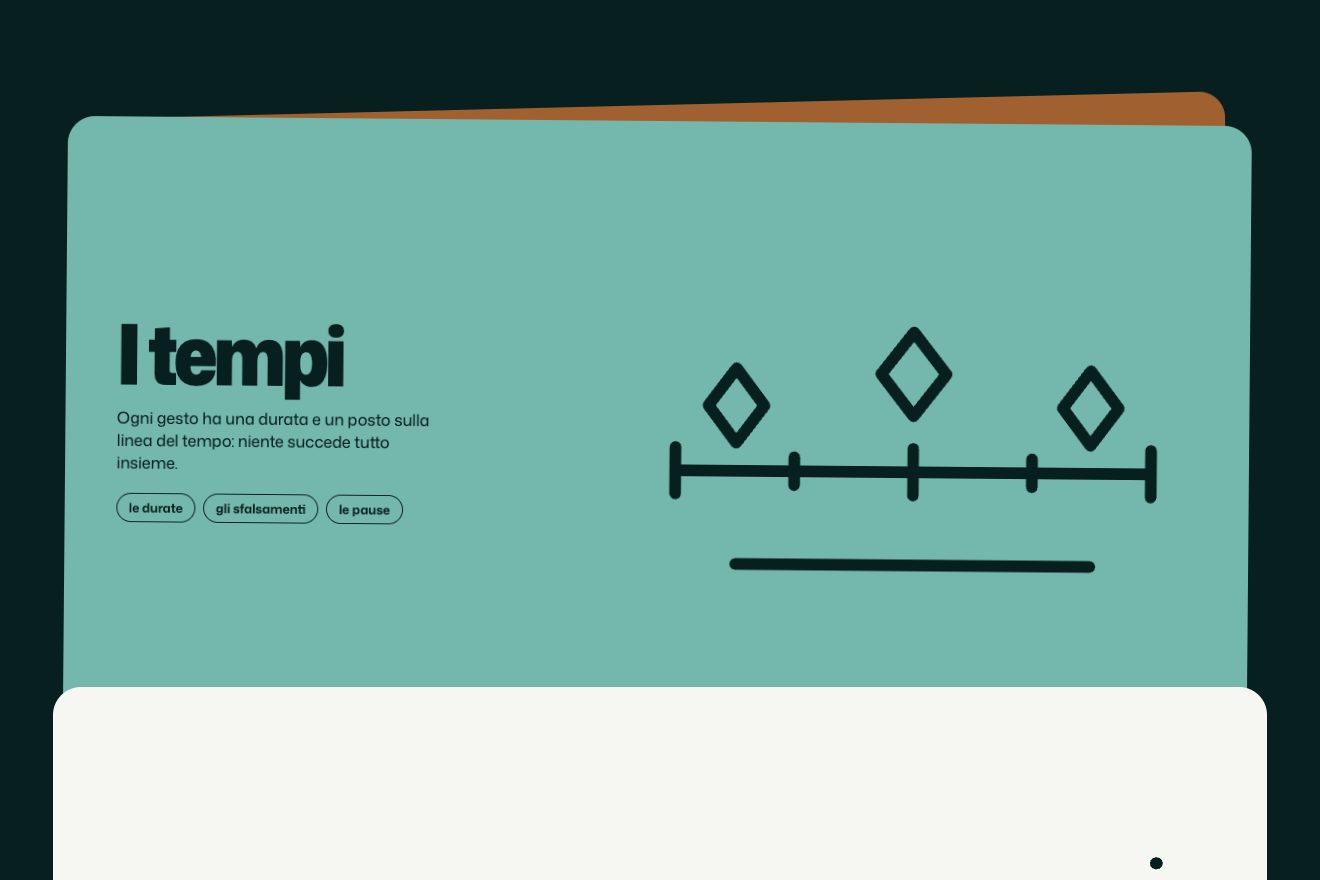
A page in chapters with a pinned panel that changes colour as you scroll and writes each chapter’s mark with a brush, while beside it the moments scroll by, the drawings slightly slower than the text.
A folder that runs on its own: index.html, style.css, script.js and the libraries from a CDN.
The code for this animation is part of lifetime access.
The preview stays open: watch it, slow it down, try it on your phone.
Lifetime accessThe page is a two-column grid and the panel is the right-hand element, with position: sticky, top 0, a height equal to the screen and align-self: start. It stays still while the column of moments scrolls beside it, with no spacer and no recalculation.
Each mark is a calligraphic outline uncovered by a mask, a wide line with pathLength 1. To write it the stroke-dashoffset goes from 1.02 to 0; to erase it, it does not go back but carries on to −1.02: the visible stroke slides past the end of the line, and the mark disappears from its start, like a trace drying.
Each chapter has its own timeline of length 1, tied to scrolling from when its top passes 70% of the screen to when its bottom does: between 0 and 0.3 it writes the mark, at 0.06 it brings in the text, between 0.8 and 1 it erases both. The colour instead changes in a separate tween, while the chapter’s top goes from 72% to 38% of the screen.
Inside each frame the drawing is enlarged 1.2 times and moves from yPercent 9 to −9 while the moment crosses the screen; the caption below moves about twenty pixels the other way. On phones the panel disappears and in its place a fixed bar slides down with the colour, the small mark and the chapter name, which changes with a small jump.
| Name | File | Default | What it changes |
|---|---|---|---|
CAPITOLI | script.js | 4 capitoli | For each chapter: name, panel colour, text colour and mark (a line in 200 × 200 and the brush width). |
DISEGNI | script.js | 8 disegni | The moments’ drawings, in SVG 200 × 150: they can be replaced by photographs in the same frame. |
min-height del capitolo | style.css | 150% dello schermo | How long a chapter lasts: taller, more scrolling for each colour. |
To tell a day, a process, the seasons or a product’s lines, when each step has its own colour and a mark to remember.
A single column; the panel gives way to a fixed bar at the top that slides down when the chapters begin and changes colour, mark and name at every chapter.
The marks are not written and the drawings do not scroll at different speeds: at every chapter the panel changes colour, mark and text with a two-tenths fade.
GSAP 3.15.0, Mona Sans (font variabile) 5.3.0.
Weight: 24 KB of our own files.
Tested on 27 September 2026
Use it in your own projects and in your clients’ projects. Do not resell it or redistribute it as is. GSAP stays under its own Standard license. Full license.
With your account’s email and password.
You’re signed in as .
Your plan is free. When lifetime access arrives, it will switch on for this same account.