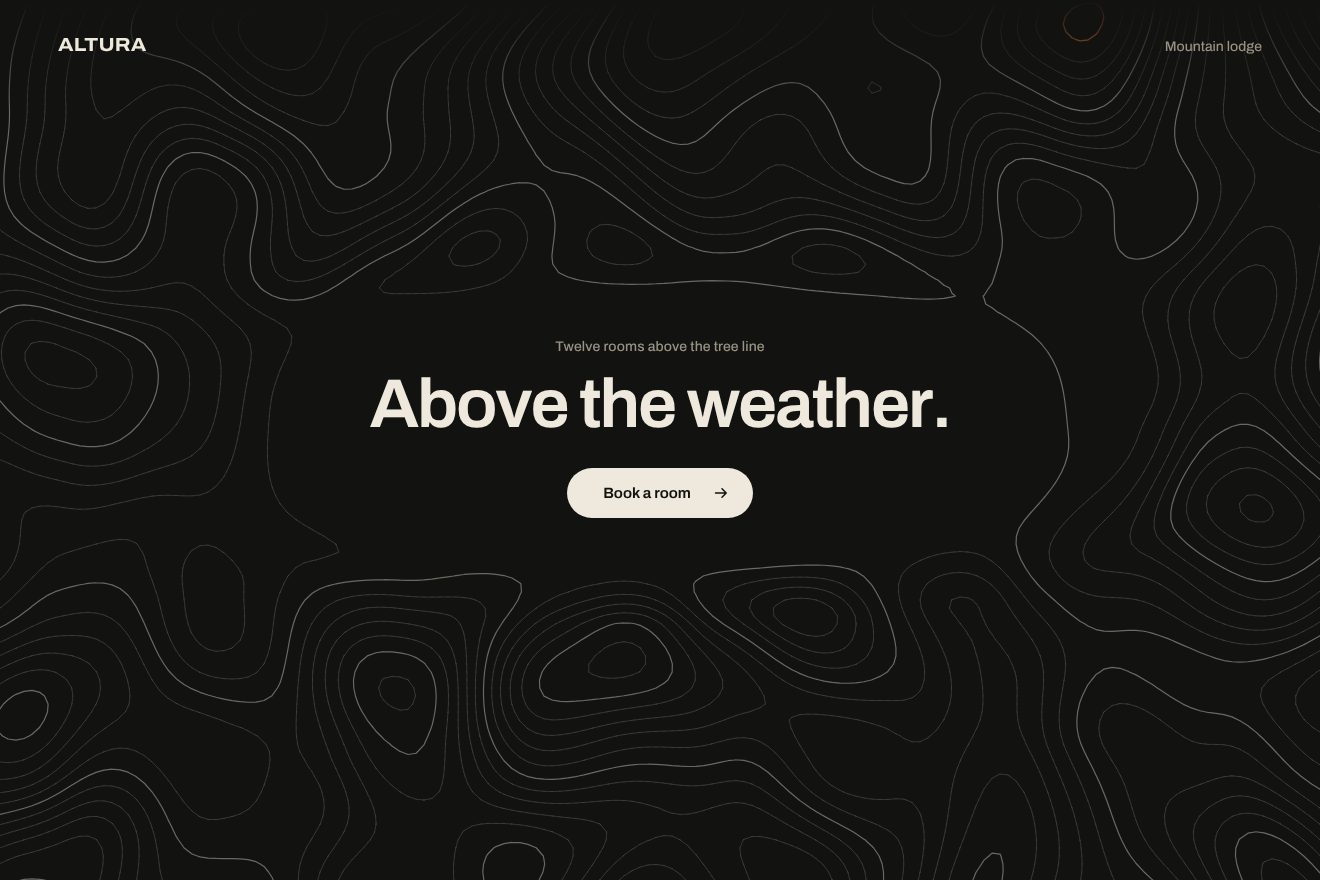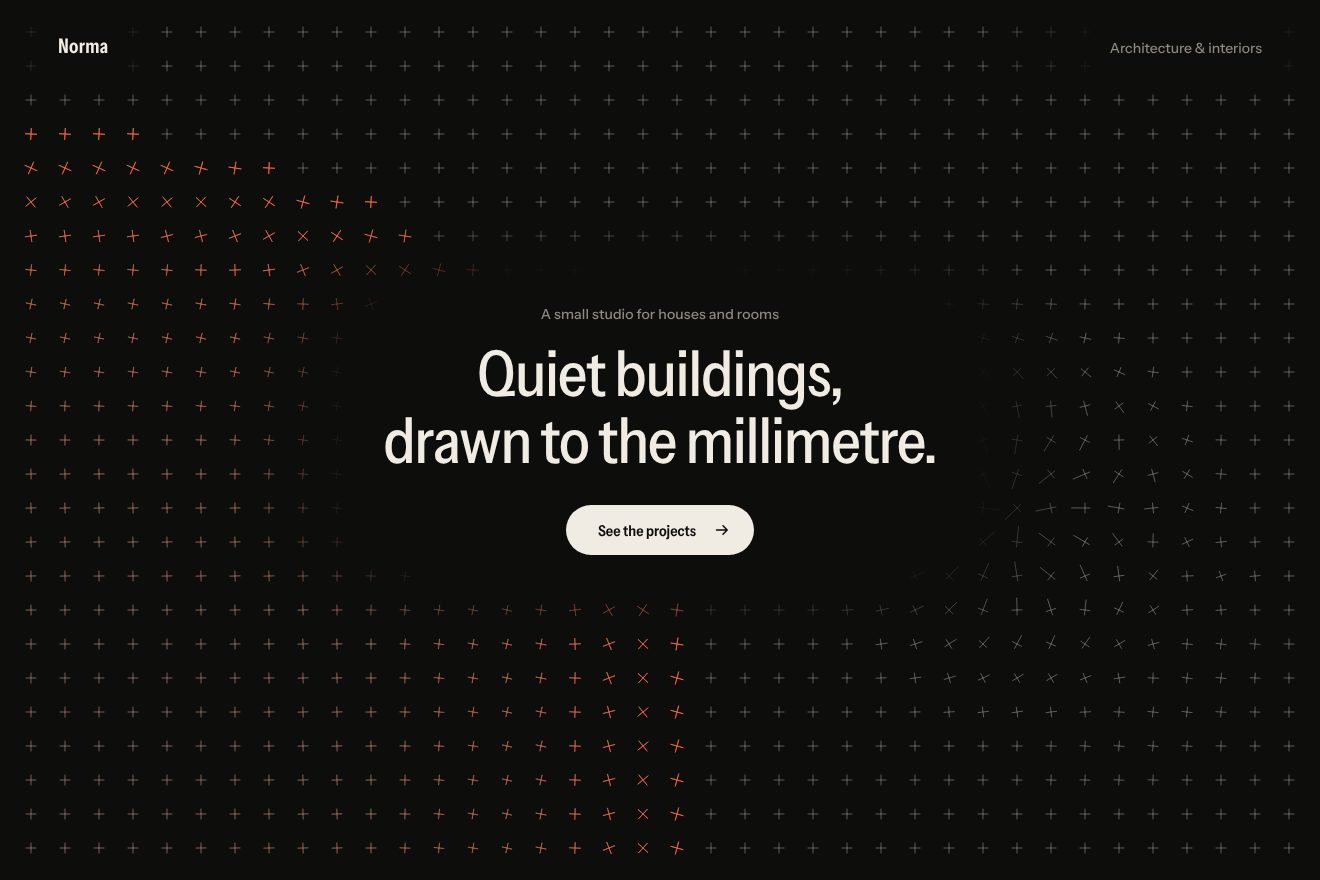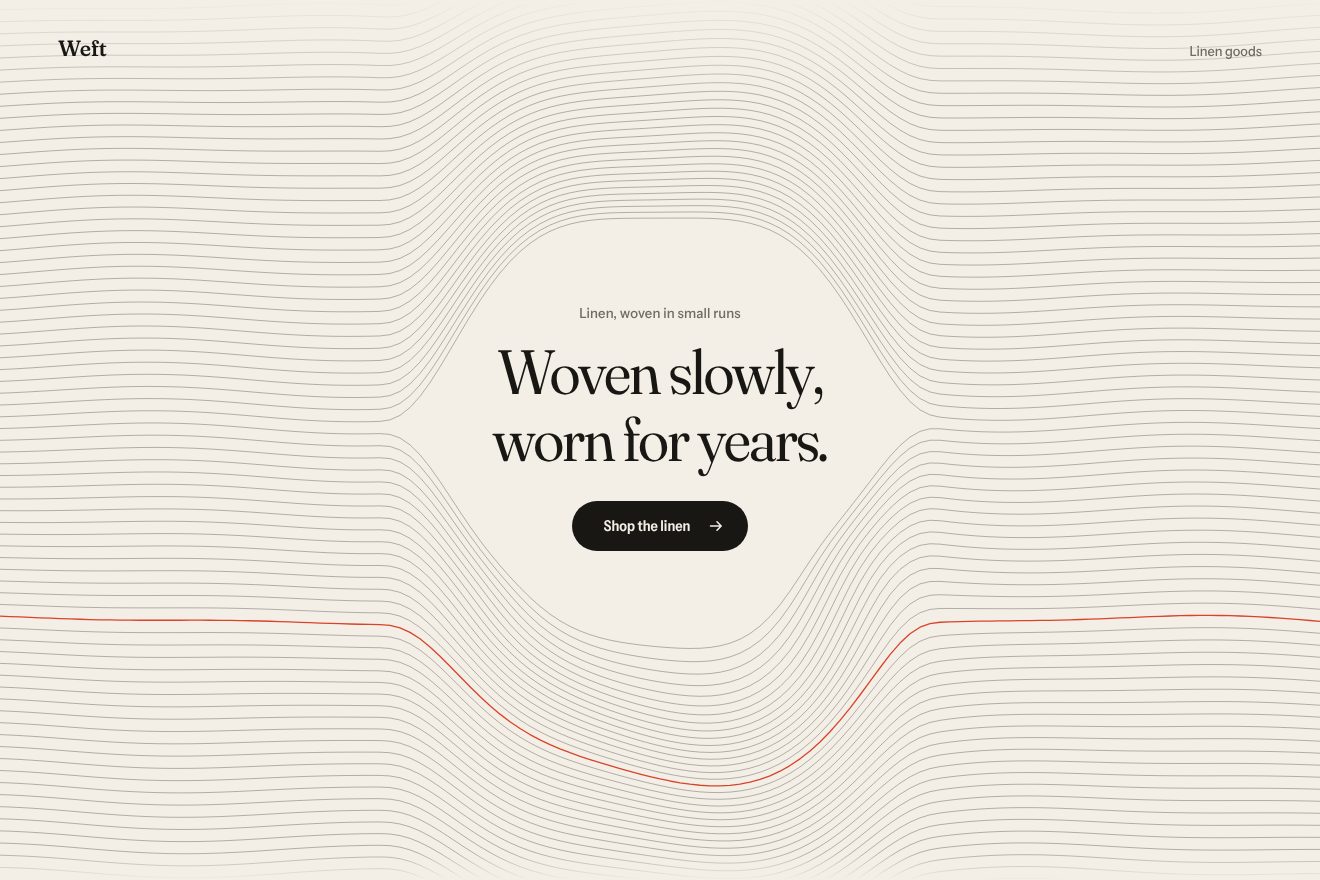
Woven thread background
Backgrounds, Hover
An animated background for an AI app’s hero, on near black: behind the headline and the prompt field there is an even grid of fine dots. Every key pressed sends a ring of pale blue light out from the text caret across the grid; the pointer bends it like a lens, and Enter sends one wide wave across the whole screen. Canvas 2D, in the Libraries.dev style.
A folder that runs on its own: index.html, style.css, script.js and the libraries from a CDN. The React and Vue tabs hold the same demo as a ready component, which switches its animations off when it leaves the page.
<!doctype html>
<!--
  "Prompt dot grid background" from Animorio · https://animorio.com
  License: free on your own sites and your clients’ sites, paid work included.
  Not for resale, redistribution, templates or code collections · https://animorio.com/en/license/
-->
<html lang="en">
<head>
  <meta charset="utf-8">
  <meta name="viewport" content="width=device-width, initial-scale=1">
  <title>The dot grid background that lights up as you type the prompt</title>
  <link rel="stylesheet" href="https://cdn.jsdelivr.net/npm/@fontsource-variable/mona-sans@5.3.0/wdth.css">
  <link rel="stylesheet" href="style.css">
</head>
<body>
  <!-- the hero of an invented AI assistant, Mira, on near black: behind the words an even grid of fine dots; every key
       pressed in the prompt sends a ring of light out from the caret, the pointer bends the grid like a lens, and Enter
       sends one wide wave across the whole screen -->
  <main class="stage" data-stage>
    <canvas class="dots" data-dots aria-hidden="true"></canvas>
    <span class="vignette" aria-hidden="true"></span>

    <section class="hero" aria-labelledby="hero-title">
      <p class="pill" data-in>
        <span class="pill__tag">New</span>
        <span class="pill__text">Mira 3 remembers your projects</span>
      </p>
      <h1 class="title" id="hero-title" data-in>Ask anything.<br><span class="title__soft">Watch it think.</span></h1>

      <form class="prompt" data-prompt data-in autocomplete="off">
        <span class="prompt__rim" aria-hidden="true"></span>
        <label class="sr" for="ask">Ask Mira</label>
        <div class="prompt__field">
          <span class="prompt__mirror" data-mirror aria-hidden="true"></span>
          <input class="prompt__input" id="ask" data-input type="text" placeholder="Ask Mira anything" spellcheck="false">
        </div>
        <button class="send" type="submit" data-send aria-label="Send">
          <svg viewBox="0 0 20 20" aria-hidden="true"><path d="M10 15.5V4.5M5 9.5l5-5 5 5"></path></svg>
        </button>
      </form>

      <p class="hint" data-in>
        <span class="hint__key">Enter</span><span>to send</span>
        <span class="hint__sep" aria-hidden="true"></span>
        <span data-status>Mira is listening</span>
      </p>
    </section>
  </main>

  <script src="https://cdn.jsdelivr.net/npm/gsap@3.15.0/dist/gsap.min.js"></script>
  <script src="script.js"></script>
</body>
</html>Change values, colours and text with the controls and watch the animation respond live. Or write in the code yourself. Then download the folder with your changes.
27 values to change
With the Animorio connector, Claude Code, ChatGPT, Cursor or VS Code take it from here, guide included, and fit it into your project. Paste this request:
Take “Prompt dot grid background” from Animorio and fit it into my siteThe canvas covers the page and on every tick of the GSAP ticker redraws all the dots, each a small ready-made drawing (a soft circle) copied with drawImage: four thousand dots fit easily.
Each ring has a centre, a speed, a width and a life. For every dot we measure how far it is from the ring’s radius at that moment: a Gaussian bell says how much it lights up, and the same amount pushes it outwards along its direction.
An invisible copy of the text, up to the caret, measures where the caret is on screen: that is where each key’s ring starts, and where the rim of the field lights up, with a radial gradient in a CSS variable.
Around the pointer the dots move away from the centre in proportion to a bell, as under a lens, and light up a little. When the pointer has been still for three seconds the lens follows a slow path around the field.
Enter sends a wider, faster wave and a fainter echo a fifth of a second later; the button squashes and springs back with elastic.out, the question rises and fades, and the status line changes word only after the old one has left.
A timeline types three questions letter by letter with an irregular but fixed rhythm (slower after spaces and commas) and presses Enter; the first real key stops it, and it starts again after a few quiet seconds.
| Name | File | Default | What it changes |
|---|---|---|---|
GAP | script.js | 18 | Distance between the dots, in pixels. |
DOT | script.js | 1 | Radius of a resting dot, in pixels. |
RING_SPEED | script.js | 520 | Speed of each key’s ring, in pixels per second. |
WAVE_SPEED | script.js | 1100 | Speed of the Enter wave, in pixels per second. |
GLOW | script.js | 1 | How brightly the dots light up. |
LENS | script.js | 120 | Radius of the pointer’s lens, in pixels (0 none). |
TYPE_SPEED | script.js | 1 | Speed of the typing by itself (2 twice as fast). |
AUTO_PILOT | script.js | 5 | After how many seconds without keys the field types itself (0 never). |
For the hero of an AI assistant or app, a chat, a launch page: when the prompt field is the centre of the page and the background should answer to what you type, without stealing the headline’s place.
Same animations: the grid keeps the same distance between dots, the field narrows to the screen width and the lens follows the finger; headline and field are sized on the height too and fit in the box.
With reduced motion the grid is already lit and still, with no rings or lens, the words fade in and the field still types itself.
GSAP 3.15.0, Mona Sans (font variabile) 5.3.0.
Compressed with gzip, the three demo files weigh 7.0 KB; the libraries: GSAP 28 KB.
Tested on 30 October 2026
Use it in your own projects and in your clients’ projects. Do not resell it or redistribute it as is. GSAP stays under its own Standard license. Full license.
Support Animorio
Animorio stays free thanks to the people who support it. If you like, buy us a coffee: it helps us make the next animations.
You asked for
We made it for you: it’s in the library, with the preview, the Playground and the code to copy.
An animation you can’t find, or a site to take apart in the journal: tell us which. We pick the next ones from here.
With your account’s email and password.
or with your email
You’re signed in as .
With your account, you can download the zip of every animation and every pack, for free.