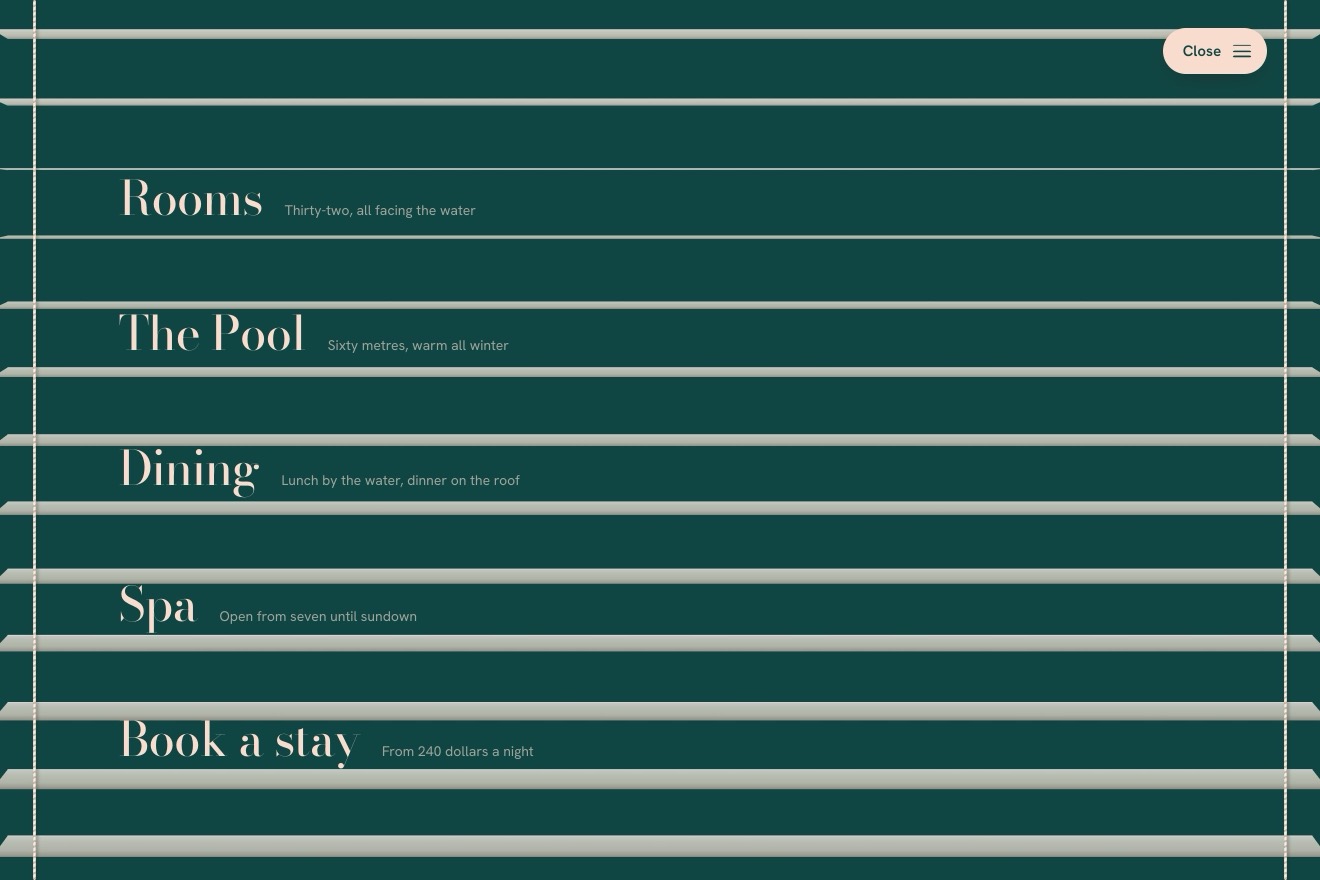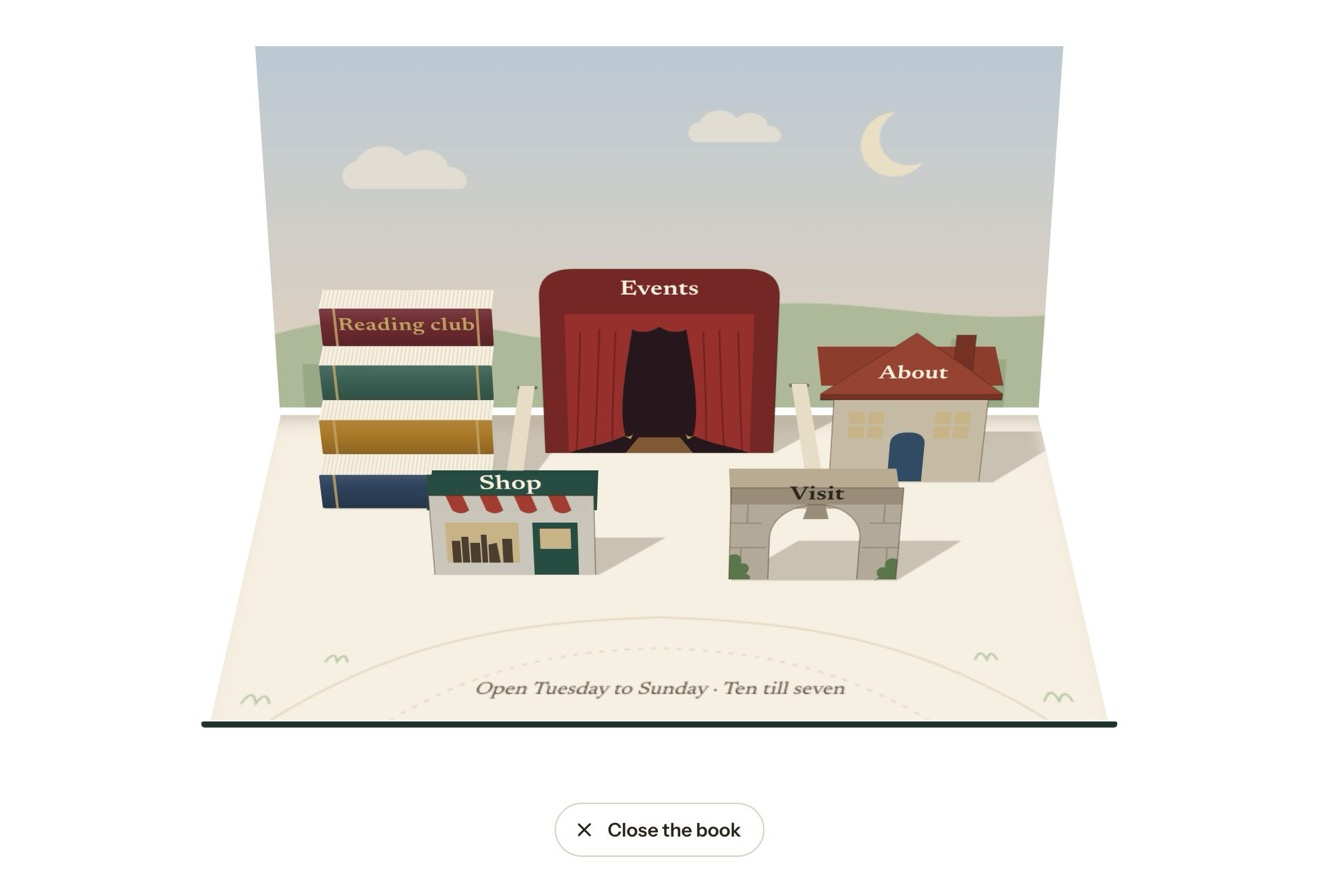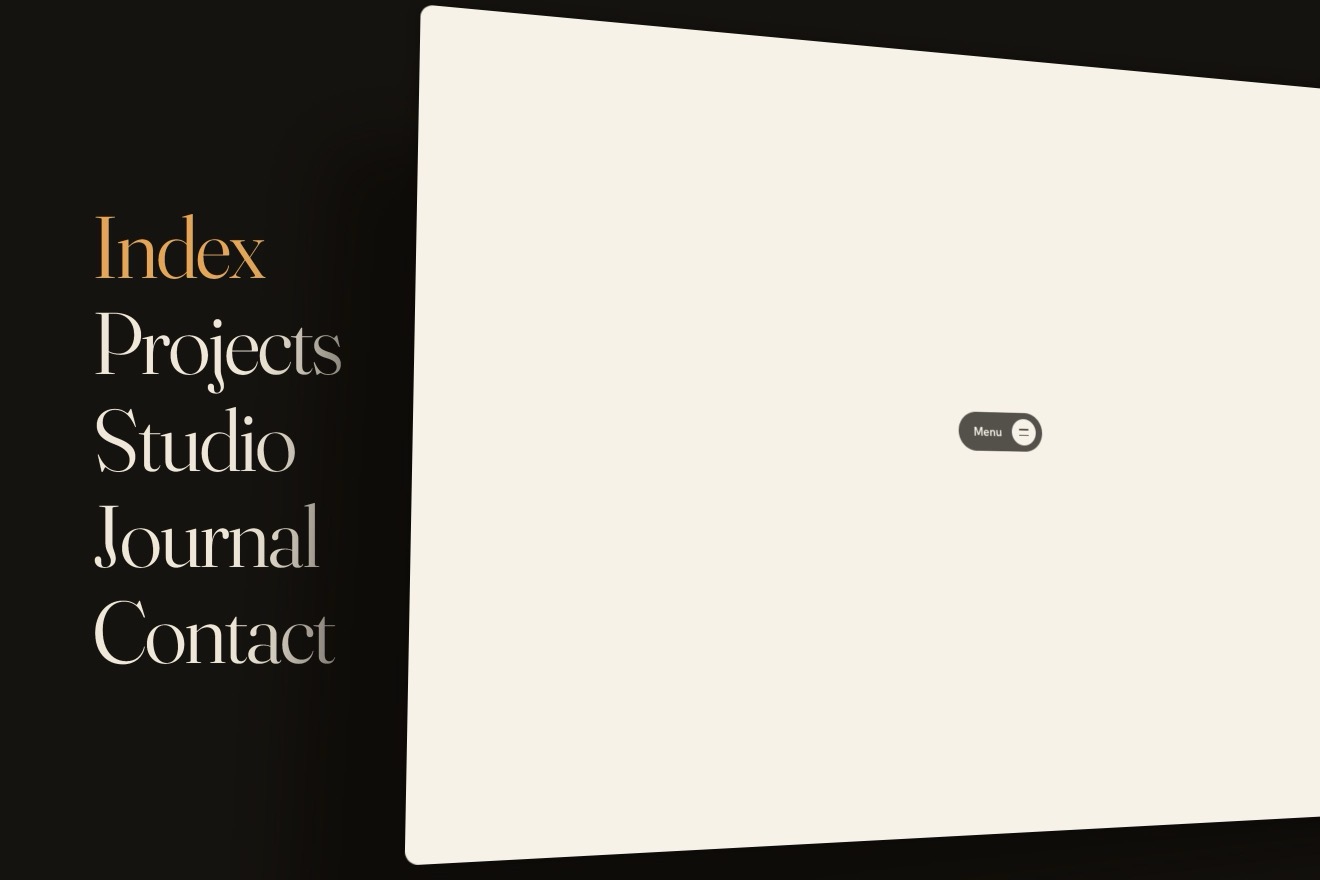
The menu under the page
Menus, 3D, Physics, Transitions
NewFree
A jeweller’s guide to the cuts in four tabs, Round, Oval, Pear and Emerald, with the stone below swaying under the lights: the chosen tab sits in a sliver of crystal cut like its stone. Choosing another, the crystal slides there and is re-cut on the way, through every shape it meets, and the stone re-cuts itself with it as it turns once in the light: the facets slide, split and merge, the outline draws out, grows a point, squares into the steps of an emerald. The crystal can be dragged, and the stone follows the hand.
A folder that runs on its own: index.html, style.css, script.js and the libraries from a CDN. The React and Vue tabs hold the same demo as a ready component, which switches its animations off when it leaves the page.
<!doctype html>
<html lang="en">
<head>
  <meta charset="utf-8">
  <meta name="viewport" content="width=device-width, initial-scale=1">
  <title>The faceted tabs</title>
  <link rel="stylesheet" href="https://cdn.jsdelivr.net/npm/@fontsource-variable/noto-serif-display@5.3.0/wdth.css">
  <link rel="stylesheet" href="https://cdn.jsdelivr.net/npm/@fontsource-variable/urbanist@5.3.0/index.css">
  <link rel="stylesheet" href="style.css">
</head>
<body>
  <main class="stage">
    <!-- a jeweller's guide to the shapes of a diamond, in four tabs. The chosen tab sits in a sliver of crystal cut
         like its stone; choosing another, the crystal slides there and is re-cut on the way, and the stone under the
         tabs re-cuts itself with it while it turns in the light. The crystal and the stone are drawn by the script -->
    <div class="guide" data-guide>
      <div class="seg" data-seg>
        <canvas class="seg__crystal" aria-hidden="true" data-crystal></canvas>
        <div class="seg__tabs" role="tablist" aria-label="Diamond shapes" data-tabs>
          <button class="seg__tab" type="button" role="tab" id="tab-round" aria-controls="cut-round" aria-selected="true"><span class="seg__name">Round</span></button>
          <button class="seg__tab" type="button" role="tab" id="tab-oval" aria-controls="cut-oval" aria-selected="false" tabindex="-1"><span class="seg__name">Oval</span></button>
          <button class="seg__tab" type="button" role="tab" id="tab-pear" aria-controls="cut-pear" aria-selected="false" tabindex="-1"><span class="seg__name">Pear</span></button>
          <button class="seg__tab" type="button" role="tab" id="tab-emerald" aria-controls="cut-emerald" aria-selected="false" tabindex="-1"><span class="seg__name">Emerald</span></button>
        </div>
      </div>

      <div class="stone" aria-hidden="true" data-stone-box>
        <canvas class="stone__view" data-stone></canvas>
      </div>

      <div class="pages" data-pages>
        <section class="page" role="tabpanel" id="cut-round" aria-labelledby="tab-round" tabindex="0">
          <h2 class="page__title">The one that shines most</h2>
          <p class="page__text">Every facet is angled to send the light back up through the top, so no other shape sparkles as much. The classic for a solitaire.</p>
          <dl class="page__facts">
            <div><dt>Length to width</dt><dd>1.00</dd></div>
            <div><dt>One carat</dt><dd>6.5 mm</dd></div>
            <div><dt>Facets</dt><dd>Brilliant</dd></div>
          </dl>
        </section>
        <section class="page" role="tabpanel" id="cut-oval" aria-labelledby="tab-oval" tabindex="0" hidden>
          <h2 class="page__title">Longer, and looks larger</h2>
          <p class="page__text">A brilliant drawn out lengthwise. It looks bigger than a round stone of the same weight, and it slims the finger.</p>
          <dl class="page__facts">
            <div><dt>Length to width</dt><dd>1.40</dd></div>
            <div><dt>One carat</dt><dd>7.7 × 5.5 mm</dd></div>
            <div><dt>Facets</dt><dd>Brilliant</dd></div>
          </dl>
        </section>
        <section class="page" role="tabpanel" id="cut-pear" aria-labelledby="tab-pear" tabindex="0" hidden>
          <h2 class="page__title">A drop with a point</h2>
          <p class="page__text">Round at one end and pointed at the other. Worn with the point towards the nail, it makes the hand look longer.</p>
          <dl class="page__facts">
            <div><dt>Length to width</dt><dd>1.55</dd></div>
            <div><dt>One carat</dt><dd>8.5 × 5.5 mm</dd></div>
            <div><dt>Facets</dt><dd>Brilliant</dd></div>
          </dl>
        </section>
        <section class="page" role="tabpanel" id="cut-emerald" aria-labelledby="tab-emerald" tabindex="0" hidden>
          <h2 class="page__title">Steps of clear light</h2>
          <p class="page__text">Long flat steps instead of sparkle: broad flashes, like a hall of mirrors, and a clear look deep into the stone.</p>
          <dl class="page__facts">
            <div><dt>Length to width</dt><dd>1.40</dd></div>
            <div><dt>One carat</dt><dd>7.0 × 5.0 mm</dd></div>
            <div><dt>Facets</dt><dd>Step</dd></div>
          </dl>
        </section>
      </div>
    </div>
  </main>

  <script src="https://cdn.jsdelivr.net/npm/gsap@3.15.0/dist/gsap.min.js"></script>
  <script src="script.js"></script>
</body>
</html>Change values, colours and text with the controls and watch the animation respond live. Or write in the code yourself. Then download the folder with your changes.
56 values to change
With the Animorio connector, Claude Code takes it from here, guide included, and fits it into your project. Paste this request:
Take “The faceted tabs” from Animorio and fit it into my siteSix rings of sixteen points: table, crown, the two edges of the girdle, pavilion and culet. Each ring is the outline of the cut (a circle, an ellipse, a drop, an octagon) made smaller and set at its own height; in the brilliant the crown and pavilion rings are turned half a step and kites and triangles grow between the rings, in the emerald they stay in line and steps grow instead. The four cuts have the same points in the same order, so going from one to another is just blending them point by point.
On every frame the stone is turned and looked at from above (VIEW degrees), the normals are worked out and it is drawn from the back to the front. The back facets are solid: the eye’s ray bounces off them and off the facet opposite, and where it comes out the light comes from a studio made of a softbox above, a ring of strip lights with dark gaps, a dim floor and the viewer’s own head. Red, green and blue come out a little apart (FIRE), but only on small facets. The front facets add their reflection by Fresnel in lighter mode, and every edge shows as much as its two facets differ.
The four flat shapes (the stadium and the octagon found with a ray cast from the centre, the ellipse, the drop) sampled by angle and blended by where the crystal is, counted in tabs. Three rings of facets with their heights give the normals for a light that leans with the speed; on landing a slanting band of light runs across. Every name takes its colour and weight from how much crystal is under it: the script writes --lit, the CSS uses it in color-mix and font-weight.
The crystal goes to its tab on a spring (SLIDE), stiffer when it is held; the stone follows the crystal’s position on a second spring (RECUT), so it passes through the cuts in between. The turn is a spring to the next whole turn (SPIN); turned by hand it coasts, slowed by friction, then settles on the nearest whole turn. It is worked out in steps of a two hundred and fortieth of a second, and off screen everything stops.
It is a real tablist: role tab and tabpanel, aria-selected, aria-controls and a single tab reachable with the Tab key; the arrows, Home and End change tab and bring the focus along. The crystal is dragged with a captured pointer, gives like rubber past the ends and, let go, takes the speed of the hand into account; touch-action pan-y lets the page scroll vertically.
| Name | File | Default | What it changes |
|---|---|---|---|
START | script.js | 0 | The tab chosen when the page opens (0 Round, 1 Oval, 2 Pear, 3 Emerald). |
SLIDE | script.js | [240, 24] | The spring the crystal slides on: its stiffness, and its damping (less, the more it overshoots). |
RECUT | script.js | [110, 19] | The spring the stone is re-cut on, following the crystal a moment later. |
SPIN | script.js | 1 | How many times the stone turns round when the tab changes (0 none). |
SWAY | script.js | 10 | How far the stone sways at rest, in degrees (0 still). |
VIEW | script.js | 74 | How steeply the stone is looked at from above, in degrees (90 straight down on its table). |
FIRE | script.js | 0.6 | How far the stone splits the light into colours (0 none, 1 a lot). |
TEXT | script.js | 0.5 | The seconds the new text takes to come in. |
For choosing among a few variants of a product that change in shape, material or finish: the cuts of a stone, the shapes of a frame, the finishes of a metal. Three to five tabs with short names.
Everything fits in 390 pixels: the tabs narrow and the stone shrinks with its frame. The crystal is dragged with a finger while the page scrolls vertically as usual, and the stone turns under a finger; without a mouse it does not lean towards the pointer.
No sliding and no turning: the crystal and the stone fade out where they are and back in on the new tab, and the text changes with a fade. The stone stays still and straight, does not sway and cannot be dragged.
GSAP 3.15.0, Noto Serif Display (font variabile) 5.3.0, Urbanist (font variabile) 5.3.0.
Compressed with gzip, the three demo files weigh 17 KB; the libraries: GSAP 28 KB.
Tested on 6 October 2026
Use it in your own projects and in your clients’ projects. Do not resell it or redistribute it as is. GSAP stays under its own Standard license. Full license.
With your account’s email and password.
or with your email
You’re signed in as .
With your account, you can download the zip of every animation and every pack, for free.