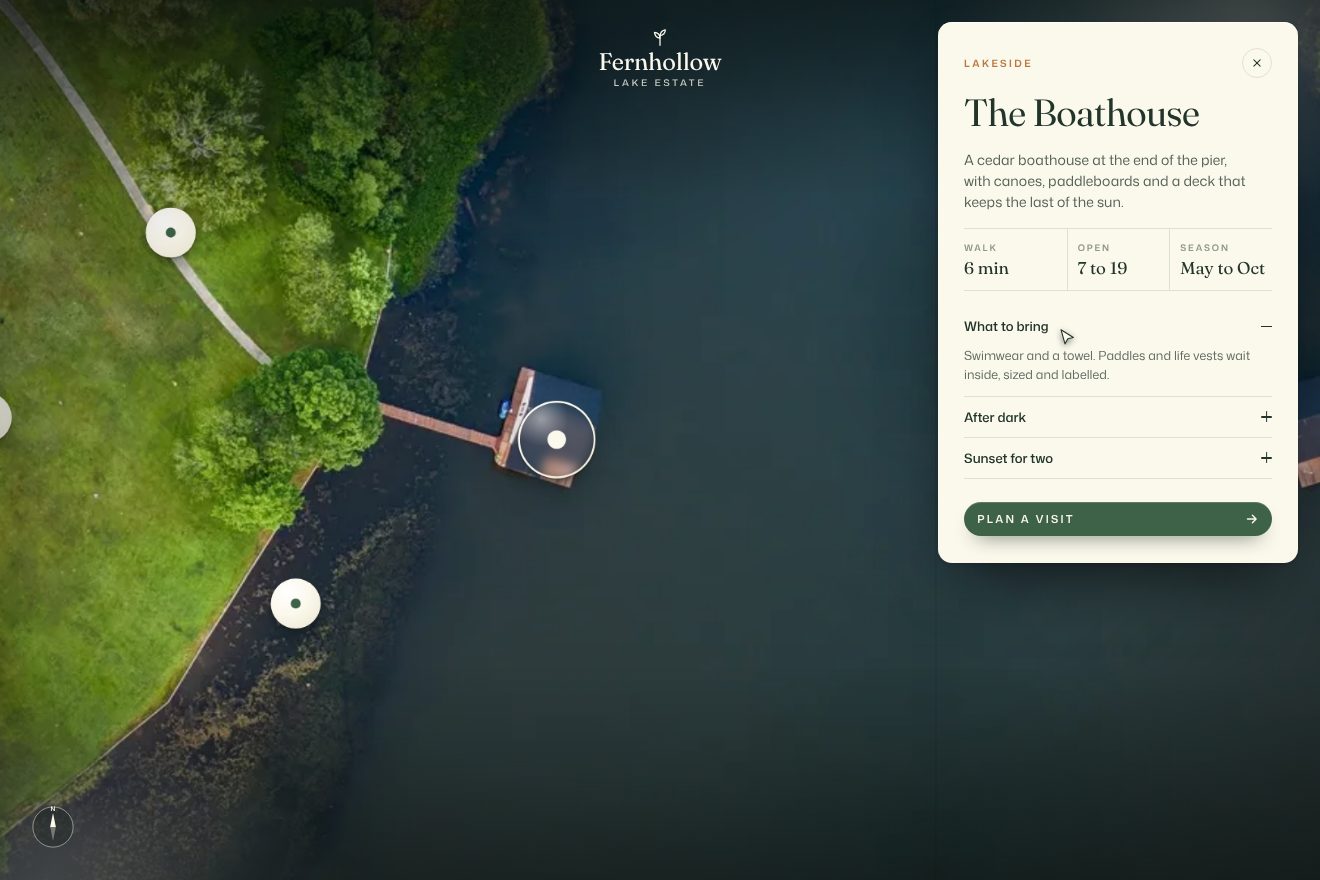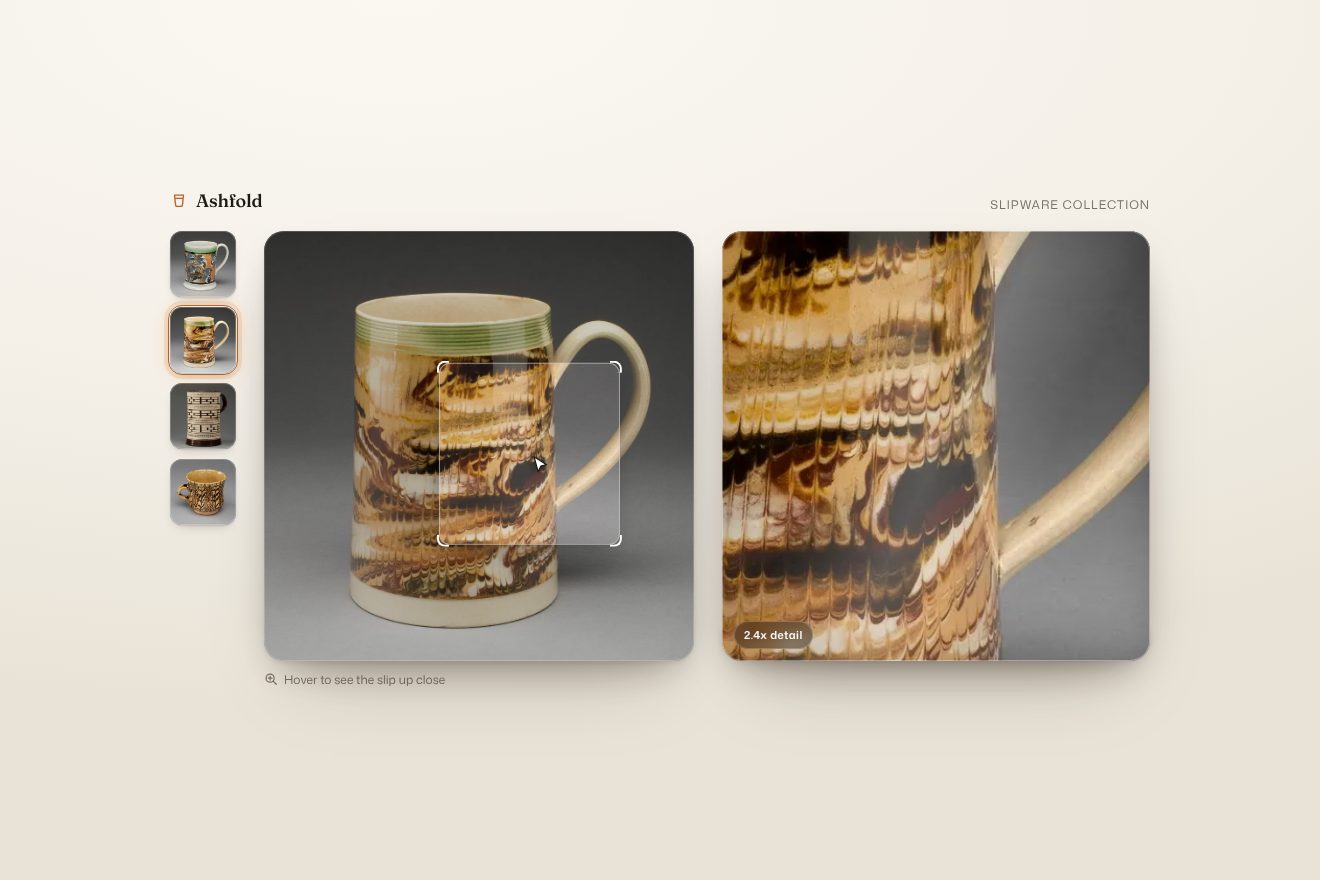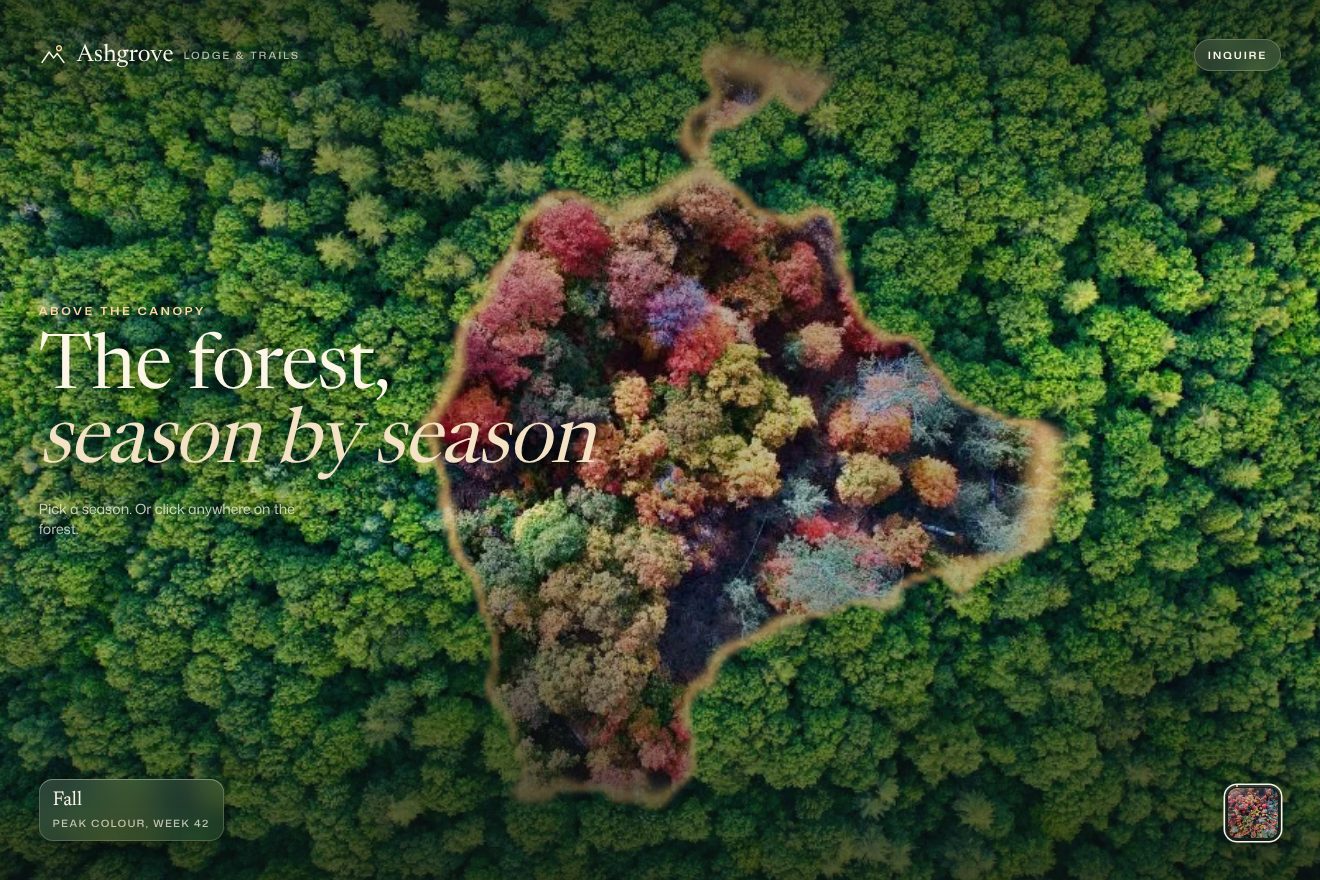
Season change patches
Transitions, Images, Hover
The home page slider of a made-up film distributor, minimal on black, with three real photographs as stills: the new film slides in across the whole screen while the picture inside its frame slides the other way for half the distance, a thin bar fills along the bottom before the change, the bar at the top and the arrow cursor take the colour of the film and the title arrives letter by letter only once the frame has landed.
Rebuilt from scratch studying neonrated.com by 27b: the idea is theirs; code, copy and images are ours. Read how it’s made
A folder that runs on its own: index.html, style.css, script.js and the libraries from a CDN. The React and Vue tabs hold the same demo as a ready component, which switches its animations off when it leaves the page.
<!doctype html>
<!--
  "Film slider" from Animorio · https://animorio.com
  License: free on your own sites and your clients’ sites, paid work included.
  Not for resale, redistribution, templates or code collections · https://animorio.com/en/license/
-->
<html lang="en">
<head>
  <meta charset="utf-8">
  <meta name="viewport" content="width=device-width, initial-scale=1">
  <title>Kestrel Pictures, now showing</title>
  <link rel="stylesheet" href="https://cdn.jsdelivr.net/npm/@fontsource-variable/archivo@5.3.0/wdth.css">
  <link rel="stylesheet" href="style.css">
</head>
<body>
  <!-- the home slider of a made-up film distributor. Every six seconds, or with a click on either half of the screen,
       the next film slides in while the picture inside it slides the other way at half the speed; the thin arrow
       cursor turns towards the half you are on and takes the colour of the film, and so does the bar at the top. -->
  <main class="palco" data-palco>
    <div class="quadri" data-quadri>
      <!-- Low Tide: a long pier running out into a flat sea at sunset -->
      <section class="quadro" data-quadro data-f-colore="#3D7BFF" data-f-titolo="Low Tide" data-f-anno="2026" data-f-stato="In theaters" data-f-biglietto="Get tickets">
        <div class="quadro__inset" data-inset>
          <div class="quadro__scena" data-scena>
            <img class="scena" data-foto src="low-tide.webp" alt="" width="960" height="719" decoding="async" style="object-position: 50% 52%">
          </div>
        </div>
      </section>
      <!-- Paper Moons: strings of paper lanterns hanging under a sky of small lights at night -->
      <section class="quadro" data-quadro data-f-colore="#FF4FA3" data-f-titolo="Paper Moons" data-f-anno="2025" data-f-stato="Watch now" data-f-biglietto="Watch now · $5.99">
        <div class="quadro__inset" data-inset>
          <div class="quadro__scena" data-scena>
            <img class="scena" data-foto src="paper-moons.webp" alt="" width="960" height="640" decoding="async" style="object-position: 50% 72%">
          </div>
        </div>
      </section>
      <!-- The Glasshouse: a glass greenhouse full of plants in soft morning light -->
      <section class="quadro" data-quadro data-f-colore="#B8F03A" data-f-titolo="The Glasshouse" data-f-anno="2026" data-f-stato="In theaters" data-f-biglietto="Get tickets">
        <div class="quadro__inset" data-inset>
          <div class="quadro__scena" data-scena>
            <img class="scena" data-foto src="the-glasshouse.webp" alt="" width="960" height="640" decoding="async" style="object-position: 50% 45%">
          </div>
        </div>
      </section>
    </div>

    <!-- grain and vignette over the picture -->
    <svg class="grana" aria-hidden="true"><filter id="grana"><feTurbulence type="fractalNoise" baseFrequency="0.9" numOctaves="2" stitchTiles="stitch"/><feColorMatrix values="0 0 0 0 1  0 0 0 0 1  0 0 0 0 1  0 0 0 0.55 0"/></filter><rect width="100%" height="100%" filter="url(#grana)"/></svg>
    <div class="vignetta" aria-hidden="true"></div>

    <!-- the two halves of the screen: previous and next -->
    <button class="meta meta--prima" type="button" data-prima aria-label="Previous film"></button>
    <button class="meta meta--dopo" type="button" data-dopo aria-label="Next film" data-autoclic></button>

    <header class="testa" data-testa>
      <div class="barra" data-barra>
        <span class="barra__fondo" data-barra-fondo></span>
        <span class="hamburger" aria-hidden="true"><i></i><i></i></span>
        <span class="marchio" data-marchio>KESTREL</span>
        <span class="icone" aria-hidden="true">
          <svg viewBox="0 0 20 20"><circle cx="8.5" cy="8.5" r="5.5"/><path d="M12.6 12.6 L17 17"/></svg>
          <svg viewBox="0 0 20 20"><path d="M4 6.5 H16 L15 17 H5 Z M7.2 6.5 V5.2 a2.8 2.8 0 0 1 5.6 0 V6.5"/></svg>
        </span>
      </div>
      <div class="biglietto" data-biglietto-barra>
        <span class="biglietto__testo" data-biglietto-testo>Get tickets</span>
        <svg class="biglietto__freccia" viewBox="0 0 20 20" aria-hidden="true"><path d="M4 10 H15.5 M11 5.5 L15.5 10 L11 14.5"/></svg>
      </div>
    </header>

    <div class="didascalia" data-didascalia>
      <p class="stato"><span data-stato>In theaters</span></p>
      <h1 class="titolo" data-titolo aria-live="polite">Low Tide</h1>
      <div class="sotto">
        <button class="play" type="button" aria-label="Play the trailer" data-play>
          <svg viewBox="0 0 40 46" aria-hidden="true"><path d="M2 2 L38 23 L2 44 Z"/></svg>
        </button>
        <span class="anno" data-anno>2026</span>
      </div>
    </div>

    <div class="segni" data-segni aria-hidden="true"></div>
    <div class="avanzamento" aria-hidden="true"><span data-avanzamento></span></div>

    <div class="cursore" data-cursore aria-hidden="true">
      <svg viewBox="0 0 40 40"><path class="cursore__alone" d="M20 34 V6 M9 17 L20 6 L31 17"/><path d="M20 34 V6 M9 17 L20 6 L31 17"/></svg>
    </div>
  </main>

  <script src="https://cdn.jsdelivr.net/npm/gsap@3.15.0/dist/gsap.min.js"></script>
  <script src="https://cdn.jsdelivr.net/npm/gsap@3.15.0/dist/CustomEase.min.js"></script>
  <script src="script.js"></script>
</body>
</html>Change values, colours and text with the controls and watch the animation respond live. Or write in the code yourself. Then download the folder with your changes.
16 values to change
With the Animorio connector, Claude Code, ChatGPT, Cursor or VS Code take it from here, guide included, and fit it into your project. Paste this request:
Take “Film slider” from Animorio and fit it into my siteEvery film is a section as big as the screen that hides whatever goes past its edges, holding a second layer, the inset, which carries the still. GSAP moves the frame and the inset, the still inside has a third layer just for the pointer parallax, and the photo itself, an img with object-fit cover, does the slow breath: one element for each movement.
The new frame goes from the width times the direction to zero and the inset from minus half the width times the direction to zero, together, in 0.95 seconds with the in-out quart curve, cubic-bezier(.77, 0, .175, 1). The two movements subtract: the picture on screen travels half the way, so it stays behind and catches up with the frame. The old one moves 35 per cent the other way, its inset following at half.
A line along the bottom goes from scaleX 0 to 1, linearly, in six seconds (the site waits ten), then thickens for a moment and brings in the next film; it stops while the slider is out of view or the tab is hidden. The bar at the top and the cursor take the colour of the film in half a second.
The arrow follows the pointer with no delay through a quickSetter and, when it crosses from one half of the screen to the other, turns to minus 135 or 45 degrees in three tenths of a second, with a tenth of delay and expo.out. The two halves are real buttons, so they work with a finger and the keyboard too, and the arrow keys change film.
| Name | File | Default | What it changes |
|---|---|---|---|
MARCHIO | script.js | KESTREL | The name in the bar at the top. |
DURATA | script.js | 0.95 | The seconds the frame takes to slide in. |
INSET | script.js | 0.5 | How far the picture slides the other way, as a share of the screen width: 0 is no parallax. |
INTERVALLO | script.js | 6 | The seconds before the next film comes in by itself. |
LETTERE | script.js | 0.03 | The seconds between one letter of the title and the next. |
PARALLASSE | script.js | 14 | How many pixels the picture drifts with the pointer. |
COLORE | script.js | 0.5 | The seconds the bar at the top takes to change colour. |
For the home page of a film distributor, a cinema, a festival, a production company or a brand with a few things to show big, one at a time: films, collections, projects, events.
The same animation with adapted sizes: the title is sized on the height too, the bars at the top shrink to the width, there is no arrow cursor and the two halves of the screen are tapped with a finger.
No sliding, rising letters or parallax: the new film fades in over four tenths of a second, the title and the bar text change with a fade, and the things inside the stills stay still. The time line keeps filling.
GSAP 3.15.0, CustomEase 3.15.0, Archivo (font variabile) 5.3.0.
Compressed with gzip, the three demo files weigh 7.6 KB; the libraries: GSAP + CustomEase 31 KB.
Tested on 7 November 2026
Use it in your own projects and in your clients’ projects. Do not resell it or redistribute it as is. GSAP stays under its own Standard license. Full license.
Support Animorio
Animorio stays free thanks to the people who support it. If you like, buy us a coffee: it helps us make the next animations.
You asked for
We made it for you: it’s in the library, with the preview, the Playground and the code to copy.
An animation you can’t find, or a site to take apart in the journal: tell us which. We pick the next ones from here.
With your account’s email and password.
or with your email
You’re signed in as .
With your account, you can download the zip of every animation and every pack, for free.