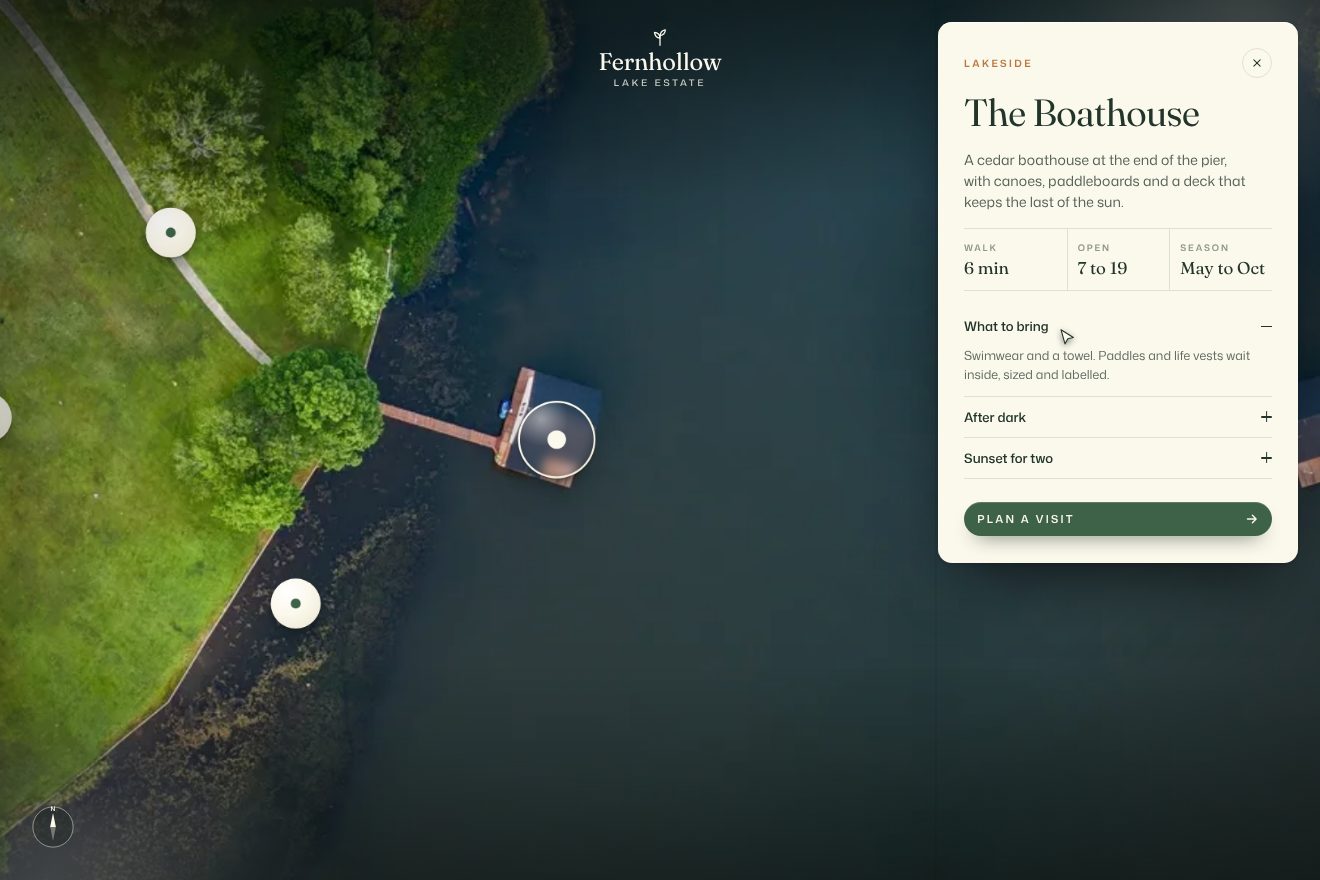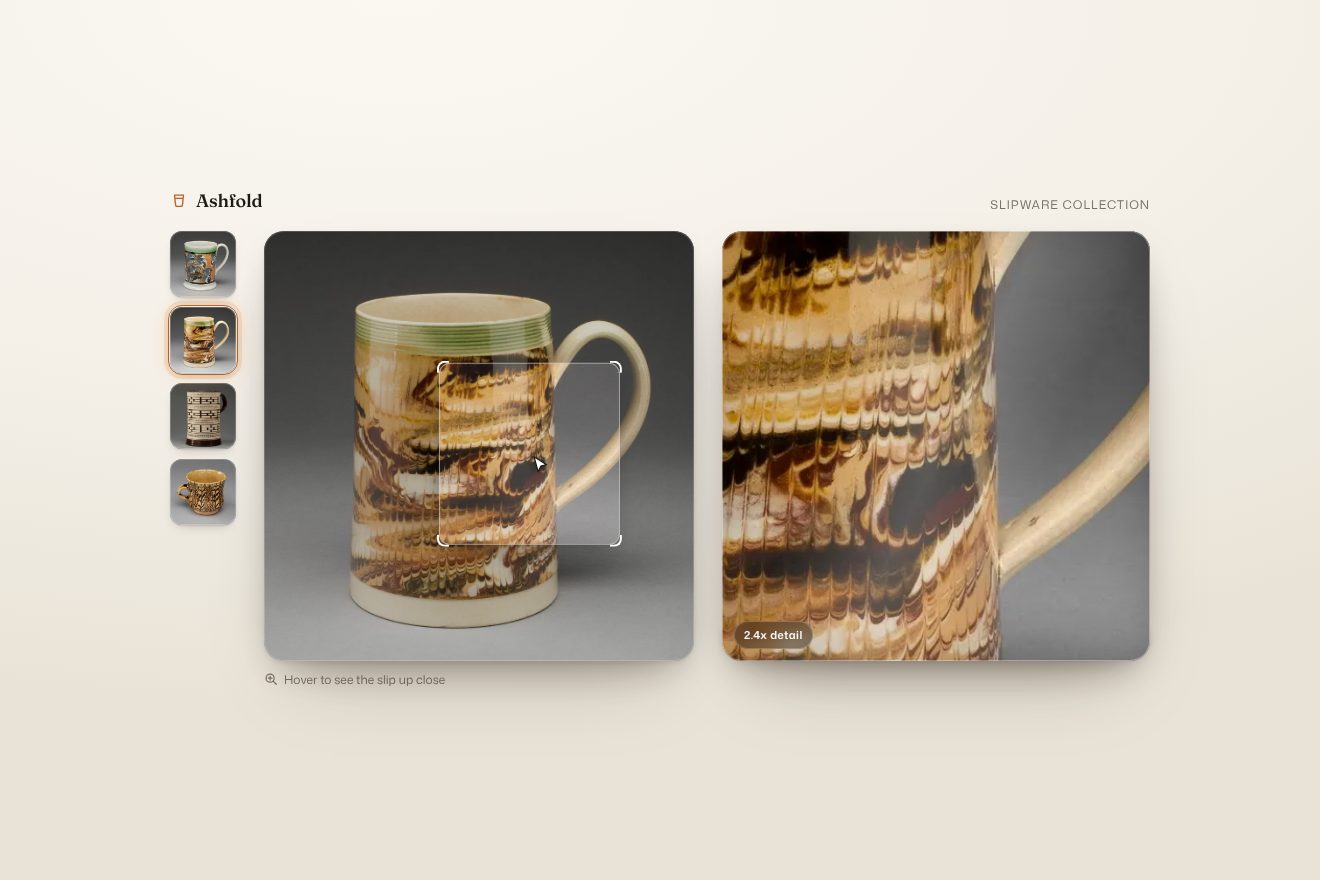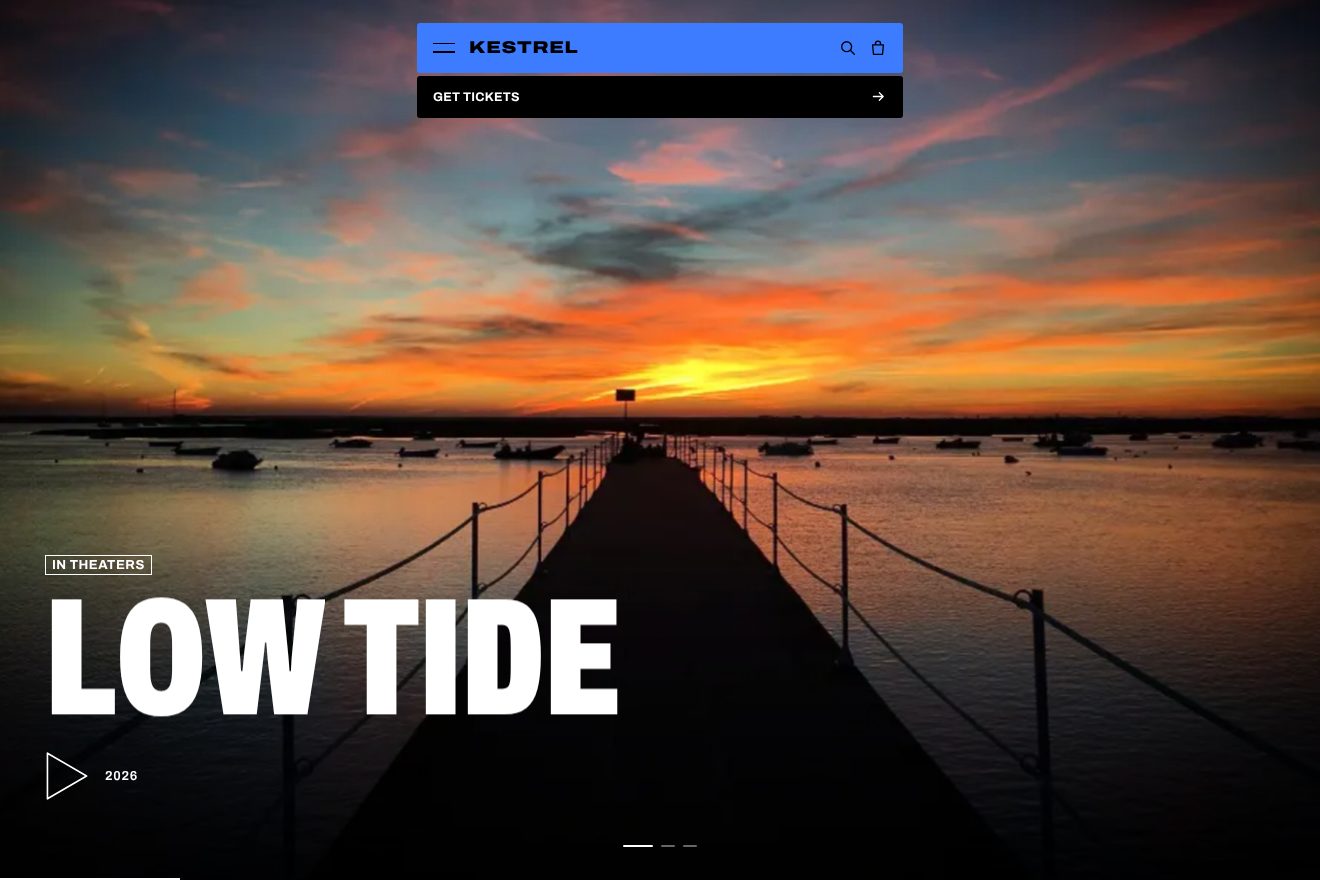
Film slider
Transitions, Images, Hover
The map of a made-up mountain lodge, Ashgrove Lodge, seen from above its forest: a real photo of the canopy in summer. In the bottom right corner the season switch is a stack of small squares with thumbnails: hover it and the hidden season rises out of the stack with its name on a cream label; pick it and the forest turns from summer to fall, or back, not in a clean circle but as a soft front eaten by noise into uneven patches, from the middle or from the point you click, with a warm line of light running on the edge. The change takes 4.5 seconds on power3.inOut and a second change waits for the first to end, as on the Explore Primland site.
Rebuilt from scratch studying explore.ownprimland.com by Outpost, Ingamana, Robbin Cenijn, Robert Borghesi, arpeegee, Matyas Sochor: the idea is theirs; code, copy and images are ours. Read how it’s made
A folder that runs on its own: index.html, style.css, script.js and the libraries from a CDN. The React and Vue tabs hold the same demo as a ready component, which switches its animations off when it leaves the page.
<!doctype html>
<!--
"Season change patches" from Animorio · https://animorio.com
License: free on your own sites and your clients’ sites, paid work included.
Not for resale, redistribution, templates or code collections · https://animorio.com/en/license/
-->
<html lang="en">
<head>
<meta charset="utf-8">
<meta name="viewport" content="width=device-width, initial-scale=1">
<title>Ashgrove Lodge, the canopy season by season</title>
<link rel="stylesheet" href="https://cdn.jsdelivr.net/npm/@fontsource-variable/newsreader@5.3.0/opsz.css">
<link rel="stylesheet" href="https://cdn.jsdelivr.net/npm/@fontsource-variable/mona-sans@5.3.0/wdth.css">
<link rel="stylesheet" href="style.css">
</head>
<body>
<main class="stage" data-stage>
<!-- a made-up mountain lodge, Ashgrove, seen from above its own forest. The season switch in the corner turns the
canopy from summer to fall (and back): the new season spreads from the middle, or from where you click, in
uneven patches with a warm line of light on the front -->
<canvas class="map" data-map aria-hidden="true"></canvas>
<div class="veil" aria-hidden="true"></div>
<div class="grain" aria-hidden="true"></div>
<header class="head">
<span class="brand">
<svg class="brand__mark" viewBox="0 0 28 28" aria-hidden="true">
<path d="M3 21.5 10.2 11l4.4 6 3.6-4.6L25 21.5"/>
<path class="brand__sun" d="M17.6 7.2a2.4 2.4 0 1 1 0 .01"/>
</svg>
<span class="brand__name">Ashgrove</span>
<span class="brand__sub">Lodge & Trails</span>
</span>
<a class="inquire" href="#" data-inquire>Inquire</a>
</header>
<section class="lede">
<p class="lede__eyebrow">Above the canopy</p>
<h1 class="lede__title">The forest,<br><em>season by season</em></h1>
<p class="lede__line">Pick a season. Or click anywhere on the forest.</p>
</section>
<div class="status" aria-live="polite">
<span class="status__frame">
<span class="status__roll" data-roll>
<span class="status__name">Summer</span>
<span class="status__name">Fall</span>
</span>
</span>
<span class="status__line" data-status-line>Canopy in full leaf</span>
</div>
<div class="seasons" data-seasons>
<span class="seasons__label" data-label aria-hidden="true">
<span class="seasons__word" data-label-word>Fall</span>
<span class="seasons__tip"></span>
</span>
<div class="seasons__stack" data-stack>
<button class="tile" type="button" data-season="summer" aria-label="Summer">
<span class="tile__img" style="background-image:url(summer.webp)"></span>
<svg class="tile__ring" viewBox="0 0 56 56" aria-hidden="true"><rect x="1" y="1" width="54" height="54" rx="11" pathLength="100"/></svg>
</button>
<button class="tile" type="button" data-season="fall" aria-label="Fall">
<span class="tile__img" style="background-image:url(fall.webp)"></span>
<svg class="tile__ring" viewBox="0 0 56 56" aria-hidden="true"><rect x="1" y="1" width="54" height="54" rx="11" pathLength="100"/></svg>
</button>
</div>
</div>
<img class="src" src="summer.webp" width="960" height="540" alt="A summer forest seen from above, every crown in full green leaf" data-img="summer">
<img class="src" src="fall.webp" width="960" height="720" alt="The same kind of forest in fall, crowns in red, copper and gold" data-img="fall">
</main>
<script src="https://cdn.jsdelivr.net/npm/gsap@3.15.0/dist/gsap.min.js"></script>
<script src="https://cdn.jsdelivr.net/npm/gsap@3.15.0/dist/CustomEase.min.js"></script>
<script src="script.js"></script>
</body>
</html>Change values, colours and text with the controls and watch the animation respond live. Or write in the code yourself. Then download the folder with your changes.
27 values to change
With the Animorio connector, Claude Code, ChatGPT, Cursor or VS Code take it from here, guide included, and fit it into your project. Paste this request:
Take “Season change patches” from Animorio and fit it into my siteThe mask is a grid about 200 cells wide, worked out at every frame of the change in a small canvas and then stretched to the whole screen with the browser's smoothing: the front comes out soft by itself and the maths stays cheap.
For each cell the distance from the starting point, divided by the distance to the farthest corner, gives m = 1 − smoothstep(r − FRONT, r, d), with r growing with the progress (partly on the power3.inOut curve and partly in a straight line, so the front shows at the start and at the end too). Then the noise bites it: m −= 2 · n · (1 − m), and a tight smoothstep closes it into crisp patches; in the last fifth of the progress everything fills, like the site's smoothstep(0.8, 1, progress).
The lit edge is (4 · m · (1 − m))², worth something only where the mask is passing (the site uses mask − smoothstep(0.9, 1, mask)). It is drawn in a second small canvas, in amber, over the photo in screen mode, twice: once wide and soft, once tight.
The current season sits at the bottom of the stack, the others above it, hidden one step below their place. On hover they rise with autoAlpha in 0.3 s on quart.inOut, the label slides in from 10 % to the right in 0.85 s. At every change the stack reorders and the edge of the new square draws itself with the progress.
Until the change is over, changing stays true and any other click is ignored (the stack gives a small elastic nudge): the same isSeasonChanging lock as the site. The timeline goes from 0 to 1 in one second on power3.inOut and is then stretched to 4.5 seconds with duration().
| Name | File | Default | What it changes |
|---|---|---|---|
DURATION | script.js | 4.5 | Seconds of the change (the site stretches its timeline to 4.5). |
FRONT | script.js | 0.9 | How soft the front is, as a share of the distance to the farthest corner. |
PATCHES | script.js | 2 | How hard the noise bites into the front: 0 is a clean circle (the site uses 2). |
PATCH_SIZE | script.js | 4.2 | How many patches across the short side of the screen. |
GLOW | script.js | 0.8 | How bright the warm line on the front is. |
RISE | script.js | 0.3 | Seconds for the other season to rise out of the stack (the site uses 0.3). |
LABEL | script.js | 0.85 | Seconds for the name label to slide in (the site uses 0.85). |
CLOUDS | script.js | 0.35 | How dark the drifting cloud shadows are, 0 for none. |
AUTO_EVERY | script.js | 2.2 | Left alone, seconds of rest between two changes. |
LOOP | script.js | true | Left alone, the seasons keep turning. |
For the home page or the map of a mountain hotel, a resort, a farm stay, a park or a winery: when the place changes face with the seasons and you want visitors to choose. It also works for day and night, before and after a renovation, a light and dark theme over a photo.
The same animation with adapted sizes: the title is measured on width and height, the switch and the chip stay in the bottom corners, the mask grid shrinks with the width. On the phone, without hover, the first tap on the switch opens the stack and the second picks; a tap on the forest starts the change from there.
No zoom, no moving clouds, no patchy front: the new season arrives in a 0.8 second cross fade, the stack and the label appear without sliding and the chip swaps its name in place.
GSAP 3.15.0, CustomEase (GSAP) 3.15.0, Newsreader (font variabile) 5.3.0, Mona Sans (font variabile) 5.3.0.
Compressed with gzip, the three demo files weigh 9.3 KB; the libraries: GSAP + CustomEase 31 KB.
Tested on 8 November 2026
Use it in your own projects and in your clients’ projects. Do not resell it or redistribute it as is. GSAP stays under its own Standard license. Full license.
Support Animorio
Animorio stays free thanks to the people who support it. If you like, buy us a coffee: it helps us make the next animations.
You asked for
We made it for you: it’s in the library, with the preview, the Playground and the code to copy.
An animation you can’t find, or a site to take apart in the journal: tell us which. We pick the next ones from here.
With your account’s email and password.
or with your email
You’re signed in as .
With your account, you can download the zip of every animation and every pack, for free.