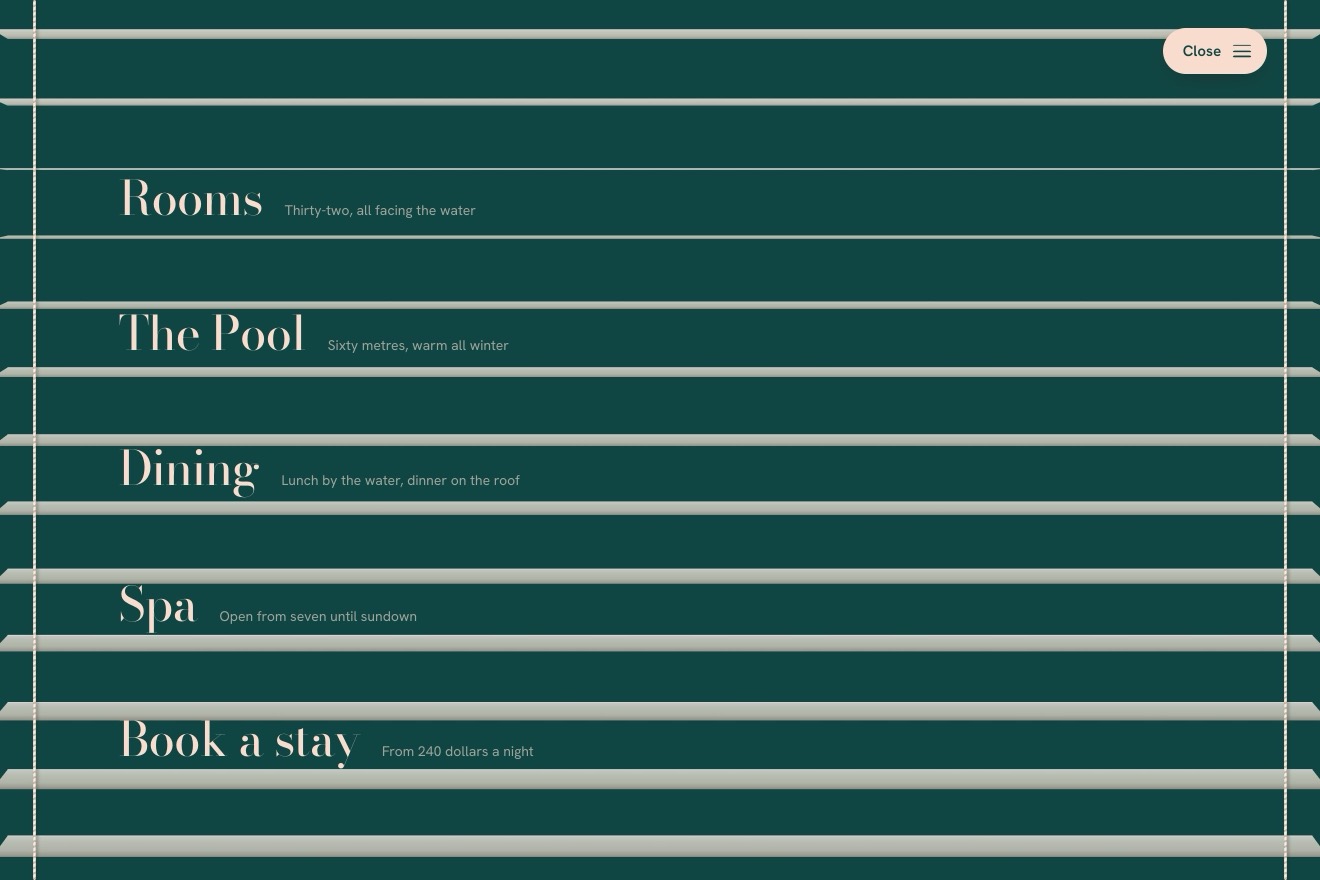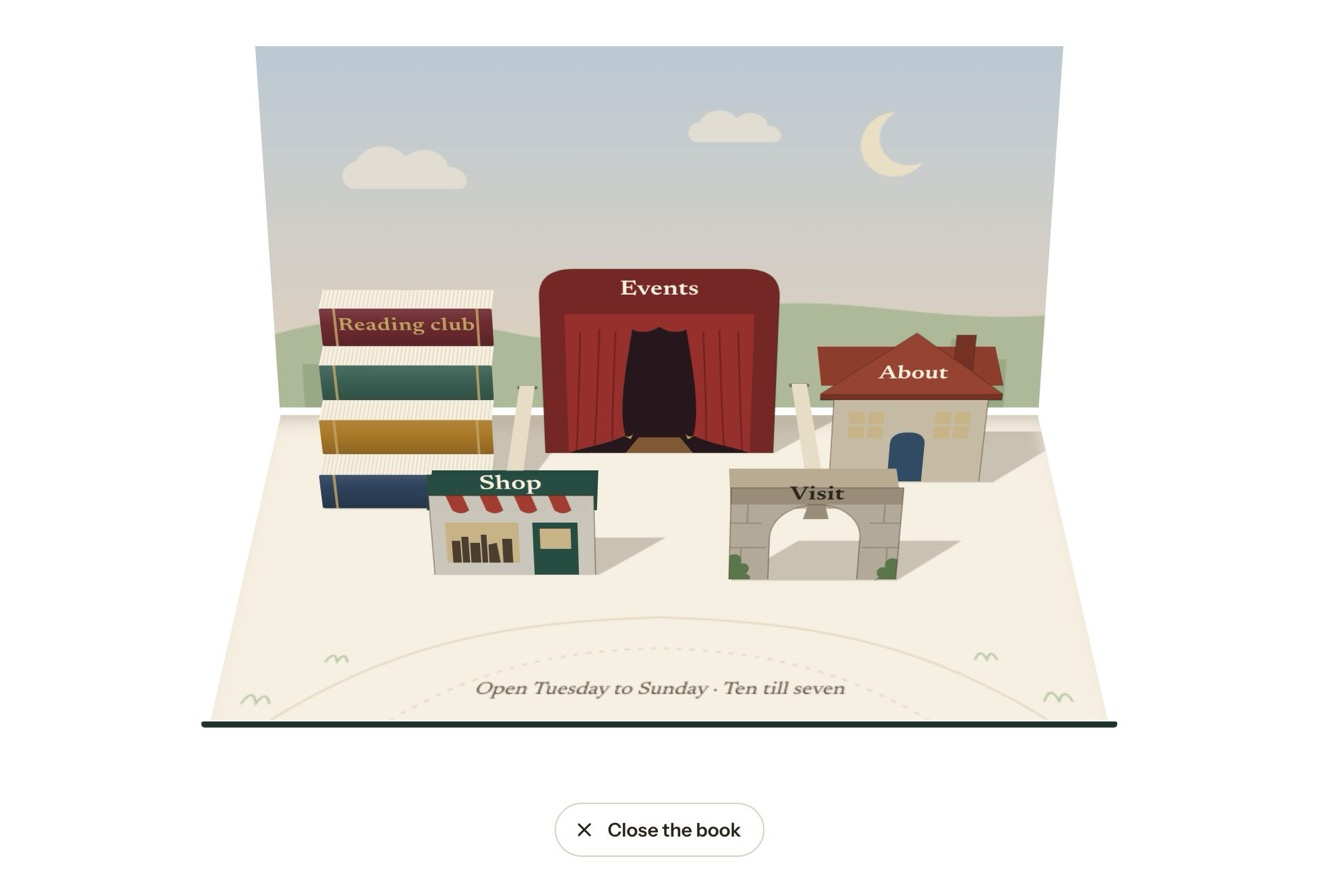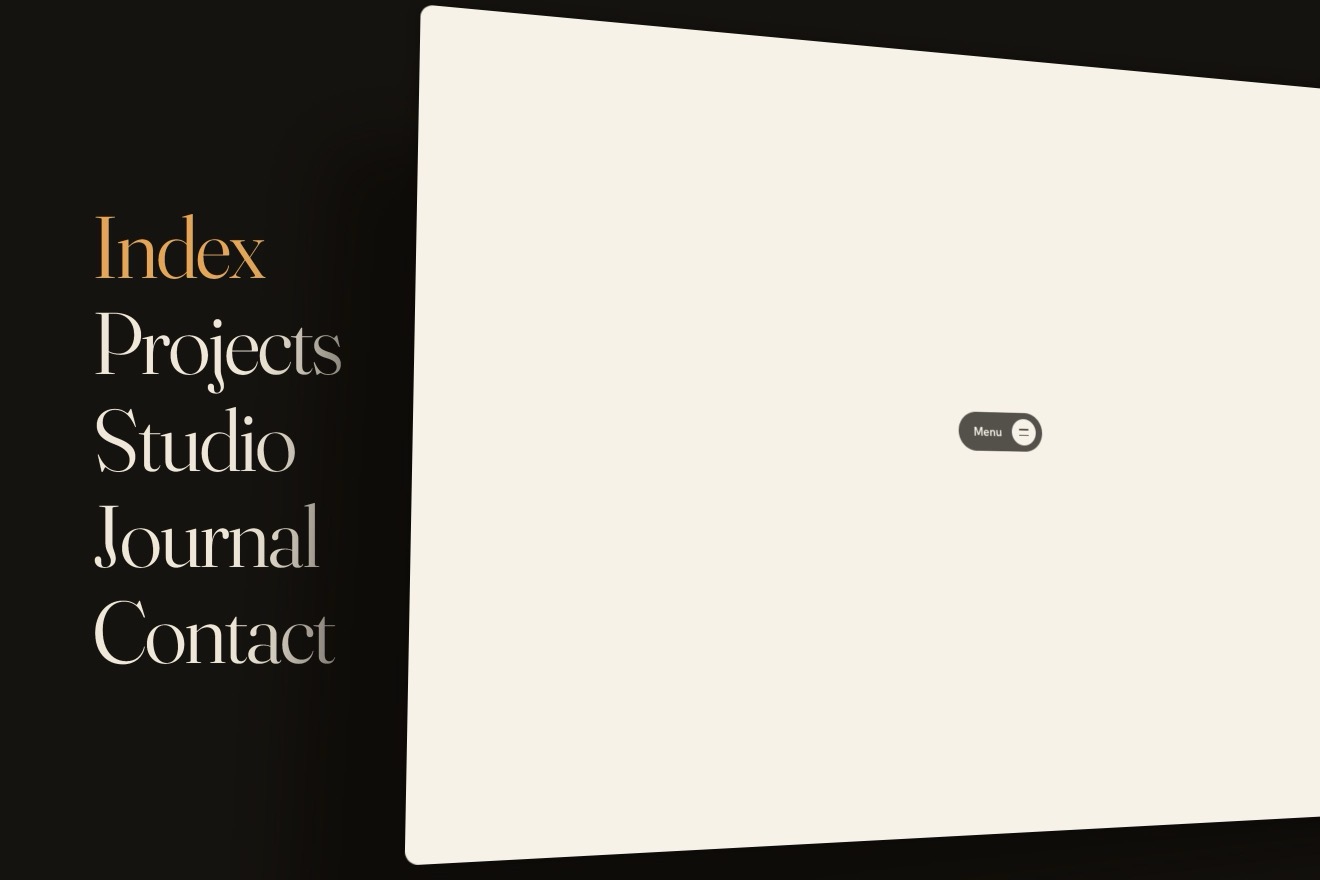
The menu under the page
Menus, 3D, Physics, Transitions
NewFree
The account menu of a project app as an ID badge on a retractable reel: the avatar is the face of the reel, and pressed it lets the badge out on its cord, which catches it with a little bounce as it swings down from where it was tipped back. The badge is the menu; Switch workspace turns it round on its swivel and the workspaces are on its back, Sign out turns it over to ask first, then the clip opens and the badge drops while the cord snaps back in.
A folder that runs on its own: index.html, style.css, script.js and the libraries from a CDN. The React and Vue tabs hold the same demo as a ready component, which switches its animations off when it leaves the page.
<!doctype html>
<html lang="en">
<head>
<meta charset="utf-8">
<meta name="viewport" content="width=device-width, initial-scale=1">
<title>The ID badge menu</title>
<link rel="stylesheet" href="https://cdn.jsdelivr.net/npm/@fontsource-variable/host-grotesk@5.3.0/index.css">
<link rel="stylesheet" href="style.css">
</head>
<body>
<!-- the portrait, drawn once and used on the reel and on the badge -->
<svg class="defs" aria-hidden="true">
<symbol id="portrait" viewBox="0 0 64 64">
<rect width="64" height="64" fill="#cfe3db"/>
<path d="M14 46c-2-6-2-13 0-19 3-9 10-14 18-14s15 5 18 14c2 6 2 13 0 19-3 2-7 3-10 3H24c-3 0-7-1-10-3z" fill="#2a1c16"/>
<path d="M27.5 40h9v11h-9z" fill="#a96d4d"/>
<path d="M9 64c1.5-9 9-14.5 23-14.5S53.5 55 55 64z" fill="#e7a43c"/>
<path d="M25.6 50.3c1.8 3.5 4 5.1 6.4 5.1s4.6-1.6 6.4-5.1" fill="none" stroke="#c98425" stroke-width="1.6" stroke-linecap="round"/>
<ellipse cx="32" cy="30.5" rx="10.6" ry="12.6" fill="#c48a64"/>
<path d="M21.3 30c-.6-9.6 4.4-16 10.7-16 6.6 0 11.4 5.6 10.7 15.2-3.4-1.6-6.6-4.6-8.4-8.6-2.2 4.6-7.4 8.2-13 9.4z" fill="#2a1c16"/>
<ellipse cx="25.4" cy="36.4" rx="2.2" ry="1.4" fill="#e0866b" opacity="0.4"/>
<ellipse cx="38.6" cy="36.4" rx="2.2" ry="1.4" fill="#e0866b" opacity="0.4"/>
<g fill="none" stroke="#1c1715" stroke-width="1.3" stroke-linecap="round">
<circle cx="27.6" cy="32" r="3.7"/>
<circle cx="36.4" cy="32" r="3.7"/>
<path d="M31.3 31.5q.7-.7 1.4 0"/>
<path d="M26.3 32.6q1.3-1.1 2.6 0M35.1 32.6q1.3-1.1 2.6 0"/>
</g>
<path d="M29.6 38.2q2.4 1.8 4.8 0" fill="none" stroke="#7a3d2a" stroke-width="1.3" stroke-linecap="round"/>
</symbol>
<symbol id="nobody" viewBox="0 0 64 64">
<rect width="64" height="64" fill="#ececf0"/>
<circle cx="32" cy="27" r="8.5" fill="none" stroke="#a3a5ae" stroke-width="2.6"/>
<path d="M15.5 52c2.6-8 9-12 16.5-12s13.9 4 16.5 12" fill="none" stroke="#a3a5ae" stroke-width="2.6" stroke-linecap="round"/>
</symbol>
</svg>
<main class="stage">
<!-- the account menu of a design tool, as an ID badge on a retractable reel. The reel is the button, with the
person's portrait on its face; pressed, the badge comes out on its cord and swings into place, and the badge is
the menu. Switch workspace and Sign out turn the badge over on its swivel: the second level is on its back -->
<div class="account" data-account>
<!-- the cord and its split ring, drawn by the script -->
<svg class="cord" aria-hidden="true" data-cord>
<line class="cord__base" data-cord-line/>
<line class="cord__braid" data-cord-line/>
<g class="ring" data-ring>
<circle r="4.4"/>
<path class="ring__glint" d="M-3.2-1.9a3.8 3.8 0 0 1 3.4-2.3"/>
</g>
</svg>
<!-- the badge's shadow on the wall behind it -->
<span class="shade" aria-hidden="true" data-shade><span class="shade__card"></span></span>
<div class="badge" data-badge>
<div class="badge__card" data-card inert>
<!-- the front: the workspace's band, the person, the menu -->
<section class="face face--front" data-face="front">
<div class="band" data-band>
<span class="slot" aria-hidden="true"></span>
<span class="band__logo" aria-hidden="true" data-band-logo><svg viewBox="0 0 24 24"><path d="M3.5 10c2.1-2.2 4.3-2.2 6.4 0s4.3 2.2 6.4 0 2.6-1.4 4.2-1.4M3.5 15.5c2.1-2.2 4.3-2.2 6.4 0s4.3 2.2 6.4 0 2.6-1.4 4.2-1.4"/></svg></span>
<span class="band__name" data-band-name>Tidewell Studio</span>
<span class="band__role" data-band-role>Admin</span>
</div>
<div class="who">
<svg class="who__photo" aria-hidden="true"><use href="#portrait"/></svg>
<p class="who__name" id="badge-name">Ines Marlow</p>
<p class="who__mail" id="badge-mail">ines@tidewell.studio</p>
</div>
<div class="menu" role="menu" id="badge-menu" aria-labelledby="badge-name badge-mail" tabindex="-1" data-menu="main">
<span class="menu__hl" aria-hidden="true" data-hl></span>
<a class="row" role="menuitem" href="#" tabindex="-1" data-item="profile">
<svg class="row__icon" viewBox="0 0 24 24" aria-hidden="true"><g data-nod><circle cx="12" cy="8.4" r="3.6"/></g><path d="M5 19.6c1.2-3.6 3.9-5.5 7-5.5s5.8 1.9 7 5.5"/></svg>
<span class="row__label" data-label>Profile</span>
</a>
<a class="row" role="menuitem" href="#" tabindex="-1" data-item="settings">
<svg class="row__icon" viewBox="0 0 24 24" aria-hidden="true"><g data-spin><path d="M10.46 5.58L10.88 3.67L13.12 3.67L13.54 5.58A6.6 6.6 0 0 1 15.45 6.37L17.1 5.32L18.68 6.9L17.63 8.55A6.6 6.6 0 0 1 18.42 10.46L20.33 10.88L20.33 13.12L18.42 13.54A6.6 6.6 0 0 1 17.63 15.45L18.68 17.1L17.1 18.68L15.45 17.63A6.6 6.6 0 0 1 13.54 18.42L13.12 20.33L10.88 20.33L10.46 18.42A6.6 6.6 0 0 1 8.55 17.63L6.9 18.68L5.32 17.1L6.37 15.45A6.6 6.6 0 0 1 5.58 13.54L3.67 13.12L3.67 10.88L5.58 10.46A6.6 6.6 0 0 1 6.37 8.55L5.32 6.9L6.9 5.32L8.55 6.37A6.6 6.6 0 0 1 10.46 5.58Z"/><circle cx="12" cy="12" r="2.7"/></g></svg>
<span class="row__label" data-label>Settings</span>
<span class="row__meta" data-keys></span>
</a>
<a class="row" role="menuitem" href="#" tabindex="-1" data-item="billing">
<svg class="row__icon" viewBox="0 0 24 24" aria-hidden="true"><g data-swipe><rect x="3.5" y="6" width="17" height="12" rx="2.2"/><path d="M3.5 10h17M7 14.5h3.2"/></g></svg>
<span class="row__label" data-label>Billing</span>
<span class="row__meta" data-band-plan>Team plan</span>
</a>
<button class="row" type="button" role="menuitem" tabindex="-1" aria-haspopup="menu" aria-expanded="false" aria-controls="badge-workspaces" data-item="workspace">
<svg class="row__icon" viewBox="0 0 24 24" aria-hidden="true"><rect data-swap-a x="3.8" y="3.8" width="9.4" height="9.4" rx="2.2"/><rect data-swap-b x="10.8" y="10.8" width="9.4" height="9.4" rx="2.2"/></svg>
<span class="row__label" data-label>Switch workspace</span>
<svg class="row__chevron" viewBox="0 0 24 24" aria-hidden="true" data-chevron><path d="M9.5 6l6 6-6 6"/></svg>
</button>
<a class="row" role="menuitem" href="#" tabindex="-1" data-item="help">
<svg class="row__icon" viewBox="0 0 24 24" aria-hidden="true"><circle cx="12" cy="12" r="8.6"/><g data-ask><path d="M9.6 9.7a2.5 2.5 0 1 1 3.5 2.3c-.7.3-1.1.9-1.1 1.6v.3"/><path d="M12 16.7v.1"/></g></svg>
<span class="row__label" data-label>Help & support</span>
</a>
<div class="menu__rule" role="separator"></div>
<button class="row row--danger" type="button" role="menuitem" tabindex="-1" aria-haspopup="menu" aria-expanded="false" aria-controls="badge-signout" data-item="signout">
<svg class="row__icon" viewBox="0 0 24 24" aria-hidden="true"><path d="M13.5 4.5H7a1.6 1.6 0 0 0-1.6 1.6v11.8A1.6 1.6 0 0 0 7 19.5h6.5"/><g data-leave><path d="M10.5 12h9.5M17 8.8l3.2 3.2-3.2 3.2"/></g></svg>
<span class="row__label" data-label>Sign out</span>
</button>
</div>
<span class="face__sheen" aria-hidden="true" data-sheen></span>
<span class="face__dim" aria-hidden="true" data-dim></span>
</section>
<!-- the back: the workspaces, or the question before signing out -->
<section class="face face--back" data-face="back">
<div class="back__top"><span class="slot" aria-hidden="true"></span></div>
<div class="page" data-page="workspaces">
<div class="menu" role="menu" id="badge-workspaces" aria-label="Switch workspace" tabindex="-1" data-menu="workspaces">
<span class="menu__hl" aria-hidden="true" data-hl></span>
<button class="row row--back" type="button" role="menuitem" tabindex="-1" aria-label="Back to the account menu" data-item="back">
<svg class="row__icon" viewBox="0 0 24 24" aria-hidden="true" data-back><path d="M14.5 6l-6 6 6 6"/></svg>
<span class="row__label" data-label>Workspaces</span>
</button>
<div class="menu__rule" role="separator"></div>
<button class="row row--ws" type="button" role="menuitemradio" aria-checked="true" tabindex="-1" style="--ws: #0d5c58" data-ws="tidewell" data-role="Admin" data-plan="Team plan">
<span class="ws__logo" aria-hidden="true"><svg viewBox="0 0 24 24"><path d="M3.5 10c2.1-2.2 4.3-2.2 6.4 0s4.3 2.2 6.4 0 2.6-1.4 4.2-1.4M3.5 15.5c2.1-2.2 4.3-2.2 6.4 0s4.3 2.2 6.4 0 2.6-1.4 4.2-1.4"/></svg></span>
<span class="ws__text"><span class="ws__name" data-label>Tidewell Studio</span><span class="ws__meta">14 members</span></span>
<svg class="row__check" viewBox="0 0 24 24" aria-hidden="true"><path d="M5 12.6l4.3 4.3L19 7.2"/></svg>
</button>
<button class="row row--ws" type="button" role="menuitemradio" aria-checked="false" tabindex="-1" style="--ws: #3b3f99" data-ws="ferncastle" data-role="Guest" data-plan="Pro plan">
<span class="ws__logo" aria-hidden="true"><svg viewBox="0 0 24 24"><path d="M12 20.5V4.5M12 9.2 8 6.6M12 12.8l-4.8-2.8M12 16.4l-3.4-2.4M12 9.2l4-2.6M12 12.8l4.8-2.8M12 16.4l3.4-2.4"/></svg></span>
<span class="ws__text"><span class="ws__name" data-label>Ferncastle</span><span class="ws__meta">Client · 6 members</span></span>
<svg class="row__check" viewBox="0 0 24 24" aria-hidden="true"><path d="M5 12.6l4.3 4.3L19 7.2"/></svg>
</button>
<button class="row row--ws" type="button" role="menuitemradio" aria-checked="false" tabindex="-1" style="--ws: #7c3a6b" data-ws="sketchbook" data-role="Owner" data-plan="Free">
<span class="ws__logo" aria-hidden="true"><svg viewBox="0 0 24 24"><path d="M5 19l1.2-4.4 9.4-9.4a2 2 0 0 1 2.8 0l.4.4a2 2 0 0 1 0 2.8l-9.4 9.4zM13.8 7l3.2 3.2"/></svg></span>
<span class="ws__text"><span class="ws__name" data-label>Sketchbook</span><span class="ws__meta">Personal · just you</span></span>
<svg class="row__check" viewBox="0 0 24 24" aria-hidden="true"><path d="M5 12.6l4.3 4.3L19 7.2"/></svg>
</button>
<div class="menu__rule" role="separator"></div>
<button class="row" type="button" role="menuitem" tabindex="-1" data-item="new">
<svg class="row__icon" viewBox="0 0 24 24" aria-hidden="true" data-plus><path d="M12 5.5v13M5.5 12h13"/></svg>
<span class="row__label" data-label>New workspace</span>
</button>
</div>
</div>
<div class="page page--ask" data-page="signout" hidden>
<svg class="ask__door" viewBox="0 0 48 48" aria-hidden="true" data-door>
<path class="ask__frame" d="M26 8.5H13.5a3 3 0 0 0-3 3v25a3 3 0 0 0 3 3H26"/>
<path class="ask__arrow" d="M20.5 24h19M33.5 17.8l6.2 6.2-6.2 6.2"/>
</svg>
<p class="ask__title" id="badge-ask">Sign out of <span data-ask-ws>Tidewell Studio</span>?</p>
<p class="ask__text" id="badge-ask-text">You will need to sign in again on this browser. Your files stay put.</p>
<div class="menu menu--ask" role="menu" id="badge-signout" aria-labelledby="badge-ask" aria-describedby="badge-ask-text" tabindex="-1" data-menu="signout">
<span class="menu__hl" aria-hidden="true" data-hl></span>
<button class="row pill pill--danger" type="button" role="menuitem" tabindex="-1" data-item="confirm"><span class="row__label" data-label>Sign out</span></button>
<button class="row pill" type="button" role="menuitem" tabindex="-1" data-item="cancel"><span class="row__label" data-label>Cancel</span></button>
</div>
</div>
<span class="back__stripe" aria-hidden="true"></span>
<p class="back__print" aria-hidden="true">If found, please return to the front desk.</p>
<span class="face__sheen" aria-hidden="true" data-sheen></span>
<span class="face__dim" aria-hidden="true" data-dim></span>
</section>
<!-- the clip strap through the slot, seen from the front and from the back -->
<span class="strap strap--front" aria-hidden="true"><span class="strap__snap"></span></span>
<span class="strap strap--back" aria-hidden="true"><span class="strap__snap"></span></span>
<!-- the thickness of the card, seen when it is edge-on -->
<span class="edge edge--left" aria-hidden="true"></span>
<span class="edge edge--right" aria-hidden="true"></span>
</div>
</div>
<!-- the reel: the button, with the portrait on its domed face -->
<button class="reel" type="button" aria-haspopup="menu" aria-expanded="false" aria-controls="badge-menu" aria-label="Account: Ines Marlow" data-reel data-autoclic>
<span class="reel__body" data-reel-body>
<span class="reel__face">
<svg class="reel__portrait" aria-hidden="true" data-face-in><use href="#portrait"/></svg>
<svg class="reel__portrait" aria-hidden="true" data-face-out><use href="#nobody"/></svg>
</span>
<span class="reel__dome" aria-hidden="true"></span>
</span>
<span class="reel__nozzle" aria-hidden="true"></span>
</button>
<p class="account__note" aria-hidden="true" data-note>Signed out · <b>Sign in</b></p>
</div>
<p class="sr" aria-live="polite" data-say></p>
</main>
<script src="https://cdn.jsdelivr.net/npm/gsap@3.15.0/dist/gsap.min.js"></script>
<script src="script.js"></script>
</body>
</html>Change values, colours and text with the controls and watch the animation respond live. Or write in the code yourself. Then download the folder with your changes.
54 values to change
With the Animorio connector, Claude Code takes it from here, guide included, and fits it into your project. Paste this request:
Take “The ID badge menu” from Animorio and fit it into my siteThe ring and the middle of the badge are two points with a mass (0.3 and 1) joined by a rigid rod: each step adds gravity and forces, the points move, then the rod brings them back to their distance, moving each by its inverse mass, and the speeds are read back from the positions (position-based dynamics). So the badge swings like a pendulum hung from the ring without writing any equations of angles. It runs on GSAP's ticker in steps of 4 milliseconds, with the frame capped at 1/30 of a second, and stops when everything is still.
The cord is a stiff spring (CATCH) with a damper on the speed along the cord, but only when it is longer than CORD: slack, it does not push. The badge starts inside the reel, falls free and the cord catches it at once: the bounce comes from there. At rest it is stretched by its weight, (1.3 · GRAVITY) / CATCH. Pulled by hand the reel lets out what it needs; let go, the length goes back to CORD on a critically damped spring and the cord, pulling, brings the badge up as it swings.
The badge tips back and forth like a card hung by its top edge: a physical pendulum D + H² / (12 D) long, with D from the ring to the middle. It starts tipped back by TIP degrees with a little push and swings down by itself. The turn on the swivel is a spring (TWIST) towards 0 or 180 degrees: turning it adds a flick to its speed, so it goes past and back. Pressing the badge gives the tip and the turn a little knock, stronger the lower or the further to the side you press.
The badge is a sizeless container with preserve-3d, the two faces with backface-visibility hidden (the back already turned by 180 degrees) and two 2-pixel strips for the thickness. Each frame it gets a single transform: the ring's position, the sway read from the rod, then a perspective() centred on the badge with a translateY before and after, the tip around the ring and the turn around its axis. The opacity goes on each face, never on the container: it would flatten the 3D. A dark veil darkens the face that turns away or leans towards you, and a gradient gloss slides with the angles.
When speeds, angles and stretch are under a threshold, everything goes exactly into place and the badge is drawn flat: just a rounded translate and, for the back, the back face without its rotation. So the words are sharp. As soon as something moves it, it goes back to 3D and is drawn again at once, in the same frame.
The reel is a button with aria-haspopup and aria-expanded; the front holds a role menu with menuitems, the back two menus: the workspaces with menuitemradio and the question before signing out. Arrows, Home, End, Enter, Esc, right and left arrow to go to the back and return, and first letters work as in a native menu; the hidden face is inert and the focus moves to the other one when it comes round. Esc, Tab or a click outside take the focus back to the reel. Choosing a workspace, the band, mark, role and plan are printed again while the front faces away.
| Name | File | Default | What it changes |
|---|---|---|---|
CORD | script.js | 28 | How much cord the reel lets out when the badge hangs, in pixels. |
GRAVITY | script.js | 6400 | How hard the badge falls and swings, in pixels per second squared. |
CATCH | script.js | [2400, 0.3] | The cord catching the badge: how stiff it is, and how much it holds the bounce back (1 = no bounce). |
TIP | script.js | 70 | The degrees the badge is tipped back as it comes out of the reel. |
LEAN | script.js | 5 | The degrees it leans sideways as it comes out, and so how much it sways. |
AIR | script.js | 3.2 | How quickly the swinging dies down. |
TWIST | script.js | [170, 0.42] | The swivel turning the badge over: how stiff, and how much it holds the wobble back (1 = none). |
ROCK | script.js | 1 | How much the badge rocks when it is pressed (0 = not at all). |
GLIDE | script.js | 0.22 | The seconds of the highlight going from one item to the next. |
For the account menu of a project tool, a studio, a coworking space, the app of an event or a conference: where having your own badge makes sense and the menu opens a few times a day, so its little show does not wear thin. The badge hangs under the reel: in a top bar on the right it needs some room to its left, or a reel moved towards the middle.
Everything is 264 pixels wide and fits in 390 without running off the side; below 360 the scene shrinks a little. A tap works like a click and lights the item before choosing it; the badge is pulled with a finger by its band or its photo (touch-action is none there), while the items stay for tapping. Settings' shortcut is not shown on a phone.
No drop, bounce, sway or turn: the badge appears already hanging with a fade, goes to its back and returns with a crossfade between the two faces, and signing out it fades where it is. No knocks when pressed, no pulling, no icon moves; the highlight jumps from item to item.
GSAP 3.15.0, Host Grotesk (font variabile) 5.3.0.
Compressed with gzip, the three demo files weigh 19 KB; the libraries: GSAP 28 KB.
Tested on 6 October 2026
Use it in your own projects and in your clients’ projects. Do not resell it or redistribute it as is. GSAP stays under its own Standard license. Full license.
With your account’s email and password.
or with your email
You’re signed in as .
With your account, you can download the zip of every animation and every pack, for free.