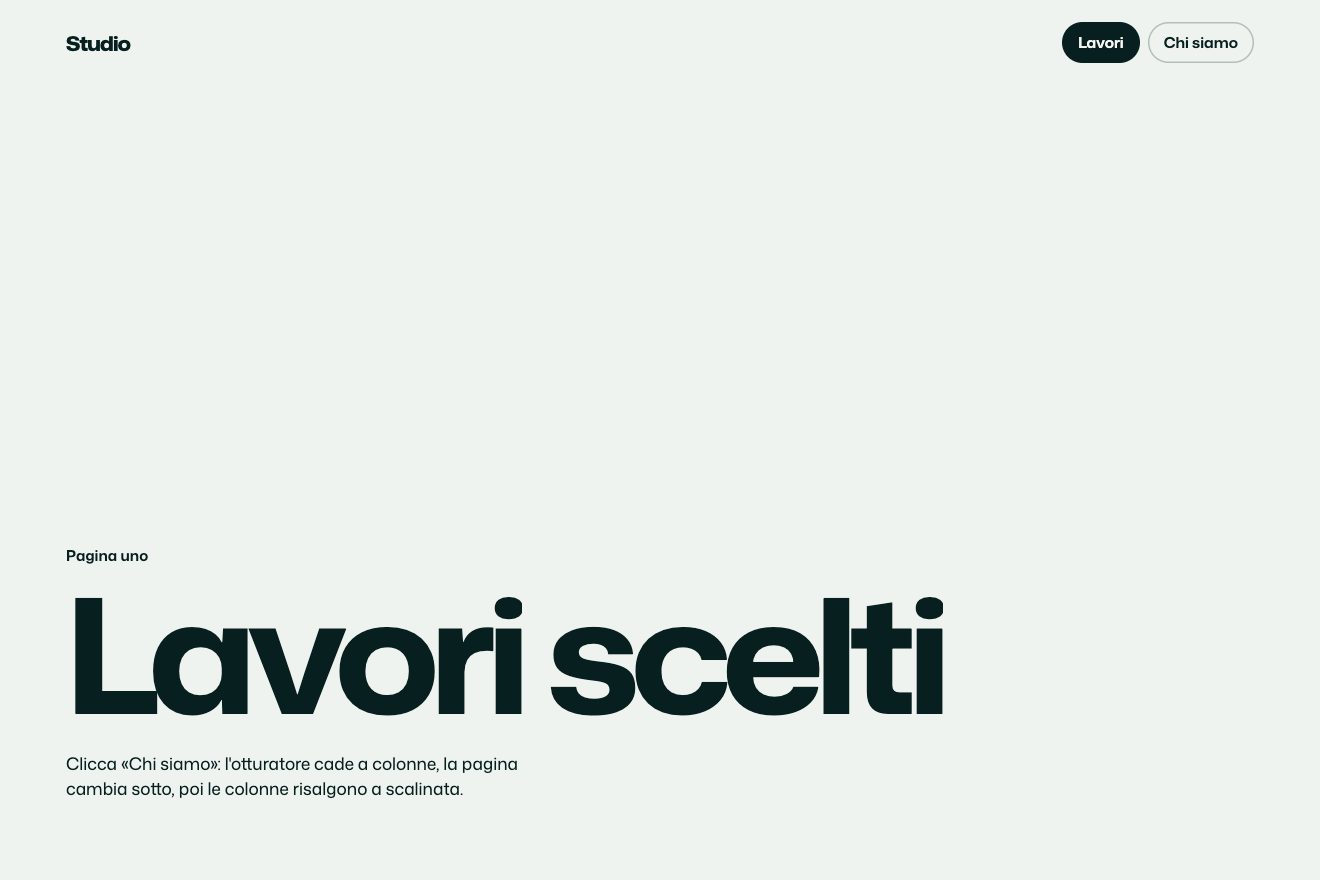
Column shutter
Transitions
The page change of a work site, in the style of product components: an endless wall of project tiles to drag in every direction, with inertia and friction, drifting slowly on its own at rest. Click a tile and the wall stops, the others move away and fade, that one grows into the cover of the project page, and year, headline, text and details come in staggered. Close makes the trip back to the right tile.
A folder that runs on its own: index.html, style.css, script.js and the libraries from a CDN. The React and Vue tabs hold the same demo as a ready component, which switches its animations off when it leaves the page.
<!doctype html>
<!--
  "Infinite grid transition" from Animorio · https://animorio.com
  License: free on your own sites and your clients’ sites, paid work included.
  Not for resale, redistribution, templates or code collections · https://animorio.com/en/license/
-->
<html lang="en">
<head>
  <meta charset="utf-8">
  <meta name="viewport" content="width=device-width, initial-scale=1">
  <title>Halvorn work</title>
  <link rel="stylesheet" href="https://cdn.jsdelivr.net/npm/@fontsource-variable/mona-sans@5.3.0/wdth.css">
  <link rel="stylesheet" href="style.css">
</head>
<body>
  <!-- the work page of an invented design studio: an endless wall of projects to drag in every direction; a tile
       grows into the project page, Close makes the trip home and the wall drifts again -->
  <main class="palco" data-palco aria-label="Halvorn, selected work">
    <div class="muro" data-muro></div>

    <header class="testa" data-testa>
      <p class="marchio">Halvorn</p>
      <p class="conta"><span class="num">12</span> projects</p>
    </header>

    <p class="aiuto" data-aiuto>
      <svg viewBox="0 0 16 16" aria-hidden="true"><path d="M8 1.5v13M1.5 8h13M8 1.5 6 3.5M8 1.5l2 2M8 14.5l-2-2M8 14.5l2-2M1.5 8l2-2M1.5 8l2 2M14.5 8l-2-2M14.5 8l-2 2" /></svg>
      Drag to explore
    </p>

    <div class="volo" data-volo aria-hidden="true"></div>

    <article class="pagina" data-pagina aria-hidden="true">
      <button class="chiudi" type="button" data-chiudi aria-label="Close project">
        <svg viewBox="0 0 16 16" aria-hidden="true"><path d="m4 4 8 8M12 4l-8 8" /></svg>
        <span>Close</span>
      </button>
      <div class="corpo">
        <p class="riga-alta" data-entra><span data-indice></span><span class="sep"></span><span data-disciplina></span></p>
        <h1 class="titolo" data-titolo data-entra></h1>
        <p class="testo" data-testo data-entra></p>
        <dl class="dati" data-entra>
          <div><dt>Client</dt><dd data-cliente></dd></div>
          <div><dt>Role</dt><dd data-ruolo></dd></div>
          <div><dt>Year</dt><dd data-anno></dd></div>
        </dl>
      </div>
    </article>

    <svg class="puntatore" data-puntatore viewBox="0 0 24 24" aria-hidden="true"><path d="M5 3l14 7.4-6.3 1.7L9.6 18z" /></svg>
  </main>

  <script src="https://cdn.jsdelivr.net/npm/gsap@3.15.0/dist/gsap.min.js"></script>
  <script src="script.js"></script>
</body>
</html>Change values, colours and text with the controls and watch the animation respond live. Or write in the code yourself. Then download the folder with your changes.
22 values to change
With the Animorio connector, Claude Code, ChatGPT, Cursor or VS Code take it from here, guide included, and fit it into your project. Paste this request:
Take “Infinite grid transition” from Animorio and fit it into my siteTwelve tiles sit on a 6 by 4 layout with no gaps, and the layout is copied four times, two by two. Each tile lives in a frame two walls wide: its position is (layout position + offset) modulo twice the wall. When it leaves one side it comes back on the other, and with two copies each way the screen is always full.
Dragging adds the pointer’s movement to offX and offY and keeps an average speed of the last moves. Let go, each frame the wall moves by that speed and the speed is multiplied by ATTRITO, normalised on the frame time, so it runs the same at 60 and 120 Hz. A click is a press that moved less than 5 pixels.
Each project has two colours and a kind of drawing: circles, stripes, waves, blocks or sun. The script draws them once in a 900 by 700 canvas with a fixed-seed random, adds grain and saves them as an image: tiles and cover use the same one, with background-size cover.
On click we read where the tile is, hide it, and a separate piece with the same image starts there and animates x, y, width, height and radius to the cover, with expo.out: the image does not stretch. The other tiles move away along the line joining them to the open tile’s centre, by FUGA pixels, while the wall fades.
The wall stays still while the page is open, so the tile is still where it was: Close brings the flying piece exactly back there with expo.inOut, gives the others their opacity back and at the end the drift turns on again gently, over 1.6 seconds.
| Name | File | Default | What it changes |
|---|---|---|---|
DERIVA | script.js | 16 | How many pixels per second the wall drifts on its own, at rest. |
ATTRITO | script.js | 0.94 | How much of the push is left each frame after a throw: higher means a longer run. |
VOLO | script.js | 0.85 | How long the tile’s trip to the cover lasts, in seconds. |
FUGA | script.js | 70 | How many pixels the other tiles move away when one opens. |
SFALSA | script.js | 0.07 | The delay between one piece and the next of the incoming page, in seconds. |
SPAZIO | script.js | 12 | The gap between tiles, in pixels. |
ANGOLO | script.js | 10 | The corner radius of the tiles, in pixels. |
SOSTA | script.js | 2.8 | How long the page stays open in the automatic tour, in seconds. |
For the work page of a studio, a photographer, an agency or a shop with many products to look at: it invites exploring in no set order, and the tile’s flight keeps the eye on the chosen project all the way to its page.
The same transition, with tiles sized on the screen’s shorter side: you drag them with a finger (the stage does not scroll the page), the cover takes half the height and below sit the headline and two lines of text; the details hide when space is short.
The wall stays still and does not run with inertia (it only moves following the finger); opening a tile the wall fades and the page fades in with the cover already in place, and Close does the same the other way.
GSAP 3.15.0, Mona Sans (font variabile) 5.3.0.
Compressed with gzip, the three demo files weigh 11 KB; the libraries: GSAP 28 KB.
Tested on 25 October 2026
Use it in your own projects and in your clients’ projects. Do not resell it or redistribute it as is. GSAP stays under its own Standard license. Full license.
Support Animorio
Animorio stays free thanks to the people who support it. If you like, buy us a coffee: it helps us make the next animations.
You asked for
We made it for you: it’s in the library, with the preview, the Playground and the code to copy.
An animation you can’t find, or a site to take apart in the journal: tell us which. We pick the next ones from here.
With your account’s email and password.
or with your email
You’re signed in as .
With your account, you can download the zip of every animation and every pack, for free.