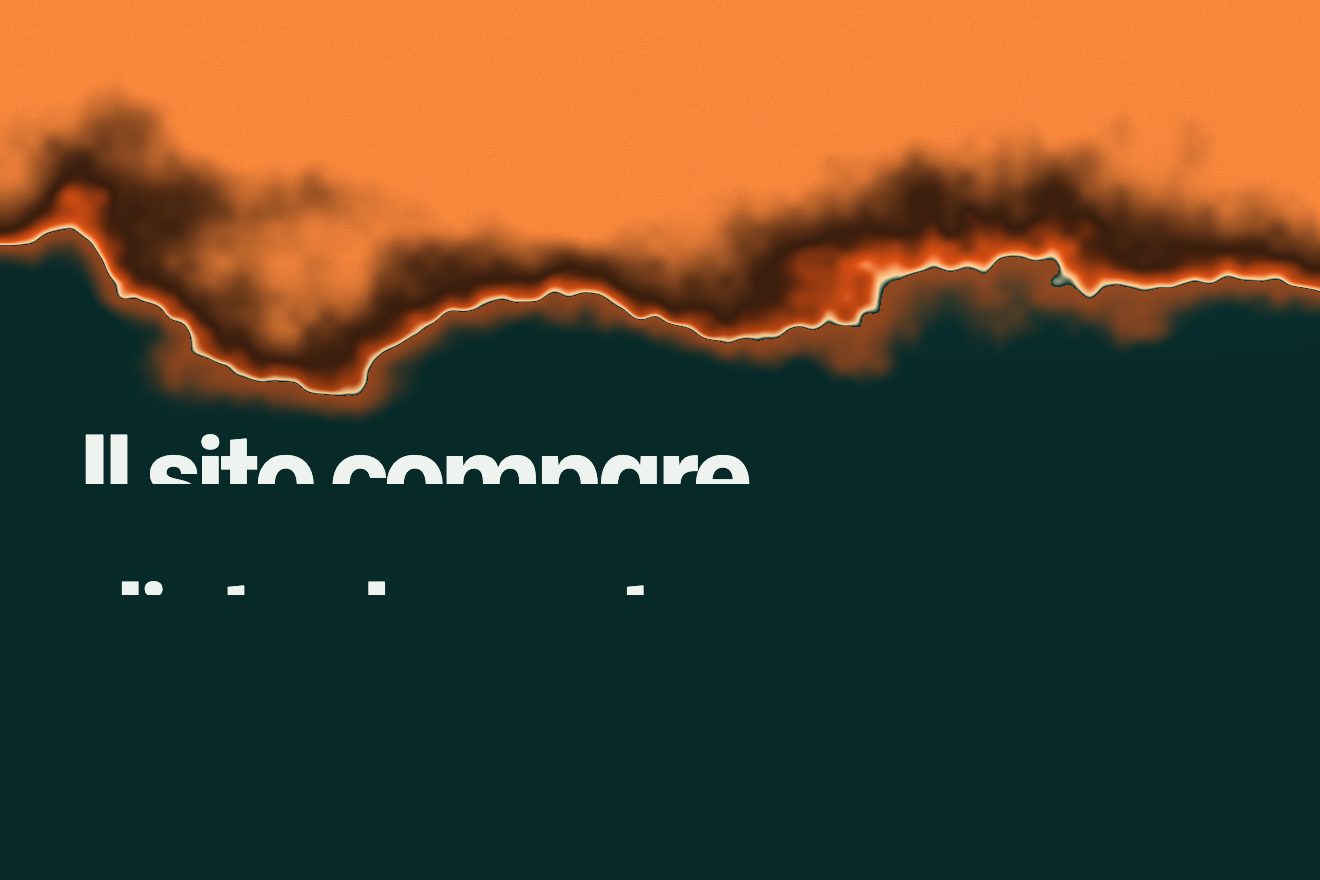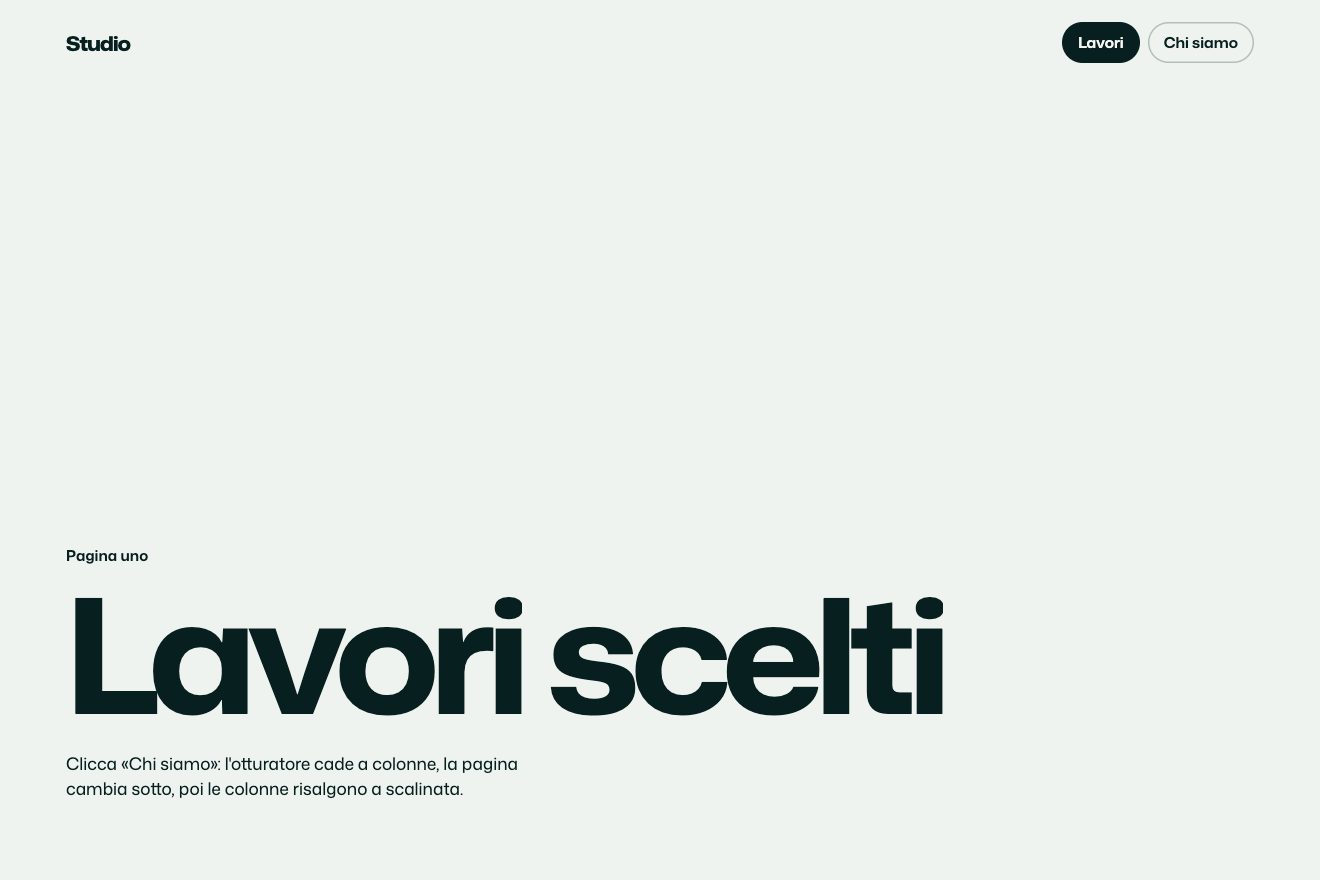
Column shutter
Transitions
A page transition for the site of a meeting notes app, with three pages in close colours: light, almost black and lilac. Every button or menu link opens the new page with a circle that starts exactly where it was pressed and grows until it covers everything, while the things of the new page come out from the centre of the circle, the nearest first, and the old page steps back a little. Going back, the circle closes again towards the button it came from.
A folder that runs on its own: index.html, style.css, script.js and the libraries from a CDN. The React and Vue tabs hold the same demo as a ready component, which switches its animations off when it leaves the page.
<!doctype html>
<!--
  "Button circle transition" from Animorio · https://animorio.com
  License: free on your own sites and your clients’ sites, paid work included.
  Not for resale, redistribution, templates or code collections · https://animorio.com/en/license/
-->
<html lang="en">
<head>
  <meta charset="utf-8">
  <meta name="viewport" content="width=device-width, initial-scale=1">
  <title>The page transition with a circle from the button</title>
  <link rel="stylesheet" href="https://cdn.jsdelivr.net/npm/@fontsource-variable/mona-sans@5.3.0/wdth.css">
  <link rel="stylesheet" href="style.css">
</head>
<body>
  <main class="stage" data-stage>
    <!-- three pages of a made-up notes app. Every link or button that goes to another page opens it with a circle that
         starts exactly where it was pressed; Back closes the circle again towards the button it came from -->

    <section class="page page--product" data-page="product" aria-label="Product">
      <header class="nav">
        <span class="brand" data-in><svg class="brand__mark" viewBox="0 0 20 20" aria-hidden="true"><path d="M4 15.5V4.5l12 11V4.5"></path></svg>Ondara</span>
        <nav class="nav__links" data-in>
          <a href="#" class="is-here" data-go="product">Product</a>
          <a href="#" data-go="pricing">Pricing</a>
          <a href="#" data-go="about">About</a>
        </nav>
      </header>
      <div class="content">
        <p class="eyebrow" data-in>Ondara 2.0 is here</p>
        <h1 class="title" data-in>Notes that write<br>themselves</h1>
        <p class="sub" data-in>Ondara listens to your meetings and turns them into tidy notes, owners and next steps before the call ends.</p>
        <div class="actions" data-in>
          <a href="#" class="btn btn--solid" data-go="pricing">See pricing<svg viewBox="0 0 16 16" aria-hidden="true"><path d="M3 8h9.5M8.5 4l4 4-4 4"></path></svg></a>
          <a href="#" class="btn btn--line" data-go="about">Meet the team</a>
        </div>
        <div class="shot" data-in aria-hidden="true">
          <div class="shot__bar"><i></i><i></i><i></i></div>
          <div class="shot__row"><b style="width:42%"></b><em>Owner · Lea</em></div>
          <div class="shot__row"><b style="width:64%"></b><em>Due Fri</em></div>
          <div class="shot__row"><b style="width:30%"></b><em>Done</em></div>
        </div>
      </div>
    </section>

    <section class="page page--pricing" data-page="pricing" aria-label="Pricing" hidden>
      <header class="nav">
        <a href="#" class="back" data-back data-in aria-label="Back"><svg viewBox="0 0 16 16" aria-hidden="true"><path d="M12.5 8H3.5M7.5 4l-4 4 4 4"></path></svg></a>
        <span class="brand" data-in><svg class="brand__mark" viewBox="0 0 20 20" aria-hidden="true"><path d="M4 15.5V4.5l12 11V4.5"></path></svg>Ondara</span>
        <nav class="nav__links" data-in>
          <a href="#" data-go="product">Product</a>
          <a href="#" class="is-here" data-go="pricing">Pricing</a>
          <a href="#" data-go="about">About</a>
        </nav>
      </header>
      <div class="content">
        <p class="eyebrow" data-in>Pricing</p>
        <h1 class="title" data-in>Simple, per seat</h1>
        <div class="plans">
          <article class="plan" data-in>
            <p class="plan__name">Free</p>
            <p class="plan__price"><b>$0</b><span>forever</span></p>
            <p class="plan__line">Ten meetings a month</p>
            <a href="#" class="btn btn--line btn--small" data-go="product">Start free</a>
          </article>
          <article class="plan plan--pro" data-in>
            <p class="plan__name">Pro</p>
            <p class="plan__price"><b>$12</b><span>per seat, monthly</span></p>
            <p class="plan__line">Unlimited, with action items</p>
            <a href="#" class="btn btn--solid btn--small" data-go="about">Talk to us</a>
          </article>
        </div>
      </div>
    </section>

    <section class="page page--about" data-page="about" aria-label="About" hidden>
      <header class="nav">
        <a href="#" class="back" data-back data-in aria-label="Back"><svg viewBox="0 0 16 16" aria-hidden="true"><path d="M12.5 8H3.5M7.5 4l-4 4 4 4"></path></svg></a>
        <span class="brand" data-in><svg class="brand__mark" viewBox="0 0 20 20" aria-hidden="true"><path d="M4 15.5V4.5l12 11V4.5"></path></svg>Ondara</span>
        <nav class="nav__links" data-in>
          <a href="#" data-go="product">Product</a>
          <a href="#" data-go="pricing">Pricing</a>
          <a href="#" class="is-here" data-go="about">About</a>
        </nav>
      </header>
      <div class="content">
        <p class="eyebrow" data-in>About</p>
        <h1 class="title" data-in>Six people,<br>one quiet tool</h1>
        <p class="sub" data-in>We started Ondara in 2023 because our own meeting notes never left the meeting.</p>
        <div class="team" data-in aria-hidden="true"><span>LA</span><span>TM</span><span>RS</span><span>IK</span><span>NO</span><span>PB</span></div>
        <div class="actions" data-in>
          <a href="#" class="btn btn--solid" data-go="product">Back to product</a>
        </div>
      </div>
    </section>

    <div class="ring" data-ring aria-hidden="true"></div>
    <svg class="ghost" data-ghost viewBox="0 0 24 24" aria-hidden="true"><path d="M5 3.5l13 7.2-5.6 1.4-2.8 5.4z"></path></svg>
  </main>
  <script src="https://cdn.jsdelivr.net/npm/gsap@3.15.0/dist/gsap.min.js"></script>
  <script src="script.js"></script>
</body>
</html>Change values, colours and text with the controls and watch the animation respond live. Or write in the code yourself. Then download the folder with your changes.
58 values to change
With the Animorio connector, Claude Code, ChatGPT, Cursor or VS Code take it from here, guide included, and fit it into your project. Paste this request:
Take “Button circle transition” from Animorio and fit it into my siteThe three pages are absolutely positioned sections, only one visible. To move to a new page it is shown above the current one with a higher z-index: the old page stays underneath until the circle has covered it completely, and only then is it hidden.
The new page is cut by a clip-path circle, written in pixels on every frame. The starting point is kept as fractions of the window and the radius is the distance to the farthest corner: so if the window changes size halfway through, the circle is recalculated and still covers everything.
For every thing on the new page the script measures the direction from the pressed point to its centre: it starts shifted CONTENT_PULL pixels towards the point, transparent and slightly smaller, and reaches its place with a delay that grows with the distance (up to CONTENT_STAGGER seconds). It looks as if the circle carries it along.
Every step forward is stored in a stack with the page and its starting point. The arrow removes the last step: the page underneath becomes visible and comes forward again, the one on top runs the circle in reverse, towards the same point, and is hidden at the end. Esc goes back too.
The button squashes to PRESS in a tenth of a second and comes back with back.out; the circle starts 0.12 seconds later, so you see the touch first and then the effect. A round div with a one and a half pixel border follows the circle’s radius and fades in the last stretch: it is the violet thread on the edge.
| Name | File | Default | What it changes |
|---|---|---|---|
OPEN_TIME | script.js | 0.9 | The seconds of the circle growing until it covers the page. |
CLOSE_TIME | script.js | 0.75 | The seconds of the circle closing towards the button when going back. |
CONTENT_STAGGER | script.js | 0.32 | How long the things farthest from the pressed point wait before coming in, in seconds. |
CONTENT_PULL | script.js | 28 | How many pixels towards the centre of the circle the things of the new page start from. |
PAGE_PUSH | script.js | 0.035 | How far the old page steps back while the circle covers it (0 means it stays still). |
PRESS | script.js | 0.94 | How much the pressed button squashes before the circle starts. |
EDGE | script.js | 1 | The thin thread that runs on the edge of the circle (1 on, 0 off). |
For the site of an app or a service with a few very different pages (the product, the pricing, the about page), when you want the page change to start from the visitor’s own click and not from an arbitrary point: a buy button opening the pricing, a menu link opening its page. It also works for switching between light and dark themes.
The same animation with adapted sizes: the circle starts from the point touched with the finger and is measured on the phone window, headlines and buttons are measured on the height too, the small app window under the headline is hidden and the two pricing plans stay side by side, narrower.
No circle, no movement and no squashing buttons: the new page fades in over the old one, and going back the one on top fades out. The drawn pointer does not start.
GSAP 3.15.0, Mona Sans (font variabile) 5.3.0.
Compressed with gzip, the three demo files weigh 6.7 KB; the libraries: GSAP 28 KB.
Tested on 25 October 2026
Use it in your own projects and in your clients’ projects. Do not resell it or redistribute it as is. GSAP stays under its own Standard license. Full license.
Support Animorio
Animorio stays free thanks to the people who support it. If you like, buy us a coffee: it helps us make the next animations.
You asked for
We made it for you: it’s in the library, with the preview, the Playground and the code to copy.
An animation you can’t find, or a site to take apart in the journal: tell us which. We pick the next ones from here.
With your account’s email and password.
or with your email
You’re signed in as .
With your account, you can download the zip of every animation and every pack, for free.