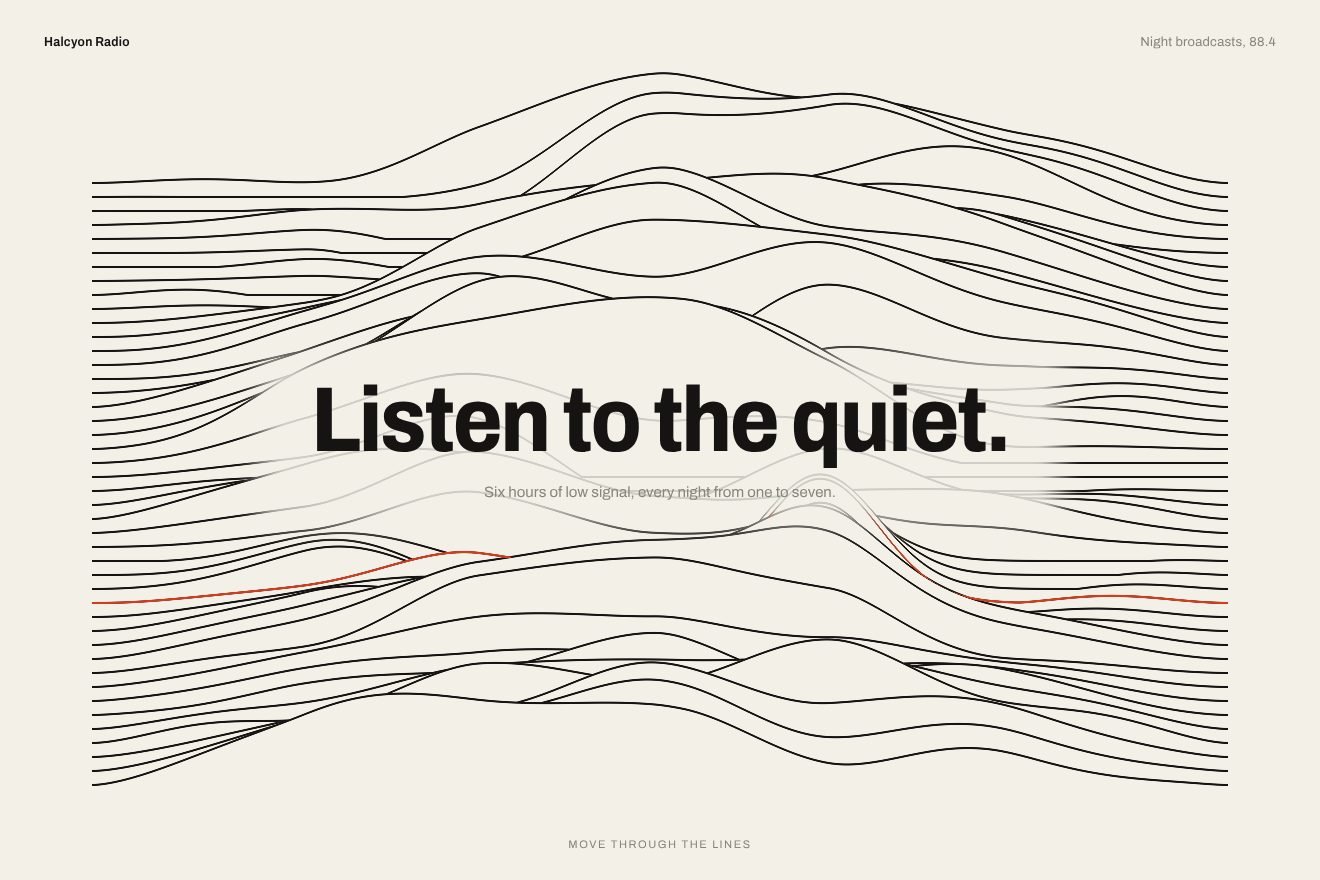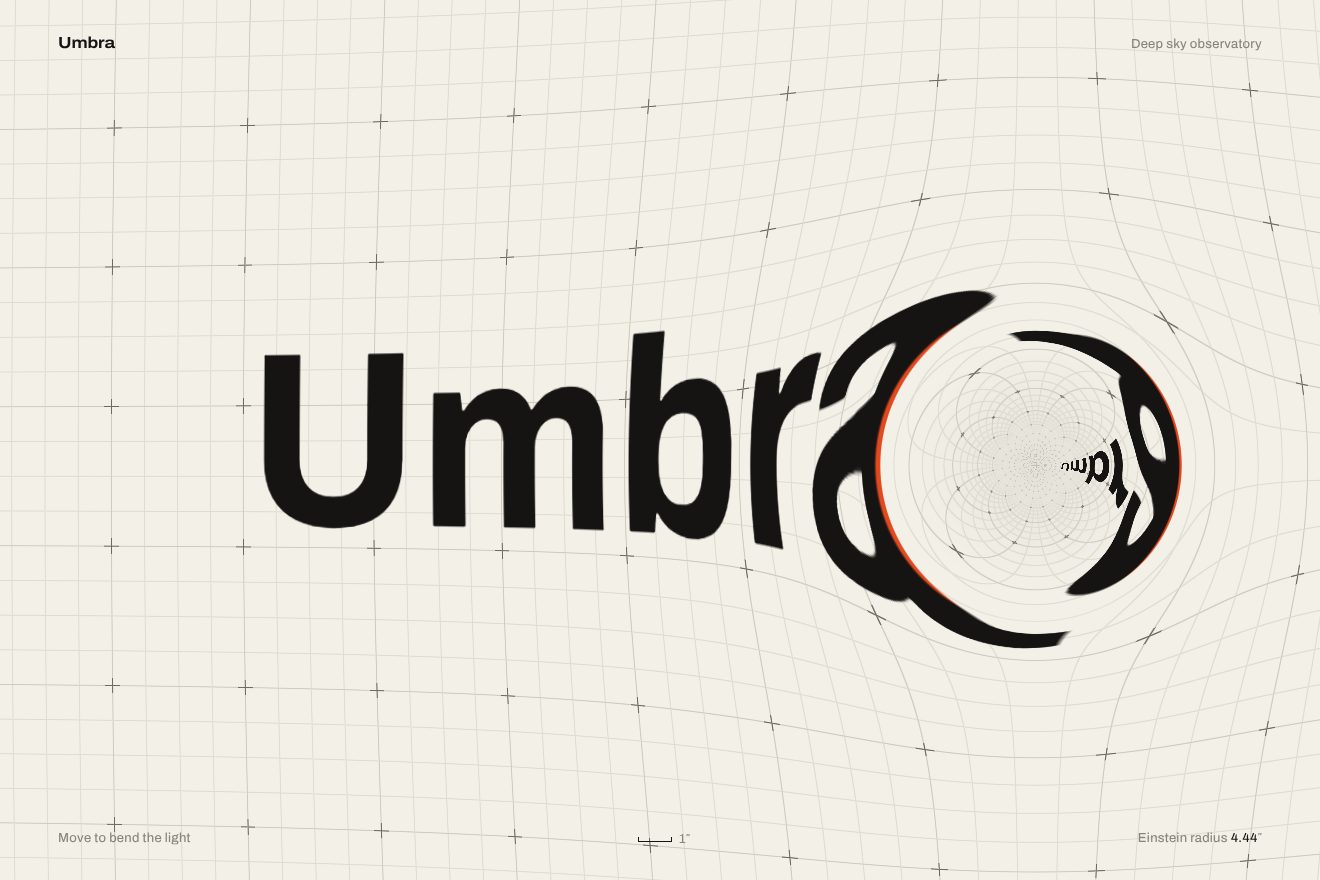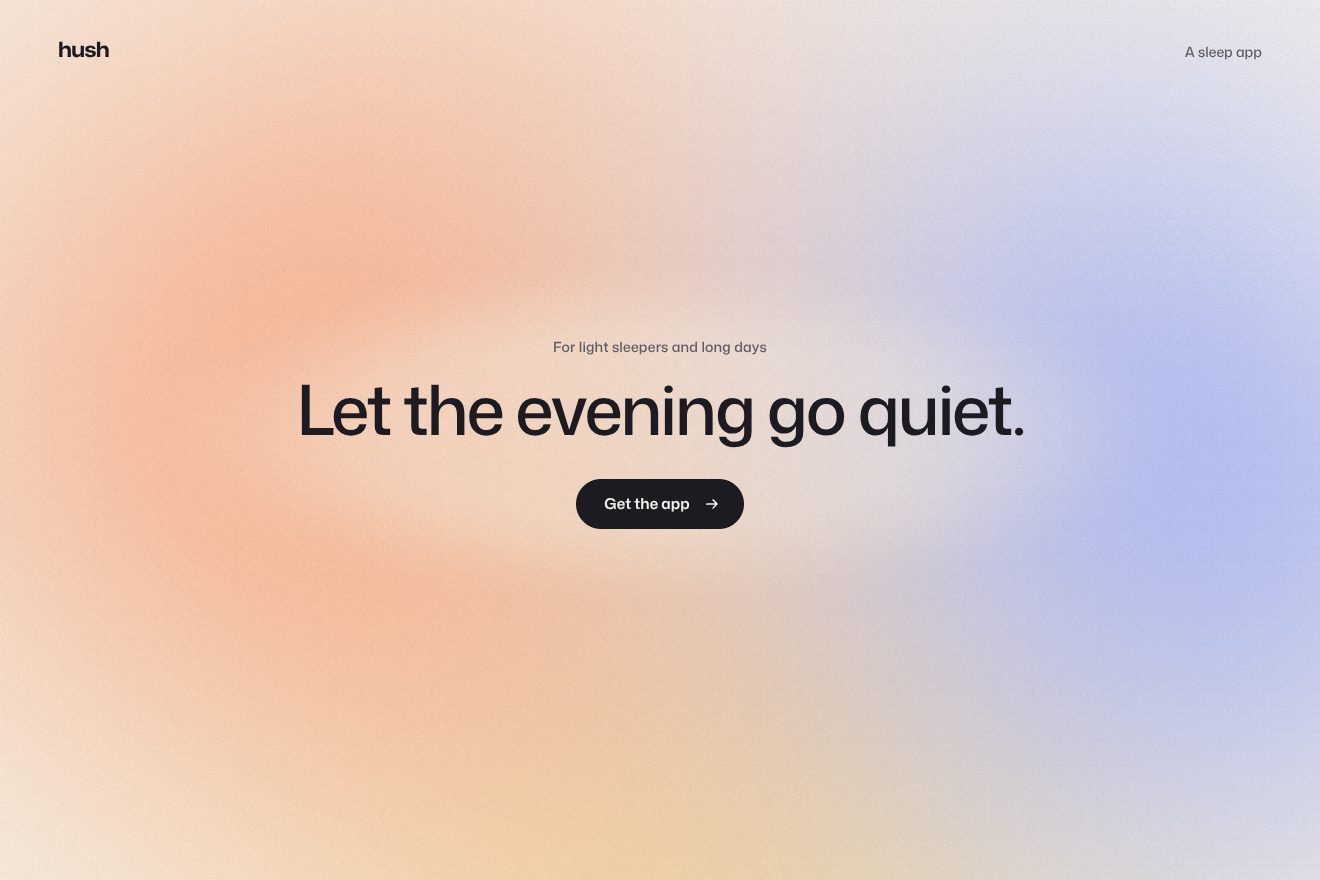
The coloured fog background
Backgrounds, WebGL
A WebGL animated background for the hero of a small clifftop hotel, made only of light, fog and water, like a long-exposure night photograph: the lighthouse stays out of frame and its two beams turn slowly, coming in from far away narrow toward the horizon, crossing the sky, rising wide as they turn toward us and lighting up the fog with a flare when they look straight at us. The fog drifts in three layers and the beam only shows where it meets it; the dark water mirrors it, broken into glints, a fine drizzle appears only against the light, and a fine grain covers everything. No drawn shapes. The pointer moves the fog a little; pressing Book a sea room gives a double flash from the lamp and parts the fog.
A folder that runs on its own: index.html, style.css, script.js and the libraries from a CDN. The React and Vue tabs hold the same demo as a ready component, which switches its animations off when it leaves the page.
<!doctype html>
<!--
  "Lighthouse background" from Animorio · https://animorio.com
  License: free on your own sites and your clients’ sites, paid work included.
  Not for resale, redistribution, templates or code collections · https://animorio.com/en/license/
-->
<html lang="en">
<head>
  <meta charset="utf-8">
  <meta name="viewport" content="width=device-width, initial-scale=1">
  <title>Carrow Point</title>
  <link rel="stylesheet" href="https://cdn.jsdelivr.net/npm/@fontsource-variable/fraunces@5.3.0/opsz.css">
  <link rel="stylesheet" href="https://cdn.jsdelivr.net/npm/@fontsource-variable/fraunces@5.3.0/opsz-italic.css">
  <link rel="stylesheet" href="https://cdn.jsdelivr.net/npm/@fontsource-variable/mona-sans@5.3.0/wdth.css">
  <link rel="stylesheet" href="style.css">
</head>
<body>
  <!-- the hero of a small hotel on the cliff, at night. A WebGL shader draws only light, fog and water, like a long
       exposure: the beam of a lighthouse that stands just out of frame turns slowly and sweeps through the sea fog,
       the fog drifting in layers, the beam mirrored and broken on the dark water, a fine drizzle caught against the
       light, and grain. No drawn lighthouse: only its light. The pointer pushes the fog a little -->
  <section class="stage" data-stage>
    <canvas class="sea" aria-hidden="true" data-canvas></canvas>
    <div class="fallback" aria-hidden="true"></div>

    <header class="bar" data-in>
      <span class="brand">
        <svg class="brand__mark" viewBox="0 0 24 24" aria-hidden="true">
          <path d="M12 5.2v13.6"/><path d="M12 8.4L3.6 5.6" opacity=".55"/><path d="M12 8.4l8.4-2.8" opacity=".55"/><path d="M5 18.8h14"/>
        </svg>
        Carrow Point
      </span>
      <nav class="nav">
        <a class="nav__link nav__link--wide" href="#">Rooms</a>
        <a class="nav__link nav__link--wide" href="#">The bay</a>
        <a class="nav__link nav__link--pill" href="#">Stay the night</a>
      </nav>
    </header>

    <div class="hero">
      <a class="chip" href="#" data-in>
        <span class="chip__new">Winter</span>
        <span class="chip__words">Storm-watch weekends</span>
        <svg class="chip__arrow" viewBox="0 0 16 16" aria-hidden="true"><path d="M6 4l4 4-4 4"/></svg>
      </a>
      <h1 class="title" data-title><span class="title__line">Sleep where the light</span> <span class="title__line">turns over the sea.</span></h1>
      <p class="lede" data-in>Eleven rooms on the cliff above the bay, a fire in the reading room and nothing but the sea between you and the dark.</p>
      <div class="actions" data-in>
        <button class="btn" type="button" data-btn data-autoclic>
          <span class="btn__face" data-face>
            <span class="btn__shine" aria-hidden="true"></span>
            <span class="btn__words" data-words>Book a sea room</span>
            <svg class="btn__icon" viewBox="0 0 16 16" aria-hidden="true">
              <path class="btn__arrow" data-arrow d="M3 8h9M8.5 4.2L12.3 8 8.5 11.8"/>
              <path class="btn__check" data-check pathLength="1" stroke-dasharray="1" stroke-dashoffset="1" d="M3.4 8.4l3 3 6.2-6.6"/>
            </svg>
          </span>
        </button>
        <a class="ghost" href="#">See the rooms</a>
      </div>
      <p class="note" data-in>
        <svg class="note__beam" viewBox="0 0 22 12" aria-hidden="true"><path class="note__ray" data-ray d="M11 6L1.5 2.6M11 6L1.5 9.4"/><path d="M11 6h9.5" opacity=".35"/></svg>
        <span data-note>The light sweeps the bay every ten seconds</span>
      </p>
    </div>

    <p class="hint" data-in>Move the pointer through the fog</p>
    <p class="sr" aria-live="polite" data-live></p>
  </section>

  <script src="https://cdn.jsdelivr.net/npm/gsap@3.15.0/dist/gsap.min.js"></script>
  <script src="script.js"></script>
</body>
</html>Change values, colours and text with the controls and watch the animation respond live. Or write in the code yourself. Then download the folder with your changes.
35 values to change
With the Animorio connector, Claude Code, ChatGPT, Cursor or VS Code take it from here, guide included, and fit it into your project. Paste this request:
Take “Lighthouse background” from Animorio and fit it into my siteThe background is a WebGL shader on a single triangle covering the canvas, under the words: sky, beams, fog, water, drizzle and grain. No images and no shapes, the lighthouse is never drawn. The canvas is drawn at a density that keeps it under half a million pixels, because the fog is soft; without WebGL a CSS gradient of the same night remains.
The lighthouse stands out of frame on the right and each beam has an angle around the tower. On screen the beam heads for the point of the horizon where its direction vanishes: going away it narrows and ends there, sideways it crosses the whole sky, coming toward us it rises and widens. One vector is enough, focal length times cosine plus the offset of the tower times sine, with no divisions that blow up.
Three four-octave fbm noises, stretched horizontally and held in Gaussian bands, drift at three speeds: the bank on the sea, the middle layer, the high wisps. The beam is multiplied by the density of the fog, so in clear air it almost vanishes and where the fog is thick it lights up in patches. When a beam looks straight at us, the dot product of its direction and the camera's to the sixteenth power makes the flare.
Below the horizon the shader asks for the light of the beam at the mirrored point, moved by ripples that tighten toward the line, and two multiplied noises make the glints where the reflected light is strong. The drizzle is two grids of slanted cells falling at different speeds: a few cells hold a thin streak, multiplied by the light of the beam, so it only shows against the light.
The pointer is a Gaussian circle that shifts the coordinates the fog is read at and drags it with the speed of the gesture; when nobody touches, a push from the automatic loop takes the same path. The same beam, rewritten in JavaScript, measures how much light falls on the heading and hands it to the CSS as --lit: the colour and halo of the heading warm on a spring when a beam passes over it.
| Name | File | Default | What it changes |
|---|---|---|---|
TURN | script.js | 20 | Seconds for one full turn of the lamp (two beams: a sweep every half turn). |
BEAM | script.js | 1 | How bright the beams are. |
WIDTH | script.js | 1 | How wide the beams are. |
FOG | script.js | 1 | How thick the fog is (0 = clear air, the beams almost vanish). |
DRIFT | script.js | 1 | How fast the layers of fog drift. |
RAIN | script.js | 1 | How much drizzle shows against the light (0 = none). |
RIPPLE | script.js | 1 | How much the water breaks the reflection. |
PUSH | script.js | 1 | How far the pointer pushes the fog. |
GRAIN | script.js | 0.04 | How strong the grain is. |
SPEED | script.js | 1 | 2 = the loop on its own and the lamp twice as fast, 0.5 = half. |
LOOP | script.js | true | Repeats the loop of the push and the button. |
As the background of the first screen of a seaside hotel or holiday home, a ferry company, a harbour restaurant, a winter festival on the coast, a weather or sailing app: wherever a slow night and a passing light are wanted instead of a photo. The colours are --night, --haze, --fog, --beam, --amber and --sea in the CSS.
The same animations at adapted sizes: on narrow screens the horizon rises to the middle, the lighthouse moves a little further from the edge so the flare does not cover the heading, the heading is measured on width and height, the two buttons stay on one row, the Rooms and The bay links go, and on short screens the note and the line at the bottom too. With a finger the fog follows the gesture.
The beam stays still across the sky, the fog and the water are still and there is no drizzle; everything fades in. Pressing the button the fog thins without moving and the label, the checkmark and the note change without motion.
GSAP 3.15.0, Fraunces (font variabile) 5.3.0, Mona Sans (font variabile) 5.3.0.
Compressed with gzip, the three demo files weigh 13 KB; the libraries: GSAP 28 KB.
Tested on 4 November 2026
Use it in your own projects and in your clients’ projects. Do not resell it or redistribute it as is. GSAP stays under its own Standard license. Full license.
Support Animorio
Animorio stays free thanks to the people who support it. If you like, buy us a coffee: it helps us make the next animations.
You asked for
We made it for you: it’s in the library, with the preview, the Playground and the code to copy.
An animation you can’t find, or a site to take apart in the journal: tell us which. We pick the next ones from here.
With your account’s email and password.
or with your email
You’re signed in as .
With your account, you can download the zip of every animation and every pack, for free.