The share menu made of modules
Menus, Transitions, Hover, Text
NewFree
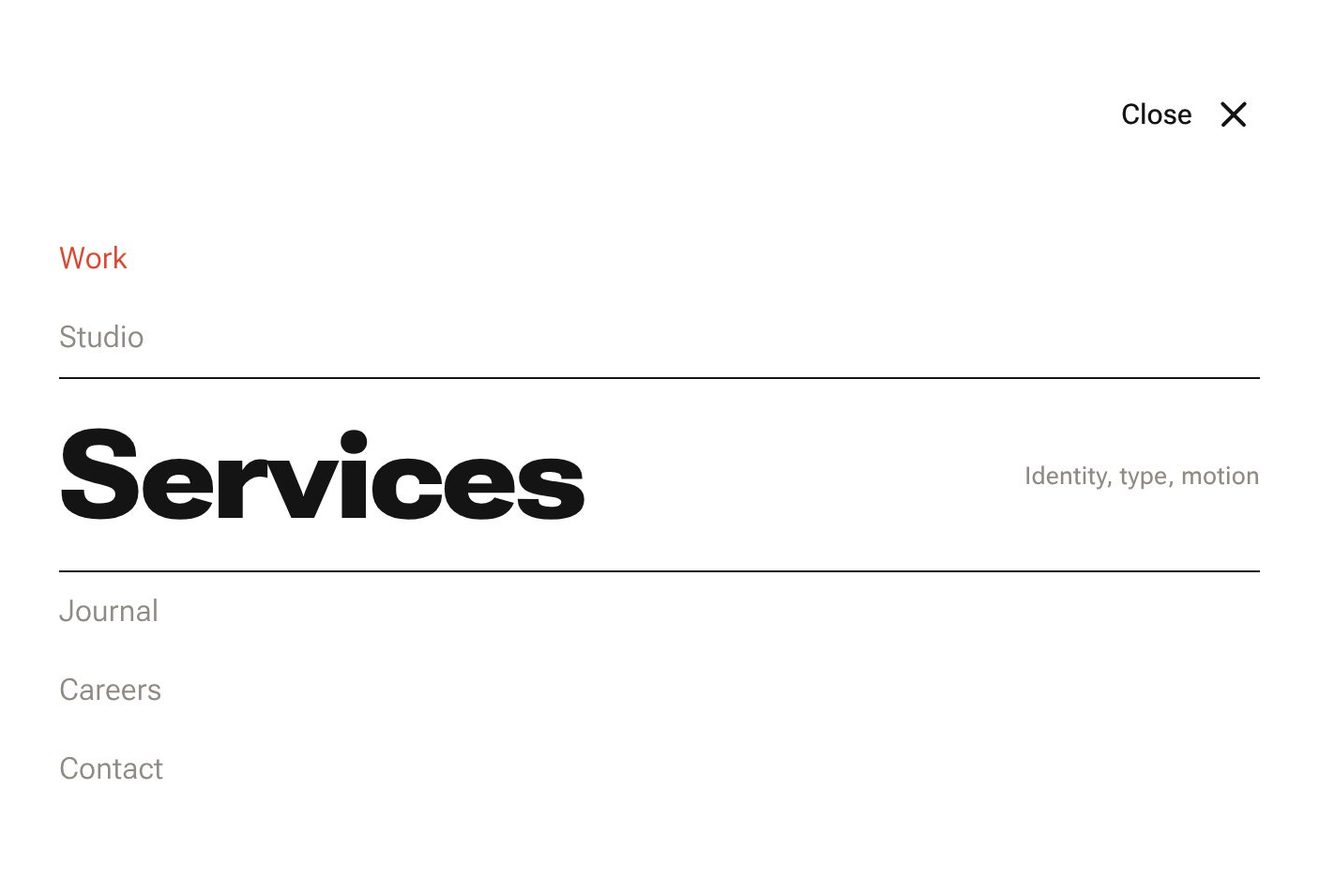
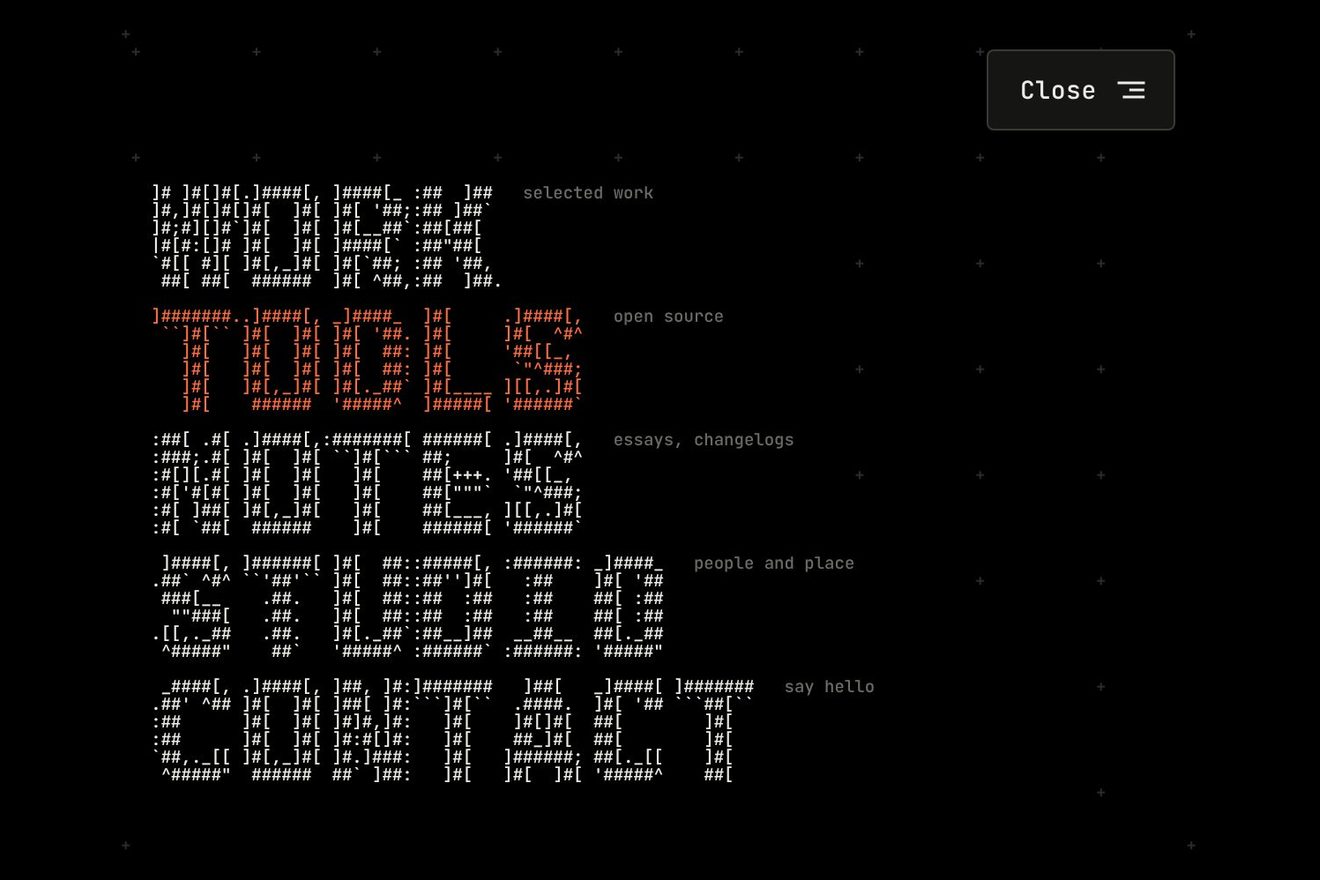
In the minimal style: the menu of a small independent press. The button says MENU, and pressing it its four letters leave one after the other, each drops onto its own row on a measured spring and becomes the initial of a link: M for Manifesto, E for Editions, N for Notes, U for Us. As it lands the letter squashes for an instant and the hairline under its row draws itself; then the rest of the word opens out of the initial, narrow and then wide on the width axis. Closing, the words fold back into their initials and the letters fly home to spell MENU again.
A folder that runs on its own: index.html, style.css, script.js and the libraries from a CDN. The React and Vue tabs hold the same demo as a ready component, which switches its animations off when it leaves the page.
<!doctype html>
<html lang="en">
<head>
  <meta charset="utf-8">
  <meta name="viewport" content="width=device-width, initial-scale=1">
  <title>The menu spelled by its own letters</title>
  <link rel="stylesheet" href="https://cdn.jsdelivr.net/npm/@fontsource-variable/mona-sans@5.3.0/standard.css">
  <link rel="stylesheet" href="style.css">
</head>
<body>
  <main class="stage">
    <!-- the menu of a small independent press. At rest only the button, with the word MENU. Pressed, its four letters
         leave the button one after the other, drop each onto its own row and become the initial of a link:
         Manifesto, Editions, Notes, Us. Every word then opens out of its initial, narrow and light first, then wide.
         Closing, the words fold back into their initials and the letters fly home to spell MENU again -->
    <div class="frame" data-frame>
      <button class="toggle" type="button" aria-expanded="false" aria-controls="press-menu" data-toggle data-autoclic>
        <span class="toggle__word" aria-hidden="true">
          <span class="toggle__l" data-letter>M</span><span class="toggle__l" data-letter>E</span><span class="toggle__l" data-letter>N</span><span class="toggle__l" data-letter>U</span>
        </span>
        <span class="toggle__close" aria-hidden="true" data-close-word>Close</span>
        <span class="toggle__icon" aria-hidden="true">
          <svg viewBox="0 0 20 20" width="20" height="20">
            <line class="toggle__bar" data-bar x1="3" y1="7" x2="17" y2="7"></line>
            <line class="toggle__bar" data-bar x1="3" y1="13" x2="17" y2="13"></line>
          </svg>
        </span>
        <span class="sr" data-toggle-name>Open the menu</span>
      </button>

      <nav class="menu" id="press-menu" aria-label="Main" data-menu inert>
        <ul class="rows">
          <li class="row" data-row><a class="row__link" href="#manifesto" data-link>
            <span class="row__initial" data-initial><span class="row__glyph" data-glyph>M</span></span><span class="row__rest" data-rest>anifesto</span>
            <span class="row__note" data-note>What we print and why</span>
            <svg class="row__arrow" viewBox="0 0 22 12" width="22" height="12" aria-hidden="true"><path data-arrow d="M1 6h19M15 1.5 20 6l-5 4.5"></path></svg>
            <span class="row__rule" aria-hidden="true" data-rule></span>
          </a></li>
          <li class="row" data-row><a class="row__link" href="#editions" aria-current="page" data-link>
            <span class="row__initial" data-initial><span class="row__glyph" data-glyph>E</span></span><span class="row__rest" data-rest>ditions</span>
            <span class="row__note" data-note>Books and prints</span>
            <svg class="row__arrow" viewBox="0 0 22 12" width="22" height="12" aria-hidden="true"><path data-arrow d="M1 6h19M15 1.5 20 6l-5 4.5"></path></svg>
            <span class="row__rule" aria-hidden="true" data-rule></span>
          </a></li>
          <li class="row" data-row><a class="row__link" href="#notes" data-link>
            <span class="row__initial" data-initial><span class="row__glyph" data-glyph>N</span></span><span class="row__rest" data-rest>otes</span>
            <span class="row__note" data-note>The journal</span>
            <svg class="row__arrow" viewBox="0 0 22 12" width="22" height="12" aria-hidden="true"><path data-arrow d="M1 6h19M15 1.5 20 6l-5 4.5"></path></svg>
            <span class="row__rule" aria-hidden="true" data-rule></span>
          </a></li>
          <li class="row" data-row><a class="row__link" href="#us" data-link>
            <span class="row__initial" data-initial><span class="row__glyph" data-glyph>U</span></span><span class="row__rest" data-rest>s</span>
            <span class="row__note" data-note>Who we are, how to write</span>
            <svg class="row__arrow" viewBox="0 0 22 12" width="22" height="12" aria-hidden="true"><path data-arrow d="M1 6h19M15 1.5 20 6l-5 4.5"></path></svg>
            <span class="row__rule" aria-hidden="true" data-rule></span>
          </a></li>
        </ul>
      </nav>
    </div>
  </main>

  <script src="https://cdn.jsdelivr.net/npm/gsap@3.15.0/dist/gsap.min.js"></script>
  <script src="script.js"></script>
</body>
</html>Change values, colours and text with the controls and watch the animation respond live. Or write in the code yourself. Then download the folder with your changes.
31 values to change
With the Animorio connector, Claude Code takes it from here, guide included, and fits it into your project. Paste this request:
Take “The menu spelled by its own letters” from Animorio and fit it into my siteIn the button each letter of MENU is a span; in the row the same letter is the link's initial. Opening, getBoundingClientRect tells where the letter sits in the button and where the initial sits in its row: the initial starts offset by that difference, at the scale of the ratio between the two heights (transform-origin top left), and the button's letter vanishes in the same instant. You see a single letter breaking away and flying.
A timeline takes each initial to x 0, y 0 and scale 1 with elastic.out(1, SETTLE) over FLIGHT seconds, STAGGER seconds after the one before; a tilt of plus or minus 7 degrees straightens out with back.out. When the letter touches down, the glyph inside it (a child, so it does not fight the flight's transform) goes to scaleY 0.86 and back on an elastic, and the hairline below goes from scaleX 0 to 1 from the left.
The rest of the word is a span next to the initial, with clip-path inset(-20% 100% -20% 0) hiding it from right to left: GSAP takes it to inset(-20% 0% -20% 0) over OPEN_WORD seconds, and meanwhile animates the CSS variable --wdth from NARROW to 100, which font-variation-settings reads on Mona Sans' width axis. The word comes out narrow and widens as it is uncovered.
paintHot() animates the --wght variable of the hot link to WEIGHT[1] and of the others to WEIGHT[0] (the current page halfway), fades the other rows by DIM, tips and lifts the hot glyph with back.out and draws the arrow with stroke-dashoffset. The keyboard does the same with the focus: arrows, Home and End.
Closing, the words go narrow again and close up with the clip-path from the last to the first, the hairlines withdraw, and each initial flies to the point measured again on its letter in the button with power3.inOut; once there it vanishes and the button's letter comes back with a small bounce. The flights home stop if the menu opens again halfway.
| Name | File | Default | What it changes |
|---|---|---|---|
FLIGHT | script.js | 0.95 | The seconds a letter takes to fly from the button down to its row. |
STAGGER | script.js | 0.08 | The seconds between one letter and the next, opening and closing. |
SETTLE | script.js | 0.72 | How calmly a letter lands: low swings past its row, high stops at once (0.3 to 1). |
OPEN_WORD | script.js | 0.6 | The seconds a word takes to open out of its initial. |
NARROW | script.js | 75 | How narrow a word starts as it opens, on the width axis (75 to 100). |
WEIGHT | script.js | [380, 640] | The weight of a word at rest and under the pointer (200 to 900). |
DIM | script.js | 0.42 | How far the other rows fade while one is under the pointer (0 to 1). |
For the menu of anyone who works with words: a publisher, an independent press, a magazine, a graphic design studio, a personal blog. It works when the links' initials spell the button's word: here MENU, but it can be INDEX, WORK or the brand's name, choosing links that start with those letters.
The menu is as wide as the screen less 32 pixels (400 at most) and the row height comes from the window's height, between 42 and 66 pixels, so the button and the four links always fit; below 360 pixels the notes on the right are left out. The same animations: the letters fall and the words open. A tap on a link chooses it and closes the menu.
No flights and no falls: opening, the button's letters fade and the links fade in already whole and in place, one just after the other; under the pointer only the weight, the arrow and the brightness of the other links change. Closing, the links fade out and MENU comes back.
GSAP 3.15.0, Mona Sans (font variabile, con gli assi del peso e della larghezza) 5.3.0.
Compressed with gzip, the three demo files weigh 7.1 KB; the libraries: GSAP 28 KB.
Tested on 23 October 2026
Use it in your own projects and in your clients’ projects. Do not resell it or redistribute it as is. GSAP stays under its own Standard license. Full license.
With your account’s email and password.
or with your email
You’re signed in as .
With your account, you can download the zip of every animation and every pack, for free.