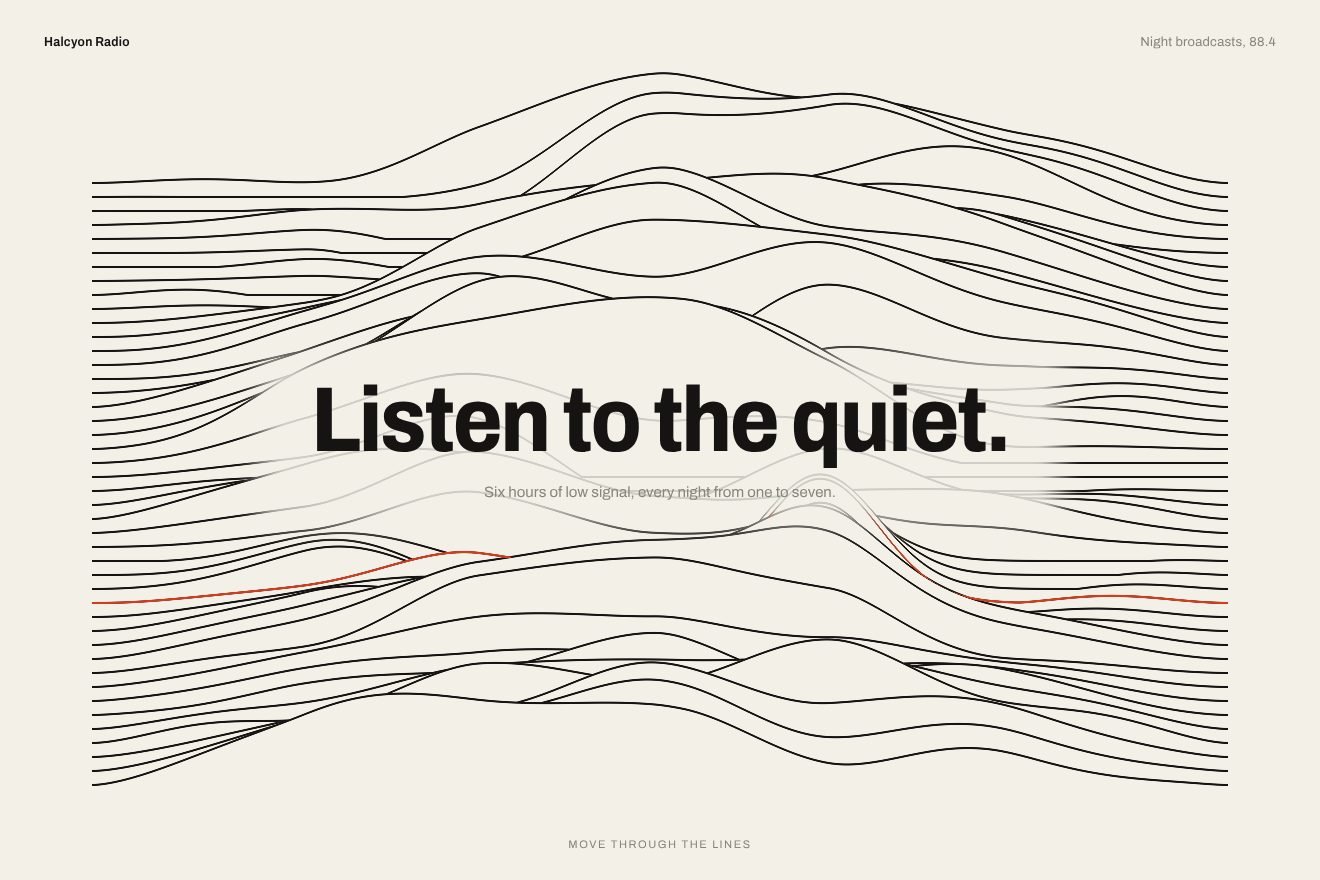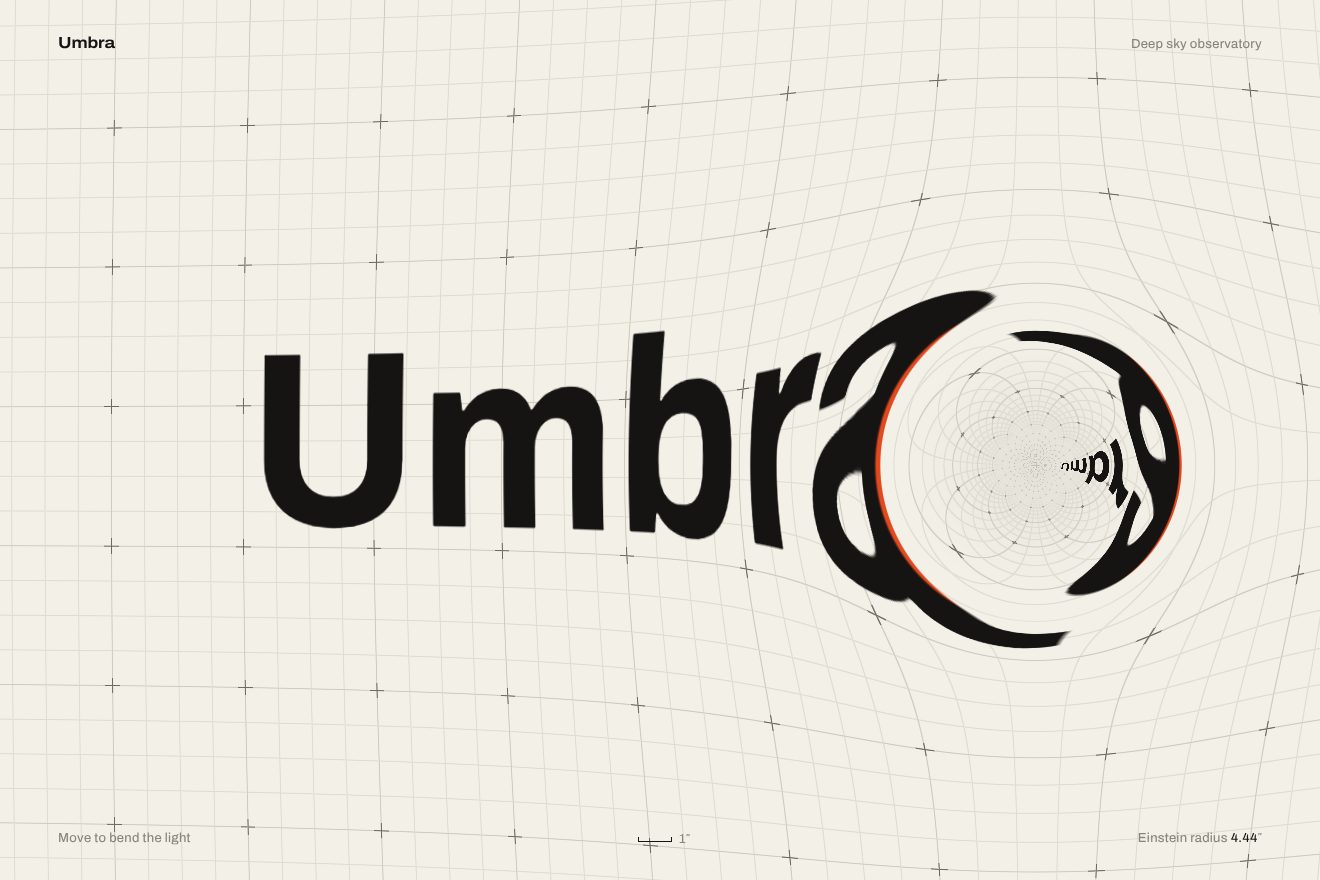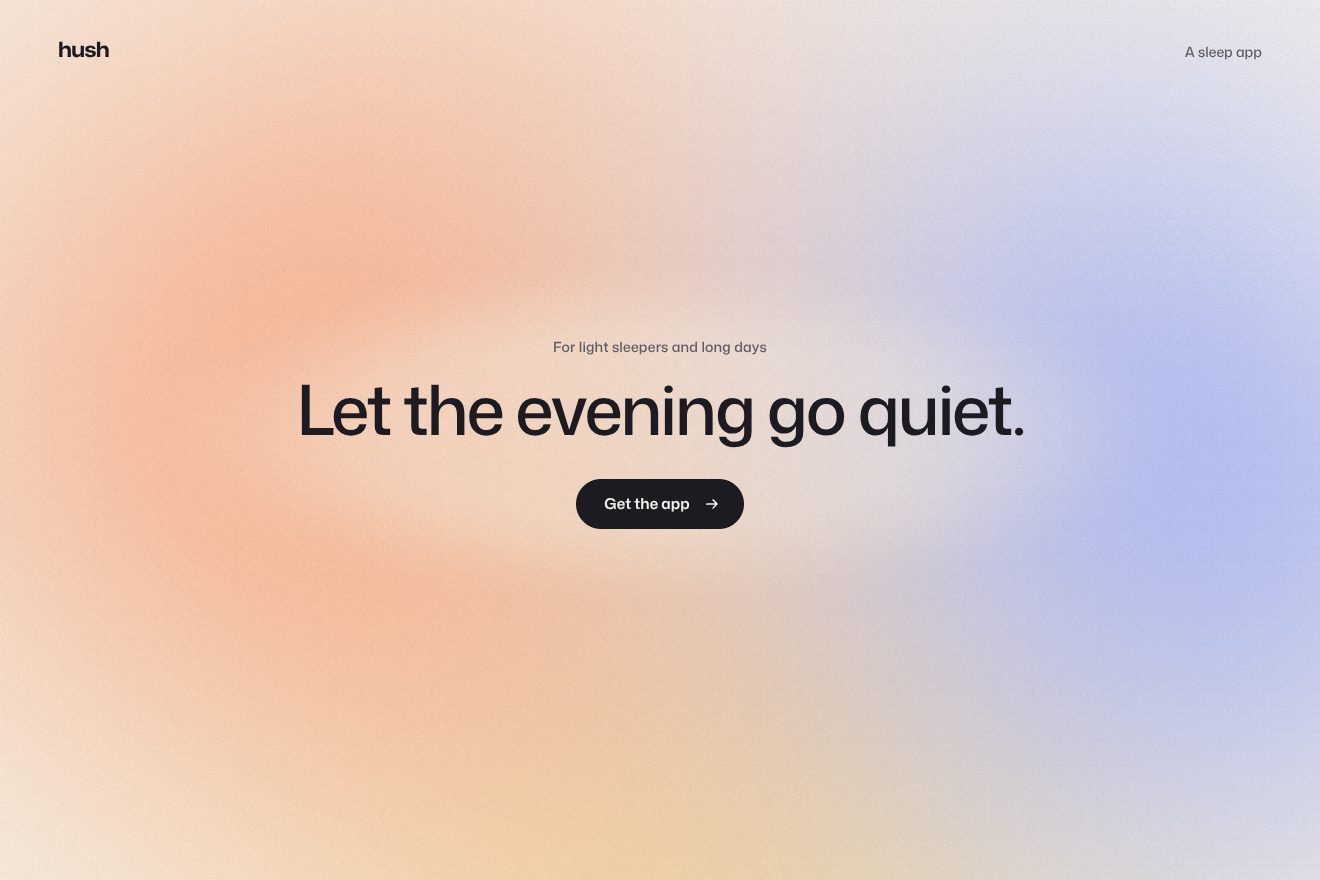
The coloured fog background
Backgrounds, WebGL
The animated background of the opening of Ardent, an invented AI research app: a pool of molten gold flowing slowly and thickly, mirroring a warm softbox and glowing along its seams. Where the pointer passes the metal is dragged along, bends, heats up from amber to white gold and then cools; sending the prompt sends a wave of heat out of the field. Headline, field and button catch the reflection of the gold under them. One hand-written WebGL shader, in the light and metal style of Libraries.dev.
A folder that runs on its own: index.html, style.css, script.js and the libraries from a CDN. The React and Vue tabs hold the same demo as a ready component, which switches its animations off when it leaves the page.
<!doctype html>
<!--
  "Molten gold background" from Animorio · https://animorio.com
  License: free on your own sites and your clients’ sites, paid work included.
  Not for resale, redistribution, templates or code collections · https://animorio.com/en/license/
-->
<html lang="en">
<head>
  <meta charset="utf-8">
  <meta name="viewport" content="width=device-width, initial-scale=1">
  <title>The molten gold background that heats up under the pointer behind the prompt</title>
  <link rel="stylesheet" href="https://cdn.jsdelivr.net/npm/@fontsource-variable/mona-sans@5.3.0/wdth.css">
  <link rel="stylesheet" href="style.css">
</head>
<body>
  <!-- the opening screen of an invented AI research app, Ardent, over a pool of molten gold: the metal flows slowly
       like something thick, mirrors a warm softbox and glows along its seams; where the pointer passes it is dragged
       along, bends, heats up to white gold and cools back to amber; sending the prompt sends a wave of heat out of
       the field. The headline, the field and the button catch the light of the metal under them. -->
  <main class="stage" data-stage>
    <canvas class="melt" data-melt aria-hidden="true"></canvas>
    <span class="veil" aria-hidden="true"></span>
    <span class="grain" aria-hidden="true"></span>

    <header class="top" data-in>
      <span class="brand">
        <svg class="brand__mark" viewBox="0 0 20 20" aria-hidden="true"><path d="M10 2.2c3.1 3.6 5.4 6.6 5.4 9.6a5.4 5.4 0 0 1-10.8 0c0-3 2.3-6 5.4-9.6z"></path><path class="brand__cut" d="M6.2 12.4c1.3.8 2.5 1.1 3.8 1.1s2.5-.3 3.8-1.1"></path></svg>
        <span>Ardent</span>
      </span>
      <span class="top__link">Sign in</span>
    </header>

    <section class="hero" aria-labelledby="hero-title">
      <p class="pill" data-in data-lit>
        <span class="pill__tag">Ardent 3</span>
        <span class="pill__text">Live sources in every brief</span>
      </p>
      <h1 class="title" id="hero-title" data-in data-lit>Ideas, cast<br>while they’re hot.</h1>
      <p class="line" data-in>Ardent reads every source, drafts the brief and keeps refining it until it sets.</p>

      <form class="prompt" data-prompt data-in data-lit autocomplete="off">
        <span class="prompt__rim" aria-hidden="true"></span>
        <span class="prompt__glow" aria-hidden="true"></span>
        <label class="sr" for="ask">Ask Ardent</label>
        <input class="prompt__input" id="ask" data-input type="text" placeholder="Ask Ardent to research anything" spellcheck="false">
        <button class="forge" type="submit" data-forge data-lit>
          <span class="forge__face">
            <span class="forge__sheen" aria-hidden="true"></span>
            <span class="forge__label" data-forge-label>Forge</span>
            <svg class="forge__arrow" viewBox="0 0 16 16" aria-hidden="true"><path d="M3.4 8h9M8.6 4.2 12.4 8l-3.8 3.8"></path></svg>
            <svg class="forge__tick" viewBox="0 0 16 16" aria-hidden="true"><path d="M3.8 8.4 6.7 11.2 12.3 5"></path></svg>
          </span>
        </button>
      </form>

      <p class="status" data-status aria-live="polite"><span data-status-text>Reads papers, filings and the open web</span></p>
    </section>

    <svg class="ghost" data-ghost viewBox="0 0 20 20" aria-hidden="true"><path d="M4 2.5v13.2l3.5-3.3 2.4 5.3 2.3-1-2.4-5.2 4.8-.2z"></path></svg>
  </main>

  <script src="https://cdn.jsdelivr.net/npm/gsap@3.15.0/dist/gsap.min.js"></script>
  <script src="script.js"></script>
</body>
</html>Change values, colours and text with the controls and watch the animation respond live. Or write in the code yourself. Then download the folder with your changes.
26 values to change
With the Animorio connector, Claude Code, ChatGPT, Cursor or VS Code take it from here, guide included, and fit it into your project. Paste this request:
Take “Molten gold background” from Animorio and fit it into my siteA WebGL canvas behind the opening, one triangle covering the screen, at reduced resolution (QUALITY times the density, capped at 1.5). The gold’s height is a three-octave noise warped by a second, softer noise: both drift at different speeds, so the surface looks like something thick moving slowly.
The height is read three times around the pixel and the differences give the normal. The view is reflected on that normal and reads a studio that exists only in the reflection: a long softbox, a thin line higher up and a strip following the pointer. Multiplied by the gold colour, with a little fresnel at the edges of the waves, it becomes metal.
The seams are the contour lines of the surface: the distance from height 0.5 divided by the slope gives a thin line that stays the same on screen. The heat is a trail of fourteen patches left by the pointer, each spreading and fading in COOL seconds, added up with a soft saturation. Heat widens the seams and lights the gold with a ramp from dark red to orange, to gold, to warm white, stronger in the hollows where the metal pools.
The pointer’s speed drives a slightly under-damped spring, which warps the noise around the pointer in its direction. When the pointer stops, the spring swings back past zero and settles: the gold sways once before it stops.
Every frame the hottest point becomes two CSS variables in pixels for each element that catches light, plus the intensity for the whole page. The headline is text clipped over two backgrounds, a champagne gradient and a radial gold glow at that point; the rims of the field and the pill are a gradient in a one-pixel mask; the button has its own white reflection. On sending, one more variable makes the field’s rim white hot and cools it.
| Name | File | Default | What it changes |
|---|---|---|---|
FLOW | script.js | 1 | How fast the gold flows on its own (0 stops it). |
RELIEF | script.js | 0.22 | How uneven the surface is: higher, more bent reflections. |
HEAT | script.js | 1 | How hot the gold gets under the pointer. |
COOL | script.js | 2.4 | How many seconds the heated gold takes to cool. |
BEND | script.js | 1 | How much the pointer drags and bends the metal (0 never). |
SEAMS | script.js | 1 | How bright the metal’s seams glow. |
QUALITY | script.js | 0.55 | Canvas resolution compared with the screen: lower is lighter. |
AUTO_PILOT | script.js | 4 | After how many seconds without a pointer the drawn one moves (0 never). |
For the opening of an AI app, a research tool, a high-end product or a dark landing page that wants a warm, precious material: the gold lives behind headline and field, answers the pointer and the sending, and keeps the words readable.
Same animations: the gold is sized on the short side of the screen, the finger drags and heats it like the pointer, a tap leaves a hot patch; headline, line and field are sized with min(vw, vh) and fit inside the box.
With reduced motion the gold is one still frame, already warm under the field and with the reflection on the headline; the words only fade in and sending shows the tick and the status straight away.
GSAP 3.15.0, Mona Sans (font variabile) 5.3.0.
Compressed with gzip, the three demo files weigh 13 KB; the libraries: GSAP 28 KB.
Tested on 16 November 2026
Use it in your own projects and in your clients’ projects. Do not resell it or redistribute it as is. GSAP stays under its own Standard license. Full license.
Support Animorio
Animorio stays free thanks to the people who support it. If you like, buy us a coffee: it helps us make the next animations.
You asked for
We made it for you: it’s in the library, with the preview, the Playground and the code to copy.
An animation you can’t find, or a site to take apart in the journal: tell us which. We pick the next ones from here.
With your account’s email and password.
or with your email
You’re signed in as .
With your account, you can download the zip of every animation and every pack, for free.