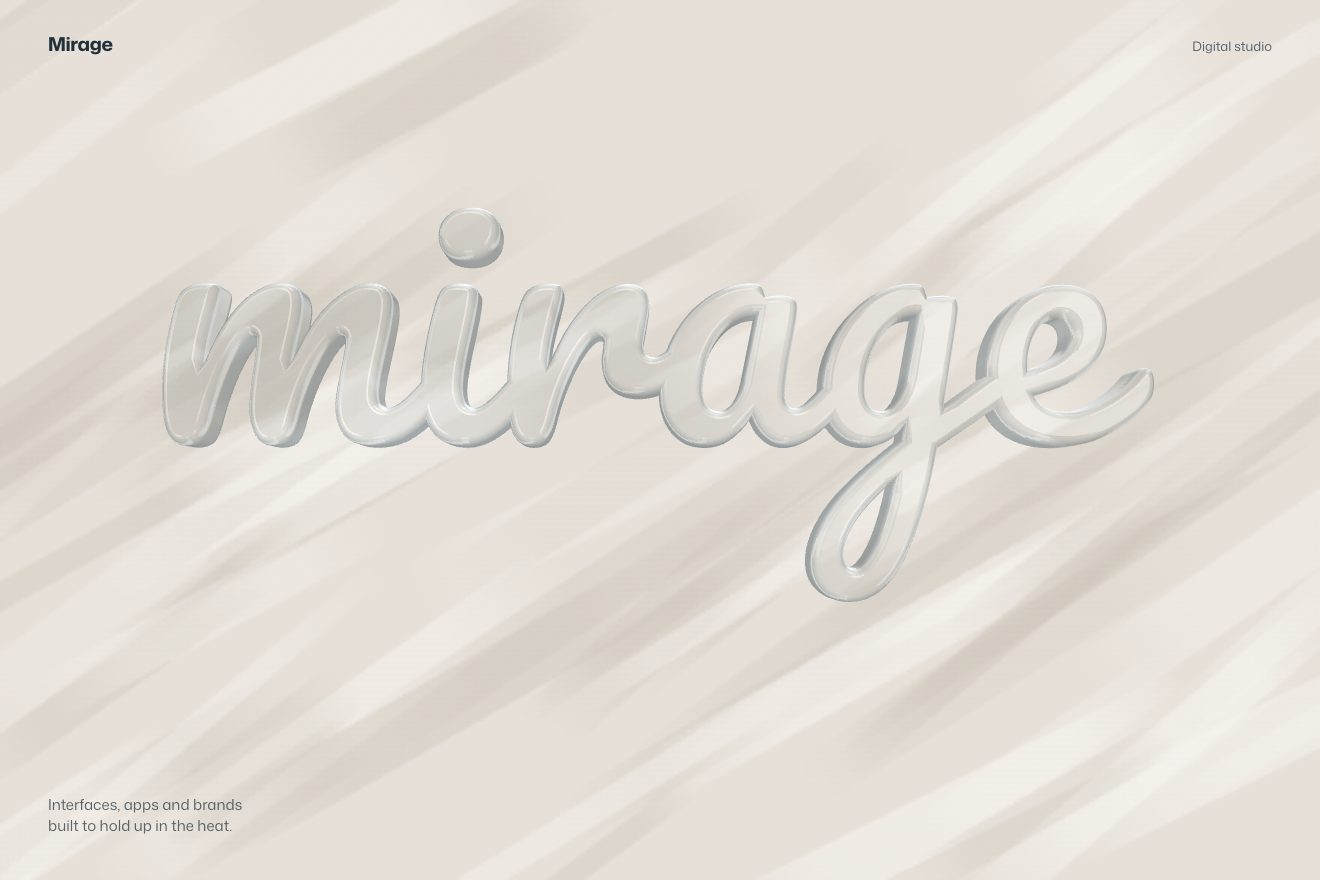
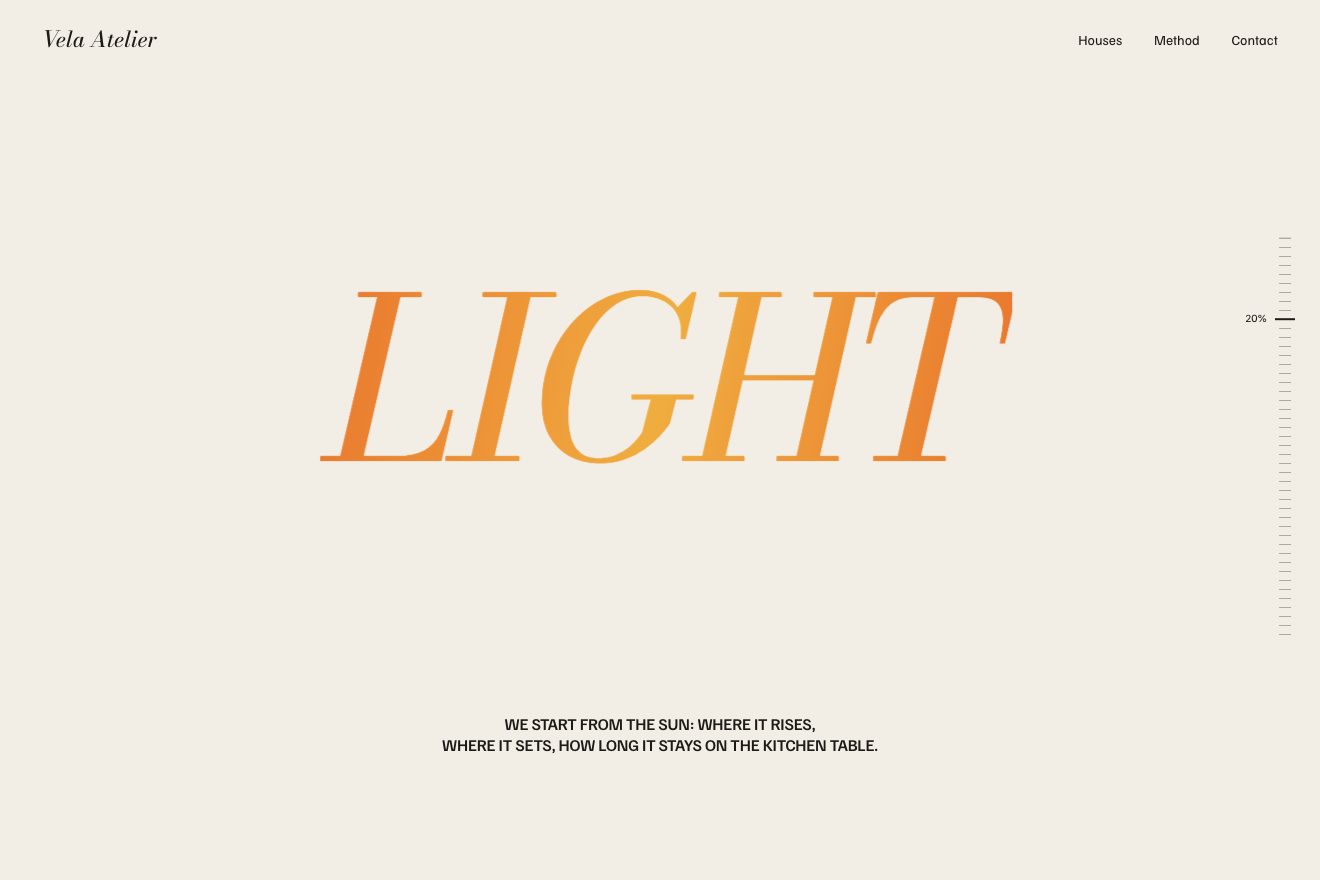
Standing letters with a long shadow
Text, Scroll, 3D
NewFree
Scroll inside the preview
In the minimal style: a white notebook lying open on the table, a single word on every page. As you scroll the pages turn in 3D, curl, land with a small bounce and their edge settles on the air; turned in a row they make a sentence, which grows word after word on the left page. The last page stays open, with a red full stop dropping on the line.
A folder that runs on its own: index.html, style.css, script.js and the libraries from a CDN. The React and Vue tabs hold the same demo as a ready component, which switches its animations off when it leaves the page.
<!doctype html>
<html lang="en">
<head>
  <meta charset="utf-8">
  <meta name="viewport" content="width=device-width, initial-scale=1">
  <title>The one-sentence notebook</title>
  <link rel="stylesheet" href="https://cdn.jsdelivr.net/npm/@fontsource-variable/fraunces@5.3.0/full.css">
  <link rel="stylesheet" href="https://cdn.jsdelivr.net/npm/@fontsource-variable/instrument-sans@5.3.0/index.css">
  <link rel="stylesheet" href="style.css">
</head>
<body>
  <!-- a plain white notebook lying open on the table: as you scroll its pages turn in 3D, one word on each, and turned
       in a row they make a sentence. The last page stays open with a single red full stop. The words are in WORDS, at
       the top of script.js -->
  <main>
    <section class="racconto" data-racconto>
      <div class="palco">
        <header class="testa">
          <p class="marchio">Quire</p>
          <p class="nota">One line per page</p>
        </header>

        <div class="scena" data-scena>
          <div class="libro" data-libro>
            <div class="ombra-libro" aria-hidden="true"></div>
            <div class="copertina" aria-hidden="true"></div>
            <!-- the two pages that never move: the inside of the cover on the left, the last page on the right -->
            <div class="fissa fissa--sinistra" data-sinistra aria-hidden="true">
              <div class="contenuto contenuto--retro">
                <i class="riga"></i>
                <span class="sigla">Quire</span>
                <i class="velo velo--retro"></i>
              </div>
            </div>
            <div class="fissa fissa--destra" data-destra aria-hidden="true">
              <div class="contenuto contenuto--fronte">
                <i class="riga"></i>
                <span class="parola parola--segno"><span class="segno" data-segno></span></span>
                <i class="velo velo--fronte"></i>
              </div>
            </div>
            <!-- the pages that turn are written here by the script -->
          </div>
        </div>

        <!-- the sentence for screen readers -->
        <p class="frase-letta" data-frase></p>

        <p class="invito" data-invito><span data-invito-testo>Scroll to turn the pages</span></p>
      </div>
    </section>

    <section class="coda">
      <p class="coda__testo">Quire makes plain notebooks<br>for one good sentence a day.</p>
      <p class="piccolo">Pocket size, 96 pages, one line on each</p>
    </section>
  </main>

  <script src="https://cdn.jsdelivr.net/npm/gsap@3.15.0/dist/gsap.min.js"></script>
  <script src="https://cdn.jsdelivr.net/npm/gsap@3.15.0/dist/ScrollTrigger.min.js"></script>
  <script src="script.js"></script>
</body>
</html>Change values, colours and text with the controls and watch the animation respond live. Or write in the code yourself. Then download the folder with your changes.
25 values to change
With the Animorio connector, Claude Code takes it from here, guide included, and fits it into your project. Paste this request:
Take “The one-sentence notebook” from Animorio and fit it into my siteEvery page that turns is a chain of ten vertical strips, each a child of the one before and hinged on its edge with transform-origin on the left: the first turns around the spine with rotateY, the others each add a small angle, so the paper curls. Every strip has two faces, the front and the back (turned 180 degrees, backface-visibility: hidden), and inside each is the whole page, moved as much as needed for only its slice to show. The strips are 1.6 pixels wider than their share: they overlap, and no gap ever opens between two strips at an angle.
The timeline moves a single number per page, p from 0 to 1, and a function turns it into an angle and a curl. For the first eight tenths the page is in the air: the angle follows u²(2−u), slow to leave the stack and still moving when it reaches the other side; the curl follows sin(2πu), positive as it rises (the corner leads) and negative as it falls (the edge trails). In the last two tenths, the landing: the page bounces twice by a few degrees and the edge lifts three times, with two damped sines that end exactly at zero. The curl grows towards the free edge and never pushes a strip past 0 or 180 degrees, into a stack.
Every face darkens with the angle it is turned to: the front with 1−cos, the back with 1+cos. So as not to see the strips as bands, the shade of every strip is a gradient between the average of its angle with the strip before and with the one after, so two neighbouring strips match on their edge. The shadow the page throws below is another gradient, on the front of the page under it on the right and on the back of the page under it on the left, starting from the spine and as long as the page seen from above (the cosine of the angle). Pages covered by another one are not drawn at all.
The words are set in Fraunces, a variable typeface with weight and softness (SOFT) axes. As a page lifts, the word under it goes from 220 to 600 in weight with an elastic.out worked out on its travel, and from soft it turns crisp: scrolling back and forth, the elastic plays again. The words are measured by the browser with a hidden element, because the optical size axis changes the width and a canvas cannot set it; they are measured at the highest weight the elastic reaches, so a word never runs off the page.
The red full stop on the last page falls with constant acceleration, squashes as it touches the line and turns round again with a damped spring that swings one and a half times, all tied to the scroll. Then the --letta variable takes the grey words to black. When the screen is narrow the notebook is read upright: the same strips become horizontal, the page turns with rotateX around its top edge and the gradients change direction; the timeline stays the same.
| Name | File | Default | What it changes |
|---|---|---|---|
WORDS | script.js | ['Write', 'one', 'thing', 'well'] | The words, one per page: turned in a row they make the sentence. The more there are, the shorter the scroll of each. |
LAST | script.js | '.' | The sign on the last page, the one that stays open, in the accent colour: a full stop, an exclamation mark, a short word. |
BEND | script.js | 26 | How much the paper curls while it turns, in degrees: 0 is stiff card. |
BOUNCE | script.js | 0.5 | How much a page bounces and how far its edge lifts when it lands: 0 not at all, 1 a lot. |
TILT | script.js | 16 | How far the notebook leans back on the table, in degrees (a little less on a phone). |
LIGHT | script.js | 220 | The weight of a word while it is still covered. |
BOLD | script.js | 600 | The weight a word settles on once its page is open. |
SCRUB | script.js | 0.9 | How many seconds the pages take to catch up with the scroll: 0 ties them to the wheel. |
For the opening of a blog or a journal, a studio’s manifesto in one sentence, the launch of a paper product (notebooks, a magazine, a book), the «about» page of a publisher: a short sentence, four to six words, worth reading one word at a time.
The same pages, the same bounces and the same full stop, but the notebook is bound at the top: the pages turn upwards around their top edge, the sentence sits above and the word below, both as wide as the screen.
No pages turning and no movement: the notebook stays open and, as you scroll, the word on the right and the sentence on the left take turns with a fade, up to the red full stop and the sentence all in black.
GSAP 3.15.0, ScrollTrigger (GSAP) 3.15.0, Fraunces (font variabile, assi opsz, wght e SOFT) 5.3.0, Instrument Sans (font variabile) 5.3.0.
Compressed with gzip, the three demo files weigh 10 KB; the libraries: GSAP + ScrollTrigger 45 KB.
Tested on 14 October 2026
Use it in your own projects and in your clients’ projects. Do not resell it or redistribute it as is. GSAP stays under its own Standard license. Full license.
With your account’s email and password.
or with your email
You’re signed in as .
With your account, you can download the zip of every animation and every pack, for free.