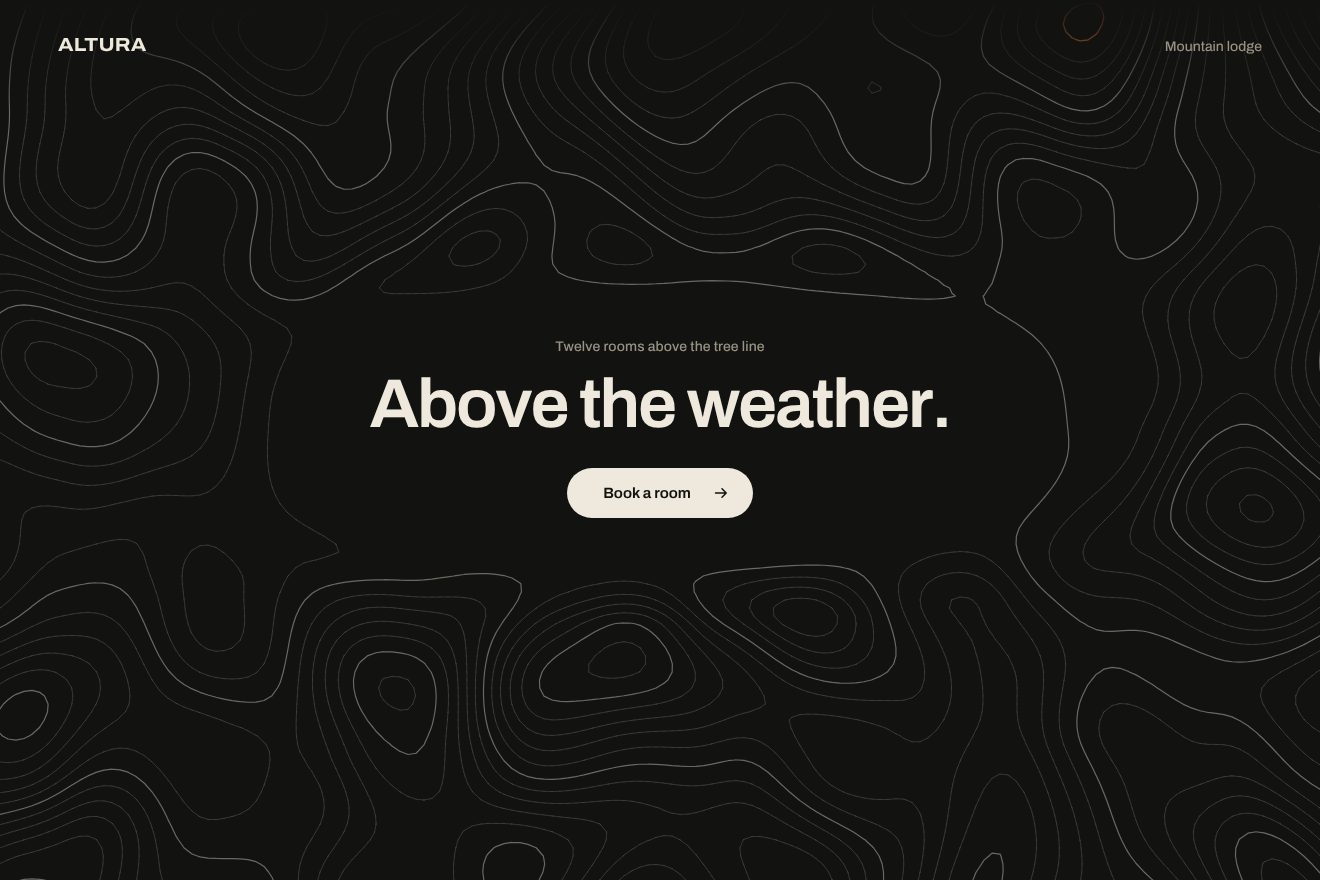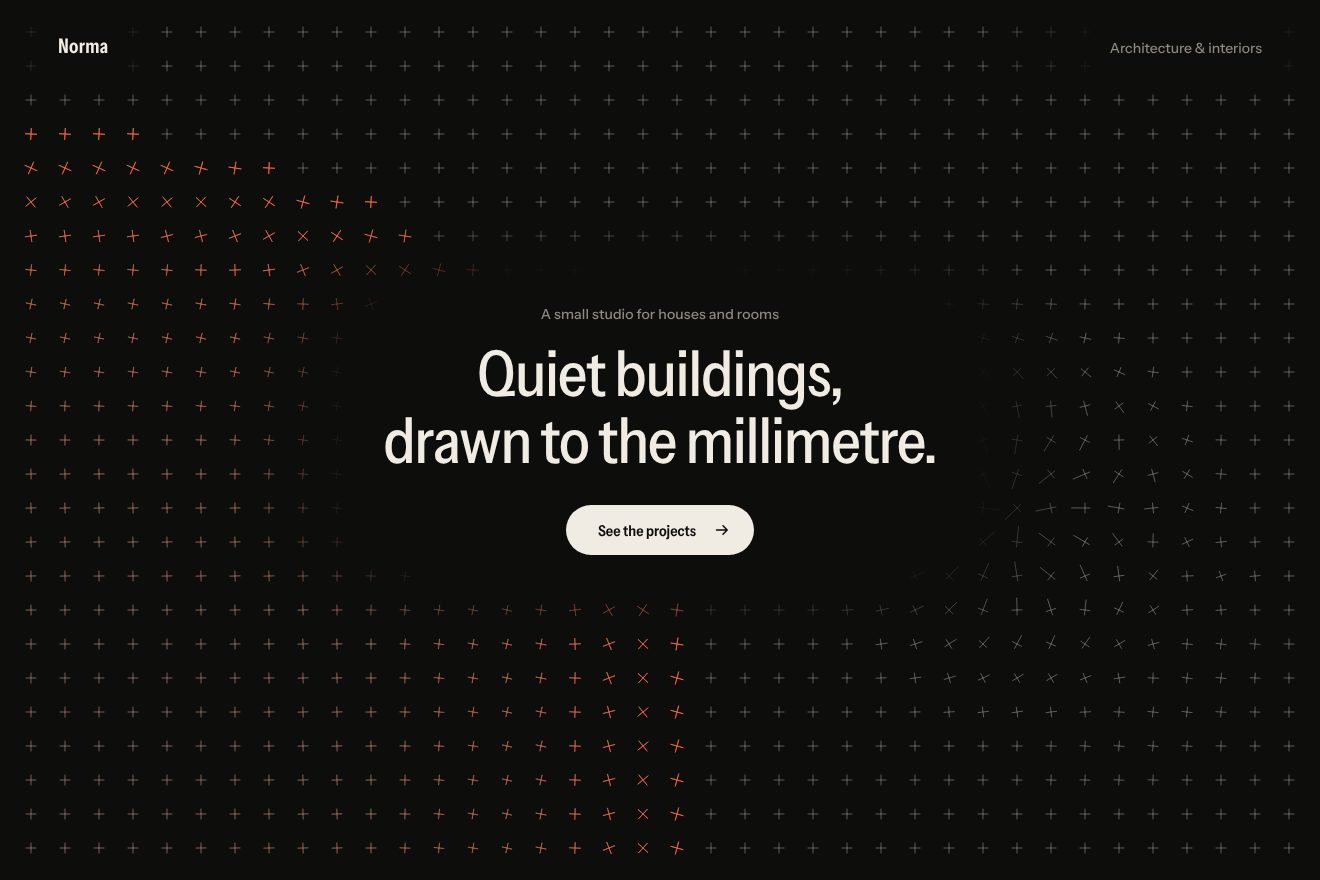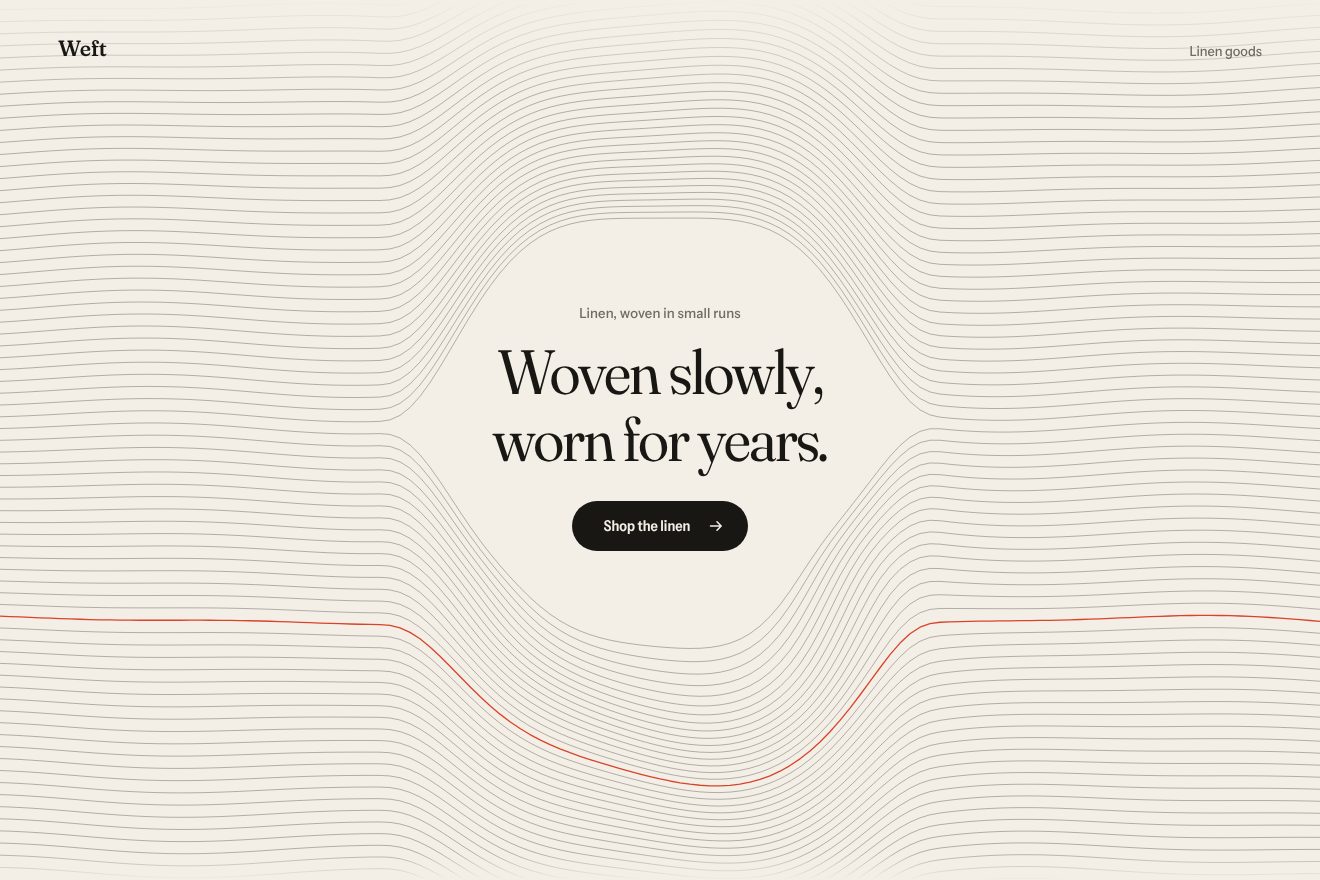
Woven thread background
Backgrounds, Hover
A page background on an almost solid black, in minimal style: at the bottom the dark curve of a planet seen from orbit, behind the heading of a space imaging service. The sun rises on the far side and lights the rim: a thin line of light that starts from one point and spreads along the curve, the air brightening above it and a second, fainter line just higher up. The planet rises one pixel past its place and settles, the heading gains weight with the light; the hot point follows the pointer on a spring and a tap sends a wave of light along the rim.
A folder that runs on its own: index.html, style.css, script.js and the libraries from a CDN. The React and Vue tabs hold the same demo as a ready component, which switches its animations off when it leaves the page.
<!doctype html>
<!--
  "Planet horizon background" from Animorio · https://animorio.com
  License: free on your own sites and your clients’ sites, paid work included.
  Not for resale, redistribution, templates or code collections · https://animorio.com/en/license/
-->
<html lang="en">
<head>
  <meta charset="utf-8">
  <meta name="viewport" content="width=device-width, initial-scale=1">
  <title>Perihel</title>
  <link rel="stylesheet" href="https://cdn.jsdelivr.net/npm/@fontsource-variable/mona-sans@5.3.0/wdth.css">
  <link rel="stylesheet" href="style.css">
</head>
<body>
  <!-- a near black page background: the dark curve of a planet sits low behind the heading, and the sunrise
       lights its rim, a thin line of light that spreads along the curve; the hot point follows the pointer -->
  <section class="palco" data-palco>
    <canvas class="orizzonte" aria-hidden="true" data-tela></canvas>

    <header class="testa">
      <p class="marchio" data-entra>Perihel</p>
      <p class="testa__nota" data-entra>Orbital imaging</p>
    </header>

    <div class="centro">
      <p class="occhiello" data-entra>Now in early access</p>
      <h1 class="titolo" data-titolo>Light from<br>the far side.</h1>
      <p class="frase" data-entra>Daily pictures of the whole planet, the moment the sun comes round.</p>
      <a class="pulsante" href="#" data-entra data-pulsante>
        <span class="pulsante__testo">Request access</span>
        <svg class="pulsante__freccia" viewBox="0 0 16 16" aria-hidden="true"><path d="M3 8h9.5M8.5 4l4 4-4 4" fill="none" stroke="currentColor" stroke-width="1.4" stroke-linecap="round" stroke-linejoin="round"/></svg>
      </a>
    </div>

    <footer class="piede">
      <p class="piede__nota" data-entra>Move to turn the sunrise</p>
    </footer>
  </section>

  <script src="https://cdn.jsdelivr.net/npm/gsap@3.15.0/dist/gsap.min.js"></script>
  <script src="script.js"></script>
</body>
</html>Change values, colours and text with the controls and watch the animation respond live. Or write in the code yourself. Then download the folder with your changes.
21 values to change
With the Animorio connector, Claude Code, ChatGPT, Cursor or VS Code take it from here, guide included, and fit it into your project. Paste this request:
Take “Planet horizon background” from Animorio and fit it into my siteA canvas as big as the stage. The planet is a circle with a radius of CURVA stage widths (at least 0.9 heights), its centre below the stage, so its top sits at ORIZZONTE of the height. It is filled with a colour just darker than the background: you only see it where the light touches it.
The rim is split into 220 small arcs. Each has its own light: a Gaussian of the distance from the hot point, measured along the curve, APERTURA stage widths wide, plus a faint base. It is drawn in three passes in lighter mode: wide halo, narrow halo and the line, which goes from light blue to white with the light.
Above the rim, with an even-odd clip that leaves out the planet, a radial gradient squashed to a third centred on the hot point (ATMOSFERA says how much). A few pixels higher, a second 0.8 px arc with a sixth of the light; inside the planet a radial reflection at 7%.
A repeating GSAP timeline moves a state: the light rises in ALBA seconds with power2.inOut, the spread follows with power3.out, the planet rises from 14 px to -1 and settles at 0, the hot point blooms to 1.18 and comes back. Then the point travels along the rim, a wave runs to the sides, and the sunset takes everything back to the start. The heading reads the light: weight from 300 to 620, width from 112 to 100.
The pointer gives the hot point a target; a spring (MOLLA, stiffness and damping, two half steps per frame) takes it there, and 2.4 s after the last move control goes back to the loop. A tap adds a wave: two Gaussians moving away from the point under the finger at ONDA px per second and fading in 1.6 s.
| Name | File | Default | What it changes |
|---|---|---|---|
ORIZZONTE | script.js | 0.8 | At what height of the stage the top of the planet sits (0 at the top, 1 at the bottom). |
CURVA | script.js | 1.25 | The planet’s radius, in stage widths: higher means a flatter curve. |
APERTURA | script.js | 0.2 | How far the light spreads along the rim, in stage widths. |
ATMOSFERA | script.js | 0.7 | How much the air above the rim lights up. |
ALBA | script.js | 3.2 | How long the sunrise lasts, in seconds. |
MOLLA | script.js | [60, 11] | The spring the hot point follows the pointer on: how stiff and how damped. |
ONDA | script.js | 900 | How fast the tap’s wave of light runs along the rim, in px per second. |
As the background of the first screen of a space or satellite startup, an AI app, a data or maps service, a product launch that wants a sunrise, a dark landing page. The light colour is --accento in the CSS, the planet --pianeta.
The same animations with the sizes adapted: the planet’s radius is sized on the height too, the heading on width and height, the note at the top right makes room for the heading. The finger drags the hot point and a tap sends the wave.
Nothing moves: the rim is already lit in the middle, still, and the page fades in; the heading already has its weight and the pointer does not move the light.
GSAP 3.15.0, Mona Sans (font variabile) 5.3.0.
Compressed with gzip, the three demo files weigh 6.5 KB; the libraries: GSAP 28 KB.
Tested on 1 November 2026
Use it in your own projects and in your clients’ projects. Do not resell it or redistribute it as is. GSAP stays under its own Standard license. Full license.
Support Animorio
Animorio stays free thanks to the people who support it. If you like, buy us a coffee: it helps us make the next animations.
You asked for
We made it for you: it’s in the library, with the preview, the Playground and the code to copy.
An animation you can’t find, or a site to take apart in the journal: tell us which. We pick the next ones from here.
With your account’s email and password.
or with your email
You’re signed in as .
With your account, you can download the zip of every animation and every pack, for free.