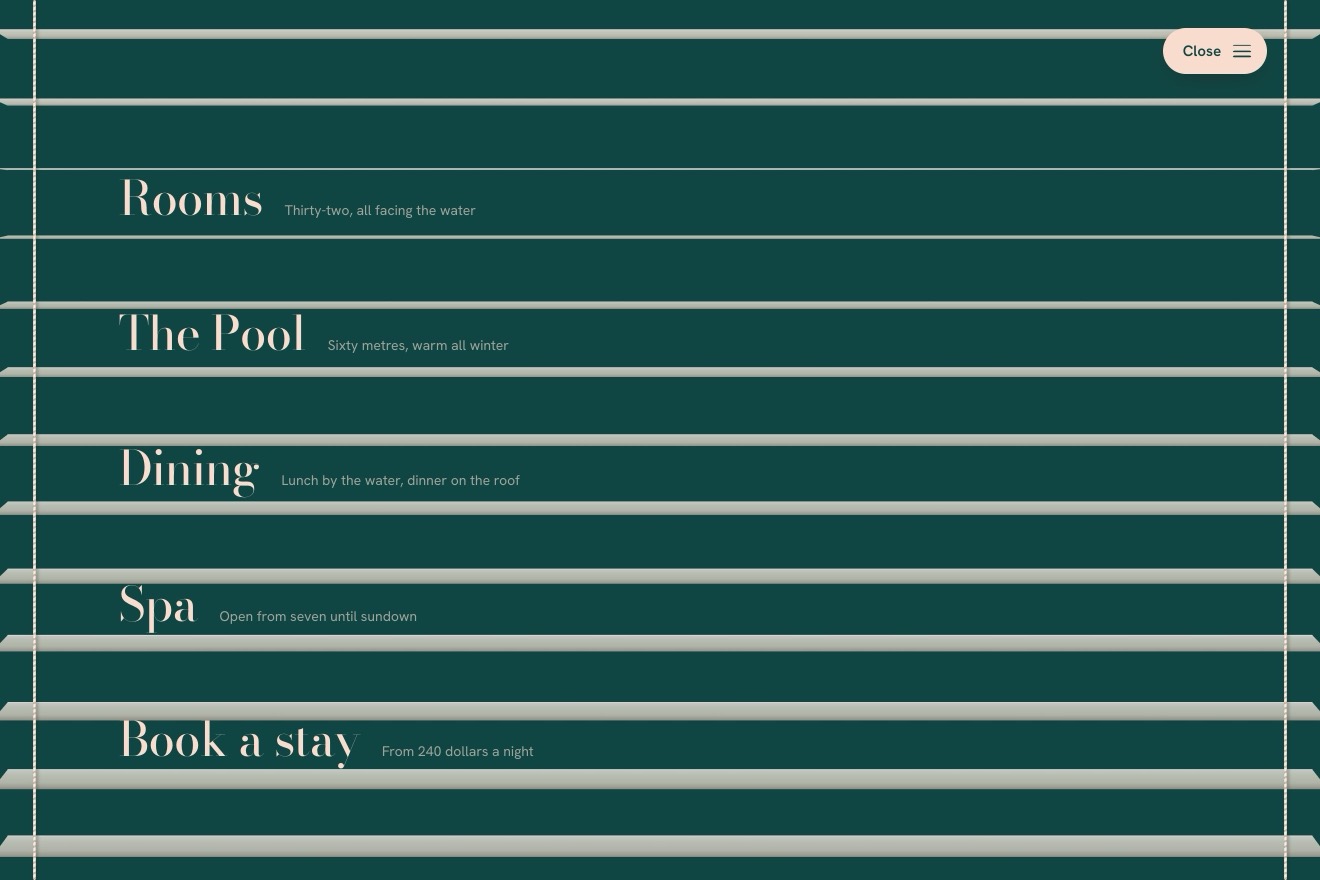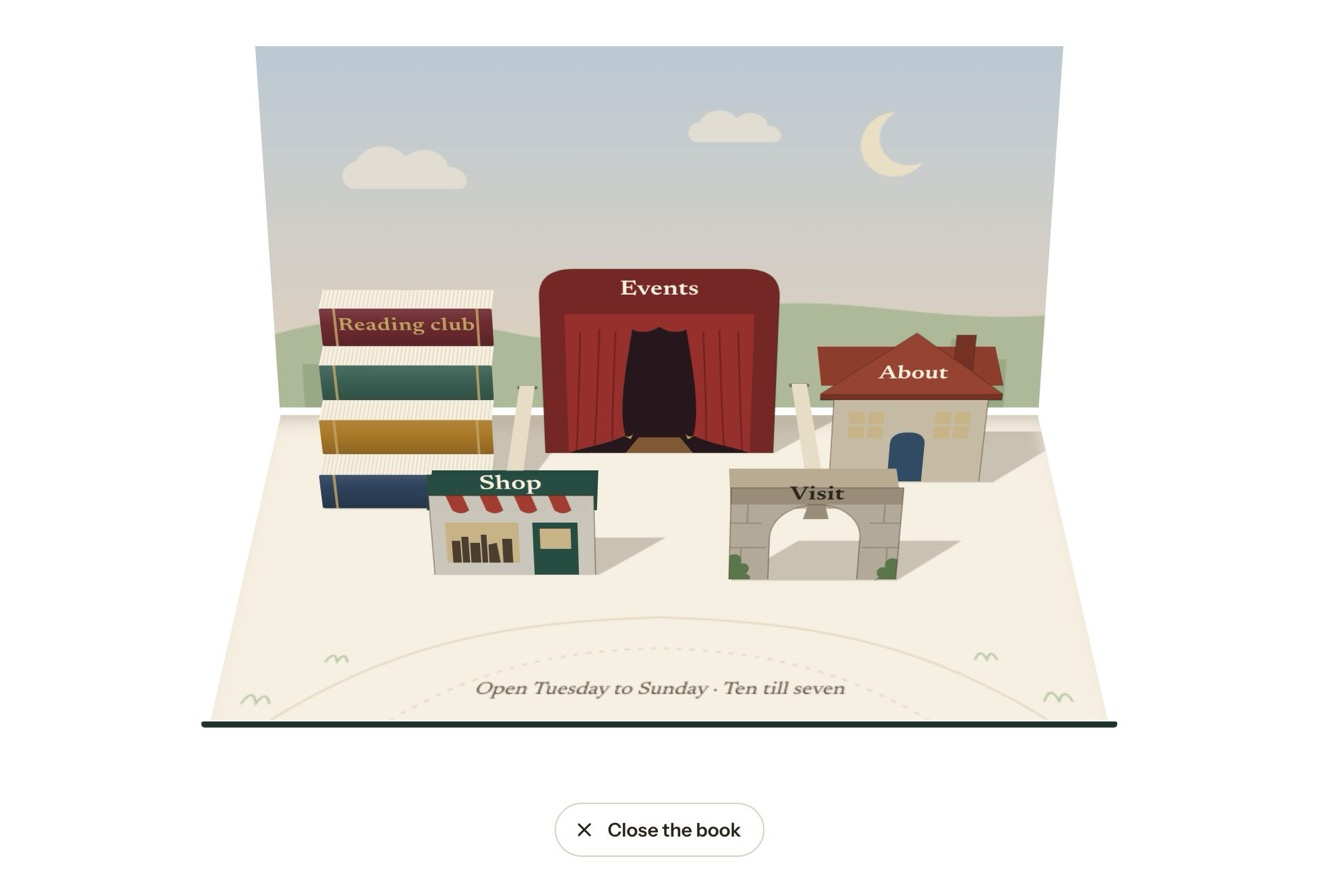
The menu under the page
Menus, 3D, Physics, Transitions
NewFree
The three plans of a plant care app, each one a succulent in its pot: switching to yearly billing the plants grow a year, new leaves coming out of the middle, the old ones spreading out and offsets coming up from the soil, while every price counts digit by digit to the year’s total; the plan chosen sends up a stalk that arches over and opens its flowers from the bottom up, with an elastic pop.
A folder that runs on its own: index.html, style.css, script.js and the libraries from a CDN. The React and Vue tabs hold the same demo as a ready component, which switches its animations off when it leaves the page.
<!doctype html>
<html lang="en">
<head>
  <meta charset="utf-8">
  <meta name="viewport" content="width=device-width, initial-scale=1">
  <title>The potted pricing</title>
  <link rel="stylesheet" href="https://cdn.jsdelivr.net/npm/@fontsource-variable/fraunces@5.3.0/full.css">
  <link rel="stylesheet" href="https://cdn.jsdelivr.net/npm/@fontsource-variable/instrument-sans@5.3.0/index.css">
  <link rel="stylesheet" href="style.css">
</head>
<body>
  <main class="stage">
    <!-- the plans of a plant care app, each one a succulent in its pot, drawn by the script. Paying yearly the
         plants grow a year: new leaves come out of the middle, the old ones spread, little plants come up by the
         rim, while each price counts up to the year's total. The plan chosen sends up a stalk and flowers -->
    <section class="garden" aria-labelledby="garden-title" data-garden data-autoclic>
      <header class="garden__head">
        <h2 class="garden__title" id="garden-title">Plans that grow with you</h2>
        <div class="bill" role="radiogroup" aria-label="Billing" data-bill>
          <span class="bill__thumb" aria-hidden="true" data-thumb></span>
          <button class="bill__opt" type="button" role="radio" aria-checked="true" data-period="month">Monthly</button>
          <button class="bill__opt" type="button" role="radio" aria-checked="false" tabindex="-1" data-period="year">Yearly <span class="bill__free" data-free>3 months free</span></button>
        </div>
      </header>
      <div class="pots" data-pots></div>
      <p class="sr" aria-live="polite" data-live></p>
    </section>
  </main>

  <script src="https://cdn.jsdelivr.net/npm/gsap@3.15.0/dist/gsap.min.js"></script>
  <script src="script.js"></script>
</body>
</html>Change values, colours and text with the controls and watch the animation respond live. Or write in the code yourself. Then download the folder with your changes.
71 values to change
With the Animorio connector, Claude Code takes it from here, guide included, and fits it into your project. Paste this request:
Take “The potted pricing” from Animorio and fit it into my siteEach plant is a number, G: how many leaves it has put out so far. Leaf k comes out at the golden angle from the one before (137.5 degrees, as in a real rosette) and has age G − k; from the age come its length (1 − e^(−age/2.1)), how open it is, how far it has leaned out from the middle towards the rim (12 to 82 degrees from upright) and how pale it still is. Growing a year only means tweening G from 8 to 15: the new leaves come up in the middle and the old ones spread by themselves.
Every leaf is a quadratic Bézier curve in space, its tip lifting up (curl), with an outline saying how wide it is along the way: spoon, lance or star depending on the plant. For eleven points the two edges and a raised keel along the normal are worked out: the two halves of the leaf are filled on their own, each lit from its normal, with a gradient from base to tip ending in pink. We look from above (TILT) and every leaf in the pot, offsets included, is drawn from the furthest to the nearest.
The price is a row of digits, each in its own span inside a slot with overflow hidden. A tween takes the value to the new price with power3.out and at every step only the digits that changed are written again, dropping (or rising) into place: the units run, the tens click over now and then, like a counter. The line under it and / month roll the same way.
The plan chosen takes bl from 0 to 1 in BLOOM seconds: the first half raises the stalk, a curve that rises past its tip and falls to one side; then along its end the buds swell and the flowers open one after another from the bottom, each with elastic.out. The plan left takes bl back to 0 with power2.in, and the flowers close before the stalk goes back in.
Each pot has three damped springs, stepped 1/120 of a second at a time: the push on the leaves (which bends the upright middle ones more), the tip of the stalk and the squash of the whole plant. The pointer passing over the pot pushes with its speed, the end of a growth squashes the plant and makes it bounce. When the springs are still and no tween is running, the canvas is not drawn again.
| Name | File | Default | What it changes |
|---|---|---|---|
PLANS | script.js | [['Sprout', 'Up to 10 plants', 4, […]], …] | The plans: name, what it covers, price a month in euros, what comes with it. |
FREE_MONTHS | script.js | 3 | The months a year given away to those paying yearly. |
PICK | script.js | 1 | The plan chosen when the page opens (0 is the first). |
LOVED | script.js | 1 | The plan with the Most loved label (-1 for none). |
LEAVES | script.js | [[8, 15], [7, 12], [13, 26]] | The leaves of each plant, paying monthly and paying yearly. |
PUPS | script.js | [1, 2, 2] | The little plants each pot grows in a year. |
GROW | script.js | 1.8 | The seconds the plants take to grow a year. |
COUNT | script.js | 1.5 | The seconds a price takes to count to the new one. |
BLOOM | script.js | 1.7 | The seconds the flowers of the plan chosen take to open. |
FLOWERS | script.js | 4 | The flowers on each stalk. |
SWAY | script.js | 1 | How much the leaves move under the pointer: 0 still, 2 a lot. |
TILT | script.js | 30 | How far we look down into the pots, in degrees. |
For the pricing page of an app or a service about nature, a vegetable garden, a plant nursery, looking after something that grows; and anywhere yearly billing should feel like something that grows over time.
The plans sit side by side and slide under the finger one at a time (scroll-snap), with the plan chosen already in the middle; a finger moving over the plant shakes its leaves like the pointer, and tapping it picks the plan.
The plants switch straight to their new shape with a fade, the prices and the lines change at once, the plan chosen already has its flowers open and nothing swings.
GSAP 3.15.0, Fraunces (font variabile) 5.3.0, Instrument Sans (font variabile) 5.3.0.
Compressed with gzip, the three demo files weigh 15 KB; the libraries: GSAP 28 KB.
Tested on 13 October 2026
Use it in your own projects and in your clients’ projects. Do not resell it or redistribute it as is. GSAP stays under its own Standard license. Full license.
With your account’s email and password.
or with your email
You’re signed in as .
With your account, you can download the zip of every animation and every pack, for free.