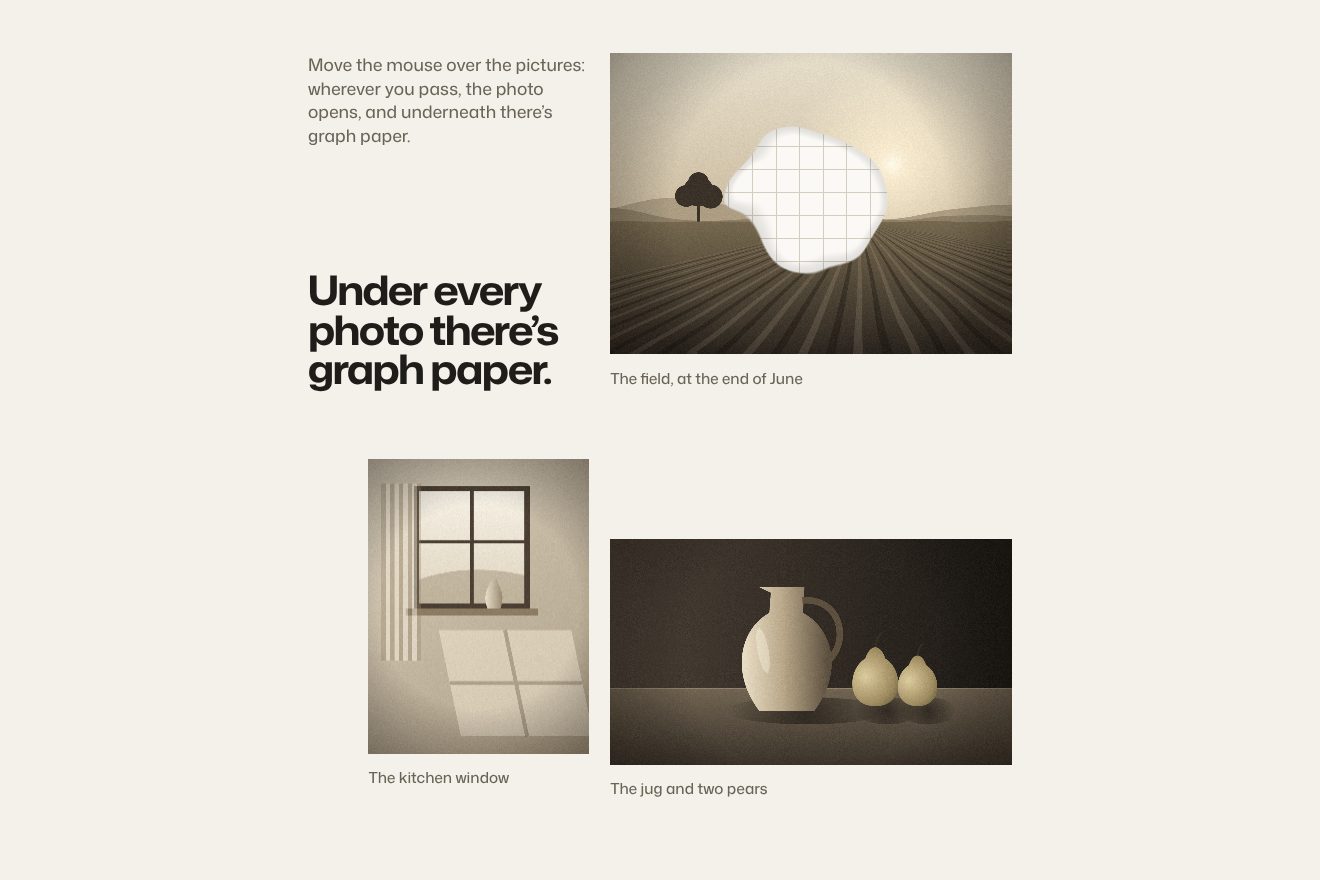
Squared paper under the photo
Hover, WebGL, Images
The product page gallery of Wrenware, a made-up ceramics shop: changing the glaze of the vase, the real photo does not fade, it turns into the new one with a liquid WebGL wave that starts where you touch, its front bending the picture and barely splitting the three colours, with a few ripples behind it that settle; below, the ring on the thumbnails slides to the chosen colour and the name rolls.
A folder that runs on its own: index.html, style.css, script.js and the libraries from a CDN. The React and Vue tabs hold the same demo as a ready component, which switches its animations off when it leaves the page.
<!doctype html>
<!--
  "Liquid wave gallery" from Animorio · https://animorio.com
  License: free on your own sites and your clients’ sites, paid work included.
  Not for resale, redistribution, templates or code collections · https://animorio.com/en/license/
-->
<html lang="en">
<head>
  <meta charset="utf-8">
  <meta name="viewport" content="width=device-width, initial-scale=1">
  <title>The product gallery with a liquid wave between photos</title>
  <link rel="stylesheet" href="https://cdn.jsdelivr.net/npm/@fontsource-variable/mona-sans@5.3.0/standard.css">
  <link rel="stylesheet" href="style.css">
</head>
<body>
  <main class="stage">
    <section class="card" data-card aria-label="Product gallery">
      <div class="photo" data-photo>
        <canvas class="photo__gl" data-gl aria-hidden="true"></canvas>
        <p class="photo__tag"><span data-brand>Wrenware</span> · Glazed ceramics</p>
        <button class="arrow arrow--prev" type="button" data-prev aria-label="Previous colour">
          <svg viewBox="0 0 20 20" aria-hidden="true"><path d="M12 5 7 10l5 5" /></svg>
        </button>
        <button class="arrow arrow--next" type="button" data-next aria-label="Next colour">
          <svg viewBox="0 0 20 20" aria-hidden="true"><path d="M8 5l5 5-5 5" /></svg>
        </button>
      </div>

      <div class="info">
        <div class="info__text">
          <h1 class="info__name" data-name>Bottle vase</h1>
          <p class="info__colour">Colour <span class="roll"><span class="roll__in" data-colour>Ink</span></span></p>
        </div>
        <p class="info__price" data-price>$86</p>
      </div>

      <div class="thumbs" data-thumbs role="tablist" aria-label="Colours">
        <span class="thumbs__ring" data-ring aria-hidden="true"></span>
      </div>
    </section>
  </main>
  <svg class="pointer" viewBox="0 0 24 24" aria-hidden="true" data-pointer><path d="M5 3l14 8.2-6.2 1.4 3.6 6.8-2.6 1.4-3.6-6.8L5 18.6z"></path></svg>

  <script src="https://cdn.jsdelivr.net/npm/gsap@3.15.0/dist/gsap.min.js"></script>
  <script src="script.js"></script>
</body>
</html>Change values, colours and text with the controls and watch the animation respond live. Or write in the code yourself. Then download the folder with your changes.
18 values to change
With the Animorio connector, Claude Code, ChatGPT, Cursor or VS Code take it from here, guide included, and fit it into your project. Paste this request:
Take “Liquid wave gallery” from Animorio and fit it into my siteFour real CC0 photos of bottle vases, each with its own glaze. Each photo is drawn into a canvas the size of the frame: whole, as tall as the frame, centred; on the sides its edge strips, the studio grey, stretched and blurred, and the photo’s sides faded over them with a mask, so the backdrop carries on with no seam. Each canvas becomes a texture; the thumbnails are the same photos.
The old and the new photo live in a single WebGL quad. For each point the shader measures the distance from the tapped point, corrected for the photo’s aspect, and compares it with the front, which runs from zero to the distance of the furthest corner; the front is not a perfect circle, a noise on the angle and one on the position make it wobble. Inside the front the new photo is read, outside the old one.
On the front, a Gaussian band pushes the sampled point along the wave’s direction (WAVE): the photo bends as if under water. The new photo is read three times, once per channel, slightly ahead and slightly behind (PRISM), and that is where the thin rainbow comes from; inside, sine ripples (RIPPLES) remain and fade as the wave ends.
The ring is a single element moving over the chosen thumbnail with back.out; the colour name sits in a one-line mask: it leaves upwards and the new one comes in from below with a small bounce. A tap during a wave ends it and starts another one from the photo that was opening.
A drawn pointer taps the photo, the arrow and a thumbnail with a repeating timeline; a real touch stops it and it restarts after eight quiet seconds. The WebGL canvas stays under half a million pixels, and on every resize the four photos are redrawn at the new size.
| Name | File | Default | What it changes |
|---|---|---|---|
BRAND | script.js | 'Wrenware' | The name of the made-up shop, written on the photo. |
DURATION | script.js | 1.15 | The seconds of the liquid wave from one photo to the next. |
WAVE | script.js | 0.045 | How much the wave shifts the photo on its front. |
PRISM | script.js | 0.35 | The chromatic aberration on the front: the three colours splitting. |
RIPPLES | script.js | 0.006 | The ripples left behind the wave that settle. |
HOLD | script.js | 1.6 | The seconds the autopilot stays on a colour. |
For the product page of a shop selling objects in several colours or finishes (ceramics, bags, shoes, furniture): changing colour becomes a small gesture people remember, without slowing down whoever is choosing.
The same wave under a finger, swipes on the photo included; the card is sized on width and height, the photo never goes over 54% of the height and the thumbnails shrink with the screen.
No wave and no ripples: the new photo fades in over half a second, the ring moves without a spring and the name changes without rolling.
GSAP 3.15.0, Mona Sans (font variabile) 5.3.0.
Compressed with gzip, the three demo files weigh 7.5 KB; the libraries: GSAP 28 KB.
Tested on 8 November 2026
Use it in your own projects and in your clients’ projects. Do not resell it or redistribute it as is. GSAP stays under its own Standard license. Full license.
Support Animorio
Animorio stays free thanks to the people who support it. If you like, buy us a coffee: it helps us make the next animations.
You asked for
We made it for you: it’s in the library, with the preview, the Playground and the code to copy.
An animation you can’t find, or a site to take apart in the journal: tell us which. We pick the next ones from here.
With your account’s email and password.
or with your email
You’re signed in as .
With your account, you can download the zip of every animation and every pack, for free.