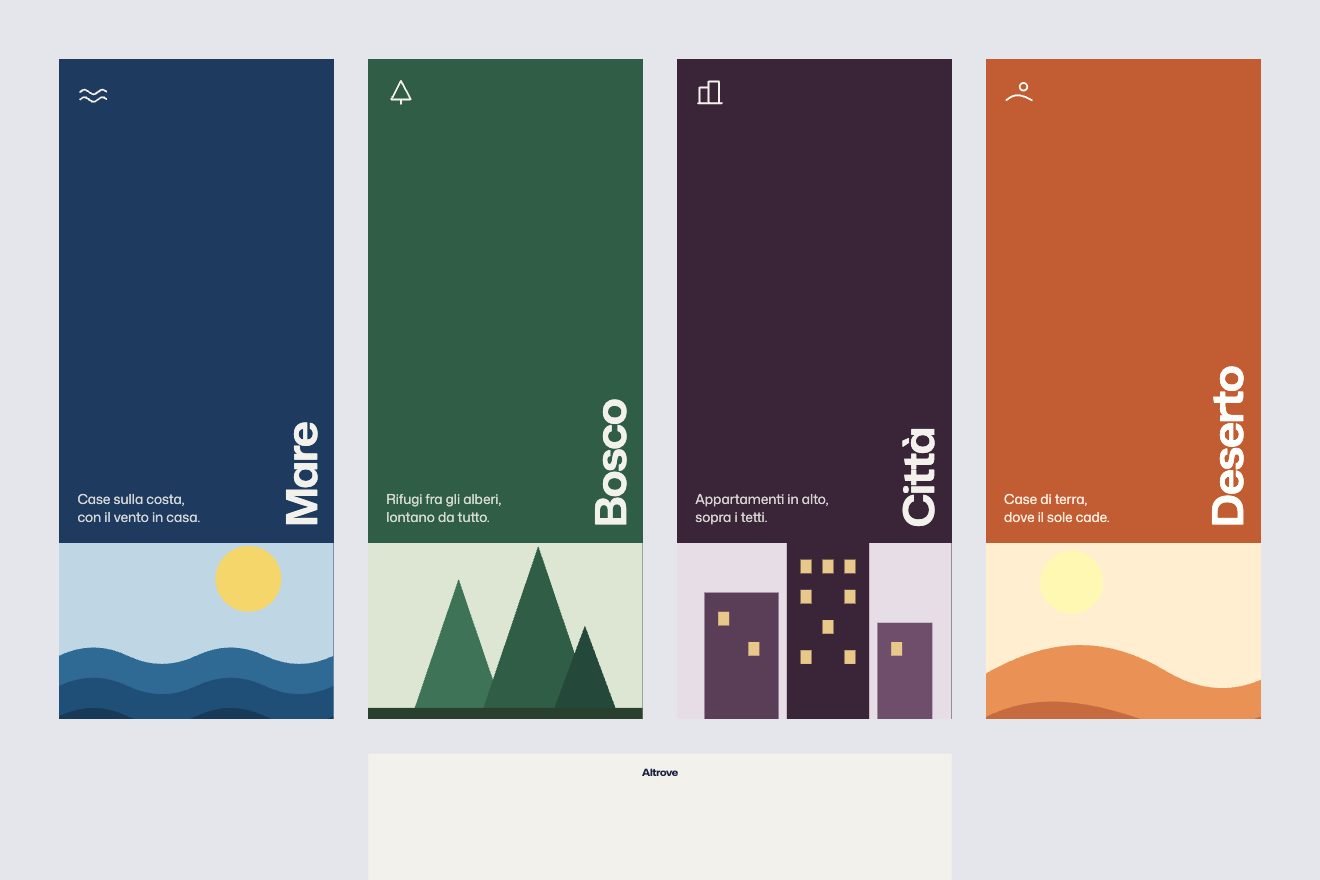
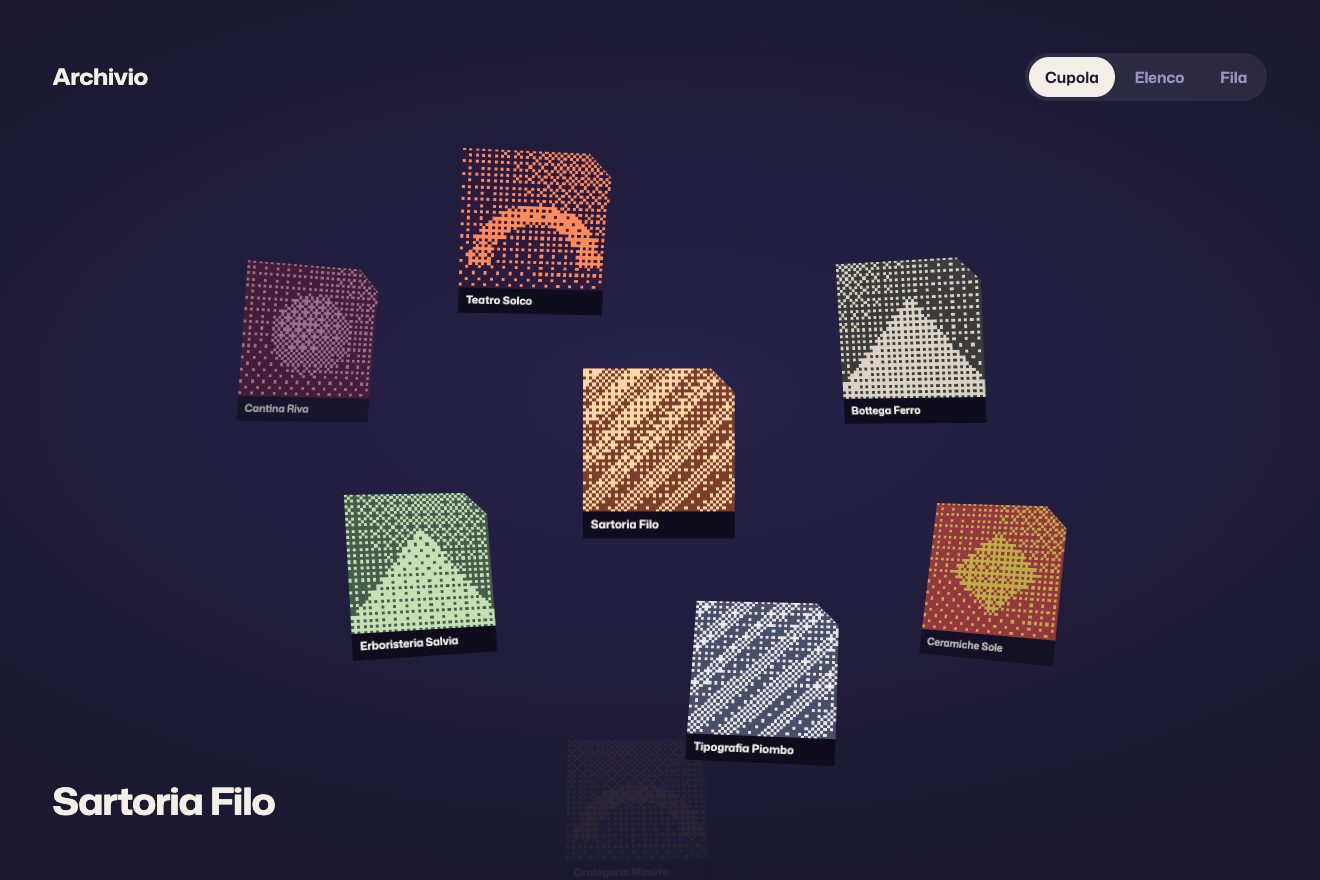
Title rising from a line
Transitions, Text, Images
The rooms gallery of Marenna, a made-up resort by the sea, in the premium style of the interface pieces: a large photo with four real rooms (CC0) and over it the glass card of the room, which never moves. When the room changes a line of warm light crosses the photo like the gap of a door opening and the new room comes in behind it, while on the card only the words and the numbers change: the name letter by letter, the bed, the square metres, the guests and the price per night rolling like an odometer. Below, the thumbnails with a sliding ring and a thin timer; left alone the gallery walks through the rooms, at a touch it waits.
A folder that runs on its own: index.html, style.css, script.js and the libraries from a CDN. The React and Vue tabs hold the same demo as a ready component, which switches its animations off when it leaves the page.
<!doctype html>
<!--
  "Resort room gallery" from Animorio · https://animorio.com
  License: free on your own sites and your clients’ sites, paid work included.
  Not for resale, redistribution, templates or code collections · https://animorio.com/en/license/
-->
<html lang="en">
<head>
  <meta charset="utf-8">
  <meta name="viewport" content="width=device-width, initial-scale=1">
  <title>Marenna, the rooms</title>
  <link rel="stylesheet" href="https://cdn.jsdelivr.net/npm/@fontsource-variable/mona-sans@5.3.0/wdth.css">
  <link rel="stylesheet" href="https://cdn.jsdelivr.net/npm/@fontsource-variable/fraunces@5.3.0/opsz.css">
  <link rel="stylesheet" href="style.css">
</head>
<body>
  <main class="stage">
    <!-- the rooms gallery of Marenna, a made-up resort on the coast. The photo of the room changes like a door opening:
         a thin line of warm light sweeps across the frame and the new room comes in behind it, while the glass card of
         the room stays where it is and only its words and numbers change: the name, the bed, the square metres and the
         price per night roll to the new room -->
    <section class="gal" data-gal aria-roledescription="carousel" aria-label="Rooms at Marenna">
      <div class="frame" data-frame>
        <span class="frame__shadow" aria-hidden="true"></span>
        <div class="frame__photos" data-photos>
          <figure class="ph"><div class="ph__drift"><img src="giardino.webp" alt="Garden Room: a wide bed with white linen, a leather bench and the balcony door" width="960" height="641"></div></figure>
          <figure class="ph"><div class="ph__drift"><img src="studio.webp" alt="Studio Suite: the bed behind an oak partition, a desk and a round table" width="960" height="641"></div></figure>
          <figure class="ph"><div class="ph__drift"><img src="alcova.webp" alt="Alcove Room: the bed in a lit oak alcove under sheer curtains" width="960" height="640"></div></figure>
          <figure class="ph"><div class="ph__drift"><img src="mare.webp" alt="Sea Terrace: a grey bed, a writing desk and the balcony open on the sea" width="1000" height="668"></div></figure>
        </div>
        <span class="door" data-door aria-hidden="true"><i class="door__spill" data-spill></i><i class="door__line"></i></span>
        <i class="frame__grain" aria-hidden="true"></i>
        <i class="frame__edge" aria-hidden="true"></i>

        <div class="frame__top">
          <p class="tag">
            <svg class="tag__mark" viewBox="0 0 24 24" aria-hidden="true"><path d="M3 15.5c2.2-1.6 4.1-1.6 6 0s3.8 1.6 6 0 4.1-1.6 6 0"></path><path d="M6.5 11a5.5 5.5 0 0 1 11 0"></path></svg>
            Marenna
          </p>
          <div class="arrows">
            <button class="arrow" type="button" data-prev aria-label="Previous room"><span class="arrow__face"><svg viewBox="0 0 16 16" aria-hidden="true"><path d="M9.8 3.8 5.6 8l4.2 4.2"></path></svg></span></button>
            <button class="arrow" type="button" data-next aria-label="Next room"><span class="arrow__face"><svg viewBox="0 0 16 16" aria-hidden="true"><path d="M6.2 3.8 10.4 8l-4.2 4.2"></path></svg></span></button>
          </div>
        </div>

        <article class="room" data-card aria-live="polite">
          <span class="room__sheen" data-sheen aria-hidden="true"></span>
          <span class="room__glow" aria-hidden="true"></span>
          <p class="room__eyebrow">Marenna Resort <span class="room__where">on the coast</span></p>
          <h2 class="room__name" data-name></h2>
          <ul class="room__specs">
            <li>
              <svg viewBox="0 0 16 16" aria-hidden="true"><path d="M1.8 12.6V4.2M1.8 9.4h12.4v3.2M14.2 9.4V8a1.8 1.8 0 0 0-1.8-1.8H7.2v3.2"></path><path d="M3.4 7.6a1.3 1.3 0 1 0 2.6 0 1.3 1.3 0 1 0-2.6 0"></path></svg>
              <span class="swap" data-bed></span>
            </li>
            <li>
              <svg viewBox="0 0 16 16" aria-hidden="true"><rect x="2.2" y="2.2" width="11.6" height="11.6" rx="1.6"></rect><path d="M2.2 8h5.2V2.2M7.4 11v2.8"></path></svg>
              <span class="num" data-area></span><span class="unit">m²</span>
            </li>
            <li>
              <svg viewBox="0 0 16 16" aria-hidden="true"><circle cx="6" cy="5.4" r="2.3"></circle><path d="M1.9 13.4c.4-2.3 2-3.6 4.1-3.6s3.7 1.3 4.1 3.6"></path><path d="M10.6 3.3a2.3 2.3 0 0 1 0 4.3M12.2 10.2c1.1.6 1.7 1.7 1.9 3.2"></path></svg>
              <span class="num" data-guests></span><span class="unit">guests</span>
            </li>
          </ul>
          <span class="room__rule" aria-hidden="true"></span>
          <div class="room__foot">
            <p class="room__price"><span class="room__cur">€</span><span class="num num--big" data-price></span><span class="room__per">/ night</span></p>
            <button class="room__btn" type="button"><span class="room__btn-face">Check dates</span></button>
          </div>
        </article>
      </div>

      <div class="thumbs" role="tablist" aria-label="Choose a room" data-thumbs>
        <span class="thumbs__ring" data-ring aria-hidden="true"></span>
        <button class="thumb" type="button" role="tab" data-thumb><img src="giardino.webp" alt="" width="960" height="641"><i class="thumb__time"></i><span class="sr">Garden Room</span></button>
        <button class="thumb" type="button" role="tab" data-thumb><img src="studio.webp" alt="" width="960" height="641"><i class="thumb__time"></i><span class="sr">Studio Suite</span></button>
        <button class="thumb" type="button" role="tab" data-thumb><img src="alcova.webp" alt="" width="960" height="640"><i class="thumb__time"></i><span class="sr">Alcove Room</span></button>
        <button class="thumb" type="button" role="tab" data-thumb><img src="mare.webp" alt="" width="1000" height="668"><i class="thumb__time"></i><span class="sr">Sea Terrace</span></button>
      </div>
    </section>
  </main>
  <script src="https://cdn.jsdelivr.net/npm/gsap@3.15.0/dist/gsap.min.js"></script>
  <script src="script.js"></script>
</body>
</html>Change values, colours and text with the controls and watch the animation respond live. Or write in the code yourself. Then download the folder with your changes.
26 values to change
With the Animorio connector, Claude Code, ChatGPT, Cursor or VS Code take it from here, guide included, and fit it into your project. Paste this request:
Take “Resort room gallery” from Animorio and fit it into my siteInside the frame the four photos lie on top of each other, each in a figure with an object-fit cover img, and only the current room is visible. The card is an absolutely placed article over the photos, its glass made from a semi-transparent background, backdrop-filter blur and saturate, a light 1px edge and three shadows: it is never part of the photo change, so it stays still.
On a change the new room goes over the old one with a clip-path inset fully closed from one side. A single number goes from 0 to 1 in DOOR seconds with expo.inOut and on every update opens the clip-path and moves the line of light along the same edge, in pixels measured on the frame (recalculated on resize). The light is a thin element with two warm shadows; ahead of it a glow in screen mode, flipped with scaleX(-1) for the direction, fades in and out on a sine.
While the light passes, the old photo slides by 4% and falls to brightness(DARKEN); the new one starts from ZOOM and a small offset and settles with expo.out. Each photo also has its own wrapper that slowly grows to 1.035 at rest, so the slow zoom and the change zoom never cancel each other.
Each digit is a window one line tall holding a strip from 0 to 9: it moves by -digit × 10 yPercent on the ROLL curve, digit after digit, and while it runs it takes a blur that grows with the steps. The name is split into letters: the old ones leave upwards with a small stagger and the new ones come in from below with back.out; the bed changes as one word and its box grows to the width of the new word, measured once the fonts have arrived.
A gsap.delayedCall of PAUSE seconds moves to the next room, and in the thumbnail a thin white line grows for the same time. Arrows, thumbnails, arrow keys and a 40-pixel drag on the photo change room both ways and stop the walk, which starts again after seven seconds without touches (LOOP = false turns it off). Every button sinks on press and comes back with back.out.
| Name | File | Default | What it changes |
|---|---|---|---|
DOOR | script.js | 1.15 | How many seconds the light takes to cross the photo. |
PAUSE | script.js | 3.2 | Left alone: how many seconds it stays on each room. |
ZOOM | script.js | 1.08 | How zoomed in the new room is when the door starts to open (1 for none). |
DARKEN | script.js | 0.6 | How dark the old room gets as the light passes over it (1 for not at all). |
ROLL | script.js | 'back.out(1.6)' | The curve of the numbers rolling on the card. |
GRAIN | script.js | 0.09 | How much film grain lies on the photos. |
LOOP | script.js | true | Left alone, the gallery walks through the rooms; it waits while someone uses it. |
--accent | style.css | #e0893f | The warm colour of the light, the ring and the glow. |
--page | style.css | #f2eee8 | The warm white around the gallery. |
For the rooms page of a hotel, a resort, a farm stay or a holiday home, and for the page of a flat to rent: when the photos have to change but the facts you choose by (bed, size, guests, price) must stay in the same place, so the eye compares without looking for them. Rooms and prices are in ROOMS at the top of the script, the photos in the four img tags of the HTML.
The same animations at adapted sizes: the photo is 62% of the screen height (never less than 220 pixels), the card takes almost the whole width and drops “on the coast”, the arrows and the thumbnails get smaller. You can also change room by dragging the photo with a finger.
No movement: the rooms cross-fade, the words and numbers on the card change with a fade, the ring jumps to the new thumbnail and there is no timer line.
GSAP 3.15.0, Mona Sans (font variabile) 5.3.0, Fraunces (font variabile) 5.3.0.
Compressed with gzip, the three demo files weigh 10 KB; the libraries: GSAP 28 KB.
Tested on 16 November 2026
Use it in your own projects and in your clients’ projects. Do not resell it or redistribute it as is. GSAP stays under its own Standard license. Full license.
Support Animorio
Animorio stays free thanks to the people who support it. If you like, buy us a coffee: it helps us make the next animations.
You asked for
We made it for you: it’s in the library, with the preview, the Playground and the code to copy.
An animation you can’t find, or a site to take apart in the journal: tell us which. We pick the next ones from here.
With your account’s email and password.
or with your email
You’re signed in as .
With your account, you can download the zip of every animation and every pack, for free.