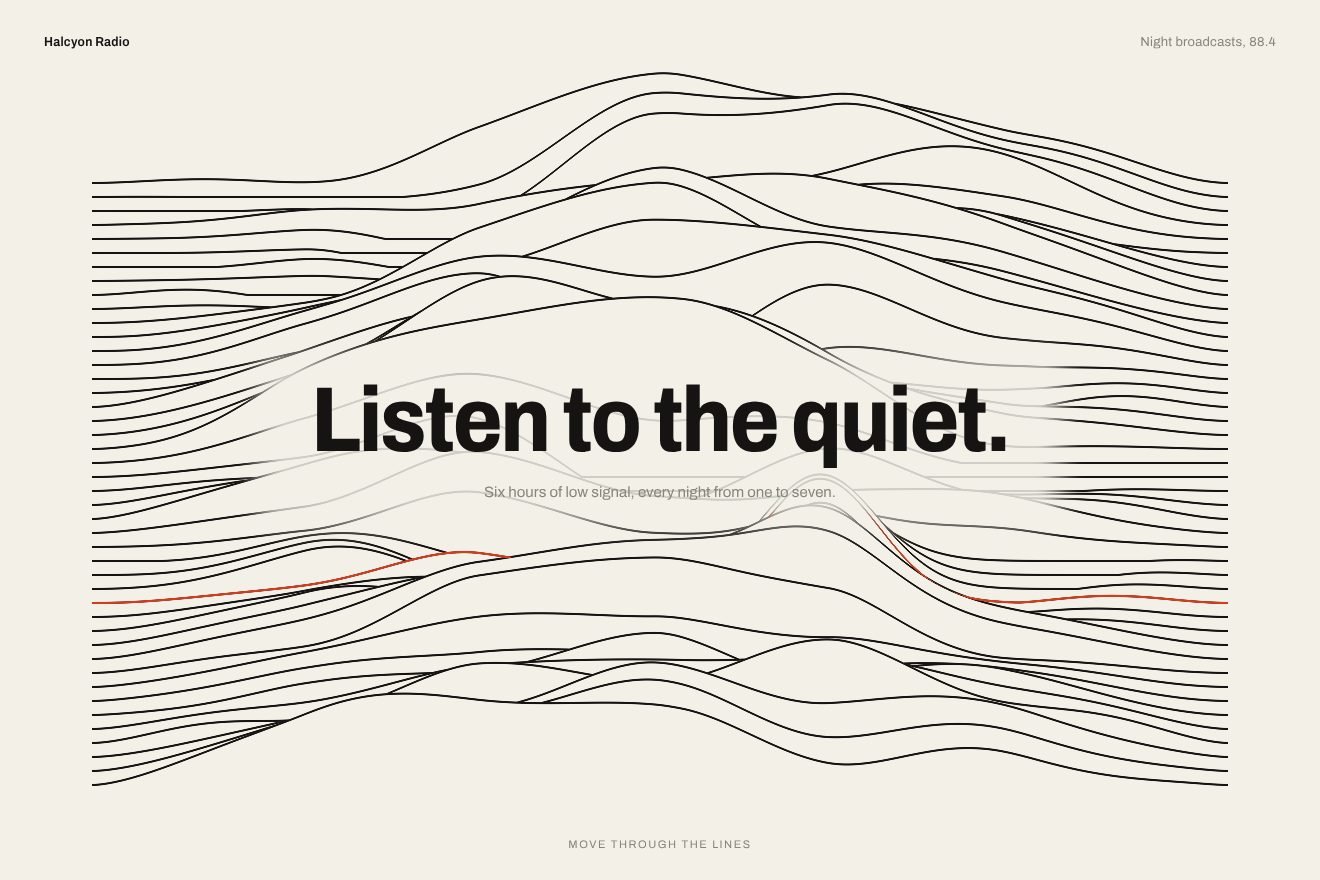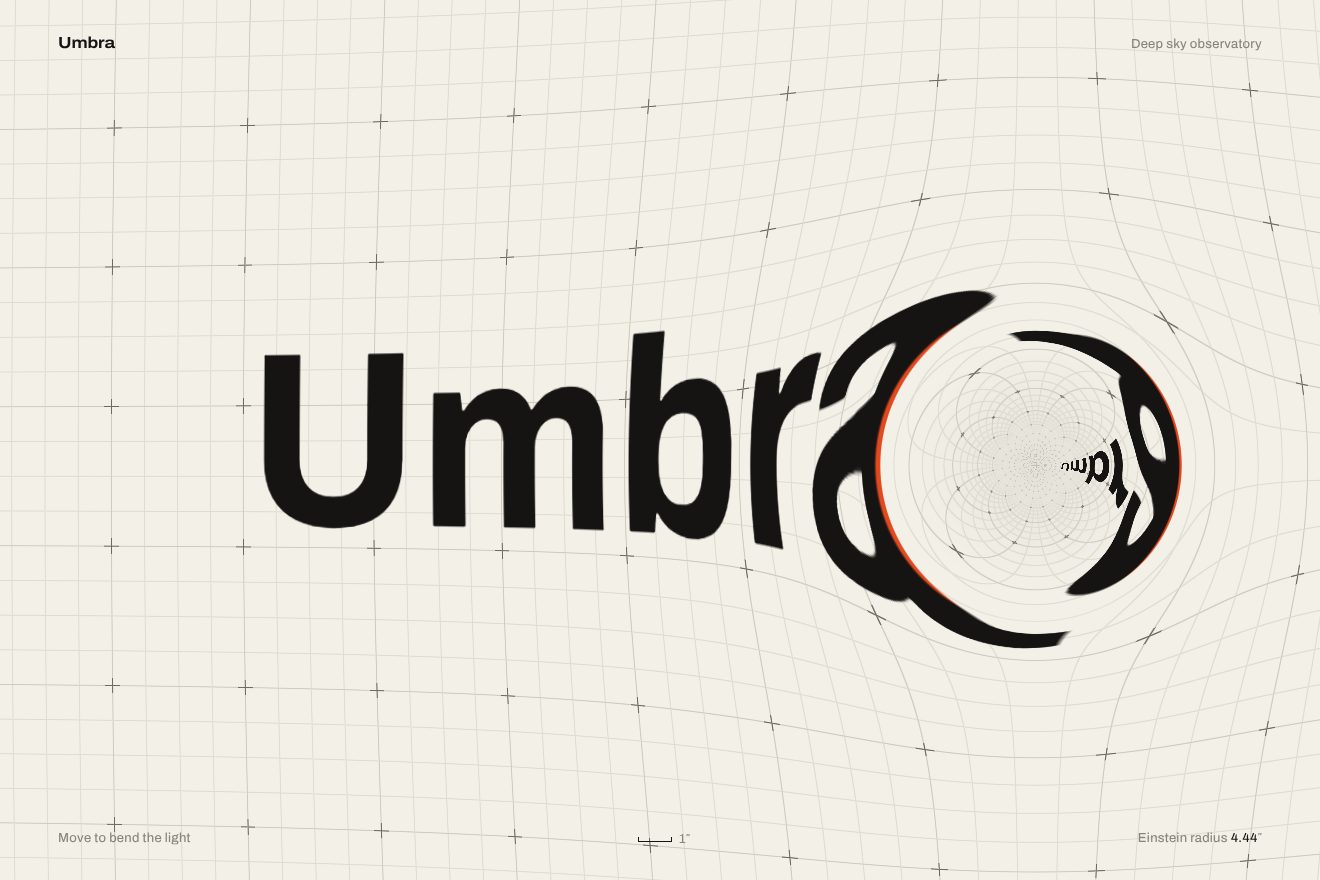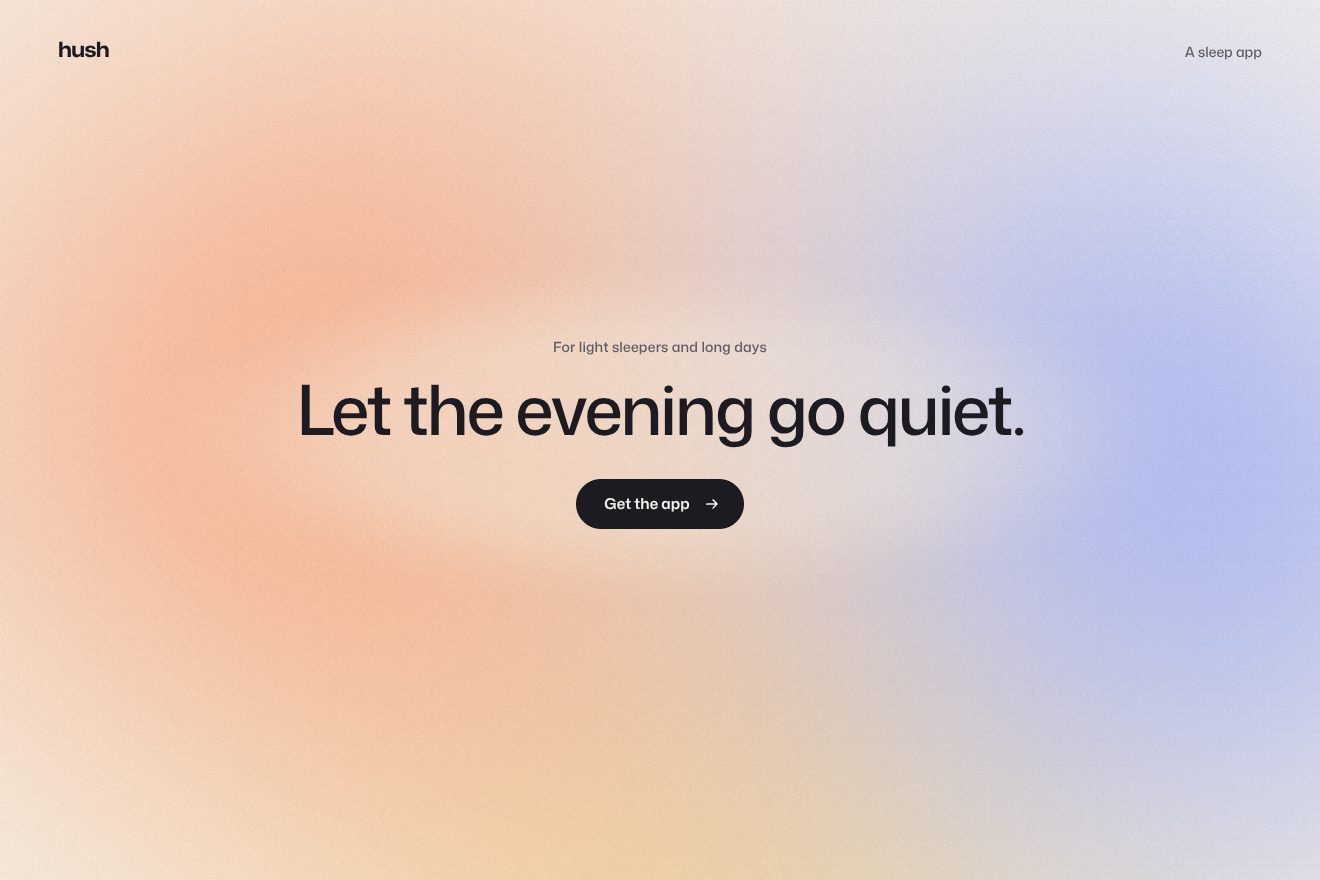
The coloured fog background
Backgrounds, WebGL
The animated background of the opening of Marivelle, an invented small seaside hotel: the bay seen from the terrace in the late afternoon, a low sun over a warm haze laying a path of glitter on the water, thousands of small glints born and dying on the ripples. The sun leans slowly towards the pointer and its path follows, a tap drops a ring on the water; headline, line and Book a stay catch the light of the path under them. One hand-written WebGL shader, with a true sea in perspective.
A folder that runs on its own: index.html, style.css, script.js and the libraries from a CDN. The React and Vue tabs hold the same demo as a ready component, which switches its animations off when it leaves the page.
<!doctype html>
<!--
"Sea glitter background" from Animorio · https://animorio.com
License: free on your own sites and your clients’ sites, paid work included.
Not for resale, redistribution, templates or code collections · https://animorio.com/en/license/
-->
<html lang="en">
<head>
<meta charset="utf-8">
<meta name="viewport" content="width=device-width, initial-scale=1">
<title>The sun glitter on the sea background behind the resort headline</title>
<link rel="stylesheet" href="https://cdn.jsdelivr.net/npm/@fontsource-variable/mona-sans@5.3.0/wdth.css">
<link rel="stylesheet" href="https://cdn.jsdelivr.net/npm/@fontsource-variable/fraunces@5.3.0/full.css">
<link rel="stylesheet" href="style.css">
</head>
<body>
<!-- the opening of an invented seaside resort, Marivelle: the page is the bay seen from the terrace in the late
afternoon. A low sun over a warm haze lays a path of glitter on the slow swell: thousands of small glints that
come and go on the ripples, thinner and finer towards the horizon. The sun leans slowly towards the pointer,
and its path follows; a tap drops a ring on the water. The headline, the line and Book a stay catch the glitter
of the path under them. -->
<main class="stage" data-stage>
<canvas class="sea" data-sea aria-hidden="true"></canvas>
<span class="veil" aria-hidden="true"></span>
<span class="grain" aria-hidden="true"></span>
<header class="top" data-in>
<span class="brand">
<svg class="brand__mark" viewBox="0 0 22 22" aria-hidden="true"><path class="brand__sun" d="M5.2 13a5.8 5.8 0 0 1 11.6 0z"></path><path class="brand__sea" d="M2.5 15.6h17M5.5 18.4h11"></path></svg>
<span>Marivelle</span>
</span>
<nav class="top__nav" aria-label="Main">
<span>Rooms</span>
<span>Terrace</span>
<span>Spa</span>
</nav>
<span class="top__link">Reserve</span>
</header>
<section class="hero" aria-labelledby="hero-title">
<p class="pill" data-in data-lit>
<span class="pill__tag">Reopens 2 May</span>
<span class="pill__text">Twelve rooms on the bay</span>
</p>
<h1 class="title" id="hero-title" data-in data-lit>Where the sun<br>goes slow.</h1>
<p class="line" data-in data-lit>A small hotel above a quiet bay, breakfast on the terrace until noon and a swim before every meal.</p>
<div class="actions" data-in>
<button class="book" type="button" data-book data-lit>
<span class="book__face">
<span class="book__rim" aria-hidden="true"></span>
<span class="book__sheen" aria-hidden="true"></span>
<span class="book__label">Book a stay</span>
<svg class="book__arrow" viewBox="0 0 16 16" aria-hidden="true"><path d="M3.4 8h9M8.6 4.2 12.4 8l-3.8 3.8"></path></svg>
</span>
</button>
<span class="price">From <b>€240</b> a night</span>
</div>
</section>
<footer class="foot" data-in>
<span class="foot__item">
<svg viewBox="0 0 16 16" aria-hidden="true"><path d="M1.5 7.2c1.6-1.4 3.2-1.4 4.8 0s3.2 1.4 4.8 0 3.2-1.4 3.4-.2M1.5 10.8c1.6-1.4 3.2-1.4 4.8 0s3.2 1.4 4.8 0 3.2-1.4 3.4-.2"></path></svg>
<span>Sea <b data-water>21.4</b> °C</span>
</span>
<span class="foot__item">
<svg viewBox="0 0 16 16" aria-hidden="true"><path d="M3 11.5a5 5 0 0 1 10 0M1.5 13.5h13M8 2.5v2.2M3.4 4.6l1.4 1.4M12.6 4.6l-1.4 1.4"></path></svg>
<span>Sunset <b>20:41</b></span>
</span>
</footer>
<svg class="ghost" data-ghost viewBox="0 0 20 20" aria-hidden="true"><path d="M4 2.5v13.2l3.5-3.3 2.4 5.3 2.3-1-2.4-5.2 4.8-.2z"></path></svg>
</main>
<script src="https://cdn.jsdelivr.net/npm/gsap@3.15.0/dist/gsap.min.js"></script>
<script src="script.js"></script>
</body>
</html>Change values, colours and text with the controls and watch the animation respond live. Or write in the code yourself. Then download the folder with your changes.
35 values to change
With the Animorio connector, Claude Code, ChatGPT, Cursor or VS Code take it from here, guide included, and fit it into your project. Paste this request:
Take “Sea glitter background” from Animorio and fit it into my siteA WebGL canvas behind the opening, one triangle covering the screen, at reduced resolution (QUALITY times the density, capped at 1.5). Below the horizon every pixel is a ray going down from the eye and hitting a plane one unit lower: the distance is 1 divided by how far the pixel is below the horizon. So the waves tighten by themselves towards the horizon, as in a photo.
The slope of the water is the sum of nine waves in nearby directions, each shorter and lower than the one before, travelling at the speed of real waves (the square root of their frequency). Each wave fades where a pixel covers more than its length, so the far sea never flickers. On top there is a fine ripple made of two noises drifting against each other: that is what makes the glints come and go.
The slope gives the normal, the view is reflected on it and reads the sky: golden haze below, teal above, the sun’s halo. Fresnel decides how much sky shows: little up close, almost all of it towards the horizon. Where the reflection points straight at the sun a very high exponent gives a very bright glint; a soft curve on the output makes it bloom into white instead of clipping.
The sun sits on a slightly under-damped spring that brings it towards the pointer (FOLLOW) and lifts it a little when the pointer is high; on its own it sways slowly along the horizon. A tap drops a ring, up to four at once: a crest running across the plane of the sea, so in perspective, fading as it spreads.
The path runs straight down under the sun, so the sun’s x in pixels is enough: every frame it becomes a CSS variable for each element that catches light, plus the intensity, which beats with three slow sines that rarely line up. Headline and line are text clipped over two backgrounds, a pale gradient and a golden glow at that point; the rims of the pill and the button are a gradient in a one-pixel mask.
| Name | File | Default | What it changes |
|---|---|---|---|
SWELL | script.js | 1 | How rough the sea is: higher, a wider path and more glints up close. |
DRIFT | script.js | 1 | How fast the waves travel (0 stops them). |
GLITTER | script.js | 1 | How bright the glints of the path are. |
SUN_HEIGHT | script.js | 0.07 | How high the sun is over the horizon: lower, a longer and warmer path. |
FOLLOW | script.js | 0.7 | How far the sun leans towards the pointer (0 never). |
HORIZON | script.js | 0.79 | Where the horizon is, from the bottom: 0.79 is a fifth below the top edge. |
QUALITY | script.js | 0.6 | Canvas resolution compared with the screen: lower is lighter. |
AUTO_PILOT | script.js | 4 | After how many seconds without a pointer the drawn one moves (0 never). |
For the opening of a seaside hotel, a resort, a holiday home, a beach club or a cruise: the sea lives behind the headline, answers the pointer gently and keeps the words readable, in the warm light at the end of the day.
Same animations: the sea is sized on the height of the page, the finger moves the sun like the pointer and a tap drops a ring; the menu folds away, the price goes under the button, and headline and lines are sized with min(vw, vh), inside the box.
With reduced motion the sea is one still frame, the sun a little to the left and its path full of glints under the headline, which catches the light; the words only fade in and Book a stay lights its rim without moving.
GSAP 3.15.0, Mona Sans (font variabile) 5.3.0, Fraunces (font variabile) 5.3.0.
Compressed with gzip, the three demo files weigh 12 KB; the libraries: GSAP 28 KB.
Tested on 16 November 2026
Use it in your own projects and in your clients’ projects. Do not resell it or redistribute it as is. GSAP stays under its own Standard license. Full license.
Support Animorio
Animorio stays free thanks to the people who support it. If you like, buy us a coffee: it helps us make the next animations.
You asked for
We made it for you: it’s in the library, with the preview, the Playground and the code to copy.
An animation you can’t find, or a site to take apart in the journal: tell us which. We pick the next ones from here.
With your account’s email and password.
or with your email
You’re signed in as .
With your account, you can download the zip of every animation and every pack, for free.