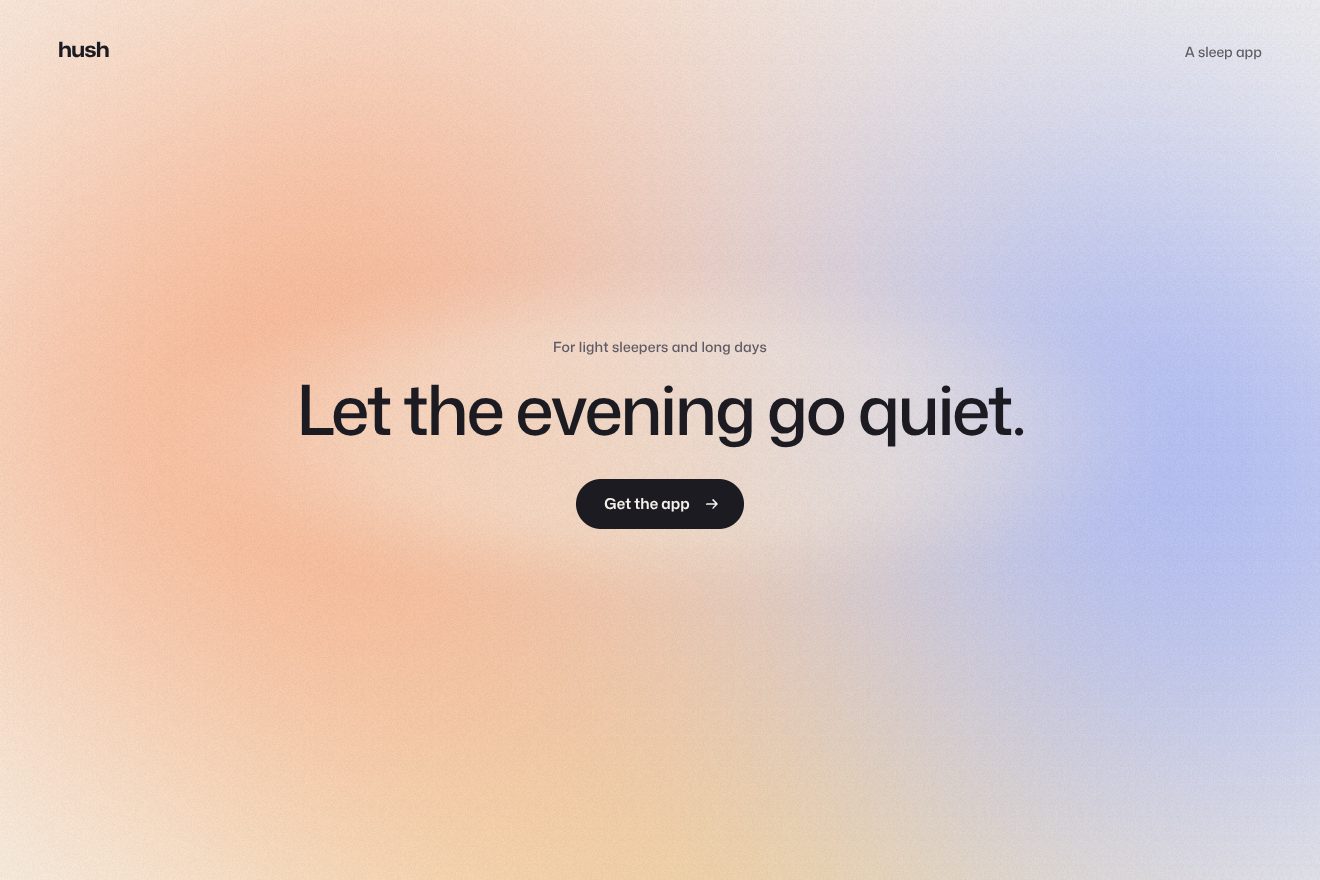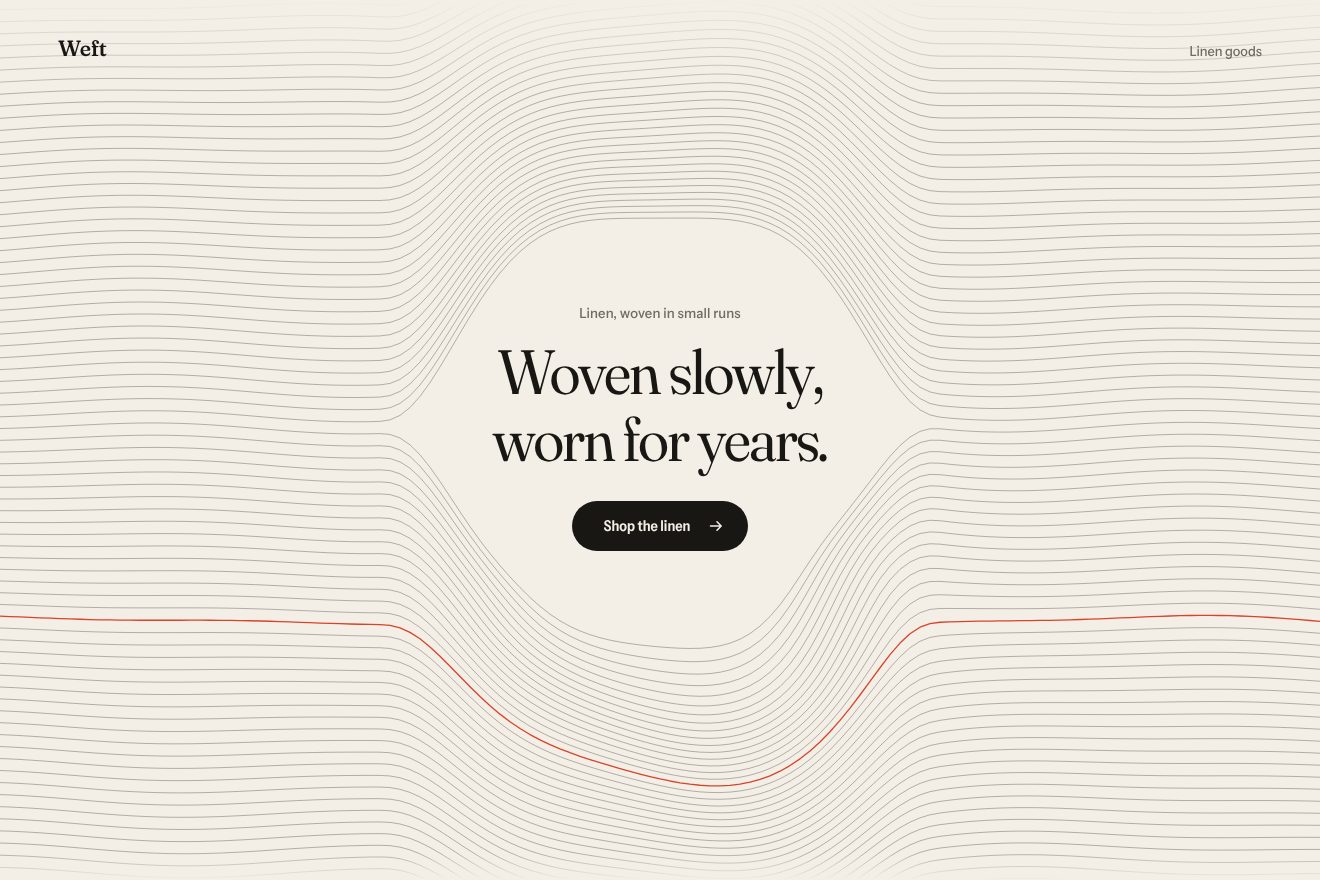
The woven thread background
Backgrounds, Hover
NewFree
An animated background to put behind a heading or a section: northern lights drawn only with thin vertical rules, all in the same mint green, on an almost black night. Two curtains sway and fold slowly, brightest at their lower edge and in the folds, and the sky lights up a little where the pointer goes. Minimal style.
A folder that runs on its own: index.html, style.css, script.js and the libraries from a CDN. The React and Vue tabs hold the same demo as a ready component, which switches its animations off when it leaves the page.
<!doctype html>
<html lang="en">
<head>
  <meta charset="utf-8">
  <meta name="viewport" content="width=device-width, initial-scale=1">
  <title>Kaamos</title>
  <link rel="stylesheet" href="https://cdn.jsdelivr.net/npm/@fontsource-variable/saira@5.3.0/wdth.css">
  <link rel="stylesheet" href="style.css">
</head>
<body>
  <!-- the background: northern lights drawn only with thin vertical rules on a canvas behind the page; two curtains
       ripple and fold slowly, brightest at their lower edge, and the sky leans towards the pointer -->
  <main class="pagina" data-pagina>
    <canvas class="fondo" aria-hidden="true" data-fondo></canvas>

    <header class="testa">
      <p class="marchio">Kaamos</p>
      <p class="testa__nota">Glass cabins, Lapland</p>
    </header>

    <section class="eroe">
      <div class="blocco" data-blocco>
        <p class="occhiello" data-entra>Nine cabins under the northern lights</p>
        <h1 class="titolo">
          <span class="riga"><span class="riga__dentro" data-riga>Stay up</span></span>
          <span class="riga"><span class="riga__dentro" data-riga>for the sky.</span></span>
        </h1>
        <div class="azione" data-entra>
          <a class="pillola" href="#">
            <span class="pillola__scritta" data-testo="Book a cabin">Book a cabin</span>
            <svg class="pillola__freccia" viewBox="0 0 16 16" aria-hidden="true"><path d="M2.5 8h10.5M9 3.8 13.2 8 9 12.2" /></svg>
          </a>
        </div>
      </div>
    </section>
  </main>

  <script src="https://cdn.jsdelivr.net/npm/gsap@3.15.0/dist/gsap.min.js"></script>
  <script src="script.js"></script>
</body>
</html>Change values, colours and text with the controls and watch the animation respond live. Or write in the code yourself. Then download the folder with your changes.
18 values to change
With the Animorio connector, Claude Code takes it from here, guide included, and fits it into your project. Paste this request:
Take “The ruled aurora background” from Animorio and fit it into my siteFor every rule, one every RIGA pixels, three 2D Perlin noises written in the script with a fixed seed give the curtain's lower edge, its height and its light; their coordinates move round a circle following the phase of a repeating GSAP timeline GIRO seconds long, so the aurora changes shape and after each round is exactly the same again. PIEGHE is the width of the folds in pixels.
A single linear gradient from 0 to 1 is created, solid at the bottom and dark at the top. Each rule is a rectangle SPESSORE wide drawn with a setTransform that stretches that gradient from its lower edge to its top (the vertical scale is negative, so it rises): seven hundred rules with one fillRect each and no new gradient per frame. globalAlpha is the rule's light.
The slope of the lower edge, measured between two points six pixels apart, brightens the rule: where the curtain folds it is seen edge-on. A fourth, finer noise makes neighbouring rules differ (the rays), and a sine running along the page, as strong as BRIVIDO, makes the shiver.
The pointer only counts horizontally: a Gaussian bell centred on its x lowers the curtain's edge, stretches it and brightens it by SGUARDO. The x follows the pointer on a spring; without the real pointer a fake walk goes back and forth, tied to the round.
When the page opens each rule is born with a delay that grows from left to right and stretches from the top down to its lower edge. Behind the heading an oval eraser (destination-out with a radial gradient) puts the rules out; the heading lines rise with back.out while font-stretch goes from 125% to 100% and the weight from 300 to 520.
| Name | File | Default | What it changes |
|---|---|---|---|
RIGA | script.js | 4 | The distance between rules, in px (a little less on a phone). |
SPESSORE | script.js | 1 | The thickness of the rules, in px. |
GIRO | script.js | 30 | How many seconds the aurora takes to come round to the same shape. |
PIEGHE | script.js | 520 | How wide the folds of the curtains are, in px. |
ALTA | script.js | 0.34 | How tall the curtains are, as a fraction of the page. |
BRIVIDO | script.js | 0.22 | How strong the shiver along the folds is (0 none). |
SGUARDO | script.js | 0.7 | How much the sky lights up towards the pointer (0 not at all). |
As the background of the first screen of a hotel or holiday homes up north, an organised trip, an observatory or a planetarium, a sleep or meditation app, a night festival; in general behind a short heading when you want a calm, living night. The green of the aurora is set in the CSS (with pink or violet it becomes a rarer aurora).
The same animations with the sizes adapted: the rules are a little closer, the curtains a little lower to fill the tall screen, the heading smaller and at the bottom. The finger lowers and lights up the curtain while it touches and drags; when it lifts the fake pointer comes back.
The aurora is still, already down: no swaying, no shiver, no answer to the pointer. The heading, the small line and the pill fade in.
GSAP 3.15.0, Saira (font variabile) 5.3.0.
Compressed with gzip, the three demo files weigh 6.7 KB; the libraries: GSAP 28 KB.
Tested on 19 October 2026
Use it in your own projects and in your clients’ projects. Do not resell it or redistribute it as is. GSAP stays under its own Standard license. Full license.
With your account’s email and password.
or with your email
You’re signed in as .
With your account, you can download the zip of every animation and every pack, for free.