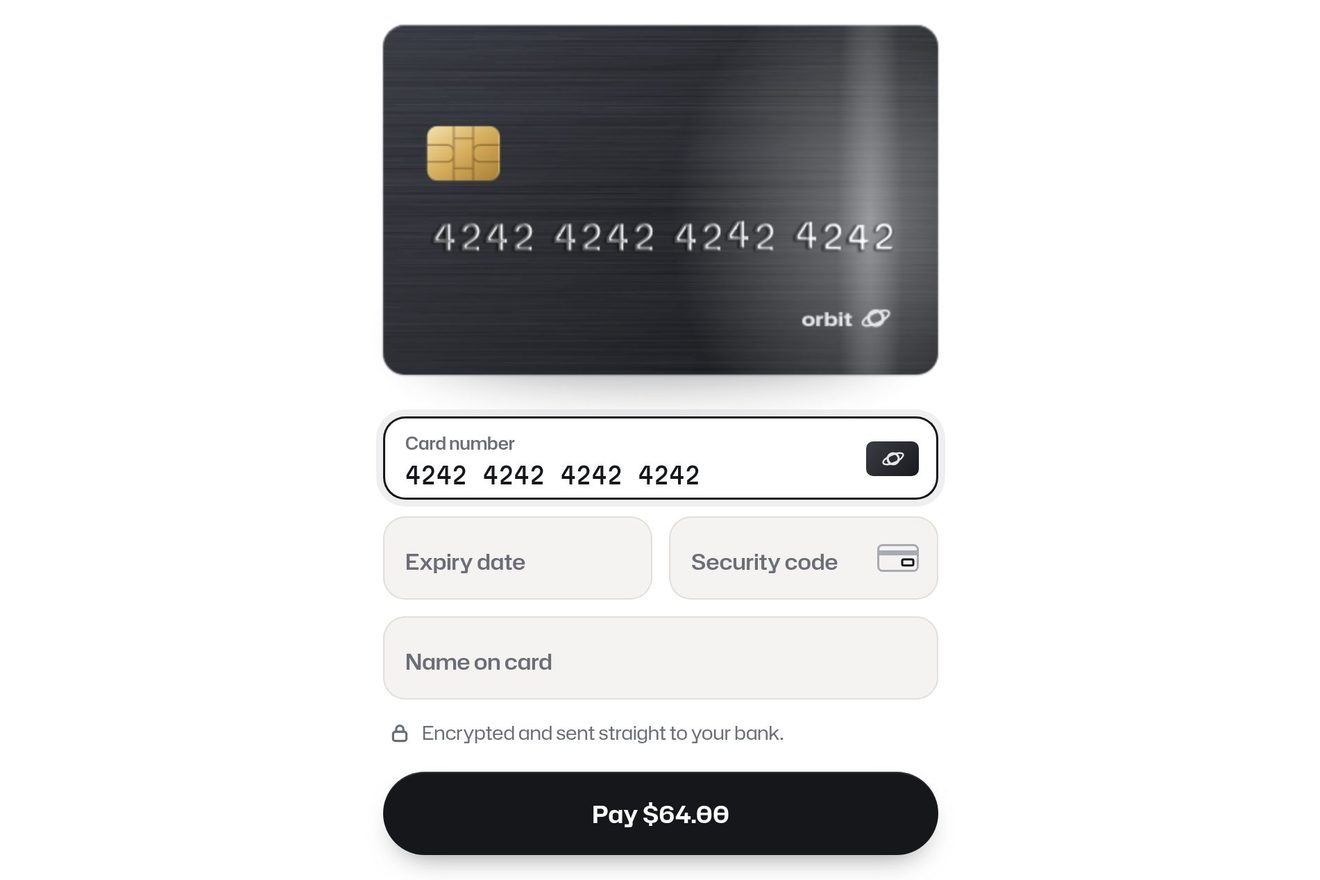
The card field
Forms, SVG, 3D, Physics, Text
NewFree
A button made of departures-board tiles: under the pointer the flaps fall one tile after the other, run through a few letters and stop on the second word, in yellow; pressed, the whole row turns to the third.
A folder that runs on its own: index.html, style.css, script.js and the libraries from a CDN. The React and Vue tabs hold the same demo as a ready component, which switches its animations off when it leaves the page.
<!doctype html>
<html lang="en">
<head>
  <meta charset="utf-8">
  <meta name="viewport" content="width=device-width, initial-scale=1">
  <title>The split-flap button</title>
  <link rel="stylesheet" href="https://cdn.jsdelivr.net/npm/@fontsource-variable/oswald@5.3.0/index.css">
  <link rel="stylesheet" href="style.css">
</head>
<body>
  <main class="stage">
    <!-- the button: a row of split-flap tiles, like a departures board. Under the pointer the flaps fall one after the
         other through a few letters and land on the second word; a press sends the whole row round to the third.
         The tiles are drawn by the script -->
    <button class="board" type="button" data-board data-autoclic>
      <span class="board__tiles" aria-hidden="true" data-tiles></span>
    </button>
    <p class="sr" role="status" aria-live="polite" data-said></p>
  </main>

  <script src="https://cdn.jsdelivr.net/npm/gsap@3.15.0/dist/gsap.min.js"></script>
  <script src="script.js"></script>
</body>
</html>Change values, colours and text with the controls and watch the animation respond live. Or write in the code yourself. Then download the folder with your changes.
16 values to change
With the Animorio connector, Claude Code takes it from here, guide included, and fits it into your project. Paste this request:
Take “The split-flap button” from Animorio and fit it into my siteThe script makes as many tiles as there are letters in the longest word of WORDS (shorter words are padded with spaces). Each tile has four halves, half a tile tall, that cut what sticks out: an upper and a lower one that stay, and two flaps that turn, the upper one on its bottom edge and the lower one on its top edge. Each holds the letter as tall as the whole tile: the upper halves show its top, the lower ones its bottom.
To go to a new letter, the upper half that stays and the lower flap already take the new letter; the upper flap, with the old one, falls from 0 to −90 degrees with power2.in, then the lower flap comes down from 90 to 0 degrees with power2.out (with back.out, a little bounce, if it is the last one). The quick flaps last FLAP seconds, the last one LAND. The tile has a perspective of four times its height.
Each half has a black veil: the falling flap darkens to 0.55, the lower half that stays takes a shadow while the flap falls over it, the upper one starts a little shaded and brightens, and the flap coming down brightens as it lands.
Each tile has its own letter to reach and how many random letters to run through first (from SPIN[0] to SPIN[1]), and starts STAGGER seconds after the tile next to it. If a new word reaches it while it is turning, it finishes its flap and carries on towards that word: a flap never stops halfway.
The mouse pointer and the focus from the Tab key bring the second word; a finger does not hover and only presses. A press from the keyboard, which has nothing to let go of, squashes the button by itself.
| Name | File | Default | What it changes |
|---|---|---|---|
WORDS | script.js | ['BOOK NOW', 'LET’S GO', 'SEE YOU!'] | The three words: at rest, under the pointer, after a press. |
FLAP | script.js | 0.1 | The seconds of a quick flap, falling and landing. |
LAND | script.js | 0.3 | The seconds of a tile’s last flap, which lands with a little bounce. |
SPIN | script.js | [1, 4] | How many letters a tile runs through before its own: the fewest and the most. |
STAGGER | script.js | 0.045 | The seconds between one tile and the next. |
HOLD | script.js | 1.6 | After a press, the seconds the third word stays. |
For a button that has to stand out on the page of a trip, a restaurant, an event or a venue: bookings, tickets, departures. Short words, up to about ten letters: each letter is a tile.
The tiles narrow to fit the width of the screen (50 pixels each at most). Without a pointer there is no second word: a tap turns the row to the third, which then goes back to the first.
No flaps: the letters change all together and the row fades back in a quarter of a second, the button does not squash and when the page opens the first word is already there.
GSAP 3.15.0, Oswald (font variabile) 5.3.0.
Compressed with gzip, the three demo files weigh 4.7 KB; the libraries: GSAP 28 KB.
Tested on 3 October 2026
Use it in your own projects and in your clients’ projects. Do not resell it or redistribute it as is. GSAP stays under its own Standard license. Full license.
With your account’s email and password.
or with your email
You’re signed in as .
With your account, you can download the zip of every animation and every pack, for free.